-
1C
-
Agda
-
Agile/Scrum
-
Alef
-
APL
-
Assembler
-
AWK
-
Basic
-
Beta Programming Language
-
Big Data/DataScience
-
C
-
C#
-
C++
-
Cobol
-
Crystal
-
CSS
-
D
-
Dart
-
DataBase (SQL)
-
Delphi
-
F#
-
Flutter
-
Fortran
-
GameDev
-
Git
-
Go (Golang)
-
GPT/AI/ИИ
-
Hacking and Security
-
Haskell
-
HTML
-
Java
-
JavaScript (JS)
-
Julia
-
Kotlin
-
Machine Learning (ML)
-
Natural language processing (NLP)
-
.NET (.NET Core)
-
Pascal
-
PHP
-
Python
-
R
-
Ruby
-
Rust
-
Scratch
-
Swift
-
UML
-
UX/UI
-
Visual Basic
-
Wolfram
-
XML
-
АСУ
-
Проектирование/System Design
-
Сети/Network
-
Статьи
-
Схемотехника/электронные схемы
-
1C
-
Agda
-
Agile/Scrum
-
Alef
-
APL
-
Assembler
-
AWK
-
Basic
-
Beta Programming Language
-
Big Data/DataScience
-
C
-
C#
-
C++
-
Cobol
-
Crystal
-
CSS
-
D
-
Dart
-
DataBase (SQL)
-
Delphi
-
F#
-
Flutter
-
Fortran
-
GameDev
-
Git
-
Go (Golang)
-
GPT/AI/ИИ
-
Hacking and Security
-
Haskell
-
HTML
-
Java
-
JavaScript (JS)
-
Julia
-
Kotlin
-
Machine Learning (ML)
-
Natural language processing (NLP)
-
.NET (.NET Core)
-
Pascal
-
PHP
-
Python
-
R
-
Ruby
-
Rust
-
Scratch
-
Swift
-
UML
-
UX/UI
-
Visual Basic
-
Wolfram
-
XML
-
АСУ
-
Проектирование/System Design
-
Сети/Network
-
Статьи
-
Схемотехника/электронные схемы
Меню
UX Design with Figma: User-Centered Interface Design and Prototyping with Figma
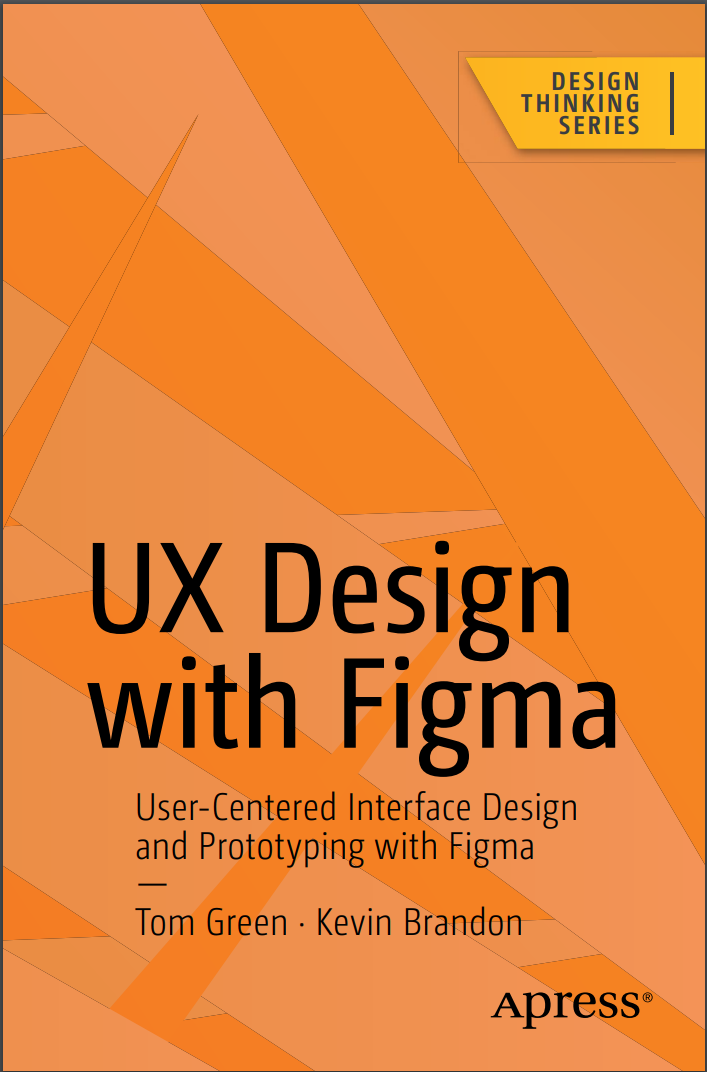
Автор: Brandon Kevin , Green Tom
Дата выхода: 2024
Издательство: Apress Media, LLC.
Количество страниц: 585
Размер файла: 17,3 МБ
Тип файла: PDF
Добавил: codelibs
Проверить на вирусыTable of Contents....7
About the Authors....16
About the Technical Reviewer....18
Acknowledgments....19
Introduction....20
Chapter 1: Learning the Figma Interface....24
Figma and the UX Process....26
The Figma Dashboard....27
Creating a Team in Figma....31
Access the Figma Community....35
Getting Help....37
The Figma Workspace....39
Adding Frames....42
Changing Frame Properties....46
Using the Properties Panel....47
Using the Color Picker....49
Gradients....52
Strokes....54
Using the Polygon Tool....55
Using the Layers Panel....58
Testing Your Work....62
Community Resources and Templates....63
Obtaining the iOS and Android UI Kits....67
Sharing....69
Dev Mode....73
Conclusion....74
Chapter 2: Adding Content to Figma Screens....76
Vectors and Bitmaps....77
Bitmaps and Figma....79
Scaling Factors....84
SVG Images and Figma....87
Figma and Video....89
Preparing Video for Figma....91
Typography and Figma....96
Text Properties....101
Font Pairing....102
Adding and Formatting Text in Figma....104
Your Turn....107
Adding a Grid....109
Adding the Header....110
Create the Hero Image....112
Creating the Explore Section of the Site....115
Adding Cards to the Design....117
Adding a Text File in Figma....120
Creating the Social Media Section....120
Adding the Images....122
Finishing the Web Page....125
You Have Learned....127
Chapter 3: Figma and the UX Process....129
What Exactly Is a Prototype....130
Determining the Platform....135
Building a Team in Figma....137
Creating a Team Project....140
Sharing and Collaboration....143
Figma and User Testing....148
Usability Testing vs. User Testing....149
Usability Testing Requires Context....151
Iteration and the “Messy” UX Design Process....154
Accessibility and Inclusion in Figma....158
Adding Plug-ins in Figma....160
Using the Accessibility Plug-ins....165
Using the Adee Color Contrast Tool....170
Explore Inclusion with Cards for Humanity....173
You Have Learned....175
Chapter 4: Creating UX Design Documentation....177
Using the Figma Presentation Mode....179
Brainstorming with FigJam....181
How to Use FigJam AI....185
Using the FigJam Drawing Tools....187
Using the Connector Tool....188
Adding Text to FigJam Objects....190
Adding Comments to a FigJam File....191
How to Add a FigJam File to Figma....193
Creating Personas....194
Create a Persona Using a Template....196
Editing a Persona Template....198
Creating a User Journey Map....202
Adding Touchpoints....207
Creating a User Flow Diagram....210
Feedback and Iteration....217
Your Turn: Create a User Flow Diagram in FigJam....219
Build the Chart in Figma....223
Add the Chart to Figma....223
You Have Learned....225
Chapter 5: Building Low-Fidelity Prototypes....227
What Is a Low-Fidelity Wireframe?....228
The Case for and Against Wireframing....230
Creating Wireframes....231
Wireframing and the UX Design Process....234
What Is a Content Wireframe?....235
From Content Wireframe to Lo-Fi Wireframe....241
Creating a Low-Fidelity Wireframe in Figma....243
Creating a Team Library....246
A Quick Word About Shared Libraries....250
Build the Wireframe Using a Shared Library....251
Create Wireframes Using a Wireframing Kit....254
Use the Wireframer Library....256
The Interactive Wireframe....263
Add Interactivity to a Wireframe....265
Testing an Interactive Wireframe....270
Your Turn: Wireframe a Login Sequence Using FigJam....272
You Have Learned....278
Chapter 6: Building Medium- Fidelity Prototypes....279
Lean UX....280
Agile....281
Straight to Code....281
What Is a Medium-Fidelity Prototype....281
Choosing a Platform....284
Graphics and Figma....288
Installing and Using Imaging Plug-ins in Figma....295
Color Correcting Images in Figma....298
Manipulating Image Content in Figma....299
Crop an Image in Figma....299
Scale an Image in Figma....301
Masking in Figma....305
Fonts and Figma....307
Color and Figma....309
Create a Scrim Using a Gradient....312
Adding Effects to Graphics....319
Apply a Drop Shadow....319
Apply an Inner Shadow to Create a 3D Effect....321
Applying Blur Effects....323
Applying a Blend Mode to a Layer....324
Create a Mesh Gradient in Figma....326
Using Auto Layout in Figma....328
Your Turn: Create a Medium-Fidelity Mobile App Location Card....336
Create the Top Search Bar....339
Creating the Location Card....340
You Have Learned....347
Chapter 7: Interactivity Fundamentals....349
The Basics of Adding Interactivity in Figma....353
Create a Drag Interaction....357
Create a Hover Interaction....358
Create a While Pressing Interaction....359
Create a Component in Figma....360
Add States by Creating Variants....363
Adding Interactivity to a Component....366
Create Interactivity Using a Component....368
Your Turn: Create Interactivity Using Components and Variants....372
Create a Component for the Home Button and Create a Text Property....373
Create the Variant States for the Main Navigation Button....375
Design Each of the Three States for the Main Navigation Home Button....376
Apply Interactions to Each of the Three Button States....377
Add the Main Navigation Button to the Header of the Swiss - Home Page....379
Creating the Main Navigation Buttons....380
Adding the Header Navigation to the Adventures Page....382
You Have Learned....384
Chapter 8: Microinteractions in Figma....385
Interactivity and Motion....387
Playing with Time and Motion in Figma....393
Microinteractions Overview....394
The Principles of UX in Motion....395
Easing and Smart Animate....396
The Eases Available in Figma....398
Editing an Ease....400
Applying the Transformation Principle in Figma....403
Create a Dissolve Transformation....404
Create a Move Transition....406
Create a Complex Interaction Using Smart Animate....408
Create a Scrolling Behavior....411
Create Scrolling Content....412
Create a Scrolling Loop Animation....414
Create a Scroll Control....417
Applying the Obscuration Principle....419
Using a Blur to Obscure the Image....422
Your Turn....424
Create an Overlay Side Menu Interaction....425
Style the Overlay Side Menu Interaction....426
Create a Card Template Area Using Auto Layout....429
Create the Card Component Variants....430
Apply an Accordion Microinteraction to the Card Component....432
Add Content to the Card Instance....433
Add a Second Card....435
You Have Learned....437
Chapter 9: Design System Fundamentals....439
The Single Source of Truth....440
Where Do You Start?....443
Take Stock of What You Have....444
The Pattern Inventory....450
The Color Inventory....452
The Typography Inventory....454
The Asset Inventory....456
Figma Design Tokens....458
Creating a Component Token....462
Figma Design Tokens and Variables....464
Organize the Variables....468
Applying Variables....471
You Have Learned....473
Chapter 10: Building Stuff....474
Building an Image Carousel....476
Create a Complex Carousel....481
Create a Spinning Carousel....486
Using the To Path Plug-in....487
Rotating the Carousel....488
Create Video Controls....491
Create Interactive Video Controls....497
Swap Component Icons....500
Adding Interactivity to the Buttons....501
Create a Progress Bar....502
Create a Shopping Cart with Local Variables, Conditions, and Expressions....506
Adding Variable Modes....508
Linking Local Variables with Component Instances....510
Using Expressions in the Prototype....512
Creating an Expression....513
Create a Conditional Expression....515
Adding Variables to the Shopping Cart....517
Calculating Multiples Using Variables....518
Bonus Round: Create a Boolean Variable....521
Animations Using LottieFiles....524
Using Aninix to Create a Lottie Animation Using Figma....528
Converting an Aninix Animation to a Lottie File....533
Add Diversity with the Humaaans for Figma Plug-in....535
You Have Learned....539
Chapter 11: Developer Handoff....540
Handoff Starts with User Testing....541
Device Preview Using the Figma Mobile App....543
Using the Figma Presentation Mode for Sign-Off....549
What Is a Handoff?....553
Preparing Assets for Handoff....556
The X Factor of Raster Images....563
Code Introspection....565
The Design/Build Iteration Cycle....572
You Have Learned....574
Conclusion....574
Index....576
Maximize Figma’s arsenal of tools and plugins within a team-based collaborative environment and accelerate your company’s decision making. This book will show you where Figma fits into the user experience (UX) design process from documentation to developer handoff.
Since its release as a browser-based design tool in 2016, Figma has fast become the de facto UX Design tool for the industry mainly due to its accessibility and ease of use. As you move through the book you will learn where Figma fits in the UX process. For example, using FigJam (an online whiteboard) for brainstorming, and creating interactive prototypes for mobile devices, tablets, and web sites. You’ll also see how Figma is used to create and integrate with design systems, and how variables, when applied to design system components, can accelerate the design and development workflow.
With the help of step-by-step examples, and using Figma’s tools and templates, you’ll create artifacts such as Flow and Journey diagrams, Personas, and wireframes. From there you will explore other design and interactivity features, and how to prepare a Figma file for handoff to a development team.
This book is your roadmap to utilizing Figma, the industry’s fastest growing collaborative design tool for building meaningful products.
What You Will Learn
- Create interactive prototypes
- Test and submit designs for team review
- Understand the collaborative workflow involved in an UX project
- Prepare common UX documentation
Who This Book Is For
Designers, developers, and UX specialists with little-to-no Figma experience who are looking to integrate it within their workflows, and intermediate Figma users who are just starting to become involved in the collaborative UX workflow.


