-
1C
-
Agda
-
Agile/Scrum
-
Alef
-
APL
-
Assembler
-
AWK
-
Basic
-
Beta Programming Language
-
Big Data/DataScience
-
C
-
C#
-
C++
-
Cobol
-
Crystal
-
CSS
-
D
-
Dart
-
DataBase (SQL)
-
Delphi
-
F#
-
Flutter
-
Fortran
-
GameDev
-
Git
-
Go (Golang)
-
GPT/AI/ИИ
-
Hacking and Security
-
Haskell
-
HTML
-
Java
-
JavaScript (JS)
-
Julia
-
Kotlin
-
Machine Learning (ML)
-
Natural language processing (NLP)
-
.NET (.NET Core)
-
Pascal
-
PHP
-
Python
-
R
-
Ruby
-
Rust
-
Scratch
-
Swift
-
UML
-
UX/UI
-
Visual Basic
-
Wolfram
-
XML
-
АСУ
-
Проектирование/System Design
-
Сети/Network
-
Статьи
-
Схемотехника/электронные схемы
-
1C
-
Agda
-
Agile/Scrum
-
Alef
-
APL
-
Assembler
-
AWK
-
Basic
-
Beta Programming Language
-
Big Data/DataScience
-
C
-
C#
-
C++
-
Cobol
-
Crystal
-
CSS
-
D
-
Dart
-
DataBase (SQL)
-
Delphi
-
F#
-
Flutter
-
Fortran
-
GameDev
-
Git
-
Go (Golang)
-
GPT/AI/ИИ
-
Hacking and Security
-
Haskell
-
HTML
-
Java
-
JavaScript (JS)
-
Julia
-
Kotlin
-
Machine Learning (ML)
-
Natural language processing (NLP)
-
.NET (.NET Core)
-
Pascal
-
PHP
-
Python
-
R
-
Ruby
-
Rust
-
Scratch
-
Swift
-
UML
-
UX/UI
-
Visual Basic
-
Wolfram
-
XML
-
АСУ
-
Проектирование/System Design
-
Сети/Network
-
Статьи
-
Схемотехника/электронные схемы
Меню
The Well-Grounded Python Developer: How the pros use Python and Flask
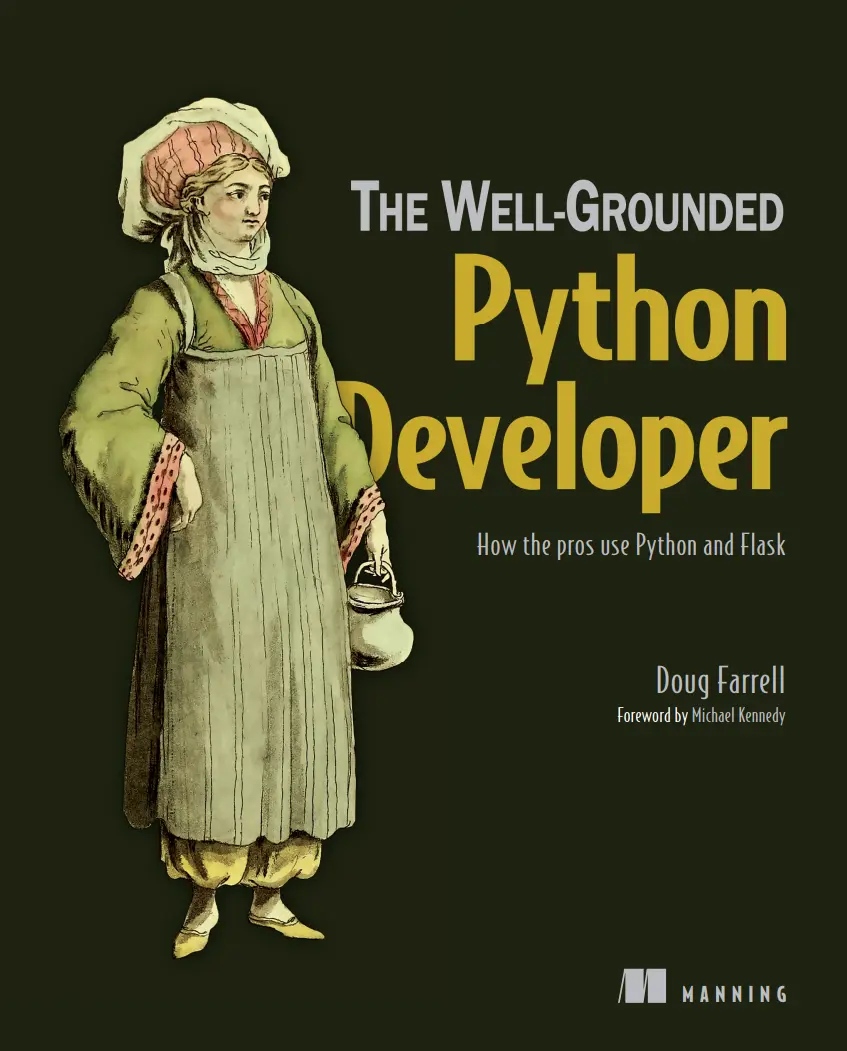
Автор: Farrell Doug
Дата выхода: 2023
Издательство: Manning Publications Co.
Количество страниц: 298
Размер файла: 5,9 МБ
Тип файла: PDF
Добавил: codelibs
Проверить на вирусы Дополнительные материалыBook title
Inner title
Copyright
Dedicated
About the Authors
About the Reviewer
Acknowledgements
Preface
Code Bundle and Coloured Images
Piracy
Table of Contents
Chapter 1: tkinter Introduction
Introduction
Structure
Objectives
Introduction to tkinter
Basic Python GUI program
Some standard attributes of Python tkinter GUI
Dimensions
highlightthickness
padX, padY
wraplength
height
underline
width
Colors
activebackground
background
activeforeground
foreground
disabledforeground
highlightbackground
selectbackground
selectforeground
Fonts
By creating a font object
By using tuple
Anchors
Placing widget position when anchor = N
Placing widget position when anchor = S
Placing widget position when anchor = E
Placing widget position when anchor = W
Placing widget position when anchor = NE
Placing widget position when anchor = NW
Placing widget position when anchor = SE
Placing widget position when anchor = SW
Placing widget position when anchor = CENTER
Relief styles
Bitmaps
Cursors
Python tkinter geometry management
pack()
grid()
place()
Geometry method in tkinter
Conclusion
Points to remember
Questions
Chapter 2: Inbuilt Variable Classes for Python tkinter GUI Widgets
Introduction
Structure
Objectives
Inbuilt variable classes
StringVar()
BooleanVar()
IntVar()
DoubleVar()
GUI creation using classes and objects
Conclusion
Points to remember
Questions
Chapter 3: Getting Insights of Button Widgets in tkinter
Introduction
Structure
Objectives
tkinter Button Widget
Events and bindings
event type
tkinter Checkbutton widget
tkinter Radiobutton widget
tkinter OptionMenu widget
Conclusion
Points of remember
Questions
Chapter 4: Getting Insights of Input Widgets in tkinter
Introduction
Structure
Objectives
tkinter Entry widget
Validation in the Entry widget
tkinter Scrollbar widget
Scrollbar attached to Listbox
Scrollbar attached to Text
Scrollbar attached to Canvas
Scrollbar attached to Entry
tkinter Spinbox widget
tkinter Scale widget
tkinter Text widget
tkinter Combobox Widget
Conclusion
Points to remember
Questions
Chapter 5: Getting Insights of Display Widgets in tkinter
Introduction
Structure
Objectives
tkinter Label Widget
tkinter Message Widget
tkinter MessageBox Widget
showinfo()
showwarning()
showerror()
askquestion()
askokcancel()
askyesno()
askretrycancel()
Conclusion
Points of remember
Questions
Chapter 6: Getting Insights of Container Widgets in tkinter
Introduction
Structure
Objectives
tkinter Frame Widget
tkinter LabelFrame Widget
tkinter Tabbed/Notebook Widget
tkinter PanedWindow widget
tkinter Toplevel widget
Conclusion
Points of remember
Questions
Chapter 7: Getting Insights of Item Widgets in tkinter
Introduction
Structure
Objectives
tkinter Listbox widget
Conclusion
Points of remember
Questions
Chapter 8: Getting Insights of tkinter User Interactive Widgets
Introduction
Structure
Objectives
tkinter Menu widget
tkinter Menubutton widget
tkinter Canvas widget
Conclusion
Points to remember
Questions
Chapter 9: Handling File Selection in tkinter
Introduction
Structure
Objectives
Handling file selection in tkinter
Conclusion
Points of remember
Questions
Chapter 10: Getting Widget Information and Trace in tkinter
Introduction
Structure
Getting widget information
Trace in tkinter
trace_add()
trace_remove()
trace_info()
Points to remember
Questions
Chapter 11: UserLogin Project in tkinter GUI Library with sqlite3 Database
Introduction
Structure
Objectives
GUI interaction with sqlite3 database
Displaying a GUI application
Conclusion
Points to remember
Questions
Index
Back title
If you’re new to Python, it can be tough to understand when, where, and how to use all its language features. This friendly guide shows you how the Python ecosystem fits together, and grounds you in the skills you need to continue your journey to being a software developer.
Inside The Well-Grounded Python Developer you will discover:
Building modules of functionality
Creating a well-constructed web server application
Integrating database access into your Python applications
Refactor and decoupling systems to help scale them
How to think about the big picture of your application
The Well-Grounded Python Developer builds on Python skills you’ve learned in isolation and shows you how to unify them into a meaningful whole. It helps you understand the dizzying array of libraries and teaches important concepts, like modular construction, APIs, and the design of a basic web server. As you work through this practical guide, you’ll discover how all the bits of Python link up as you build and modify a typical web server application—the kind of web app that’s in high demand by modern businesses.
About the technology
As a new programmer, you’re happy just to see your code run. A professional developer, on the other hand, needs to create software that runs reliably. It must be fast, maintainable, scalable, secure, well designed and documented, easy for others to update, and quick to ship. This book teaches you the skills you need to go from Python programmer to Python developer.
About the book
The Well-Grounded Python Developer shows you why Python, the world’s most popular programming language, is a fantastic tool for professional development. It guides you through the most important skills, like how to name variables, functions, and classes, how to identify and write a good API, and how to use objects. You’ll also learn how to deal with inevitable failures, how to make software that connects to the internet, core security practices, and many other professional-grade techniques.
What's inside
Create a web application
Connect to a database
Design programs to handle big tasks
About the reader
For experienced beginners who want to learn professional-level skills.


