-
1C
-
Agda
-
Agile/Scrum
-
Alef
-
APL
-
Assembler
-
AWK
-
Basic
-
Beta Programming Language
-
Big Data/DataScience
-
C
-
C#
-
C++
-
Cobol
-
Crystal
-
CSS
-
D
-
Dart
-
DataBase (SQL)
-
Delphi
-
F#
-
Flutter
-
Fortran
-
GameDev
-
Git
-
Go (Golang)
-
GPT/AI/ИИ
-
Hacking and Security
-
Haskell
-
HTML
-
Java
-
JavaScript (JS)
-
Julia
-
Kotlin
-
Machine Learning (ML)
-
Natural language processing (NLP)
-
.NET (.NET Core)
-
Pascal
-
PHP
-
Python
-
R
-
Ruby
-
Rust
-
Scratch
-
Swift
-
UML
-
UX/UI
-
Visual Basic
-
Wolfram
-
XML
-
АСУ
-
Проектирование/System Design
-
Сети/Network
-
Статьи
-
Схемотехника/электронные схемы
-
1C
-
Agda
-
Agile/Scrum
-
Alef
-
APL
-
Assembler
-
AWK
-
Basic
-
Beta Programming Language
-
Big Data/DataScience
-
C
-
C#
-
C++
-
Cobol
-
Crystal
-
CSS
-
D
-
Dart
-
DataBase (SQL)
-
Delphi
-
F#
-
Flutter
-
Fortran
-
GameDev
-
Git
-
Go (Golang)
-
GPT/AI/ИИ
-
Hacking and Security
-
Haskell
-
HTML
-
Java
-
JavaScript (JS)
-
Julia
-
Kotlin
-
Machine Learning (ML)
-
Natural language processing (NLP)
-
.NET (.NET Core)
-
Pascal
-
PHP
-
Python
-
R
-
Ruby
-
Rust
-
Scratch
-
Swift
-
UML
-
UX/UI
-
Visual Basic
-
Wolfram
-
XML
-
АСУ
-
Проектирование/System Design
-
Сети/Network
-
Статьи
-
Схемотехника/электронные схемы
Меню
Python NumPy for Beginners: NumPy Specialization for Data Science
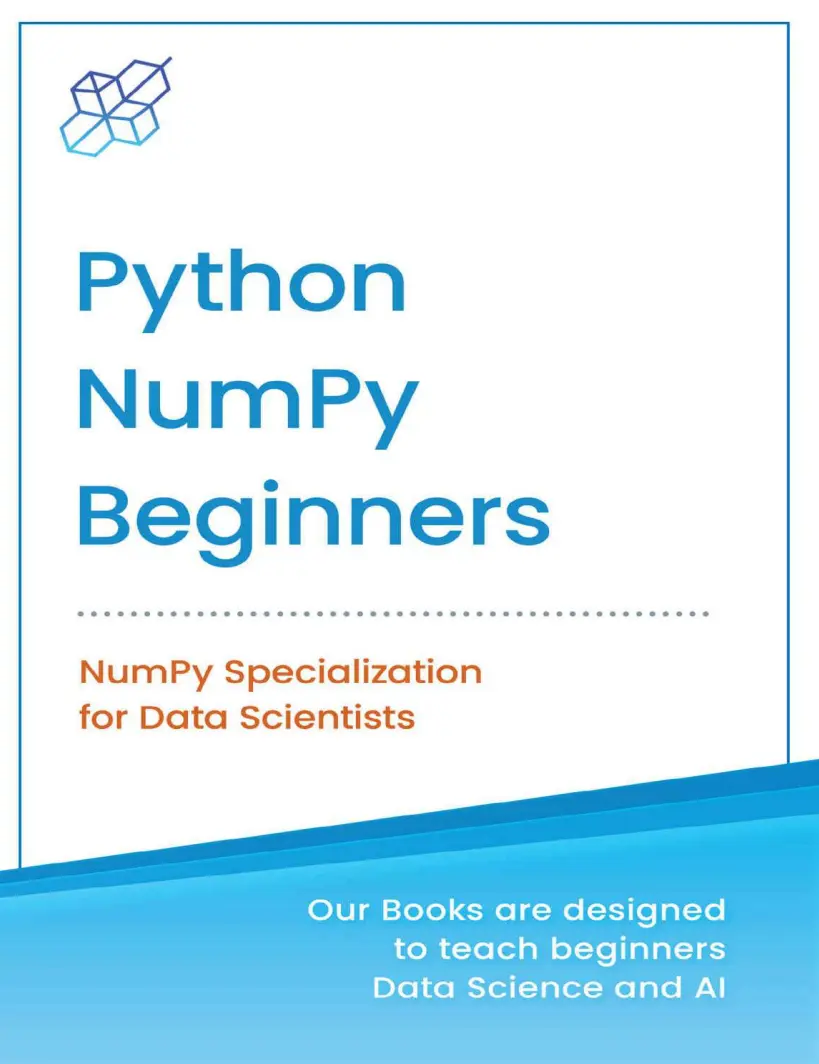
Автор: AI Publishing
Дата выхода: 2021
Издательство: Independent publishing
Количество страниц: 417
Размер файла: 1,9 МБ
Тип файла: PDF
Добавил: codelibs
Проверить на вирусыTitle Page....2
Copyright....3
How to Contact Us....4
About the Publisher....5
AI Publishing Is Searching for Authors Like You....7
Table of Contents....8
Preface....13
Book Approach....14
Who Is This Book For?....15
How to Use This Book?....16
About the Author....18
Get in Touch With Us....19
Download the PDF version....20
Warning....21
Chapter 1: Introduction....22
1.1. What Is NumPy?....23
1.2. Environment Setup and Installation....25
1.2.1. Windows Setup....25
1.2.2. Mac Setup....32
1.2.3. Linux Setup....40
1.2.4. Using Google Colab Cloud Environment....43
1.2.5. Writing Your First Program....48
1.3. Python Crash Course....54
1.3.1. Python Syntax....54
1.3.2. Python Variables and Data Types....60
1.3.3. Python Operators....63
1.3.4. Conditional Statements....79
1.3.5. Iteration Statements....88
1.3.6. Functions....94
1.3.7. Objects and Classes....100
Exercise 1.1....105
Exercise 1.2....106
Chapter 2: NumPy Basics....107
2.1. Introduction to NumPy Arrays....108
2.2. NumPy Data Types....109
2.3. Creating NumPy Arrays....120
2.3.1. Using Array Method....120
2.3.2. Using Arrange Method....124
2.3.3. Using Ones Method....128
2.3.4. Using Zeros Method....132
2.3.5. Using Eyes Method....136
2.3.6. Using Random Method....138
2.4. Printing NumPy Arrays....145
2.5. Adding Items in a NumPy Array....160
2.6. Removing Items from a NumPy Array....171
Exercise 2.1....180
Exercise 2.2....181
Chapter 3: NumPy Array Manipulation....182
3.1. Sorting NumPy Arrays....183
3.1.1. Sorting Numeric Arrays....183
3.1.2. Sorting Text Arrays....185
3.1.3. Sorting Boolean Arrays....187
3.1.4. Sorting 2-D Arrays....189
3.1.5. Sorting in Descending Order....191
3.2. Reshaping NumPy Arrays....194
3.2.1. Reshaping from Lower to Higher Dimensions....194
3.2.2. Reshaping from Higher to Lower Dimensions....202
3.3. Indexing and Slicing NumPy Arrays....209
3.4. Broadcasting NumPy Arrays....224
3.5. Copying NumPy Arrays....233
3.6. NumPy I/O Operations....238
3.6.1. Saving a NumPy Array....238
3.6.2. Loading a NumPy Array....240
Exercise 3.1....245
Exercise 3.2....246
Chapter 4: NumPy Tips and Tricks....247
4.1. Statistical Operations with NumPy....248
4.1.1. Finding the Mean....248
4.1.2. Finding the Median....252
4.1.3. Finding the Max and Min Values....256
4.1.4. Finding Standard Deviation....264
4.1.5. Finding Correlations....268
4.2. Getting Unique Items and Counts....271
4.3. Reversing a NumPy Array....280
4.4. Importing and Exporting CSV Files....285
4.4.1. Saving a NumPy File as CSV....285
4.4.2. Loading CSV Files into NumPy Arrays....289
4.5. Plotting NumPy Arrays with Matplotlib....292
Exercise 4.1....300
Exercise 4.2....301
Chapter 5: Arithmetic and Linear Algebra Operations with NumPy....302
5.1. Arithmetic Operations with NumPy....303
5.1.1. Finding Square Roots....303
5.1.2. Finding Logs....305
5.1.3. Finding Exponents....307
5.1.4. Finding Sine and Cosine....309
5.2. NumPy for Linear Algebra Operations....312
5.2.1. Finding the Matrix Dot Product....312
5.2.2. Element-wise Matrix Multiplication....314
5.2.3. Finding the Matrix Inverse....316
5.2.4. Finding the Matrix Determinant....318
5.2.5. Finding the Matrix Trace....320
5.2.6. Solving a System of Linear Equations with Python....322
Exercise 5.1....329
Exercise 5.2....330
Chapter 6: Implementing a Deep Neural Network with NumPy....331
6.1. Neural Network with a Single Output....332
6.1.1. Feed Forward....338
6.1.2. Backpropagation....338
6.1.3. Implementation with NumPy Library....340
6.2. Neural Network with Multiple Outputs....354
6.2.1. Feed Forward....360
6.2.2. Backpropagation....361
6.2.3. Implementation with NumPy Library....362
Exercise 6.1....370
Exercise 6.2....371
Appendix: Working with Jupyter Notebook....373
Exercise Solutions....388
Exercise 1.1....389
Exercise 1.2....390
Exercise 2.1....391
Exercise 2.2....393
Exercise 3.1....395
Exercise 3.2....397
Exercise 4.1....399
Exercise 4.2....401
Exercise 5.1....403
Exercise 5.2....404
Exercise 6.1....406
Exercise 6.2....408
From the Same Publisher....412
Back Cover....417
Python is doubtless the most versatile programming language.
But are you serious enough about becoming proficient in Python?
If yes, then you need to become a master in the two essential Python libraries—NumPy and Pandas. You simply can’t overlook this truth.
In data science, NumPy and Pandas are by far the most widely used Python libraries. The main features of these libraries are powerful data analysis tools and easy-to-use structures.
Python NumPy for Beginners presents you with a hands-on, simple approach to learning Python fast. This book is refreshingly different, as there’s a lot for you to do than mere reading. Each theoretical concept you cover is followed by practical examples, making it easier to master the concept.
The step-by-step layout of this book simplifies your learning. The author has gone to great lengths to ensure what you learn sticks. You have short exercises at the end of each one of the 11 chapters to test your knowledge of the theoretical concepts you have learned.
This book presents you with:
- A strong foundation in NumPy.
- A deep understanding of fundamental and intermediate topics.
- The essentials of coding in Python.
- Links to reference materials related to the topics you study.
- Quick access to external files to practice and learn advanced concepts of NumPy.
- A Resources folder containing all the datasets used in the book.
The Focus of the Book Is on Learning by Doing
In this learning by doing book, you start with Python installation in the very first chapter. Then there’s a crash course in Python in the second half of the first chapter. In the second chapter, you jump straight to NumPy. Right through the book, you’ll use Jupyter Notebook to write code. You can also get fast access to the datasets used in this book.
The book is loaded with self-explanatory scripts, graphs, and images. They have been meticulously designed to help you understand new concepts easily. Hence, this book is the best choice for self-study, even if you are proficient in Python.
You can tackle new data science problems confidently and develop workable solutions in the real world. Finally, you can rely on this learning by doing book to achieve your Python career goals faster.
This book will help you to quickly master the following topics:
- Environment Setup and Python Crash Course
- NumPy Basics
- NumPy Array Manipulation
- NumPy Tips and Tricks
- Arithmetic and Linear Algebra Operations with NumPy
- Implementing a Deep Neural Network with NumPy
- Working with Jupyter Notebook


