-
1C
-
Agda
-
Agile/Scrum
-
Alef
-
APL
-
Assembler
-
AWK
-
Basic
-
Beta Programming Language
-
Big Data/DataScience
-
C
-
C#
-
C++
-
Cobol
-
Crystal
-
CSS
-
D
-
Dart
-
DataBase (SQL)
-
Delphi
-
F#
-
Flutter
-
Fortran
-
GameDev
-
Git
-
Go (Golang)
-
GPT/AI/ИИ
-
Hacking and Security
-
Haskell
-
HTML
-
Java
-
JavaScript (JS)
-
Julia
-
Kotlin
-
Machine Learning (ML)
-
Natural language processing (NLP)
-
.NET (.NET Core)
-
Pascal
-
PHP
-
Python
-
R
-
Ruby
-
Rust
-
Scratch
-
Swift
-
UML
-
UX/UI
-
Visual Basic
-
Wolfram
-
XML
-
АСУ
-
Проектирование/System Design
-
Сети/Network
-
Статьи
-
Схемотехника/электронные схемы
-
1C
-
Agda
-
Agile/Scrum
-
Alef
-
APL
-
Assembler
-
AWK
-
Basic
-
Beta Programming Language
-
Big Data/DataScience
-
C
-
C#
-
C++
-
Cobol
-
Crystal
-
CSS
-
D
-
Dart
-
DataBase (SQL)
-
Delphi
-
F#
-
Flutter
-
Fortran
-
GameDev
-
Git
-
Go (Golang)
-
GPT/AI/ИИ
-
Hacking and Security
-
Haskell
-
HTML
-
Java
-
JavaScript (JS)
-
Julia
-
Kotlin
-
Machine Learning (ML)
-
Natural language processing (NLP)
-
.NET (.NET Core)
-
Pascal
-
PHP
-
Python
-
R
-
Ruby
-
Rust
-
Scratch
-
Swift
-
UML
-
UX/UI
-
Visual Basic
-
Wolfram
-
XML
-
АСУ
-
Проектирование/System Design
-
Сети/Network
-
Статьи
-
Схемотехника/электронные схемы
Меню
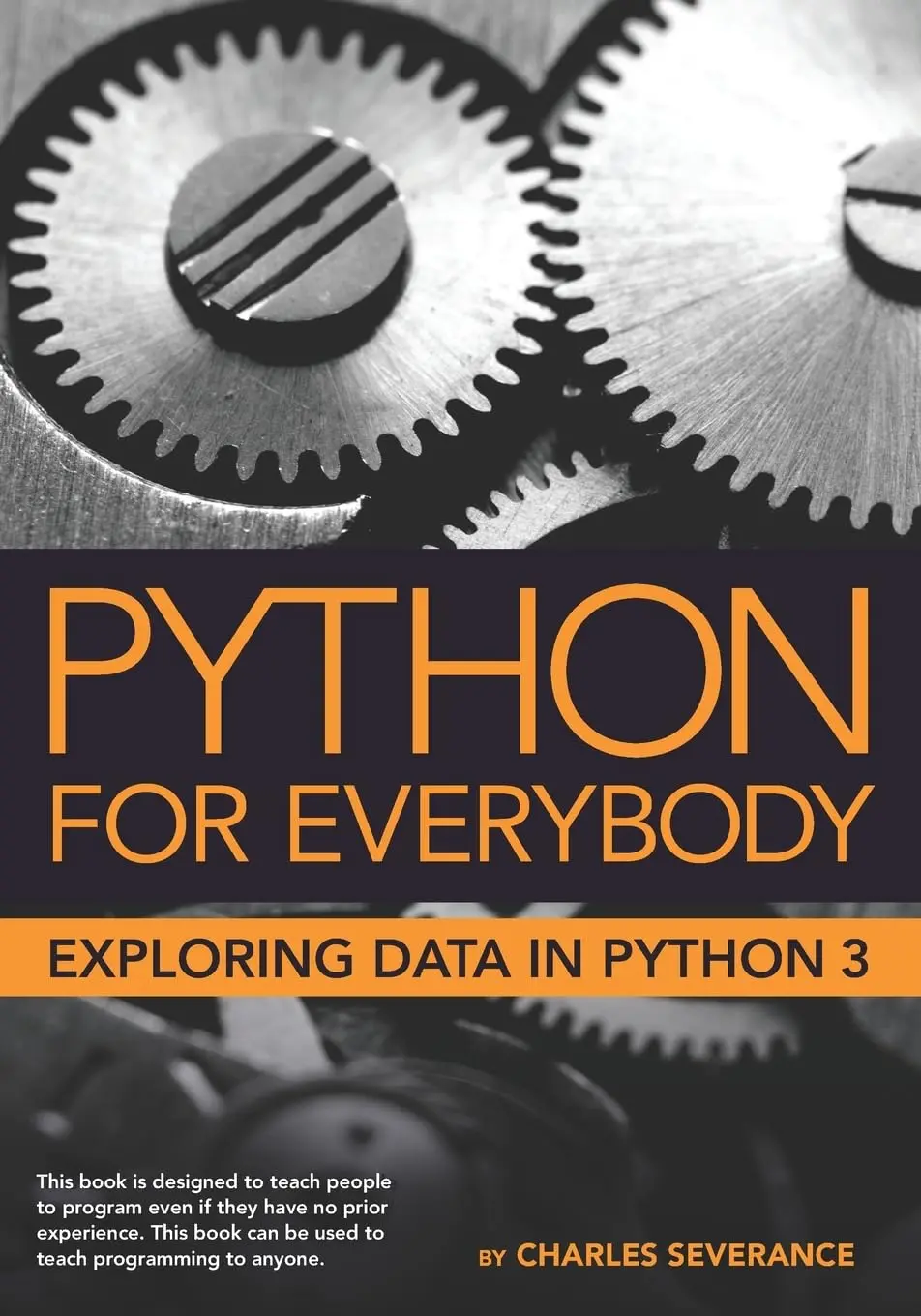
Python for Everybody: Exploring Data in Python 3
Автор: Severance Charles R.
Дата выхода: 2023
Издательство: Independent publishing
Количество страниц: 249
Размер файла: 1,6 МБ
Тип файла: PDF
Добавил: codelibs
Проверить на вирусыWhy should you learn to write programs?....13
Creativity and motivation....14
Computer hardware architecture....15
Understanding programming....16
Words and sentences....17
Conversing with Python....18
Terminology: Interpreter and compiler....20
Writing a program....22
What is a program?....22
The building blocks of programs....23
What could possibly go wrong?....24
Debugging....26
The learning journey....27
Glossary....27
Exercises....28
Variables, expressions, and statements....31
Values and types....31
Variables....32
Variable names and keywords....33
Statements....33
Operators and operands....34
Expressions....35
Order of operations....35
Modulus operator....36
String operations....36
Asking the user for input....37
Comments....38
Choosing mnemonic variable names....39
Debugging....40
Glossary....41
Exercises....42
Conditional execution....43
Boolean expressions....43
Logical operators....44
Conditional execution....44
Alternative execution....45
Chained conditionals....46
Nested conditionals....47
Catching exceptions using try and except....48
Short-circuit evaluation of logical expressions....50
Debugging....51
Glossary....51
Exercises....52
Functions....55
Function calls....55
Built-in functions....55
Type conversion functions....56
Math functions....57
Random numbers....58
Adding new functions....59
Definitions and uses....60
Flow of execution....61
Parameters and arguments....61
Fruitful functions and void functions....63
Why functions?....64
Debugging....64
Glossary....65
Exercises....66
Iteration....69
Updating variables....69
The while statement....69
Infinite loops....70
Finishing iterations with continue....71
Definite loops using for....72
Loop patterns....73
Counting and summing loops....73
Maximum and minimum loops....74
Debugging....76
Glossary....76
Exercises....76
Strings....79
A string is a sequence....79
Getting the length of a string using len....80
Traversal through a string with a loop....80
String slices....81
Strings are immutable....82
Looping and counting....82
The in operator....83
String comparison....83
String methods....83
Parsing strings....86
Formatted String Literals....86
Debugging....87
Glossary....88
Exercises....89
Files....91
Persistence....91
Opening files....92
Text files and lines....93
Reading files....94
Searching through a file....95
Letting the user choose the file name....97
Using try, except, and open....98
Writing files....99
Debugging....100
Glossary....101
Exercises....101
Lists....103
A list is a sequence....103
Lists are mutable....104
Traversing a list....104
List operations....105
List slices....106
List methods....106
Deleting elements....107
Lists and functions....108
Lists and strings....109
Parsing lines....110
Objects and values....111
Aliasing....112
List arguments....112
Debugging....114
Glossary....117
Exercises....117
Dictionaries....121
Dictionary as a set of counters....123
Dictionaries and files....124
Looping and dictionaries....125
Advanced text parsing....127
Debugging....128
Glossary....129
Exercises....129
Tuples....131
Tuples are immutable....131
Comparing tuples....132
Tuple assignment....134
Dictionaries and tuples....135
Multiple assignment with dictionaries....136
The most common words....137
Using tuples as keys in dictionaries....138
Sequences: strings, lists, and tuples - Oh My!....138
List comprehension....139
Debugging....139
Glossary....140
Exercises....140
Regular expressions....143
Character matching in regular expressions....144
Extracting data using regular expressions....145
Combining searching and extracting....148
Escape character....152
Summary....152
Bonus section for Unix / Linux users....153
Debugging....154
Glossary....154
Exercises....155
Networked programs....157
Hypertext Transfer Protocol - HTTP....157
The world's simplest web browser....158
Retrieving an image over HTTP....160
Retrieving web pages with urllib....162
Reading binary files using urllib....163
Parsing HTML and scraping the web....164
Parsing HTML using regular expressions....164
Parsing HTML using BeautifulSoup....166
Bonus section for Unix / Linux users....169
Glossary....169
Exercises....170
Using Web Services....171
eXtensible Markup Language - XML....171
Parsing XML....172
Looping through nodes....173
JavaScript Object Notation - JSON....174
Parsing JSON....175
Application Programming Interfaces....176
Security and API usage....177
Glossary....178
Application 1: Google geocoding web service....178
Application 2: Twitter....182
Object-oriented programming....187
Managing larger programs....187
Getting started....188
Using objects....188
Starting with programs....189
Subdividing a problem....191
Our first Python object....191
Classes as types....194
Object lifecycle....195
Multiple instances....196
Inheritance....197
Summary....198
Glossary....199
Using Databases and SQL....201
What is a database?....201
Database concepts....201
Database Browser for SQLite....202
Creating a database table....202
Structured Query Language summary....205
Spidering Twitter using a database....207
Basic data modeling....212
Programming with multiple tables....213
Constraints in database tables....216
Retrieve and/or insert a record....217
Storing the friend relationship....218
Three kinds of keys....219
Using JOIN to retrieve data....220
Summary....222
Debugging....223
Glossary....223
Visualizing data....225
Building a OpenStreetMap from geocoded data....225
Visualizing networks and interconnections....227
Visualizing mail data....230
Contributions....237
Contributor List for Python for Everybody....237
Contributor List for Python for Informatics....237
Preface for Think Python....237
The strange history of Think Python....237
Acknowledgements for Think Python....239
Contributor List for Think Python....239
Copyright Detail....241
Python for Everybody is designed to introduce students to programming and software development through the lens of exploring data. You can think of the Python programming language as your tool to solve data problems that are beyond the capability of a spreadsheet.Python is an easy to use and easy to learn programming language that is freely available on Macintosh, Windows, or Linux computers. So once you learn Python you can use it for the rest of your career without needing to purchase any software.This book uses the Python 3 language. The earlier Python 2 version of this book is titled "Python for Informatics: Exploring Information".There are free downloadable electronic copies of this book in various formats and supporting materials for the book at www.py4e.com. The course materials are available to you under a Creative Commons License so you can adapt them to teach your own Python course.


