-
1C
-
Agda
-
Agile/Scrum
-
Alef
-
APL
-
Assembler
-
AWK
-
Basic
-
Beta Programming Language
-
Big Data/DataScience
-
C
-
C#
-
C++
-
Cobol
-
Crystal
-
CSS
-
D
-
Dart
-
DataBase (SQL)
-
Delphi
-
F#
-
Flutter
-
Fortran
-
GameDev
-
Git
-
Go (Golang)
-
GPT/AI/ИИ
-
Hacking and Security
-
Haskell
-
HTML
-
Java
-
JavaScript (JS)
-
Julia
-
Kotlin
-
Machine Learning (ML)
-
Natural language processing (NLP)
-
.NET (.NET Core)
-
Pascal
-
PHP
-
Python
-
R
-
Ruby
-
Rust
-
Scratch
-
Swift
-
UML
-
UX/UI
-
Visual Basic
-
Wolfram
-
XML
-
АСУ
-
Проектирование/System Design
-
Сети/Network
-
Статьи
-
Схемотехника/электронные схемы
-
1C
-
Agda
-
Agile/Scrum
-
Alef
-
APL
-
Assembler
-
AWK
-
Basic
-
Beta Programming Language
-
Big Data/DataScience
-
C
-
C#
-
C++
-
Cobol
-
Crystal
-
CSS
-
D
-
Dart
-
DataBase (SQL)
-
Delphi
-
F#
-
Flutter
-
Fortran
-
GameDev
-
Git
-
Go (Golang)
-
GPT/AI/ИИ
-
Hacking and Security
-
Haskell
-
HTML
-
Java
-
JavaScript (JS)
-
Julia
-
Kotlin
-
Machine Learning (ML)
-
Natural language processing (NLP)
-
.NET (.NET Core)
-
Pascal
-
PHP
-
Python
-
R
-
Ruby
-
Rust
-
Scratch
-
Swift
-
UML
-
UX/UI
-
Visual Basic
-
Wolfram
-
XML
-
АСУ
-
Проектирование/System Design
-
Сети/Network
-
Статьи
-
Схемотехника/электронные схемы
Меню
Head First Python: A Learner's Guide to the Fundamentals of Python Programming, Third Edition, uses VS Code & Jupyter Notebook. 3 Ed
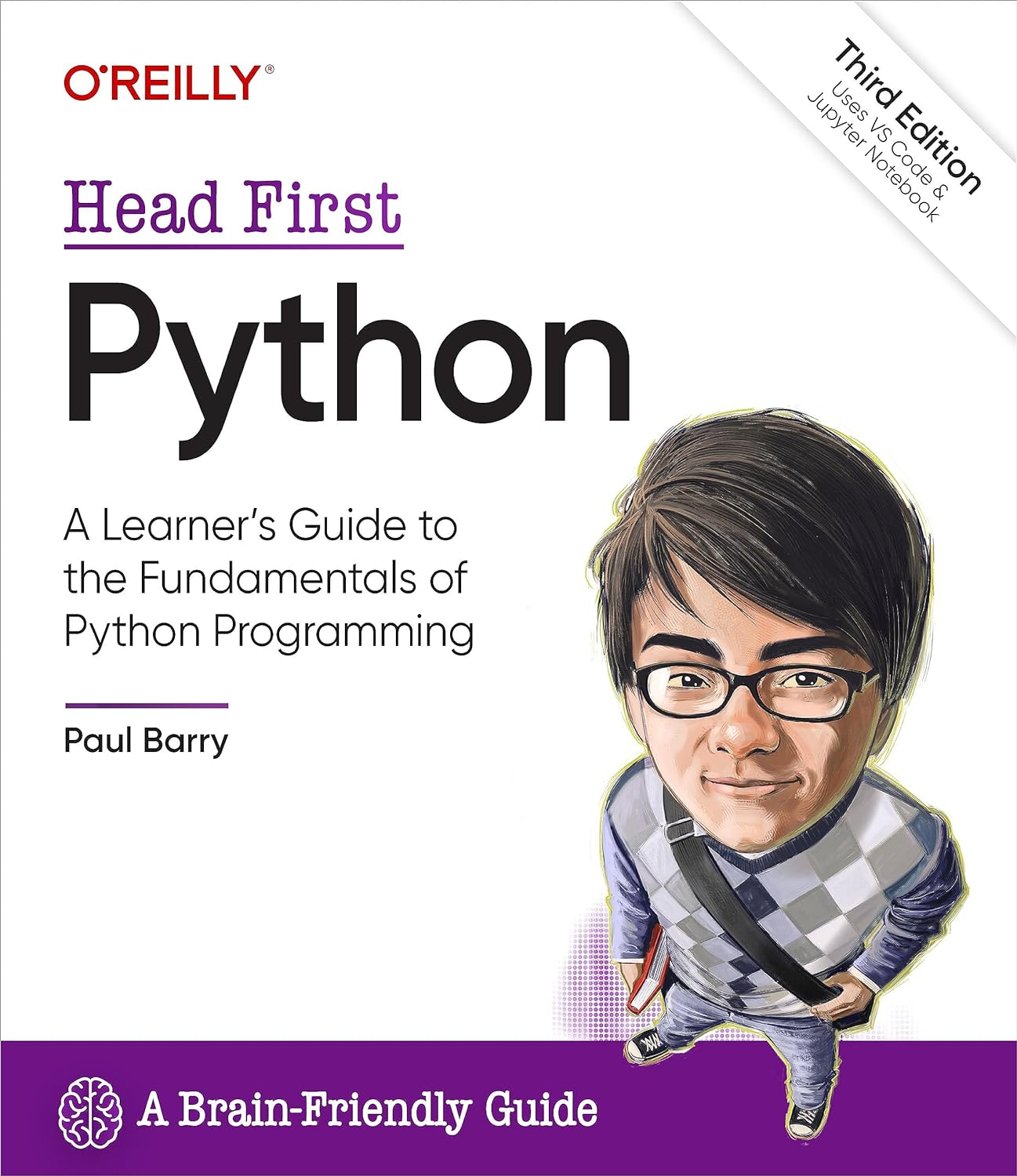
Автор: Barry Paul
Дата выхода: 2023
Издательство: O’Reilly Media, Inc.
Количество страниц: 666
Размер файла: 14,0 МБ
Тип файла: PDF
Добавил: codelibs
Проверить на вирусы Дополнительные материалыCover....1
Title Page....4
Copyright....5
About the Author....7
Table of Contents....8
Intro: how to use this book....24
Who is this book for?....25
We know what you’re thinking....26
Metacognition: thinking about thinking....28
Here’s what WE did....29
Read Me ....31
Let’s install the latest Python....33
Python on its own is not enough....34
Configure VS Code to your taste....35
Add two required extensions to VS Code....36
VS Code’s Python support is state-of-the-art....37
The Technical Review Team....39
Acknowledgments....40
Chapter 0: why Python?....42
Getting ready to run some code....48
Preparing for your first Jupyter experience....49
Let’s pop some code into your notebook editor....50
Press Shift+Enter to run your code....51
What if you want more than one card?....56
Take a closer look at the card drawing code....58
The Big 4: list, tuple, dictionary, and set....59
Model your deck of cards with a set....60
The print dir combo mambo....61
Getting help with dir’s output....62
Populate the set with cards....63
This feels like a deck of cards now....65
What exactly is “card”?....66
Need to find something? ....69
Let’s pause and take stock....70
Python ships with a rich Standard Library....71
With Python you’ll only write the code you need....75
Just when you thought you were done…....82
Chapter 1: diving in....84
How is the Coach working right now?....86
The Coach needs a more capable stopwatch....87
Cubicle Conversation....89
The file and the spreadsheet are “related”....92
Our first task: Extract the filename’s data....93
A string is an object with attributes....94
Extract the swimmer’s data from the filename....99
Don’t try to guess what a method does…....100
Splitting (aka, breaking apart) a string....101
There’s still some work to do....103
Read error messages from the bottom up....107
Be careful when combining method calls....108
Cubicle Conversation....109
Let’s try another string method....110
All that remains is to create some variables....113
Task #1 is done!....118
Task #2: Process the data in the file....119
Chapter 2: lists of numbers....122
Task #2: Process the data in the file....123
Grab a copy of the Coach’s data....124
The open BIF works with files....125
Using with to open (and close) a file....126
Anatomy of with… open… as…....127
Variables are created dynamically, as needed....129
The file’s data is what you really want....130
We have the swimmer’s data from the file....132
Let’s take stock of our progress so far....133
What needs to happen next feels familiar....135
The previous chapter is paying dividends....138
Converting a time string into a time value....139
Convert the times to hundredths of seconds....140
To hundredths of seconds with Python....141
A quick review of Python’s for loop....143
The gloves are off… for loops vs. while loops....146
You’re cruising now and making great progress!....148
Let’s keep a copy of the conversions....149
Displaying a list of your list’s methods....150
It’s time to calculate the average....155
Convert the average to a swim time string....156
It’s time to bring everything together....160
Task #2 (finally) gets over the line!....163
Chapter 3: list of files....168
Cubicle Conversation....169
You already have most of the code you need....170
How to create a function in Python....171
Save your code as often as you wish....172
Simply copying code is not enough....173
Be sure to copy all the code you need....174
Use modules to share code....181
Bask in the glory of your returned data....182
Functions return a tuple when required....184
Let’s get a list of the Coach’s filenames....190
It’s time for a bit of detective work…....191
What can you do to lists?....192
Is the issue with your data or your code?....200
Cubicle Conversation....201
Decisions, decisions, decisions....204
Let’s look for the colon “in” the string....205
Did you end up with 60 processed files?....212
The Coach’s code is taking shape…....213
Chapter 4: formatted string literals....218
Cubicle Conversation....222
Getting from a simple chart to a Coach chart....226
Build the strings your HTML needs in code....227
String concatenation doesn’t scale....230
f-strings are a very popular Python feature....235
Generating SVG is easy with f-strings!....236
The data is all there, or is it?....237
Make sure you return all the data you need....238
You have numbers now, but are they usable?....239
All that’s left is the end of your webpage....248
Writing to files, like reading, is painless....249
It’s time to display your handiwork....252
All that’s left are two aesthetic tweaks…....253
It’s time for another custom function....255
Let’s add another function to your module....256
What’s with that hundredths value?....259
Rounding is not what you want (in this case)....260
Things are progressing well…....262
Chapter 5: getting organized....266
Let’s extract a list of swimmers’ names....268
The list-set-list duplicate removing trick....270
The Coach now has a list of names....272
A small change makes a “big” difference....273
Every tuple is unique....274
Perform super fast lookups with dictionaries....277
Dictionaries are key/value lookup stores....278
Anatomy of building a dictionary ....281
Dictionaries are optimized for speedy lookup....289
Display the entire dictionary....290
The pprint module pretty-prints your data....291
Your dictionary-of-lists is easily processed....292
This is really stating to come together....293
Chapter 6: building a webapp....300
Install Flask from PyPI....302
Prepare your folder to host your webapp....303
The Flask MVP....304
You have options when working with your code....306
Anatomy of the MVP Flask app....308
Building your webapp, bit by bit…....315
What’s the deal with that NameError?....320
Cubicle Conversation....321
Flask includes built-in session support....322
Flask’s session technology is a dictionary....323
Adjusting your code with the “better fix”....326
Building Jinja2 templates saves you time....332
Extend base.html to create more pages....334
Dynamically creating a drop-down list....337
Selecting a swimmer ....341
You need to somehow process the form’s data....342
Your form’s data is available as a dictionary....343
You’re inching closer to a working system....347
Functions support default parameter values....348
Default parameter values are optional....349
The final version of your code, 1 of 2....350
The final version of your code, 2 of 2....351
As a first webapp goes, this is looking good....353
The Coach’s system is ready for prime time....354
Chapter 7: deployment....358
There’s still something that doesn’t feel right....366
Jinja2 executes code between {{ and }}....371
Cubicle Conversation....372
The ten steps to cloud deployment....373
A beginner account is all you need....374
There’s nothing stopping you from starting…....375
When in doubt, stick with the defaults....376
The placeholder webapp doesn’t do much....377
Deploying your code to PythonAnywhere....378
Extract your code in the console....379
Configure the Web tab to point to your code....380
Edit your webapp’s WSGI file....381
Your cloud-hosted webapp is ready!....385
Chapter 8: working with HTML....390
The Coach needs more data....391
Cubicle Conversation....392
Get to know your data before scraping....393
We need a plan of action…....394
A step-by-step guide to web scraping....395
It’s time for some HTML-parsing technology....397
Grab the raw HTML page from Wikipedia....400
Get to know your scraped data....401
You can copy a slice from any sequence....403
Anatomy of slices, 1 of 3....404
Anatomy of slices, 2 of 3....405
Anatomy of slices, 3 of 3....406
It’s time for some HTML parsing power....411
Searching your soup for tags of interest....412
The returned soup is also searchable....413
Which table contains the data you need?....416
Four big tables and four sets of world records....418
It’s time to extract the actual data....419
Extract data from all the tables, 1 of 2....423
Extract data from all the tables, 2 of 2....424
That nested loop did the trick!....427
Chapter 9: working with data....430
Bending your data to your will…....431
You now have the data you need…....435
Apply what you already know…....437
Is there too much data here?....440
Filtering on the relay data....441
You’re now ready to update your bar charts....442
Cubicle Conversation....443
Python ships with a built-in JSON library....444
JSON is textual, but far from pretty....445
Getting to the webapp integration....449
All that’s needed: an edit and a copy’n’paste…....450
Adding the world records to your bar chart....451
Is your latest version of the webapp ready?....455
Cubicle Conversation....456
PythonAnywhere has you covered…....459
You need to upload your utility code, too....460
Deploy your latest webapp to PythonAnywhere....461
Tell PythonAnywhere to run your latest code....462
Test your utilities before cloud deployment....463
Let’s run your task daily at 1:00am....464
Chapter 9 1/2: working with elephants dataframes....468
The elephant in the room… or is it a panda?....469
A dictionary of dictionaries with pandas?....470
Start by conforming to convention....471
A list of pandas dataframes....472
Selecting columns from a dataframe....473
Dataframe to dictionary, attempt #1....474
Removing unwanted data from a dataframe....475
Negating your pandas conditonal expression....476
Dataframe to dictionary, attempt #2....477
Dataframe to dictionary, attempt #3....478
It’s another dictionary of dictionaries....479
Comparing gazpacho to pandas....483
It was only the shortest of glimpses…....489
Chapter 10: databases....492
The Coach has been in touch…....493
Cubicle Conversation....494
It pays to plan ahead…....496
Task #1: Decide on your database structure....498
The napkin structure + data....500
Installing the DBcm module from PyPI....501
Getting started with DBcm and SQLite....502
DBcm works alongside the “with” statement....503
Use triple-quoted strings for your SQL....505
Not all SQL returns results....507
Your tables are ready (and Task #1 is done)....512
Determining the list of swimmer’s files....513
Task #2: Adding data to a database table....514
Stay safe with Python’s SQL placeholders....516
Let’s repeat this process for the events....531
All that’s left is your times table…....535
The times are in the swimmer’s files…....536
A database update utility, 1 of 2....542
A database update utility, 2 of 2....543
Task #2 is (finally) done....544
Chapter 11: list comprehensions....548
Let’s explore the queries in a new notebook....551
Five lines of loop code become one....554
Getting from five lines of code to one…....555
A nondunder combo mambo....556
One query down, three to go…....561
Two queries down, two to go…....563
The last, but not least (query)…....564
The database utilities code, 1 of 2....569
The database utilities code, 2 of 2....570
It’s nearly time for the database integration....573
Cubicle Conversation....574
It’s time to integrate your database code!....581
Updating your existing webapp’s code....585
Review your template(s) for changes…....586
So… what’s the deal with your template?....589
Let’s display a list of events…....593
All that’s left is to draw the bar chart…....597
Reviewing the most-recent swimclub.py code....599
Meet the SVG-generating Jinja2 template....601
The convert_utils module....603
list zip… what?!?....606
Your database integrations are complete!....608
Chapter 12: deployment revisited....612
Cubicle Conversation....614
Migrating to MariaDB....616
Moving the Coach’s data to MariaDB....617
Apply three edits to schema.sql....618
Reusing your tables, 2 of 2....619
Let’s check your tables are defined correctly....620
Copying your existing data to MariaDB....621
Make your queries compatible with MariaDB....623
Your database utility code need edits, too....624
Create a new database on PythonAnywhere....627
Adjust your database credentials dictionary....628
Copying everything to the cloud....629
Update your webapp with your latest code....630
Just a few more steps…....631
Populate your cloud database with data....632
It’s time for a PythonAnywhere Test Drive....633
Is something wrong with PythonAnywhere?....635
Cubicle Conversation....636
The Coach is a happy chappy!....637
Appendix....642
1. Classes....643
2. Exceptions....646
3. Testing....647
4. The walrus operator....648
5. Where’s the switch? What switch?....649
6. Advanced language features....650
7. Concurrency....651
8. Type Hints....652
9. Virtual Environments....653
10. Tools....654
Index....656
Want to learn the Python language without slogging your way through how-to manuals? With Head First Python, you'll quickly grasp Python's fundamentals by working with built-in data structures and functions. You'll build your very own web app, which—once it's ready for prime time—runs in the cloud. You'll learn how to wrangle data with Python, scrape data from the web, feed data to pandas, and interact with databases. This third edition is a complete learning experience that will help you become a bona fide Python programmer in no time.
What's so special about this book?
If you've read a Head First book, you know what to expect: a visually rich format designed for the way your brain works. If you haven't, you're in for a treat. With this book, you'll learn Python through a multisensory experience that engages your mind—rather than a text-heavy approach that puts you to sleep.


