-
1C
-
Agda
-
Agile/Scrum
-
Alef
-
APL
-
Assembler
-
AWK
-
Basic
-
Beta Programming Language
-
Big Data/DataScience
-
C
-
C#
-
C++
-
Cobol
-
Crystal
-
CSS
-
D
-
Dart
-
DataBase (SQL)
-
Delphi
-
F#
-
Flutter
-
Fortran
-
GameDev
-
Git
-
Go (Golang)
-
GPT/AI/ИИ
-
Hacking and Security
-
Haskell
-
HTML
-
Java
-
JavaScript (JS)
-
Julia
-
Kotlin
-
Machine Learning (ML)
-
Natural language processing (NLP)
-
.NET (.NET Core)
-
Pascal
-
PHP
-
Python
-
R
-
Ruby
-
Rust
-
Scratch
-
Swift
-
UML
-
UX/UI
-
Visual Basic
-
Wolfram
-
XML
-
АСУ
-
Проектирование/System Design
-
Сети/Network
-
Статьи
-
Схемотехника/электронные схемы
-
1C
-
Agda
-
Agile/Scrum
-
Alef
-
APL
-
Assembler
-
AWK
-
Basic
-
Beta Programming Language
-
Big Data/DataScience
-
C
-
C#
-
C++
-
Cobol
-
Crystal
-
CSS
-
D
-
Dart
-
DataBase (SQL)
-
Delphi
-
F#
-
Flutter
-
Fortran
-
GameDev
-
Git
-
Go (Golang)
-
GPT/AI/ИИ
-
Hacking and Security
-
Haskell
-
HTML
-
Java
-
JavaScript (JS)
-
Julia
-
Kotlin
-
Machine Learning (ML)
-
Natural language processing (NLP)
-
.NET (.NET Core)
-
Pascal
-
PHP
-
Python
-
R
-
Ruby
-
Rust
-
Scratch
-
Swift
-
UML
-
UX/UI
-
Visual Basic
-
Wolfram
-
XML
-
АСУ
-
Проектирование/System Design
-
Сети/Network
-
Статьи
-
Схемотехника/электронные схемы
Меню
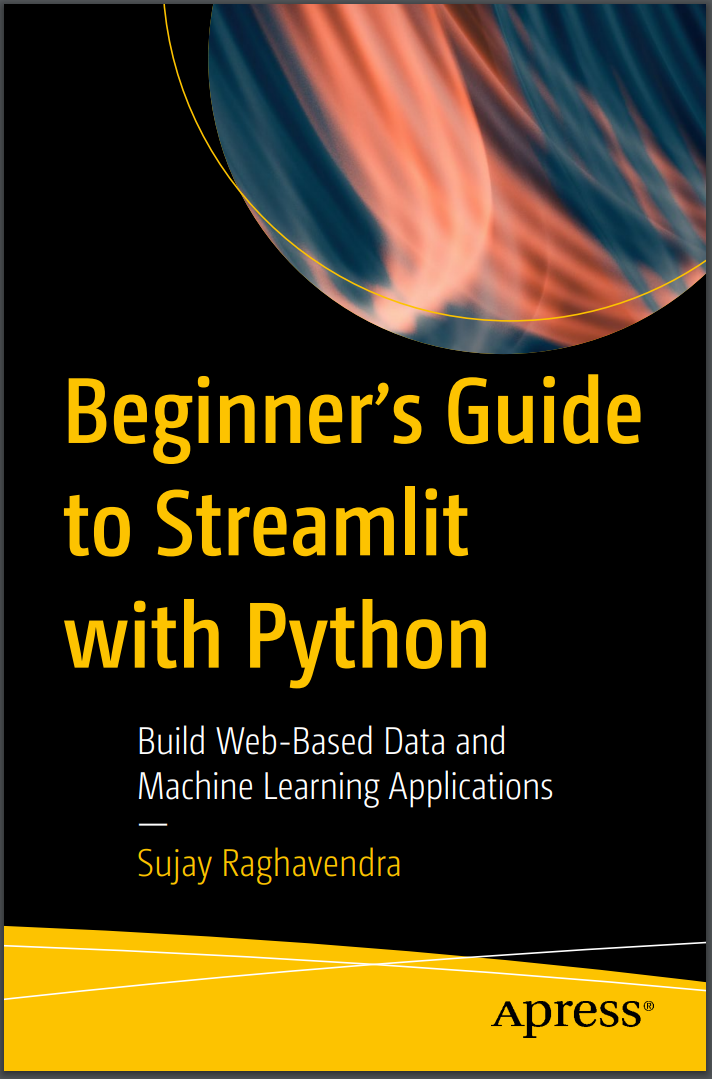
Beginner's Guide to Streamlit with Python: Build Web-Based Data and Machine Learning Applications
Автор: Raghavendra Sujay
Дата выхода: 2023
Издательство: Apress Media, LLC.
Количество страниц: 215
Размер файла: 5,4 МБ
Тип файла: PDF
Добавил: codelibs
Проверить на вирусы Дополнительные материалыTable of Contents....5
About the Author....12
About the Technical Reviewer....13
Acknowledgments....14
Introduction....15
Chapter 1: Introduction to Streamlit....18
What Is Streamlit?....18
Why Streamlit?....19
Why Streamlit for Data Science and ML Engineers?....19
Features of Streamlit....20
Open Source....20
Platforms....20
Ease of Development....20
Interactive Applications....20
Reduced Time of Development....20
No Core Web Development Knowledge....21
Easy to Learn....21
Model Implementation....21
Compatibility....21
Literate Programming Document....22
Streamlit Cloud....22
Optimize Change....22
Error Notifications....23
Comparing Streamlit to Alternative Frameworks....23
Installing Python....25
Installing Streamlit on Windows....26
Installing Streamlit on Linux....26
Installing Streamlit on macOS....26
Testing the Streamlit Installation....27
Creating Our First App....29
Summary....32
Chapter 2: Text and Table Elements....33
Text Elements....33
Titles....34
Headers....35
Subheaders....36
Captions....37
Plain Text....39
Markdown....40
LaTeX....41
Code....42
Data Elements....45
Dataframes....45
Tables....48
Metrics....50
JSON....52
The write() Function as a Superfunction....54
Magic....58
Summary....61
Chapter 3: Visualization....62
The Importance of Visualization....62
Visualization in Streamlit....62
Purpose of Visualization....63
Streamlit Functions....63
Bar....63
Line....65
Area....66
Map....68
Graphviz....69
Seaborn....71
Count....72
Violin....73
Strip....74
Altair....75
Boxplot....76
Area....77
Heatmap....78
Plotly....80
Pie....80
Donut....82
Scatter....83
Line....85
Bar....86
Bar Horizontal....89
Subplots....90
Summary....92
Chapter 4: Data and Media Elements....94
Images....94
Multiple Images....99
Background Image....102
Resizing an Image....103
Audio....105
Video....107
Balloon....110
Snowflake....111
Emojis....112
Summary....113
Chapter 5: Buttons and Sliders....114
Buttons....114
Radio Buttons....115
Check Boxes....117
Drop-Downs....119
Multiselects....121
Download Buttons....123
Progress Bars....124
Spinners....126
Summary....127
Chapter 6: Forms....128
Text Box....128
Text Area....132
Number Input....133
Time....135
Date....136
Color....138
File Upload....140
Text/Docx Document....141
PDF Upload....146
Dataset Upload....148
Image Upload....150
Uploading Multiple Images....151
Saving Uploaded Documents....153
Submit Button....157
Summary....158
Chapter 7: Columns and Navigation....159
Columns....159
Spaced-Out Columns....160
Columns with Padding....162
Grids....164
Expanders/Accordions....165
Containers....167
Empty Containers....169
Sidebars....170
Multipage Navigation....171
Main Page....172
Pages....172
Summary....174
Chapter 8: Control Flow and Advanced Features....175
Alert Box....175
st.info()....175
st.warning()....176
st.success()....176
st.error()....176
st.exception()....176
Control Flow....177
Stop Execution....178
Rerun the Script....178
st.form_submit_button....179
Advanced Features....180
Configuring the Page....180
st.echo....181
st.experimental_show....182
Session State....183
Performance....185
Caching....185
st.experimental_memo....186
st.experimental_memo.clear()....187
st.experimental_singleton....187
st.experimental_singleton.clear....187
Summary....188
Chapter 9: Natural Language Processing....189
NLP App Creation....189
User Input....190
Cleaning the Text....190
Predictions....191
Setting Up Files....194
Requirement Text....195
setup.sh....195
Procfile....196
GitHub Repository Creation....197
Heroku....197
Deployment....199
Summary....201
Chapter 10: Computer Vision in Streamlit....202
Installing Libraries....202
Model Deployment....203
Upload Image....203
Map Image Classes....204
Apply Imaging Techniques....204
Model Preprocessing....205
Predictions....205
Complete Code....206
Index....209
This book will teach you the basics of Streamlit, a Python-based application framework used to build interactive dashboards and machine learning web apps. Streamlit reduces development time for web-based application prototypes of data and machine learning models. As you’ll see, Streamlit helps develop data-enhanced analytics, build dynamic user experiences, and showcases data for data science and machine learning models.
Beginner's Guide to Streamlit with Python begins with the basics of Streamlit by demonstrating how to build a basic application and advances to visualization techniques and their features. Next, it covers the various aspects of a typical Streamlit web application, and explains how to manage flow control and status elements. You’ll also explore performance optimization techniques necessary for data modules in a Streamlit application. Following this, you’ll see how to deploy Streamlit applications on various platforms. The book concludes with a few prototype natural language processing apps with computer vision implemented using Streamlit.
After reading this book, you will understand the concepts, functionalities, and performance of Streamlit, and be able to develop dynamic Streamlit web-based data and machine learning applications of your own.
What You Will Learn
- How to start developing web applications using Streamlit
- What are Streamlit's components
- Media elements in Streamlit
- How to visualize data using various interactive and dynamic Python libraries
- How to implement models in Streamlit web applications
Who This Book Is For
Professionals working in data science and machine learning domains who want to showcase and deploy their work in a web application with no prior knowledge of web development.


