-
1C
-
Agda
-
Agile/Scrum
-
Alef
-
APL
-
Assembler
-
AWK
-
Basic
-
Beta Programming Language
-
Big Data/DataScience
-
C
-
C#
-
C++
-
Cobol
-
Crystal
-
CSS
-
D
-
Dart
-
DataBase (SQL)
-
Delphi
-
F#
-
Flutter
-
Fortran
-
GameDev
-
Git
-
Go (Golang)
-
GPT/AI/ИИ
-
Hacking and Security
-
Haskell
-
HTML
-
Java
-
JavaScript (JS)
-
Julia
-
Kotlin
-
Machine Learning (ML)
-
Natural language processing (NLP)
-
.NET (.NET Core)
-
Pascal
-
PHP
-
Python
-
R
-
Ruby
-
Rust
-
Scratch
-
Swift
-
UML
-
UX/UI
-
Visual Basic
-
Wolfram
-
XML
-
АСУ
-
Проектирование/System Design
-
Сети/Network
-
Статьи
-
Схемотехника/электронные схемы
-
1C
-
Agda
-
Agile/Scrum
-
Alef
-
APL
-
Assembler
-
AWK
-
Basic
-
Beta Programming Language
-
Big Data/DataScience
-
C
-
C#
-
C++
-
Cobol
-
Crystal
-
CSS
-
D
-
Dart
-
DataBase (SQL)
-
Delphi
-
F#
-
Flutter
-
Fortran
-
GameDev
-
Git
-
Go (Golang)
-
GPT/AI/ИИ
-
Hacking and Security
-
Haskell
-
HTML
-
Java
-
JavaScript (JS)
-
Julia
-
Kotlin
-
Machine Learning (ML)
-
Natural language processing (NLP)
-
.NET (.NET Core)
-
Pascal
-
PHP
-
Python
-
R
-
Ruby
-
Rust
-
Scratch
-
Swift
-
UML
-
UX/UI
-
Visual Basic
-
Wolfram
-
XML
-
АСУ
-
Проектирование/System Design
-
Сети/Network
-
Статьи
-
Схемотехника/электронные схемы
Меню
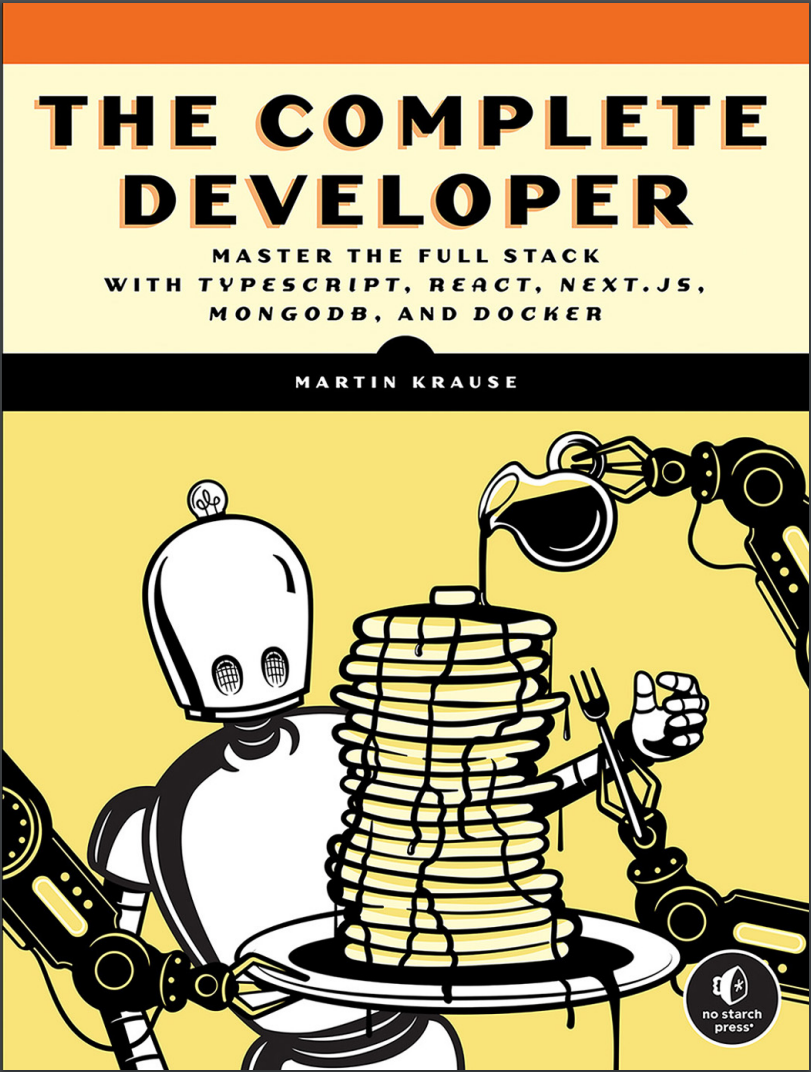
The Complete Developer: Master the Full Stack with TypeScript, React, Next.js, MongoDB, and Docker
Автор: Krause Martin
Дата выхода: 2024
Издательство: No Starch Press, Inc.
Количество страниц: 347
Размер файла: 3,1 МБ
Тип файла: PDF
Добавил: codelibs
Проверить на вирусыCover....1
Praise for The Complete Developer....3
Title Page....5
Copyright....6
Dedication....7
About the Author....9
About the Technical Reviewer....9
Brief Contents....11
Contents in Detail....13
Acknowledgments ....21
Introduction....23
Who Should Read This Book?....24
What’s in This Book?....24
The Parts of a Full-Stack Application....26
The Frontend....26
The Middleware....27
The Backend....27
A Brief History of JavaScript and Full-Stack Development....28
Setting Up....28
Part I: The Technology Stack....31
Chapter 1: Node.js....33
Installing Node.js....34
Working with npm....34
The package.json File....34
Required Fields....35
Dependencies....36
Development Dependencies....36
The package-lock.json File....36
Creating a Project....38
Initializing a New Module or Project....38
Installing the Dependencies....38
Installing the Development Dependencies....39
Auditing the package.json File....40
Cleaning Up the node_modules Folder....41
Updating All Packages....41
Removing a Dependency....41
Installing a Dependency....41
Using npx to Execute a Script Only Once....42
Exercise 1: Build a “Hello World” Express.js Server....43
Setting Up....43
Writing the Server Code....43
Summary....44
Chapter 2: Modern Javascript....45
ES.Next Modules....45
Using Named and Default Exports....46
Importing Modules....47
Declaring Variables....47
Hoisted Variables....48
Scope-Abiding Variables....49
Constant-Like Data....50
Arrow Functions....50
Writing Arrow Functions....51
Understanding Lexical Scope....51
Exploring Practical Use Cases....52
Creating Strings....52
Asynchronous Scripts....54
Avoiding Traditional Callbacks....54
Using Promises....55
Simplifying Asynchronous Scripts....56
Looping Through an Array....57
Dispersing Arrays and Objects....57
Exercise 2: Extend Express.js with Modern JavaScript....59
Editing the package.json File....59
Writing an ES.Next Module with Asynchronous Code....59
Adding the Modules to the Server....60
Summary....61
Chapter 3: Typescript....63
Benefits of TypeScript....64
Setting Up TypeScript....66
Installation in Node.js....66
The tsconfig.json File....67
Dynamic Feedback with TypeScript....68
Type Annotations....68
Declaring a Variable....69
Declaring a Return Value....69
Declaring a Function’s Parameters....69
Built-in Types....70
Primitive JavaScript Types....70
The union Type....71
The array Type....71
The object Type....72
The tuple Type....72
The any Type....73
The void Type....73
Custom Types and Interfaces....74
Defining Custom Types....74
Defining Interfaces....75
Using Type Declaration Files....75
Exercise 3: Extend Express.js with TypeScript....76
Setting Up....76
Creating the tsconfig.json File....77
Defining Custom Types....77
Adding Type Annotations to the routes.ts File....78
Adding Type Annotations to the index.ts File....79
Transpiling and Running the Code....80
Summary....81
Chapter 4: React....83
The Role of React....83
Setting Up React....85
The JavaScript Syntax Extension....86
An Example JSX Expression....86
The ReactDOM Package....87
Organizing Code into Components....87
Writing Class Components....89
Providing Reusable Behavior with Hooks....91
Working with Built-in Hooks....92
Managing the Internal State with useState....92
Handling Side Effects with useEffect....92
Sharing Global Data with useContext and Context Providers....93
Exercise 4: Create a Reactive User Interface for the Express.js Server....94
Adding React to the Server....94
Creating the Endpoint for the Static HTML File....96
Running the Server....96
Summary....97
Chapter 5: Next.js....99
Setting Up Next.js....100
Project Structure....101
Development Scripts....102
Routing the Application....102
Simple Page Routes....103
Nested Page Routes....103
API Routes....105
Dynamic URLs....107
Styling the Application....108
Global Styles....109
Component Styles....109
Built-in Next.js Components....110
The next/head Component....110
The next/link Component....111
The next/image Component....112
Pre-rendering and Publishing....113
Server-Side Rendering....114
Static Site Generation....116
Incremental Static Regeneration....117
Client-Side Rendering....118
Static HTML Exporting....119
Exercise 5: Refactor Express.js and React to Next.js....119
Storing Custom Interfaces and Types....120
Creating the API Routes....120
Creating the Page Routes....120
Running the Application....121
Summary....121
Chapter 6: Rest and GraphQL APIs....123
Rest APIs....124
The URL....125
The Specification....125
State and Authentication....127
HTTP Methods....128
Working with REST....129
Reading Data....129
Updating Data....130
GraphQL APIs....131
The Schema....131
The Resolvers....133
Comparing GraphQL to REST....136
Over-Fetching....136
Under-Fetching....137
Exercise 6: Add a GraphQL API to Next.js....138
Creating the Schema....138
Adding Data....139
Implementing Resolvers....139
Creating the API Route....140
Using the Apollo Sandbox....141
Summary....143
Chapter 7: MongoDB and Mongoose....145
How Apps Use Databases and Object-Relational Mappers....146
Relational and Non-Relational Databases....146
Setting Up MongoDB and Mongoose....147
Defining a Mongoose Model....148
The Interface....148
The Schema....148
The Model....149
The Database-Connection Middleware....150
Querying the Database....151
Creating a Document....151
Reading a Document....152
Updating a Document....152
Deleting a Document....153
Creating an End-to-End Query....153
Exercise 7: Connect the GraphQL API to the Database....155
Connecting to the Database....155
Adding Services to GraphQL Resolvers....156
Summary....157
Chapter 8: Testing with the Jest Framework....159
Test-Driven Development and Unit Testing....160
Using Jest....160
Creating an Example Module to Test....161
Anatomy of a Test Case....162
Arrange....162
Act....163
Assert....163
Using TDD....165
Refactoring Code....166
Evaluating Test Coverage....168
Replacing Dependencies with Fakes, Stubs, and Mocks....169
Creating a Module with Dependencies....170
Creating a Doubles Folder....171
Using a Stub....172
Using a Fake....172
Using a Mock....173
Additional Types of Tests....174
Functional Tests....174
Integration Tests....174
End-to-End Tests....175
Snapshot Tests....175
Exercise 8: Add Test Cases to the Weather App....176
Testing the Middleware with Spies....176
Creating Mocks to Test the Services....178
Performing an End-to-End Test of the REST API....181
Evaluating the User Interface with a Snapshot Test....183
Summary....186
Chapter 9: Authorization with OAuth....187
How OAuth Works....188
Authentication vs. Authorization....188
The Role of OAuth....189
Grant Types....189
Bearer Tokens....190
The Authorization Code Flow....191
Creating a JWT Token....193
The Header....193
The Payload....193
The Signature....196
Exercise 9: Access a Protected Resource....198
Setting Up the Client....198
Logging In to Receive the Authorization Grant....200
Using the Authorization Grant to Get the Access Token....201
Using the Access Token to Get the Protected Resource....202
Summary....202
Chapter 10: Containerization with Docker....203
The Containerization Architecture....204
Installing Docker....204
Creating a Docker Container....204
Writing the Dockerfile....205
Building the Docker Image....206
Serving the Application from the Docker Container....207
Locating the Exposed Docker Port....207
Interacting with the Container....208
Creating Microservices with Docker Compose....208
Writing the docker-compose. yml File....209
Running the Containers....210
Rerunning the Tests....211
Interacting with Docker Compose....212
Summary....212
Part II: The Full-Stack Application....213
Chapter 11: Setting Up the Docker Environment....215
The Food Finder Application....216
Building the Local Environment with Docker....216
The Backend Container....216
The Frontend Container....219
Summary....223
Chapter 12: Building the Middleware....225
Configuring Next.js to Use Absolute Imports....226
Connecting Mongoose....226
Writing the Database Connection....227
Fixing the TypeScript Warning....228
The Mongoose Model....229
Creating the Schema....229
Creating the Location Model....231
The Model’s Services ....232
Creating the Location Service’s Custom Types....233
Creating the Location Services ....233
Testing the Services....236
Summary....18
Chapter 13: Building the GraphQL API....237
Setting Up....238
The Schemas....238
The Custom Types and Directives....238
The Query Schema....239
The Mutation Schema....239
Merging the Typedefs into the Final Schema....239
The GraphQL Resolvers....240
Adding the API Endpoint to Next.js....242
Summary....244
Chapter 14: Building the Frontend....245
Overview of the User Interface....245
The Start Page....246
The List Item....246
The Locations List....248
The Page....249
The Global Layout Components....252
The Logo....252
The Header....253
The Layout....254
The Location Details Page....257
The Component....257
The Page....258
Summary....260
Chapter 15: Adding OAuth....261
Adding OAuth with next-auth....261
Creating a GitHub OAuth App....262
Adding the Client Credentials....262
Installing next-auth....263
Creating the Authentication Callback....263
Sharing the Session Across Pages and Components....265
The Generic Button Component....265
The AuthElement Component....268
Adding the AuthElement Component to the Header....271
The Wish List Next.js Page....273
Adding the Button to the Location Detail Component....274
Securing the GraphQL Mutations....277
Summary....282
Chapter 16: Running Automated Tests in Docker....283
Adding Jest to the Project ....284
Setting Up Docker....284
Writing Snapshot Tests for the Header Element ....286
Summary....287
Appendix A: Typescript Compiler Options....289
Appendix B: The Next.js App Directory....293
Server Components vs. Client Components....294
Server Components....294
Client Components....295
Rendering Components....296
Fetching Data....296
Static Rendering....297
Dynamic Rendering....298
Exploring the Project Structure....299
Updating the CSS....301
Defining a Layout....303
Adding the Content and Route....305
Catching Errors....307
Showing an Optional Loading Interface....309
Adding a Server Component That Fetches Remote Data....311
Completing the Application with the Navigation....314
Replacing API Routes with Route Handlers....315
Appendix C: Common Matchers....319
Built-in Matchers....319
The JEST-DOM Matchers....322
Index....325
Back Cover....347
A hands-on, beginner-friendly approach to developing complete web applications from the ground up, using JavaScript and its most popular frameworks, including Node.js and React.js.Whether you’ve been in the developer kitchen for decades or are just taking the plunge to do it yourself, The Complete Developer will show you how to build and implement every component of a modern stack—from scratch.You’ll go from a React-driven frontend to a fully fleshed-out backend with Mongoose, MongoDB, and a complete set of REST and GraphQL APIs, and back again through the whole Next.js stack.The book’s easy-to-follow, step-by-step recipes will teach you how to build a web server with Express.js, create custom API routes, deploy applications via self-contained microservices, and add a reactive, component-based UI. You’ll leverage command line tools and full-stack frameworks to build an application whose no-effort user management rides on GitHub logins.
You’ll also learn how to:
- Work with modern JavaScript syntax, TypeScript, and the Next.js framework
- Simplify UI development with the React library
- Extend your application with REST and GraphQL APIs
- Manage your data with the MongoDB NoSQL database
- Use OAuth to simplify user management, authentication, and authorization
- Automate testing with Jest, test-driven development, stubs, mocks, and fakes
Whether you’re an experienced software engineer or new to DIY web development, The Complete Developer will teach you to succeed with the modern full stack. After all, control matters. Covers: Docker, Express.js, JavaScript, Jest, MongoDB, Mongoose, Next.js, Node.js, OAuth, React, REST and GraphQL APIs, and TypeScript.


