-
1C
-
Agda
-
Agile/Scrum
-
Alef
-
APL
-
Assembler
-
AWK
-
Basic
-
Beta Programming Language
-
Big Data/DataScience
-
C
-
C#
-
C++
-
Cobol
-
Crystal
-
CSS
-
D
-
Dart
-
DataBase (SQL)
-
Delphi
-
F#
-
Flutter
-
Fortran
-
GameDev
-
Git
-
Go (Golang)
-
GPT/AI/ИИ
-
Hacking and Security
-
Haskell
-
HTML
-
Java
-
JavaScript (JS)
-
Julia
-
Kotlin
-
Machine Learning (ML)
-
Natural language processing (NLP)
-
.NET (.NET Core)
-
Pascal
-
PHP
-
Python
-
R
-
Ruby
-
Rust
-
Scratch
-
Swift
-
UML
-
UX/UI
-
Visual Basic
-
Wolfram
-
XML
-
АСУ
-
Проектирование/System Design
-
Сети/Network
-
Статьи
-
Схемотехника/электронные схемы
-
1C
-
Agda
-
Agile/Scrum
-
Alef
-
APL
-
Assembler
-
AWK
-
Basic
-
Beta Programming Language
-
Big Data/DataScience
-
C
-
C#
-
C++
-
Cobol
-
Crystal
-
CSS
-
D
-
Dart
-
DataBase (SQL)
-
Delphi
-
F#
-
Flutter
-
Fortran
-
GameDev
-
Git
-
Go (Golang)
-
GPT/AI/ИИ
-
Hacking and Security
-
Haskell
-
HTML
-
Java
-
JavaScript (JS)
-
Julia
-
Kotlin
-
Machine Learning (ML)
-
Natural language processing (NLP)
-
.NET (.NET Core)
-
Pascal
-
PHP
-
Python
-
R
-
Ruby
-
Rust
-
Scratch
-
Swift
-
UML
-
UX/UI
-
Visual Basic
-
Wolfram
-
XML
-
АСУ
-
Проектирование/System Design
-
Сети/Network
-
Статьи
-
Схемотехника/электронные схемы
Меню
React and React Native: Build cross-platform JavaScript and TypeScript apps for the web, desktop, and mobile. 5 Ed
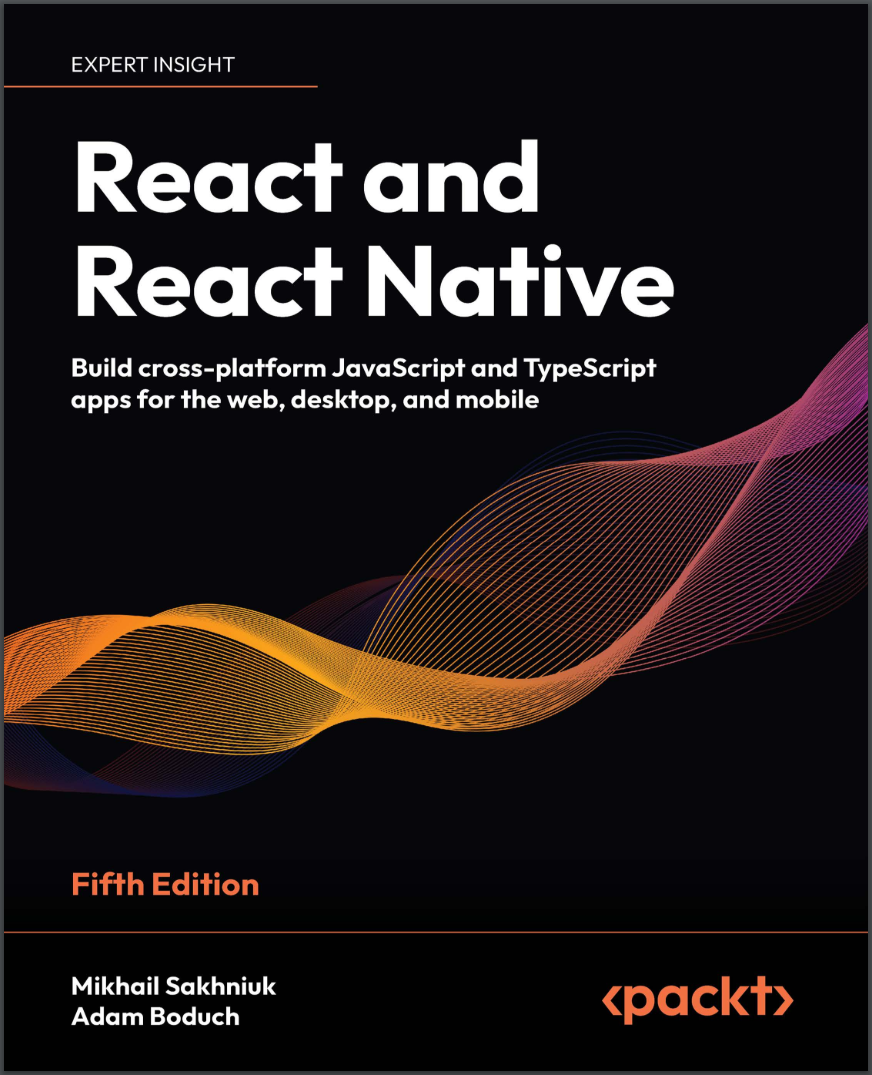
Автор: Boduch Adam , Sakhniuk Mikhail
Дата выхода: 2024
Издательство: Packt Publishing Limited
Количество страниц: 649
Размер файла: 3,6 МБ
Тип файла: PDF
Добавил: codelibs
Проверить на вирусы Дополнительные материалыPreface....18
Who this book is for....19
What this book covers....20
To get the most out of this book....22
Get in touch....24
Part I: React....29
Why React?....30
What is React?....31
React is just the view layer....31
Simplicity is good....33
Declarative UI structures....34
Data changes over time....37
Performance matters....38
The right level of abstraction....41
What’s new in React?....42
Setting up a new React project....45
Using web bundlers....45
Using frameworks....47
Online code editors....47
Summary....48
Join us on Discord!....49
Rendering with JSX....51
Technical requirements....52
Your first JSX content....52
Hello JSX....52
Rendering HTML....55
Built-in HTML tags....55
HTML tag conventions....56
Describing UI structures....57
Creating your own JSX elements....59
Encapsulating HTML....59
Nested elements....61
Using JavaScript expressions....63
Dynamic property values and text....63
Handling events....65
Mapping collections to elements....67
Building fragments of JSX....70
Using wrapper elements....71
Using fragments....72
Summary....73
Understanding React Components and Hooks....75
Technical requirements....76
Introduction to React components....76
What are component properties?....77
Passing property values....78
Default property values....81
What is component state?....82
React Hooks....82
Maintaining state using Hooks....83
Initial state values....84
Updating state values....85
Performing initialization and cleanup actions....88
Fetching component data....89
Canceling actions and resetting state....92
Optimizing side-effect actions....95
Sharing data using context Hooks....97
Memoization with Hooks....99
useMemo Hook....99
useCallback hook....99
useRef hook....101
Summary....102
Event Handling in the React Way....103
Technical requirements....104
Declaring event handlers....104
Declaring handler functions....104
Multiple event handlers....105
Declaring inline event handlers....106
Binding handlers to elements....107
Using synthetic event objects....108
Understanding event pooling....110
Summary....113
Crafting Reusable Components....115
Technical requirements....116
Reusable HTML elements....116
The diffculty with monolithic components....117
The JSX markup....118
Initial state....119
Event handler implementation....120
Refactoring component structures....123
Starting with the JSX....124
Implementing an article list component....126
Implementing an article item component....128
Implementing an AddArticle component....130
Render props....131
Rendering component trees....133
Feature components and utility components....135
Summary....135
Type-Checking and Validation with TypeScript....137
Technical requirements....137
Knowing what to expect....138
The importance of props validation....138
Potential issues without props validation....139
Options for props validation....140
Introduction to TypeScript....142
Why use TypeScript?....143
Setting up TypeScript in a project....146
Basic types in TypeScript....148
Interfaces and type aliases....152
Interfaces....153
Type aliases....153
Interfaces vs type aliases....154
Using TypeScript in React....155
Type-checking props in React components....155
Typing state....157
Typing event handlers....158
Typing context....159
Typing refs....160
Summary....161
Handling Navigation with Routes....163
Technical requirements....164
Declaring routes....164
Hello route....164
Decoupling route declarations....166
Handling route parameters....170
Resource IDs in routes....170
Query parameters....175
Using link components....177
Basic linking....177
URL and query parameters....179
Summary....181
Code Splitting Using Lazy Components and Suspense....183
Technical requirements....184
Using the lazy API....184
Dynamic imports and bundles....184
Making components lazy....186
Using the Suspense component....187
Top-level Suspense components....187
Working with spinner fallbacks....189
Avoiding lazy components....191
Exploring lazy pages and routes....193
Summary....195
User Interface Framework Components....197
Technical requirements....197
Layout and organization....198
Using containers....198
Building responsive grid layouts....201
Using navigation components....204
Navigating with drawers....204
Navigating with tabs....209
Collecting user input....211
Checkboxes and radio buttons....211
Text inputs and select inputs....213
Working with buttons....216
Working with styles and themes....217
Making styles....218
Customizing themes....219
Summary....220
High-Performance State Updates....222
Technical requirements....222
Batching state updates....223
React 18 batching....225
Prioritizing state updates....228
Handling asynchronous state updates....233
Summary....238
Fetching Data from a Server....239
Technical requirements....240
Working with remote data....240
Using the Fetch API....245
Using Axios....248
Using TanStack Query....251
Using GraphQL....253
Summary....256
State Management in React....258
What is global state?....258
React Context API and useReducer....264
Redux....267
MobX....270
Summary....274
Server-Side Rendering....275
Technical requirements....275
Working on the server....276
Server-side rendering....276
Static site and incremental static generation....280
Using Next.js....283
React Server Components....293
Summary....298
Unit Testing in React....300
Technical requirements....300
Testing in general....300
Test types and approaches....302
Unit testing....305
Setting up the test environment....307
Vitest features....308
Mocking....313
Testing ReactJS....319
Summary....327
Join us on Discord!....327
Part II: React Native....328
Why React Native?....329
Technical requirements....330
What is React Native?....330
React and JSX are familiar....332
The mobile browser experiences....333
Android and iOS: different yet the same....334
The case for mobile web apps....335
Summary....336
React Native under the Hood....337
Exploring the React Native architecture....337
The state of web and mobile apps in the past....338
React Native current architecture....341
JS as part of React Native....342
The “Native” part....343
Communication between threads....343
Styling....345
React Native future architecture....347
Explaining JS and Native modules....349
React Navigation....349
UI component libraries....350
Splash screen....351
Icons....351
Handling errors....351
Push notifications....352
Over-the-air updates....353
JS libraries....353
Exploring React Native components and APIs....354
Summary....356
Kick-Starting React Native Projects....357
Technical requirements....357
Exploring React Native CLI tools....358
Installing and using the Expo command-line tool....359
Viewing your app on your phone....361
Viewing your app on Expo Snack....369
Summary....376
Building Responsive Layouts with Flexbox....377
Technical requirements....377
Introducing Flexbox....378
Introducing React Native styles....380
Using the Styled Components library....384
Building Flexbox layouts....385
Simple three-column layout....385
Improved three-column layout....389
Flexible rows....394
Flexible grids....397
Flexible rows and columns....400
Summary....403
Navigating Between Screens....404
Technical requirements....405
The basics of navigation....405
Route parameters....413
The navigation header....420
Tab and drawer navigation....429
File-based navigation....433
Summary....436
Rendering Item Lists....437
Technical requirements....437
Rendering data collections....438
Sorting and filtering lists....442
Fetching list data....451
Lazy list loading....453
Implementing pull to refresh....456
Summary....458
Geolocation and Maps....459
Technical requirements....459
Using the Geolocation API....459
Rendering the map....464
Annotating points of interest....467
Plotting points....467
Plotting overlays....470
Summary....475
Collecting User Input....476
Technical requirements....476
Collecting text input....477
Selecting from a list of options....481
Toggling between on and off....488
Collecting date/time input....492
Summary....497
Responding to User Gestures....498
Technical requirements....499
Scrolling with your fingers....499
Giving touch feedback....502
Using Swipeable and Cancellable components....511
Summary....518
Showing Progress....519
Technical requirements....519
Understanding progress and usability....520
Indicating progress....520
Exploring navigation indicators....525
Measuring progress....527
Step progress....531
Displaying Modal Screens....536
Technical requirements....536
Terminology definitions....537
Getting user confirmation....538
Displaying a success confirmation....538
Error confirmation....546
Passive notifications....552
Activity modals....557
Summary....560
Using Animations....561
Technical requirements....561
Using React Native Reanimated....562
The Animated API....562
React Native Reanimated....562
Installing the React Native Reanimated library....564
Animating layout components....565
Animating component styles....573
Summary....575
Controlling Image Display....577
Technical requirements....577
Loading images....578
Resizing images....581
Lazy image loading....588
Rendering icons....595
Summary....598
Going Offline....599
Technical requirements....599
Detecting the state of the network....600
Storing application data....605
Synchronizing application data....609
Summary....616
Join us on Discord!....616
Other Books You May Enjoy....619
Index....624
Get a big-picture view of modern React and React Native and see how they go hand-in-hand - covering TypeScript development, Vite, state management strategies, unit testing with Jest, and more.
Key Features
- New content on TypeScript, React frameworks, state management strategies, and unit testing
- Get to grips with React fundamentals and modern React techniques and architecture
- Broaden your React expertise through mobile development with React Native
Welcome to your big-picture guide to the React ecosystem.
If you're new to React and looking to become a professional React developer, this book is for you. This updated fifth edition reflects the current state of React, including React framework coverage as well as TypeScript.
Part 1 introduces you to React. You'll discover JSX syntax, hooks, functional components, and event handling, learn techniques to fetch data from a server, and tackle the tricky problem of state management. Once you're comfortable with writing React in JavaScript, you'll pick up TypeScript development in later chapters.
Part 2 transitions you into React Native for mobile development. React Native goes hand-in-hand with React. With your React knowledge behind you, you'll appreciate where and how React Native differs as you write shared components for Android and iOS apps. You'll learn how to build responsive layouts, use animations, and implement geolocation.
By the end of this book, you'll have a big-picture view of React and React Native and be able to build applications with both.
What you will learn
- Explore React architecture, component properties, state, and context
- Work with React Hooks for handling functions and components
- Fetch data from a server using the Fetch API, GraphQL, and WebSockets
- Dive into internal and external state management strategies
- Build robust user interfaces (UIs) for mobile and desktop apps using Material-UI
- Perform unit testing for your components with Vitest and mocking
- Manage app performance with server-side rendering, lazy components, and Suspense
Who this book is for
This book is for any JavaScript or TypeScript developer who wants to start learning how to use React and React Native for web and mobile app development.
No prior knowledge of React or React Native is required. However, a working knowledge of JavaScript is necessary to be able to follow along the content covered.


