-
1C
-
Agda
-
Agile/Scrum
-
Alef
-
APL
-
Assembler
-
AWK
-
Basic
-
Beta Programming Language
-
Big Data/DataScience
-
C
-
C#
-
C++
-
Cobol
-
Crystal
-
CSS
-
D
-
Dart
-
DataBase (SQL)
-
Delphi
-
F#
-
Flutter
-
Fortran
-
GameDev
-
Git
-
Go (Golang)
-
GPT/AI/ИИ
-
Hacking and Security
-
Haskell
-
HTML
-
Java
-
JavaScript (JS)
-
Julia
-
Kotlin
-
Machine Learning (ML)
-
Natural language processing (NLP)
-
.NET (.NET Core)
-
Pascal
-
PHP
-
Python
-
R
-
Ruby
-
Rust
-
Scratch
-
Swift
-
UML
-
UX/UI
-
Visual Basic
-
Wolfram
-
XML
-
АСУ
-
Проектирование/System Design
-
Сети/Network
-
Статьи
-
Схемотехника/электронные схемы
-
1C
-
Agda
-
Agile/Scrum
-
Alef
-
APL
-
Assembler
-
AWK
-
Basic
-
Beta Programming Language
-
Big Data/DataScience
-
C
-
C#
-
C++
-
Cobol
-
Crystal
-
CSS
-
D
-
Dart
-
DataBase (SQL)
-
Delphi
-
F#
-
Flutter
-
Fortran
-
GameDev
-
Git
-
Go (Golang)
-
GPT/AI/ИИ
-
Hacking and Security
-
Haskell
-
HTML
-
Java
-
JavaScript (JS)
-
Julia
-
Kotlin
-
Machine Learning (ML)
-
Natural language processing (NLP)
-
.NET (.NET Core)
-
Pascal
-
PHP
-
Python
-
R
-
Ruby
-
Rust
-
Scratch
-
Swift
-
UML
-
UX/UI
-
Visual Basic
-
Wolfram
-
XML
-
АСУ
-
Проектирование/System Design
-
Сети/Network
-
Статьи
-
Схемотехника/электронные схемы
Меню
Mastering MEAN Stack: Build full stack applications using MongoDB, Express.js, Angular, and Node.js
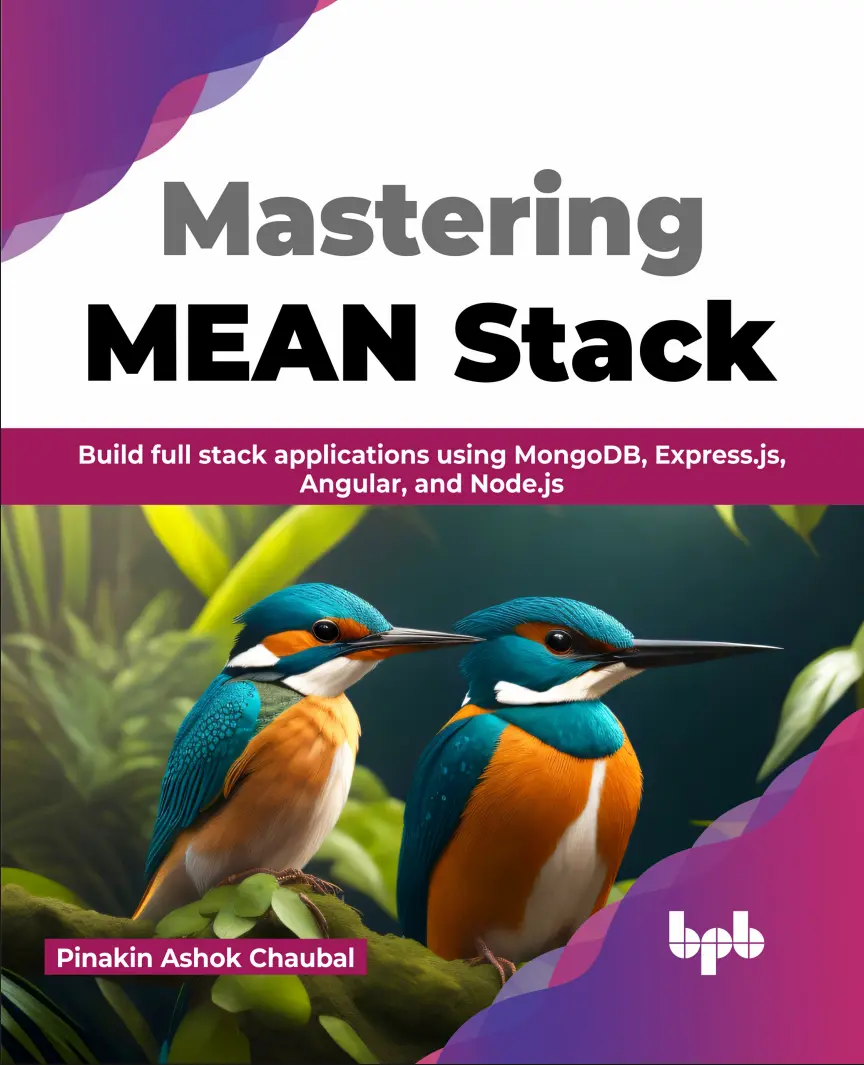
Автор: Chaubal Pinakin Ashok
Дата выхода: 2023
Издательство: BPB Publications
Количество страниц: 264
Размер файла: 2,1 МБ
Тип файла: PDF
Добавил: Aleks-5
Проверить на вирусы Дополнительные материалыBook title ....1
Inner title ....3
Copyright....4
Dedicated....4
About the Author....6
About the Reviewer....6
Acknowledgement....8
Preface....8
Code Bundle and Coloured Images....12
Reviews....12
Table of Contents....14
Chapter 1: Fundamentals of Full Stack Development and the MEAN Stack....24
Structure....26
Objectives....26
What is full stack development?....26
Frontend....26
Backend....28
Database....28
Introduction to the MEAN stack....28
Our sample application....28
Introduction to Node.js....30
Introduction to Express.js....30
Introduction to MongoDB....30
Introduction to Angular....30
Introduction to TypeScript and Bootstrap....32
Introduction to TypeScript....32
Introduction to Bootstrap....32
Introduction to Git as a version control system....32
Interaction between components of the MEAN stack....34
Introduction to Docker and Kubernetes as deployment tools....34
Conclusion....34
Questions....34
Chapter 2: Architectural Design of Our Sample Applic ation....36
Structure....36
Objectives....38
What are single-page applications?....38
Advantages of SPA....38
Disadvantages of SPA....38
What are multi-page applications?....38
Advantages of multi-page applications....40
Disadvantages of multi-page applications....40
Single-page v/s multi-page applications....40
Common MEAN stack architecture....40
Going with the event-driven approach....40
Best practices for designing an API....42
Working with the singleton pattern....42
Working with the Observer pattern....42
Designing a flexible architecture....42
Differences between the architecture of an application in the dev and prod environment....44
Conclusion....44
Questions....44
Chapter 3: Installing the Components....44
Structure....44
Objectives....46
Installing the Node.js runtime....46
Installing the Node.js on Windows....46
Installing the Node.js runtime on macOS....46
Installing the Node.js runtime on Linux....48
Creating the project folder....48
Installing the Angular-CLI....50
Creating a new Angular project....50
Installing Angular Material....50
Verifying that Angular works....52
Exploring the project structure....52
Scanning the package: json file....54
The node_modules folder....54
Looking at the app folder....56
Starting an Angular application....56
Conclusion....58
Questions....58
Chapter 4: Creation of the Frontend Using Angular....60
Structure....60
Objectives....62
Understanding the folder structure....62
Working with components....62
General component structure of an Angular app....64
Component structure for our application....64
Creation of Nav Bar component....66
Looking at the nav-bar.component.ts....66
Looking at the nav-bar.component.html....68
Routing in Angular....68
Routing module....68
Few Routing directives....70
The RouterLink directive....70
The RouterLinkActive directive....70
The RouterLinkActiveOptions directive....70
Implementing the Home page....70
Looking at the Home component’s TypeScript code....72
Looking at the Home component’s HTML code....72
Implementing the Register page....74
Looking at the Register component’s TypeScript code....74
Looking at the Register component’s template code....76
Getting input from the user....78
Angular Material....78
Conclusion....78
Questions....78
Chapter 5: Addition of Node.js and Ideas for Integration....80
Structure....80
Objectives....82
Understanding an API....82
Verbs used in building REST APIs....82
Creating the posts and comments projects....82
Creating the posts project....82
Creating the comments project....84
Testing of the services....86
Testing the posts service....86
Testing the comments service....88
Ideas of connecting with frontend....88
Conclusion....90
Questions....90
Chapter 6: Handling Authorization....90
Structure....90
Objectives....92
Introducing the authentication service....92
Introduction to Google Cloud....92
What is a Kubernetes cluster?....92
Creating a Google Cloud account....94
Creating a new project....94
Setting up a Kubernetes cluster....96
Creating an auth docker build....98
Creating a .dockerignore file....100
Creating an authentication deployment....100
Key elements of a deployment....102
Key elements of a service....102
Introducing MongoDB and creating an auth Mongo deployment....104
Building a user model....104
Creating index.ts....108
Creating an Ingress service yaml....110
Creating an Ingress load balancer....110
Creating a Kubernetes Secret....112
Using Skaffold for build automation....114
Introduction to middleware....114
Introduction to cookies and JSON web tokens....116
Password encryption....116
Error handling using express-validator....116
Understanding an error-handler....118
Understanding the current-user....118
Understanding validate-request.ts....120
Understanding require-auth.ts....120
Creating an abstract class for custom error handling....122
Creating subclasses for validation....122
Understanding request-validation-err.ts....122
Understanding database-connection-err.ts....122
Understanding bad-request-err.ts....124
Understanding not-found-err.ts....124
Understanding no-auth-err.ts....124
Separating the logic for routes....126
Creating Signup, Signin and CurrentUser routes....126
Signup route....126
Signin route....128
CurrentUser route....130
Signout route....130
Testing the application using Postman....132
Conclusion....134
Questions....134
Chapter 7: Creating the Posts Service and NATS Streaming Integration....136
Structure....136
Objectives....138
Introducing the common module....138
Creating a GIT repository for the common module....140
Publishing the common module to NPM....140
Installing required packages in the common module....140
Making changes to package.json and tsconfig....142
Making changes to package.json....142
Changes to tsconfig....142
Moving the authentication logic in the common module....144
Installing the common module in the auth folder....144
Standard process for new services....144
The Posts service....146
Creating the Posts folder....146
Updating the index.ts....146
Creating the Posts deployment YAML....148
Creating the Posts Mongo DB deployment YAML....150
Making changes to the Skaffold YAML....152
Looking at the Auth deployment YAML....152
Looking at the Auth index.ts....154
Creating the Posts service....154
Creating a new Post....154
Updating an existing Post....156
Displaying all Posts....158
Displaying a specific Post....158
Creation of the nats-wrapper class....160
Creation of the Posts model....160
Introduction to the NATS streaming server....162
Creating the NATS deployment file....164
Creating a basic publisher and listener ts files....166
The Test Publisher....166
The Test Listener....166
Understanding the BaseListener and PostCreatedListener....168
The base-listener class....168
The post-created-listener class....170
Understanding the BasePublisher, PostCreatedPublisher and PostUpdatedPublisher....172
The base-publisher class....172
The post-created-publisher class....174
The post-updated-publisher class....174
Understanding the PostCreatedEvent and the PostUpdatedEvent....174
The PostCreatedEvent....174
Understanding the PostUpdatedEvent....174
Understanding the subjects enum....176
Updating the common module....176
Testing the publisher and listener....176
Testing out the Posts service using Postman....178
Conclusion....180
Questions....182
Chapter 8: Introducing Automated Testing....182
Introduction....182
Structure....182
Objectives....184
Introducing SuperTest....184
Setting up automated testing....184
The index.ts refactor for Auth service....184
Setup for Auth service....186
Designing the tests for the Auth Service....188
Tests for Signup route handler....188
Tests for Signin route handler....192
Tests for current user route handler....194
Tests for Signout route handler....194
Executing the tests for the Auth Service....196
The index.ts refactor for the POST service....196
Setup for the POST service....200
Designing the tests for the Posts Service....202
Tests for createPost route handler....202
Tests for the updatePost route handler....204
Tests for the indexPost route handler....208
Tests for the showPosts route handler....210
Executing the tests for the Posts Service....210
Conclusion....212
Questions....212
Chapter 9: Integrating the Comments Service....212
Introduction....212
Structure....212
Objectives....214
Comments service....214
Nesting comments inside posts....214
Pros and cons of nesting....214
What are sub-documents?....214
Pros and cons of sub-documents....216
What are references?....216
Advantages of references....216
Conclusion....216
Questions....216
Chapter 10: Creating the Comments Service....218
Structure....218
Objectives....220
Comments service....220
Comments and comments Mongo YAMLs....220
Changes to ingress yaml....222
Duplicating the comments model inside the post....222
Referencing the comments model inside the post model....224
Editing the routes....226
The createPost route....226
The updatePost route....228
Updates to the te....230
Changes to the createPost test....230
Changes to the updatePost test....232
Executing the tests....238
Conclusion....238
Questions....238
Chapter 11: Implementing the Frontend....240
Introduction....240
Structure....240
Objectives....242
What is the App component?....242
Nesting other components inside the app component....242
What are components and services?....242
Components....242
Services....244
Looking at the register component....244
Register.component.html file....244
Register.component.ts file....248
Auth Service....250
Running the app....254
Conclusion....256
Questions....256
Index....256
Back title ....264
A step-by-step guide to building web applications with the MEAN stack
Key Features
- Gain a comprehensive understanding of full stack development and the MEAN stack.
- Implement automated testing using Supertest and JEST for reliable and efficient code testing.
- Understand the importance of deployment with containers.
Description
The MEAN stack, comprising MongoDB, Express.js, Angular, and Node.js, is a widely used and robust web development framework. Acquiring expertise in the MEAN stack will equip you with the necessary skills to strengthen your web development capabilities, enabling you to build efficient and modern web applications.
This book is a comprehensive guide to full stack development using the MEAN stack (MongoDB, Express.js, Angular, and Node.js). It covers all the essential aspects of building robust web applications, from architectural design to implementation. The book introduces the fundamentals of full-stack development and the advantages of using the MEAN stack. It explains the installation and configuration of the MEAN stack components and teaches how to connect them to create powerful full-stack applications seamlessly. The book also covers security mechanisms like authentication and authorization to ensure application security. The book will help you gain proficiency in front-end development with Angular and back-end integration with Node.js. The book also covers real-time data updates using NATS Streaming, automated testing techniques, and the integration of additional services like comments.
By the end of the book, you can confidently build full-stack applications using the MEAN stack.
What you will learn
- Install and configure the necessary components for building web applications.
- Master frontend development using Angular, including component creation and data binding.
- Discover the power of Node.js and its integration with Angular for efficient backend development.
- Explore the integration of the Comments service and understand the concepts of subdocuments and references.
- Test the integration of the Posts and Comments service, ensuring smooth communication between the two components.
Who this book is for
Whether you are an absolute beginner or an experienced developer, this book caters to both audiences, providing valuable insights and practical knowledge.


