-
1C
-
Agda
-
Agile/Scrum
-
Alef
-
APL
-
Assembler
-
AWK
-
Basic
-
Beta Programming Language
-
Big Data/DataScience
-
C
-
C#
-
C++
-
Cobol
-
Crystal
-
CSS
-
D
-
Dart
-
DataBase (SQL)
-
Delphi
-
F#
-
Flutter
-
Fortran
-
GameDev
-
Git
-
Go (Golang)
-
GPT/AI/ИИ
-
Hacking and Security
-
Haskell
-
HTML
-
Java
-
JavaScript (JS)
-
Julia
-
Kotlin
-
Machine Learning (ML)
-
Natural language processing (NLP)
-
.NET (.NET Core)
-
Pascal
-
PHP
-
Python
-
R
-
Ruby
-
Rust
-
Scratch
-
Swift
-
UML
-
UX/UI
-
Visual Basic
-
Wolfram
-
XML
-
АСУ
-
Проектирование/System Design
-
Сети/Network
-
Статьи
-
Схемотехника/электронные схемы
-
1C
-
Agda
-
Agile/Scrum
-
Alef
-
APL
-
Assembler
-
AWK
-
Basic
-
Beta Programming Language
-
Big Data/DataScience
-
C
-
C#
-
C++
-
Cobol
-
Crystal
-
CSS
-
D
-
Dart
-
DataBase (SQL)
-
Delphi
-
F#
-
Flutter
-
Fortran
-
GameDev
-
Git
-
Go (Golang)
-
GPT/AI/ИИ
-
Hacking and Security
-
Haskell
-
HTML
-
Java
-
JavaScript (JS)
-
Julia
-
Kotlin
-
Machine Learning (ML)
-
Natural language processing (NLP)
-
.NET (.NET Core)
-
Pascal
-
PHP
-
Python
-
R
-
Ruby
-
Rust
-
Scratch
-
Swift
-
UML
-
UX/UI
-
Visual Basic
-
Wolfram
-
XML
-
АСУ
-
Проектирование/System Design
-
Сети/Network
-
Статьи
-
Схемотехника/электронные схемы
Меню
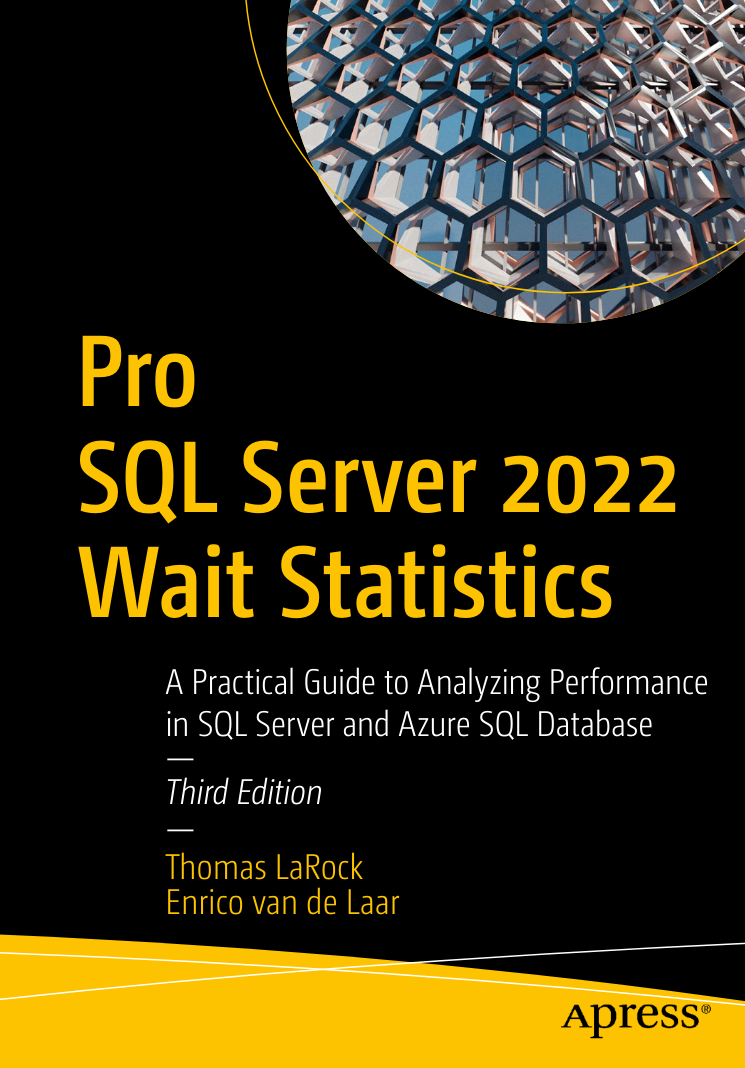
Pro SQL Server 2022 Wait Statistics: A Practical Guide to Analyzing Performance in SQL Server and Azure SQL Database. 3 Ed
Автор: LaRock Thomas , Van De Laar Enrico
Дата выхода: 2023
Издательство: Apress Media, LLC.
Количество страниц: 412
Размер файла: 6,9 МБ
Тип файла: PDF
Добавил: codelibs
Проверить на вирусыCover
Table of Contents
Change History
Beta 9—June 9,....2021
Beta 8—April 27,....2021
Beta 7—March 11,....2021
Beta 6—August 11,....2020
Beta 5—June 5,....2020
Beta 4—March 23,....2020
Beta 3—February 9,....2020
Beta 2—December 4,....2019
Beta 1—October 30,....2019
Acknowledgments
So You Want to Write Some Client-Side Code
Basic Assumptions
The Tools We’ll Use
How This Book Is Organized
Let’s Build an App
The Sample Code
Part I—Getting Started
1. Getting Started with Client-Side Rails
Managing State and Front-End Development
Configuring Webpacker
Using Webpacker
What’s Next
2. Hotwire and Turbo
The Hotwire Way
Installing Turbo
What Is Turbo Drive?
Adding Interactivity with Turbo Frames
Navigating Outside a Turbo Frame
Extending Our Page with Turbo Streams
Turbo Frames vs. Turbo Streams
Lazy Loading a Turbo Frame
What’s Next
3. Stimulus
What Is Stimulus?
Installing Stimulus
Adding Our First Controller
Creating an Action
Adding a Target
Using Values
Automating Value Changes
Stimulus Has Class
Going Generic
Stimulus Quick Reference
What’s Next
4. React
What Is React?
Installing React
Adding Our First Component
Composing Components
Connecting to the Page
Interactivity, State, and Hooks
Sharing State
What’s Next
5. Cascading Style Sheets
Building CSS in webpack
Adding CSS and Assets to webpack
Animating CSS
Adding CSS Transitions
Animating Turbo Streams with Animate.css
Using CSS and React Components
What’s Next
Part II—Going Deeper
6. TypeScript
Using TypeScript
Understanding Basic TypeScript Types
Static vs. Dynamic Typing
Adding Type Annotations to Variables
Adding Type Annotations to Functions
Adding Type Annotations to Classes
Defining Interfaces
Type Checking Classes and Interfaces
Getting Type Knowledge to TypeScript
What’s Next
7. webpack
Understanding Why webpack Exists
Managing Dependencies with Yarn
Understanding webpack Configuration
What’s Next
8. Webpacker
Webpacker Basics
Writing Code Using Webpacker
Integrating Webpacker with Frameworks
Running webpack
Deploying Webpacker in Production
Customizing Webpacker
What’s Next
Part III—Managing Servers and State
9. Talking to the Server
Using Stimulus to Manage Forms
Stimulus and Ajax
Using Data in Stimulus
Acquiring Data in React with useState
What’s Next
10. Immediate Communication with ActionCable
Installing ActionCable
Turbo Streams and ActionCable
Stimulus and ActionCable
React and ActionCable
What’s Next
11. Managing State in Stimulus Code
Using Data Values for Logic
Observing and Responding to DOM Changes
Rendering CSS with Data Attributes
What’s Next
12. Managing State in React
Using Reducers
Using Context to Share State
Adding Asynchronous Events to Contexts
What’s Next
13. Using Redux to Manage State
Installing and Using Redux
Adding Asynchronous Actions to Redux
What’s Next
Part IV—Validating Your Code
14. Validating Code with Advanced TypeScript
Creating Union Types
Specifying Types with Literal Types
Using Enums and Literal Types
Building Mapped Types and Utility Types
TypeScript Configuration Options
Dealing with Strictness
What’s Next
15. Testing with Cypress
Why Cypress?
Installing Cypress
Configuring Cypress and Rails
Writing Our First Test
Understanding How Cypress Works
What’s Next
16. More Testing and Troubleshooting
Writing More Cypress Tests
Testing the Schedule Filter
Cypress and React
Cypress Utilities and API
Troubleshooting
What’s Next
A1. Framework Swap
The All-Hotwire App
The All-React App
Comparison
Index
Use this practical guide to analyze and troubleshoot SQL Server performance using wait statistics. You'll learn to identify precisely why your queries are running slowly. And you'll know how to measure the amount of time consumed by each bottleneck so you can focus attention on making the largest improvements first. This edition is updated to cover analysis of wait statistics current with SQL Server 2022. Whether you are new to wait statistics, or already familiar with them, this book provides a deeper understanding on how wait statistics are generated and what they mean for your SQL Server instance’s performance.
The book goes beyond the most common wait types into the more complex and performance-threatening wait types. You’ll learn about per-query wait statistics and session-based wait statistics, and the types of problems they can help you solve. The different wait types are categorized by their area of impact, including CPU, IO, Latching, Locking, and many more.
Clear examples are included to help you gain practical knowledge of why and how specific wait times increase or decrease, how they impact your SQL Server’s performance, and what you can do to improve performance. After reading this book, you won’t want to be without the valuable information that wait statistics provide regarding where you should be spending your limited tuning time to maximize performance and value to your business.
What You'll Learn
Understand how the SQL Server engine processes requests Identify resource bottlenecks in a running SQL Server instance Locate wait statistics information inside DMVs and Query Store Analyze the root cause of sub-optimal performance Diagnose I/O contention and locking contention Benchmark SQL Server performance Improve database performance by lowering overall wait time
Who This Book Is For
Database administrators who want to identify and resolve performance bottlenecks, those who want to learn more about how the SQL Server engine accesses and uses resources inside SQL Server, and administrators concerned with achieving―and knowing they have achieved―optimal performance


