-
1C
-
Agda
-
Agile/Scrum
-
Alef
-
APL
-
Assembler
-
AWK
-
Basic
-
Beta Programming Language
-
Big Data/DataScience
-
C
-
C#
-
C++
-
Cobol
-
Crystal
-
CSS
-
D
-
Dart
-
DataBase (SQL)
-
Delphi
-
F#
-
Flutter
-
Fortran
-
GameDev
-
Git
-
Go (Golang)
-
GPT/AI/ИИ
-
Hacking and Security
-
Haskell
-
HTML
-
Java
-
JavaScript (JS)
-
Julia
-
Kotlin
-
Machine Learning (ML)
-
Natural language processing (NLP)
-
.NET (.NET Core)
-
Pascal
-
PHP
-
Python
-
R
-
Ruby
-
Rust
-
Scratch
-
Swift
-
UML
-
UX/UI
-
Visual Basic
-
Wolfram
-
XML
-
АСУ
-
Проектирование/System Design
-
Сети/Network
-
Статьи
-
Схемотехника/электронные схемы
-
1C
-
Agda
-
Agile/Scrum
-
Alef
-
APL
-
Assembler
-
AWK
-
Basic
-
Beta Programming Language
-
Big Data/DataScience
-
C
-
C#
-
C++
-
Cobol
-
Crystal
-
CSS
-
D
-
Dart
-
DataBase (SQL)
-
Delphi
-
F#
-
Flutter
-
Fortran
-
GameDev
-
Git
-
Go (Golang)
-
GPT/AI/ИИ
-
Hacking and Security
-
Haskell
-
HTML
-
Java
-
JavaScript (JS)
-
Julia
-
Kotlin
-
Machine Learning (ML)
-
Natural language processing (NLP)
-
.NET (.NET Core)
-
Pascal
-
PHP
-
Python
-
R
-
Ruby
-
Rust
-
Scratch
-
Swift
-
UML
-
UX/UI
-
Visual Basic
-
Wolfram
-
XML
-
АСУ
-
Проектирование/System Design
-
Сети/Network
-
Статьи
-
Схемотехника/электронные схемы
Меню
Mastering iOS 18 Development: Take your iOS development experience to the next level with iOS, Xcode, Swift, and SwiftUI
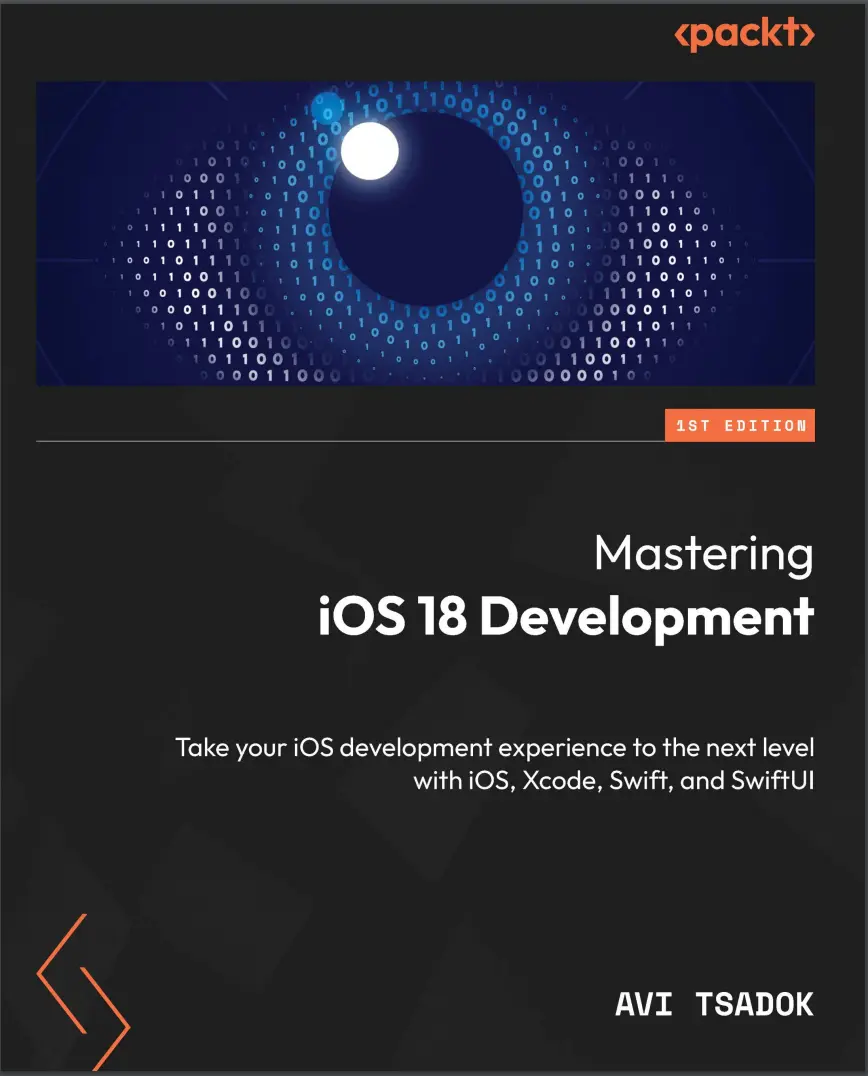
Автор: Tsadok Avi
Дата выхода: 2024
Издательство: Packt Publishing Limited
Количество страниц: 418
Размер файла: 3,0 МБ
Тип файла: PDF
Добавил: codelibs
Проверить на вирусы Дополнительные материалыCover....1
Title Page....2
Copyright and Credits....3
Contributors....5
Table of Contents....8
Preface....16
Part 1: Getting Started with iOS 18 Development....24
Chapter 1: What’s New in iOS 18....26
Technical requirements....27
Understanding iOS 18 background....27
Introducing Swift Testing....28
Introducing Swift Data Improvements....28
Unique value....29
History API....29
Custom data stores in Swift Data....29
Introducing zoom transition....32
Adding a floating tab bar....34
Having more control over scroll views....36
Observing the scroll view position....36
Observing items’ visibility....38
Changing the text rendering behavior....39
Positioning sub-views from another view....40
Entering the AI revolution....42
Summary....43
Chapter 2: Simplifying Our Entities with SwiftData....44
Technical requirements....44
Understanding SwiftData’s background....45
Defining a SwiftData model....46
Expanding the @Model macro....46
Adding relationships....49
SwiftData relationship deletion rules....50
Defining the inverse relationship....51
Adding the @Attribute macro....53
Going non-persistent with transient....55
Exploring the container....56
Setting up ModelContainer....56
Connecting the container using the modelContainer modifier....57
Working with ModelConfiguration....58
Fetching and manipulating our data using model context....59
Saving new objects....60
Fetching objects....61
Migrating our data to a new schema....65
Learning the basic migration process....65
Creating a version schema....66
Creating the migration stages and plan....67
Connecting the migration plan to our container....69
Summary....70
Chapter 3: Understanding SwiftUI Observation....72
Technical requirements....72
Going over the SwiftUI observation system....73
Conforming to the ObservableObject protocol....73
Explaining the problem with the current observation situation....74
Adding the @Observable macro....75
Learning how the @Observable macro works....76
Excluding properties from observation using @ObservationIgnored....78
Observing computed variables....79
Working with environment variables....82
Adding an environment variable by type....82
Adding environment variable by key....84
Binding objects using @Bindable....86
Migrating to Observable....88
Summary....89
Chapter 4: Advanced Navigation with SwiftUI....90
Technical requirements....90
Understating why SwiftUI navigation is a challenge....91
Exploring NavigationStack....91
Separating the navigation destination using the navigationDestination view modifier....92
Using data models to trigger navigation....94
Responding to the path variable....96
Working with different types of data using NavigationPath....98
Working with the Coordinator pattern....100
Understanding the Coordinator’s principles....100
Building the Coordinator object....102
Adding CoordinatorView....103
Calling the coordinator straight from the view....104
Navigating with columns with NavigationSplitView....105
Creating NavigationSplitView....106
Moving to three columns....108
Summary....110
Chapter 5: Enhancing iOS Applications with WidgetKit....112
Technical requirements....112
The idea of widgets....113
Understanding how widgets work....114
Adding a widget....114
Configuring our widget....116
Working with static configuration....118
Understanding the Timeline Provider for Widgets....118
Building our widget UI....123
Working with timeline entries....124
Adding animations....125
Customize our widget....127
Using the AppEntity in our Widget....130
Keeping our widgets up to date....131
Reload widgets using the WidgetCenter....131
Go to the network for updates....133
Interacting with our widget....134
Opening a specific screen using links....134
Adding interactive capabilities....135
Adding a control widget....137
Summary....140
Chapter 6: SwiftUI Animations and SF Symbols....142
Technical requirements....142
The importance of animations....143
Understanding the concept of SwiftUI animations....143
Performing basic animations....144
Using the animation view modifier....144
Using the withAnimation function....145
Bringing some life to our animations with spring animations....147
Performing advanced animations....148
Performing transitions....148
Executing keyframe animations....152
Animating SF Symbols....156
Modifying symbol colors....158
Localizing our symbols....160
Summary....161
Chapter 7: Improving Feature Exploration with TipKit....162
Technical requirements....163
Learning the importance of tips....163
Understanding the basics of TipKit....163
What do tips look like?....165
Adding our first tip....166
Dismissing tips....170
Defining the tip ID....171
Customizing our tips....172
Customizing our tips’ appearance....172
Adding actions....175
Adding tips rules....177
Adding a rule based on a state....177
Adding a rule based on events....180
Grouping tips with TipGroup....182
Customizing display frequency....184
Setting the max display count for a specific tip....184
Setting our tips’ display frequency....184
Summary....185
Chapter 8: Connecting and Fetching Data from the Network....186
Technical requirements....186
Understanding mobile networking....187
Handling an HTTP request....188
Basic HTTP request methods....188
Working with URLSession....189
Handling the response....190
Integrating network calls within app flows....198
Just-in-time fetching....198
Read-through cache....199
Incremental loading....201
Full data sync with delta updates....202
Exploring Networking and Combine....205
Summary....208
Chapter 9: Creating Dynamic Graphs with Swift Charts....210
Technical requirements....210
Why charts?....211
Introducing the Swift Charts framework....211
Creating charts....213
Creating BarMark chart....213
Creating LineMark charts....219
Creating a SectorMark chart....223
Creating an AreaMark chart....225
Creating a PointMark chart....227
Visualizing functions with Charts....229
Allowing interaction using ChartProxy....231
Adding an overlay to our chart....232
Responding to the user’s gesture....234
Finding the closest data point to the user’s touch....234
Conforming to the Plottable protocol....236
Summary....237
Part 2: Refine your iOS Development with Advanced Techniques....238
Chapter 10: Swift Macros....240
Technical requirements....240
What is a Swift macro?....241
Exploring SwiftSyntax....242
Parsing and AST....243
Setting up SwiftSyntax....243
Building our Abstract Syntax Tree....245
Creating our first Swift macro....250
Adding a new Swift macro....250
Examining our Swift Macros package structure....252
Declaring our macro....253
Implementing the macro....255
Handling macros errors....261
Adding tests....263
Practice exercises....266
Summary....266
Chapter 11: Creating Pipelines with Combine....268
Technical requirements....268
Why use Combine?....269
Going over the basics....270
Starting with the publisher....270
Setting up the subscriber....271
Connecting operators....272
Delving into Combine components....273
Creating a custom publisher....274
Working with Subjects....275
Creating a custom subscriber....278
Connecting the custom publisher and subscriber....281
Working with operators....281
Learning about Combine using examples....287
Managing UIKit-based view state in a view model....287
Performing searches from multiple sources....288
Validating forms....290
Summary....292
Chapter 12: Being Smart with Apple Intelligence and ML....294
Technical requirements....295
Going over the basics of AI and machine learning....295
Learning the differences between AI and machine learning....295
Delving into the ML model....296
Training the model....296
Apple intelligence and ML....297
Exploring built-in ML frameworks....297
Interpreting text using NLP....298
Analyzing images using the Vision framework....302
Classifying audio using the Sound Analysis framework....305
Performing a semantic search with Core Spotlight....307
Integrating custom models using CoreML....311
Getting to know the Create ML application....312
Building our Spam Classifier model....314
Using our model with Core ML....321
Where to go from here....323
Summary....323
Chapter 13: Exposing Your App to Siri with App Intents....324
Technical requirements....324
Understanding the App Intents concept....325
Creating a simple app intent....325
Running the intent with the Shortcuts app....326
Creating an app shortcut....327
Adding a parameter to our app intent....328
Returning a custom view....330
Having multiple result types....332
Adding confirmation and conditions....333
Formalizing our content using app entities....335
Conforming to AppEntity....335
Creating an Open a task intent....337
Chaining app intents....338
Integrating our intent to other intents....339
Adjusting our app intents to work with Apple Intelligence....343
Exploring the Assistant Schema....343
Creating AssistantEntity....346
Summary....349
Chapter 14: Improving the App Quality with Swift Testing....350
Technical requirements....350
Understanding the importance of testing....351
Learning the testing history in Apple platforms....352
Exploring the Swift Testing basics....353
Adding a basic test....354
Providing names to our test functions....357
Enabling and disabling tests....357
Tagging our test functions....359
Working with arguments....361
Managing our tests....363
Going over the testing structure....364
Grouping our test functions into test suites....365
Building test plans....367
Setting up a Scheme....372
Tips to write testable code....373
Writing pure functions....374
Separating your code based on concerns....374
Performing mocking using protocols....375
Summary....377
Chapter 15: Exploring Architectures for iOS....378
Technical requirements....378
Understanding the importance of architecture....378
Learning what exactly architecture is....380
Going over the different architectures....381
Separating our project into layers....381
Separating our project into modules....387
Combining the multi-layer architecture with modules....388
Building hexagonal architecture....390
Comparing the different architectures....397
By separation of concerns....397
By testing....398
By maintenance and scalability....398
Summary....400
Index....402
Other Books You May Enjoy....415
Elevate your iOS development skills with this comprehensive iOS 18 guide covering the latest changes and improvements in iOS SDK and Swift, while mastering practical techniques to become an exceptional iOS developer
Key Features
- Stay up to date with the latest changes and improvements in iOS SDK and Swift programming language
- Learn how you can improve user experience by focusing on customizing components and animations
- Get to grips with advanced topics such as SwiftData and high-efficiency applications through an in-depth discussion
- Purchase of the print or Kindle book includes a free PDF eBook
Book Description
Embark on a comprehensive iOS 18 development journey with Avi Tsadok, a veteran iOS developer and author of 4 books and over 40 tutorials and articles. A recognized public speaker, Avi has a knack for demystifying complex concepts and brings unparalleled expertise to the forefront of iOS 18 development education. This guide focuses on iOS 18 advancements, equipping developers with tools to maximize its potential.
This book covers essential topics for seasoned developers, including Swift, SwiftUI, Xcode foundations, and the latest iOS SDK updates. You’ll get to grips with optimizing performance and understanding advanced architectural paradigms. By implementing the newest iOS updates, you’ll also explore intricate animation methods and harness a new framework, SwiftData that replaces Core Data for having persistent storage. The book builds your proficiency in advanced networking with URLSession and shows you how to conjure stunning visuals and adopt sophisticated testing techniques. You'll explore the world of machine learning with Apple’s Core ML diving into built-in frameworks like NLP, vision, and sound analysis to train and integrate your own models into iOS apps.
By the end of the book, you'll possess skills to build exceptional apps, excel in advanced roles, and confidently tackle iOS development challenges.
What you will learn
- Develop functional iOS applications on the iOS platform
- Build intricate custom animations and UI elements
- Master data handling and persistence in iOS apps
- Utilize Combine for efficient data management
- Harness the power of the neural engine through CoreML
- Explore architectures and streamline programming with Swift Macros
- Improve engagement by adding Widgets and App Intents
Who this book is for
If you are an experienced iOS developer looking to enhance your mobile development skills, create exceptional applications, and excel in advanced positions, this book is designed for you. To derive maximum benefit from this book and ensure a strong understanding of the advanced content, it is recommended that you have a solid foundation in Swift, SwiftUI, and Xcode.


