-
1C
-
Agda
-
Agile/Scrum
-
Alef
-
APL
-
Assembler
-
AWK
-
Basic
-
Beta Programming Language
-
Big Data/DataScience
-
C
-
C#
-
C++
-
Cobol
-
Crystal
-
CSS
-
D
-
Dart
-
DataBase (SQL)
-
Delphi
-
F#
-
Flutter
-
Fortran
-
GameDev
-
Git
-
Go (Golang)
-
GPT/AI/ИИ
-
Hacking and Security
-
Haskell
-
HTML
-
Java
-
JavaScript (JS)
-
Julia
-
Kotlin
-
Machine Learning (ML)
-
Natural language processing (NLP)
-
.NET (.NET Core)
-
Pascal
-
PHP
-
Python
-
R
-
Ruby
-
Rust
-
Scratch
-
Swift
-
UML
-
UX/UI
-
Visual Basic
-
Wolfram
-
XML
-
АСУ
-
Проектирование/System Design
-
Сети/Network
-
Статьи
-
Схемотехника/электронные схемы
-
1C
-
Agda
-
Agile/Scrum
-
Alef
-
APL
-
Assembler
-
AWK
-
Basic
-
Beta Programming Language
-
Big Data/DataScience
-
C
-
C#
-
C++
-
Cobol
-
Crystal
-
CSS
-
D
-
Dart
-
DataBase (SQL)
-
Delphi
-
F#
-
Flutter
-
Fortran
-
GameDev
-
Git
-
Go (Golang)
-
GPT/AI/ИИ
-
Hacking and Security
-
Haskell
-
HTML
-
Java
-
JavaScript (JS)
-
Julia
-
Kotlin
-
Machine Learning (ML)
-
Natural language processing (NLP)
-
.NET (.NET Core)
-
Pascal
-
PHP
-
Python
-
R
-
Ruby
-
Rust
-
Scratch
-
Swift
-
UML
-
UX/UI
-
Visual Basic
-
Wolfram
-
XML
-
АСУ
-
Проектирование/System Design
-
Сети/Network
-
Статьи
-
Схемотехника/электронные схемы
Меню
Animating SwiftUI Applications: Create visually stunning and engaging animations for iOS with SwiftUI
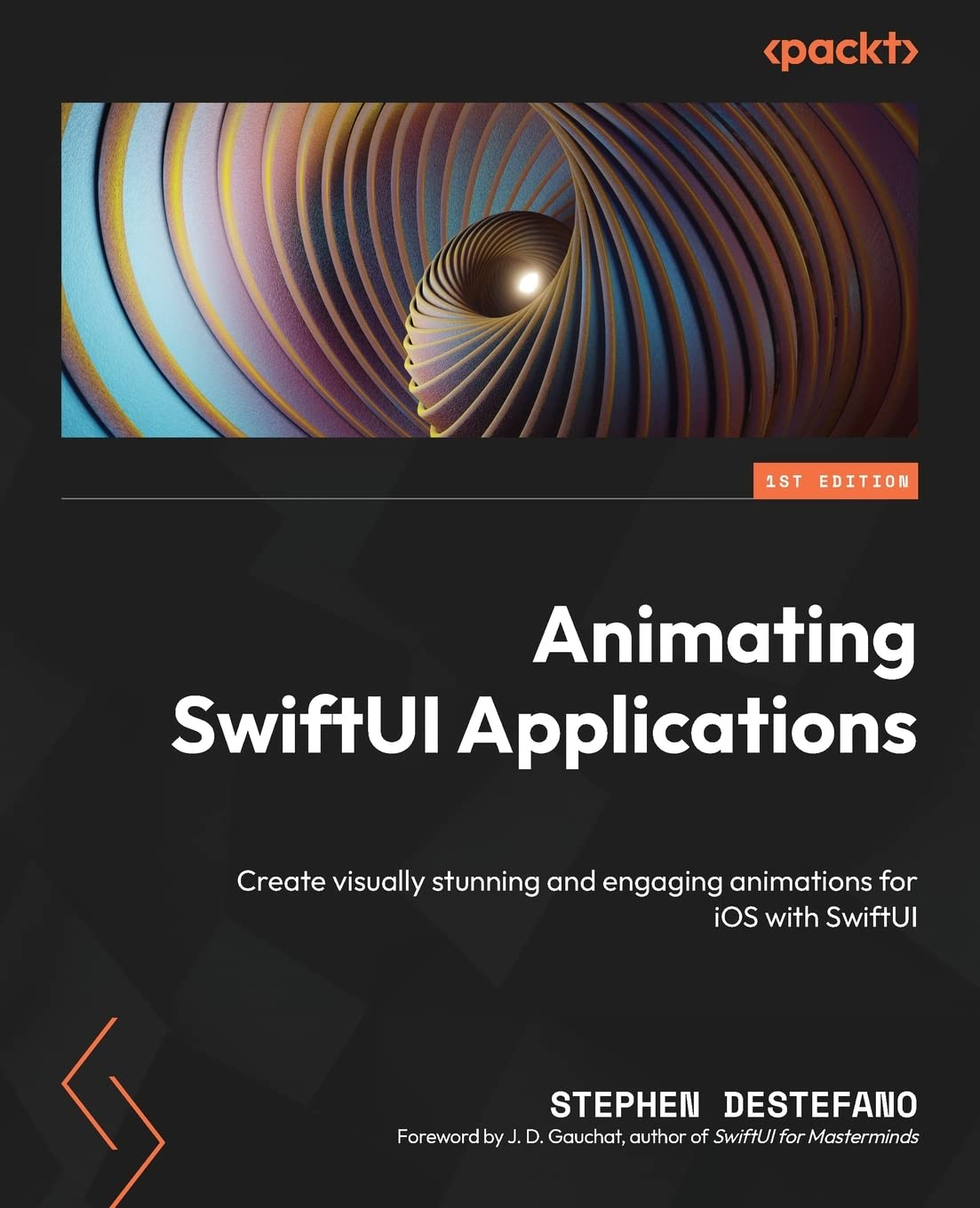
Автор: DeStefano Stephen
Дата выхода: 2023
Издательство: Packt Publishing Limited
Количество страниц: 634
Размер файла: 6,2 МБ
Тип файла: PDF
Добавил: codelibs
Проверить на вирусы Дополнительные материалыCover Page....2
Table of Contents....3
Preface....4
Chapter 1: Exploring the Fundamentals of SwiftUI....13
Technical requirements....13
Understanding imperative and declarative programming....15
Exploring the Xcode interface....19
Understanding the state....25
Understanding SwiftUI structures....26
Summary....89
Chapter 2: Understanding Animation with SwiftUI....91
Technical requirements....91
What is animation?....91
Understanding timing curves....93
Understanding animation types....94
Triggering animations....97
Exploring animatable properties....98
Summary....119
Chapter 3: Creating a Breathing App....120
Technical requirements....120
Setting up the project with Xcode....120
Adding the variables....121
Implementing a background color....122
Adding the circles....126
Animating the circles....136
Summary....140
Chapter 4: Building a Record Player....141
Technical requirements....141
Adding images to the Assets catalog....141
Creating the record player elements....145
Combining all the elements into one view....164
Testing the project....167
Summary....169
Chapter 5: Animating Colorful Kaleidoscope Effects....170
Technical requirements....171
Adding the Binding variable and images....171
Adding a Picker control and using a ForEach view....172
Adding the variables and background color....177
Adding the Image view and using the hueRotation modifier....178
Summary....182
Chapter 6: Animating a Girl on a Swing....183
Technical requirements....183
Gathering and slicing images....183
Adding the animating variables....189
Adding the images to the scene....190
Using the mask modifier....200
Summary....205
Chapter 7: Building a Series of Belts and Gears....206
Technical requirements....206
Animating our first circular gear....206
Animating a worm gear using shadows....215
Using a marching ants effect to create a gear belt....225
Animating a gear shaft image....231
Animating a fan image....233
Bringing everything together in ContentView....234
Summary....261
Chapter 8: Animating a Bouquet of Flowers....262
Technical requirements....262
Adding the variables and a winter background....263
Animating the text labels....266
Using the blur modifier to create a vapor effect....269
Animating flower petals in an arc....273
Adding the flower bouquet and the animated breath....277
Creating falling snow in the scene....280
Summary....288
Chapter 9: Animating Strokes around Shapes....290
Technical requirements....290
Converting images into Swift code....291
Animating images with the stroke modifier....307
Summary....329
Chapter 10: Creating an Ocean Scene....330
Technical requirements....330
Adding the wave’s offset property....331
Creating a wave shape using the Shape protocol and Path function....332
Adding the wave’s animatableData property....343
Setting up the ContentView for animation....344
Duplicating and animating the wave shape in the ContentView....347
Adding an animated floating buoy to the ocean scene....352
Adding sound effects....363
Summary....365
Chapter 11: Animating an Elevator....367
Technical requirements....367
Setting up the project and adding a Binding variable....368
Assembling the elevator using images and the GeometryReader view....369
Putting people inside the elevator....377
Creating a data model and using the ObservableObject protocol....382
Adding the data model functions....386
Adding the background, a button, and animating the doors....393
Adding floor indicator lights....396
Summary....399
Chapter 12: Creating a Word Game (Part 1)....400
Technical requirements....400
Setting up the project and creating a data model....401
Building out the UI by adding a text field and list....407
Displaying a character count next to each word in the list....414
Checking the entered words for duplicates....417
Adding a random word with a button press....419
Checking if the user’s entered word is possible....422
Checking whether the user’s entered word is a real word....426
Creating HeaderView with an info button....430
Creating PickerView....433
Summary....445
Chapter 13: Creating a Word Game (Part 2)....446
Technical requirements....446
Creating a settings screen....446
Styling the UI....462
Implementing user feedback with alerts....472
Adding a Footer View to display more information....481
Adding haptics and button sounds....487
Summary....490
Chapter 14: Creating a Color Game....491
Technical requirements....492
Understanding colors....492
Creating the Title view....493
Creating the target and guess circles....496
Creating the Picker view....502
Creating the target and guess rectangles....508
Making the color sliders....516
Keeping track of the user’s score with a button....523
Showing the user’s score in an Alert view....525
Resetting the game....529
Adding a background....531
Adding confetti using Swift packages....533
Summary....539
Chapter 15: Integrating SpriteKit into Your SwiftUI Projects....540
Technical requirements....540
Animating pipe smoke....541
Animating coffee steam....561
Animating rocket fire....569
Animating a blizzard....575
Animating rain....592
Animating a magic wand....603
Summary....612
Index....613
Why subscribe?....628
Other Books You May Enjoy....630
Packt is searching for authors like you....633
Share Your Thoughts....633
Download a free PDF copy of this book....633
Swift and SwiftUI are the backbone of Apple application development, making them a crucial skill set to learn. Animating SwiftUI Applications focuses on the creation of stunning animations, making you proficient in this declarative language and employing a minimal code approach.
In this book, you'll start by exploring the fundamentals of SwiftUI and animation, before jumping into various projects that will cement these skills in practice. You will explore some simple projects, like animating circles, creating color spectrums with hueRotation, animating individual parts of an image, as well as combining multiple views together to produce dynamic creations. The book will then transition into more advanced animation projects that employ the GeometryReader, which helps align your animations across different devices, as well as creating word and color games. Finally, you will learn how to integrate the SpriteKit framework into our SwiftUI code to create scenes with wind, fire, rain, and or snow scene, along with adding physics, gravity, collisions, and particle emitters to your animations.
By the end of this book, you'll have created a number of different animation projects, and will have gained a deep understanding of SwiftUI that can be used for your own creations.
What you will learn
- Understand the fundamentals of SwiftUI and declarative programming
- Master animation concepts like state variables and time curves
- Explore animation properties like hueRotation, opacity, and scale
- Create animations using physics, gravity, collision, and more
- Use the GeometryReader to align views across various platformsCombine different animations for more dynamic effects
- Add audio to your animations for an interactive experience
Who this book is for
This book is for aspiring SwiftUI developers who have a basic understanding of Swift. It can also be used by SwiftUI developers, UIKit developers, and iOS developers that are new to SwiftUI and want to improve their animation proficiency.


