-
1C
-
Agda
-
Agile/Scrum
-
Alef
-
APL
-
Assembler
-
AWK
-
Basic
-
Beta Programming Language
-
Big Data/DataScience
-
C
-
C#
-
C++
-
Cobol
-
Crystal
-
CSS
-
D
-
Dart
-
DataBase (SQL)
-
Delphi
-
F#
-
Flutter
-
Fortran
-
GameDev
-
Git
-
Go (Golang)
-
GPT/AI/ИИ
-
Hacking and Security
-
Haskell
-
HTML
-
Java
-
JavaScript (JS)
-
Julia
-
Kotlin
-
Machine Learning (ML)
-
Natural language processing (NLP)
-
.NET (.NET Core)
-
Pascal
-
PHP
-
Python
-
R
-
Ruby
-
Rust
-
Scratch
-
Swift
-
UML
-
UX/UI
-
Visual Basic
-
Wolfram
-
XML
-
АСУ
-
Проектирование/System Design
-
Сети/Network
-
Статьи
-
Схемотехника/электронные схемы
-
1C
-
Agda
-
Agile/Scrum
-
Alef
-
APL
-
Assembler
-
AWK
-
Basic
-
Beta Programming Language
-
Big Data/DataScience
-
C
-
C#
-
C++
-
Cobol
-
Crystal
-
CSS
-
D
-
Dart
-
DataBase (SQL)
-
Delphi
-
F#
-
Flutter
-
Fortran
-
GameDev
-
Git
-
Go (Golang)
-
GPT/AI/ИИ
-
Hacking and Security
-
Haskell
-
HTML
-
Java
-
JavaScript (JS)
-
Julia
-
Kotlin
-
Machine Learning (ML)
-
Natural language processing (NLP)
-
.NET (.NET Core)
-
Pascal
-
PHP
-
Python
-
R
-
Ruby
-
Rust
-
Scratch
-
Swift
-
UML
-
UX/UI
-
Visual Basic
-
Wolfram
-
XML
-
АСУ
-
Проектирование/System Design
-
Сети/Network
-
Статьи
-
Схемотехника/электронные схемы
Меню
JavaScript Essentials For Dummies
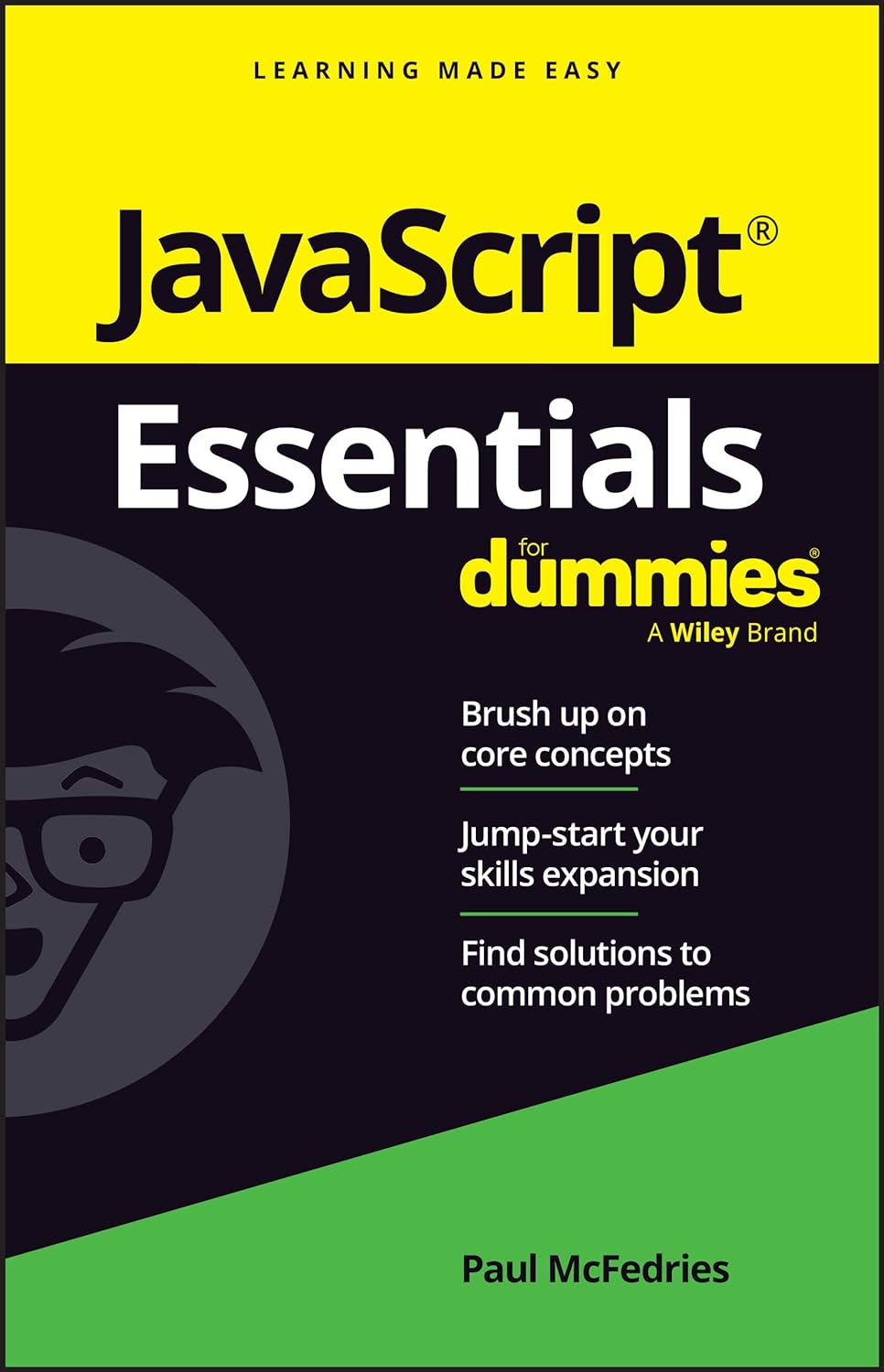
Автор: McFedries Paul
Дата выхода: 2024
Издательство: John Wiley & Sons, Inc.
Количество страниц: 195
Размер файла: 1,5 МБ
Тип файла: PDF
Добавил: codelibs
Проверить на вирусыTitle Page....3
Copyright Page....4
Table of Contents....7
Introduction....13
About This Book....14
Foolish Assumptions....14
Icons Used in This Book....15
Where to Go From Here....15
Chapter 1 JavaScript: The Big Picture....17
Adding JavaScript Code to a Web Page....17
The tag....17
Where do you put the <script> tag?....18
Example #1: Displaying a message to the user....19
Example #2: Writing text to the page....20
What You Need to Get Started....22
Dealing with Two Exceptional Cases....22
Handling browsers with JavaScript turned off....22
Handling very old browsers....24
Commenting Your Code....25
Moving to External JavaScript Files....26
Chapter 2 Programming with Variables....29
Getting Your Head around Variables....29
Declaring a variable with let....30
Storing a value in a variable....31
Checking out another way to declare a variable: const....33
Using variables in statements....34
Naming Variables: Rules and Best Practices....36
Rules for naming variables....36
Ideas for good variable names....36
Understanding Literal Data Types....38
Working with numeric literals....38
Exponential notation....39
Hexadecimal integer values....39
Working with string literals....40
Using quotation marks within strings....40
Understanding escape sequences....41
Working with Boolean literals....42
Chapter 3 Building Expressions....43
Understanding How Expressions Are Structured....43
Creating Numeric Expressions....44
Building String Expressions....45
Building Comparison Expressions....46
Building Logical Expressions....46
Understanding Operator Precedence....47
The order of precedence....47
Controlling the order of precedence....49
Chapter 4 Controlling the Flow of JavaScript....51
Decision-Making with if Statements....52
Branching with if. . .else Statements....53
Understanding the Value of Code Looping....55
Working with while Loops....56
Working with for Loops....59
Working with do. . .while Loops....63
Chapter 5 Harnessing the Power of Functions....67
Getting to Know the Function Structure....67
Making a Function Call....68
When the browser parses the <script> tag....69
When the page load is complete....70
When an event fires....72
Passing One or More Values to a Function....73
Passing one value to a function....74
Passing two or more values to a function....75
Getting a Value from a Function....77
Working with Anonymous Functions....78
Assigning an anonymous function to a variable....79
Replacing a function call with an anonymous function....80
Working with Arrow Functions....82
Chapter 6 Coding the Document Object Model....85
Getting Familiar with Objects....85
Working with object properties....86
Working with object methods....88
Introducing the Document Object Model....89
Specifying Elements in Your Code....91
Specifying an element by id....91
Specifying elements by tag name....91
Specifying elements by class name....92
Specifying elements by selector....92
Working with collections of elements....93
Touring the DOM with Code....95
Getting the children of a parent element....96
Getting all the child nodes....96
Getting the first child node....97
Getting the last child node....98
Getting the parent of a child element....99
Getting the siblings of an element....99
Getting the previous sibling....100
Getting the next sibling....100
Adding, Modifying, and Removing Elements....101
Adding an element to the page....101
Step 1: Creating the element....101
Step 2: Adding the new element as a child....102
Step 3: Adding text and tags to the new element....103
Inserting text or HTML into an element....104
Removing an element....105
Using Code to Mess Around with CSS....106
Changing an element’s styles....106
Adding a class to an element....106
Removing a class....108
Toggling a class....109
Using Code to Tweak HTML Attributes....109
Reading an attribute value....110
Setting an attribute value....110
Removing an attribute....111
Listening for Page Events....112
Chapter 7 Working with Arrays....117
What Is an Array?....117
Declaring an Array....118
Populating an Array....118
Declaring and populating an array at the same time....119
Populating an array using a loop....120
Iterating Arrays....121
Iterating an array: forEach()....121
Iterating to create a new array: map()....122
Iterating an array down to a value: reduce()....123
Iterating to locate an element: find()....124
Manipulating Arrays....126
The length property....126
Some useful array methods....126
Chapter 8 Coding Strings and Dates....129
Manipulating Strings....129
Working with string templates....130
Determining the length of a string....133
Searching for substrings....133
Learning the methods that extract substrings....134
Dealing with Dates and Times....135
Learning the arguments used with the Date object....136
Getting to know the Date object....137
Specifying the current date and time....137
Specifying any date and time....137
Getting info about a date....138
Setting the date....138
Chapter 9 Debugging JavaScript....141
Laying Out Your Debugging Tools....141
Debugging 101: Using the Console....143
Getting the console onscreen....144
Printing program data in the Console....144
Running code in the Console....145
Putting Your Code into Break Mode....146
Invoking break mode....147
Setting a breakpoint....147
Adding a debugger statement....148
Getting out of break mode....149
Stepping Through Your Code....149
Stepping one statement at a time....150
Stepping into some code....150
Stepping over some code....151
Stepping out of some code....152
Chapter 10 Dealing with Form Data....153
Coding Text Fields....153
Referencing by field type....154
Getting a text field value....155
Setting a text field value....155
Programming Checkboxes....156
Referencing checkboxes....157
Getting the checkbox state....157
Setting the checkbox state....158
Coding Radio Buttons....159
Referencing radio buttons....160
Getting a radio button state....160
Setting the radio button state....162
Programming Selection Lists....162
Referencing selection list options....163
Getting the selected list option....164
Changing the selected option....165
Working with Form Events....166
Setting the focus....167
Monitoring the focus event....167
Monitoring the blur event....168
Listening for element changes....168
Handling Form Data....170
Chapter 11 Ten JavaScript Debugging Strategies....173
Get Thee to Your Dev Tools....173
The Console Is Your Best Debugging Friend....174
Give Your Code a Break(point)....174
Step Through Your Code....174
Monitor Variable and Object Property Values....175
Indent Your Code....175
Break Down Complex Tasks....175
Break Up Long Statements....175
Comment Out Problem Statements....176
Use Comments To Document Your Scripts....176
Index....177
EULA....195
JavaScript Essentials For Dummies is your quick reference to all the core concepts about JavaScript―the dynamic scripting language that is often the final step in creating powerful websites. This no-nonsense book gets right to the point, eliminating review material, wordy explanations, and fluff. Find out all you need to know about the foundations of JavaScript, swiftly and crystal clear. Perfect for a brush-up on the basics or as an everyday desk reference on the job, this is the reliable little book you can always turn to for answers.
- Get a quick and thorough intro to the basic concepts of coding with JavaScript
- Review what you've already learned or pick up essential new skills
- Add interactive features to websites with JavaScript programming
- Keep this concise reference book handy for jogging your memory as you work
This book is to the point, focusing on the key topics you need to know about this popular programming language. Great for supplementing classroom learning, reviewing for a certification, or staying knowledgeable on the job.


