-
1C
-
Agda
-
Agile/Scrum
-
Alef
-
APL
-
Assembler
-
AWK
-
Basic
-
Beta Programming Language
-
Big Data/DataScience
-
C
-
C#
-
C++
-
Cobol
-
Crystal
-
CSS
-
D
-
Dart
-
DataBase (SQL)
-
Delphi
-
F#
-
Flutter
-
Fortran
-
GameDev
-
Git
-
Go (Golang)
-
GPT/AI/ИИ
-
Hacking and Security
-
Haskell
-
HTML
-
Java
-
JavaScript (JS)
-
Julia
-
Kotlin
-
Machine Learning (ML)
-
Natural language processing (NLP)
-
.NET (.NET Core)
-
Pascal
-
PHP
-
Python
-
R
-
Ruby
-
Rust
-
Scratch
-
Swift
-
UML
-
UX/UI
-
Visual Basic
-
Wolfram
-
XML
-
АСУ
-
Проектирование/System Design
-
Сети/Network
-
Статьи
-
Схемотехника/электронные схемы
-
1C
-
Agda
-
Agile/Scrum
-
Alef
-
APL
-
Assembler
-
AWK
-
Basic
-
Beta Programming Language
-
Big Data/DataScience
-
C
-
C#
-
C++
-
Cobol
-
Crystal
-
CSS
-
D
-
Dart
-
DataBase (SQL)
-
Delphi
-
F#
-
Flutter
-
Fortran
-
GameDev
-
Git
-
Go (Golang)
-
GPT/AI/ИИ
-
Hacking and Security
-
Haskell
-
HTML
-
Java
-
JavaScript (JS)
-
Julia
-
Kotlin
-
Machine Learning (ML)
-
Natural language processing (NLP)
-
.NET (.NET Core)
-
Pascal
-
PHP
-
Python
-
R
-
Ruby
-
Rust
-
Scratch
-
Swift
-
UML
-
UX/UI
-
Visual Basic
-
Wolfram
-
XML
-
АСУ
-
Проектирование/System Design
-
Сети/Network
-
Статьи
-
Схемотехника/электронные схемы
Меню
iOS 11 by Tutorials: Learning the new iOS APIs with Swift 4
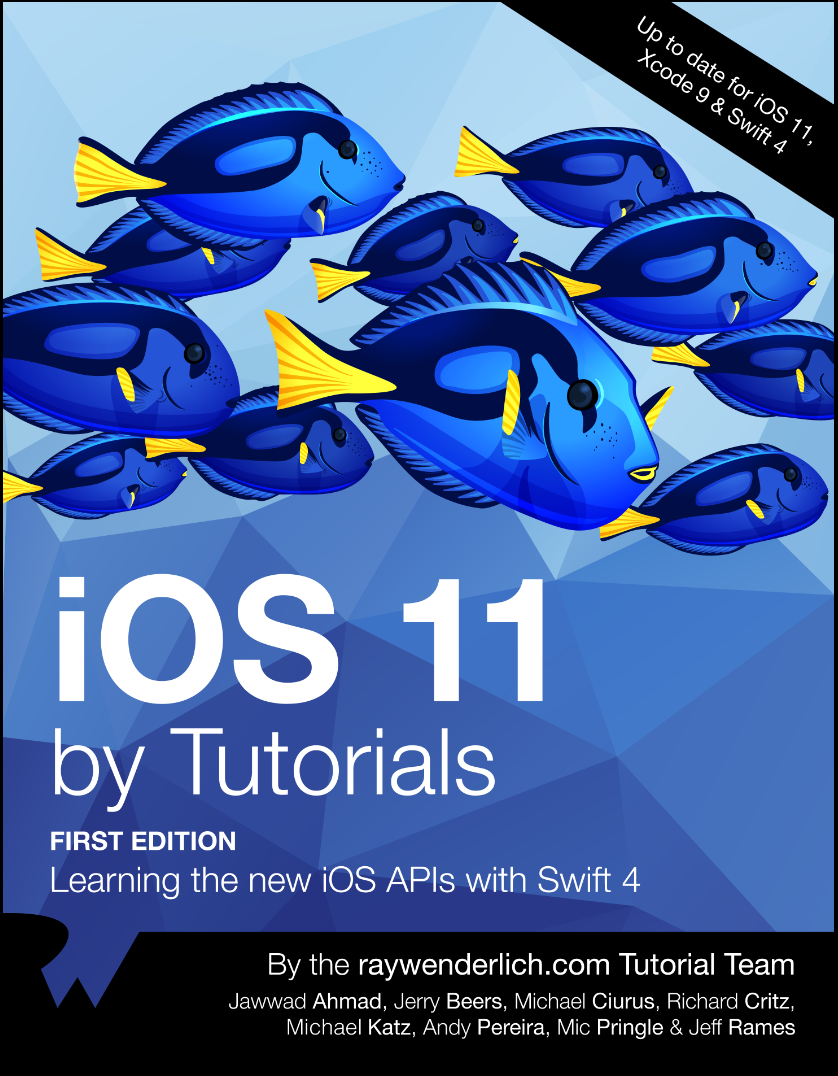
Автор: Ahmad Jawwad , Beers Jerry , Ciurus Michael , Critz Richard , Katz Michael , Pereira Andy , Pringle Mic , Rames Jeff
Дата выхода: 2017
Издательство: Razeware LLC.
Количество страниц: 306
Размер файла: 4,2 МБ
Тип файла: PDF
Добавил: codelibs
Проверить на вирусыTable of Contents : Extended
Introduction
What you need
Who this book is for
Whatʼs in store
Book source code and forums
Book updates
License
Acknowledgments
About the cover
Chapter 1: Whatʼs New in Swift....4
One-sided ranges
Strings
Dictionary enhancements
Generic subscripts and associated type constraints
Limiting @objc inference
Other changes
Migrating to Swift....4
Where to go from here?
Chapter 2: Whatʼs New In Foundation
Getting started
Decoding Sources
May I make an observation?
Decoding articles
Where to go from here?
Chapter 3: Whatʼs New in Xcode....9
Getting started
Source editor improvements
Source control improvements
Breakpoint improvements
Folder and group synchrony
Improved view debugger
Runtime issues checker
Simulator improvements
Xcode Server
Wireless development
New build system
Where to go from here?
Chapter 4: Whatʼs new in UIKit
Getting started
Paste configuration
Drag and drop basics
Whatʼs new with table views
Whatʼs new in Accessibility
UIColor in asset catalogs
Where to go from here?
Chapter 5: Whatʼs New in Layout
Getting st-arrrr-ted
Large titles
Search controllers
Safe area
Margins
Scroll views
Self-sizing cells
Refresh control
Insets
Stack views
Images
Navigation bar custom views
Where to go from here?
Chapter 6: Beginning Drag and Drop
Getting started
Starting a drag
Accepting the drop
Model coordination
Performing the drop
Updating the source
Flocking
Where to go from here?
Chapter 7: Advanced Drag and Drop
Getting started
Adding drag support
Multiple representations with item providers
Adding drop support
Animating drag & drop
Adding animation
Indicating progress
Data privacy
Spring loading
Where to go from here?
Chapter 8: Document Based Apps
Documents on iOS
Getting started
Creating files
Displaying files
Opening from other apps
Customizing the document browser
Animation controller
Custom activities
Where to go from here?
Chapter 9: Core ML & Vision Framework
Getting started
Detecting faces
Working with landmarks
Core ML: Scene Classification
Tipping the hat
Where to go from here?
Chapter 10: Natural Language Processing
Getting started
Language identification
Adding a search feature
Using named entities
Sentiment analysis
Where to go from here?
Chapter 11: Introduction to ARKit
Getting started
ARKit session
Setting up ARKit
Creating AR objects
Measuring distances
ARSession state
Where to go from here?
Chapter 12: PDFKit
Getting started
Displaying a PDF
Under my thumb nail
Annotations
Performing custom actions
Saving PDFs
Where to go from here?
Chapter 13: MusicKit
Getting started
Developer token
Asking for permission
Getting a list of songs
Music playback
Handling errors
Where to go from here?
Chapter 14: Password AutoFill
Getting started
Basic autofill
Associating your website
Where to go from here?
Chapter 15: Dynamic Type
A brief review
How dynamic type impacts layout
Getting started
Baseline to baseline
UIFontMetrics
Images
Modifying the layout
Where to go from here?
Conclusion
iOS 11 introduces lots of great APIs and other changes, from the brand new Drag and Drop, to augmenting your world with ARKit, to expanding your app's horizons with machine learning in CoreML. Reading and understanding all the official Apple documentation on these changes can be time-consuming — and confusing.
This is where iOS 11 by Tutorials comes to the rescue! In this book, you’ll learn the new iOS 11 APIs the quick and easy way: by following fun and easy-to-read tutorials.
Who This Book Is For
This book is for intermediate iOS developers who already know the basics of iOS and Swift development but want to learn the new APIs introduced in iOS 11.
Topics Covered in iOS 11 by Tutorials
- ARKit: Learn how to use ARKit to place 3D objects in your users' environment.
- CoreML: Explore using CoreML to analyze text: identifying its language, detecting sentiments, and much more. Then, turn to the Vision framework and learn how to do face detection and object classification.
- Drag and Drop: Learn how to use the new Drag and Drop API, moving items around within a single app and sharing them with other apps.
- Swift 4: Discover the enhancements in Swift 4, and its support in Foundation, such as the new Codable protocol, improvements to Dictionaries, and one-sided ranges.
- Layout and UIKit: Learn all about the new UI paradigms, including large titles, integrated search bars, and layout safe areas.
- PDFKit: Create PDFs using native Apple support, complete with thumbnails, markup, and forms.
- MusicKit: Give your users their music right in your app using the new MusicKit framework.
- And much more, including password autofill, dynamic type, and document based apps.
One thing you can count on: after reading this book, you’ll be prepared to take advantage of all the improvements iOS 11 has to offer!


