-
1C
-
Agda
-
Agile/Scrum
-
Alef
-
APL
-
Assembler
-
AWK
-
Basic
-
Beta Programming Language
-
Big Data/DataScience
-
C
-
C#
-
C++
-
Cobol
-
Crystal
-
CSS
-
D
-
Dart
-
DataBase (SQL)
-
Delphi
-
F#
-
Flutter
-
Fortran
-
GameDev
-
Git
-
Go (Golang)
-
GPT/AI/ИИ
-
Hacking and Security
-
Haskell
-
HTML
-
Java
-
JavaScript (JS)
-
Julia
-
Kotlin
-
Machine Learning (ML)
-
Natural language processing (NLP)
-
.NET (.NET Core)
-
Pascal
-
PHP
-
Python
-
R
-
Ruby
-
Rust
-
Scratch
-
Swift
-
UML
-
UX/UI
-
Visual Basic
-
Wolfram
-
XML
-
АСУ
-
Проектирование/System Design
-
Сети/Network
-
Статьи
-
Схемотехника/электронные схемы
-
1C
-
Agda
-
Agile/Scrum
-
Alef
-
APL
-
Assembler
-
AWK
-
Basic
-
Beta Programming Language
-
Big Data/DataScience
-
C
-
C#
-
C++
-
Cobol
-
Crystal
-
CSS
-
D
-
Dart
-
DataBase (SQL)
-
Delphi
-
F#
-
Flutter
-
Fortran
-
GameDev
-
Git
-
Go (Golang)
-
GPT/AI/ИИ
-
Hacking and Security
-
Haskell
-
HTML
-
Java
-
JavaScript (JS)
-
Julia
-
Kotlin
-
Machine Learning (ML)
-
Natural language processing (NLP)
-
.NET (.NET Core)
-
Pascal
-
PHP
-
Python
-
R
-
Ruby
-
Rust
-
Scratch
-
Swift
-
UML
-
UX/UI
-
Visual Basic
-
Wolfram
-
XML
-
АСУ
-
Проектирование/System Design
-
Сети/Network
-
Статьи
-
Схемотехника/электронные схемы
Меню
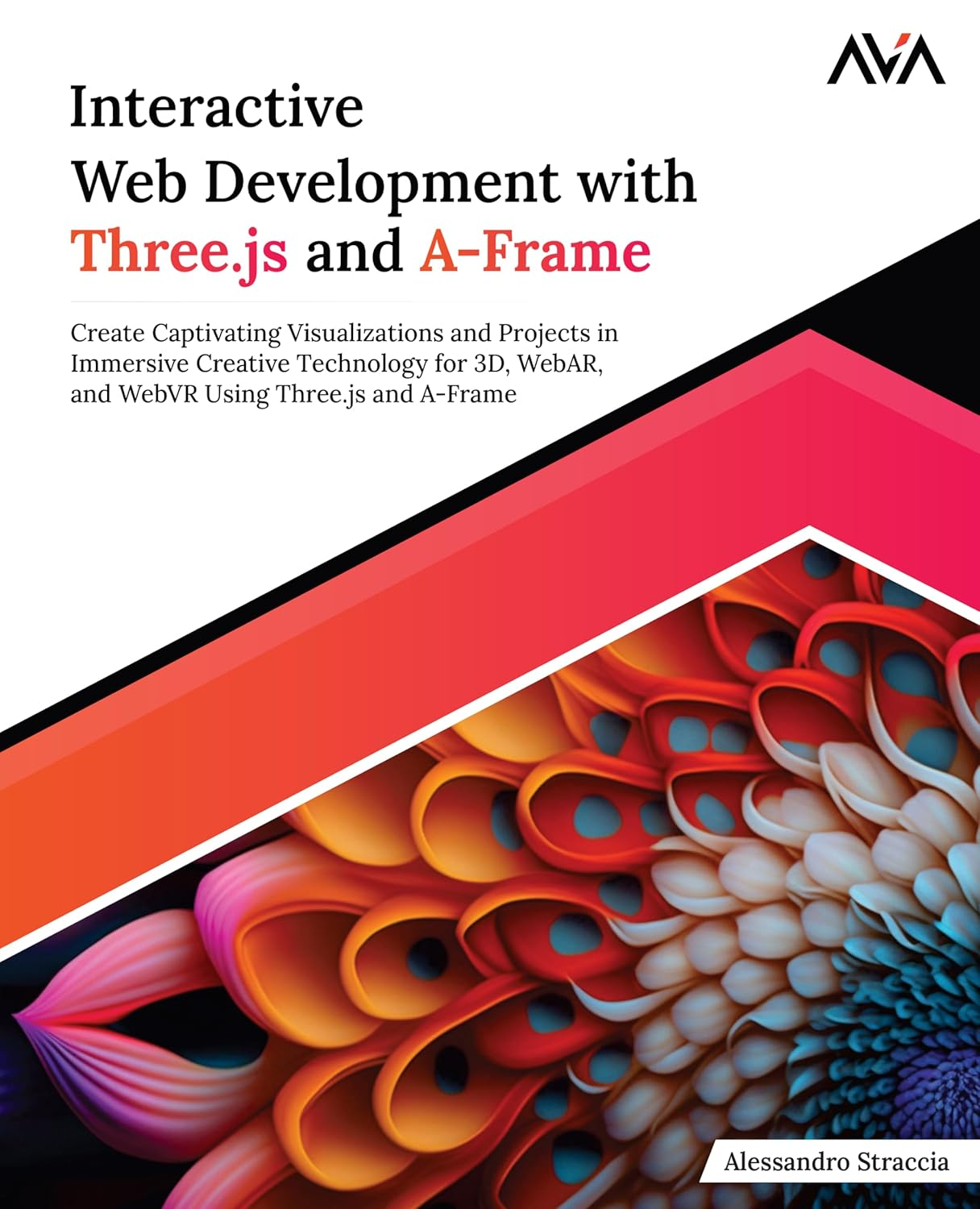
Interactive Web Development with Three.js and A-Frame: Create Captivating Visualizations and Projects in Immersive Creative Technology for 3D, WebAR, and WebVR Using Three.js and A-Frame
Автор: Straccia Alessandro
Дата выхода: 2024
Издательство: Orange Education Pvt Ltd, AVA™
Количество страниц: 350
Размер файла: 4,2 МБ
Тип файла: PDF
Добавил: codelibs
Проверить на вирусы Дополнительные материалыCover Page....2
Title Page....3
Copyright Page....4
Dedication Page....5
About the Author....6
About the Technical Reviewer....7
Acknowledgements....8
Preface....10
Errata....12
Table of Contents....16
1. Getting Started with Three.js....22
Introduction....22
Structure....22
Introduction to WebGL....22
Three.js History....23
Three.js Alternatives....25
Extending Three.js....28
Tools and Requisites to Start Developing....29
Downloading and Installing Three.js....31
Using this book....32
Project Structure....34
Conclusion....36
Points to Remember....36
Multiple Choice Questions....36
Answers....37
Questions....38
Key Terms....38
2. Our First Scene....40
Introduction....40
Structure....40
Basic Scene Setup....41
Creating the Renderer....41
Creating the Camera....42
Creating Our First 3D Mesh....43
Rendering Our Scene....44
3D Primitives....46
Materials....49
Texture Maps....53
Special Textures....54
Cube Maps....54
RGBE....56
Canvas Texture....59
Video Texture....60
Lights and Shadows....61
Casting Shadows....64
Three-Point Lighting Concept....65
Cameras....67
Animation Loop....70
Animating a Texture....72
Conclusion....74
Points to Remember....75
Multiple Choice Questions....76
Answers....77
Questions....77
Key Terms....78
Additional Information....80
Material Parameters....80
Texture Parameters....85
3. Interacting with Our Scene....86
Introduction....86
Structure....86
Introducing Scene Interaction....86
Keyboard Interaction....87
Adding Some Inertia....89
Mouse/Touch Interaction....91
Adding Inertia to the Pointer Movement....93
Raycasting....94
Mobile Phone Interaction....99
Camera Controls....110
OrbitControls....110
PointerLockControls....111
FlyControls....114
TransformControls....115
Basic Game Concept....117
A Step Further....124
Conclusion....125
Points to Remember....125
Multiple Choice Questions....126
Answers....127
Questions....128
Key Terms....128
4. Adding Some Realism....130
Introduction....130
Structure....130
Reasons to Use Blender....130
3D Export from Blender....131
3D Asset Optimization....141
PBR Materials....145
Texture baking....156
Loading 3D Objects Externally....164
Interacting with children objects....167
Playing animations....168
Integrating a Physics Library....172
Conclusion....178
Points to Remember....179
Multiple Choice Questions....180
Answers....181
Questions....182
Key Terms....182
5. Post Processing....184
Introduction....184
Structure....184
Post Processing Concept....184
Types of Filters and Effects....185
Post Processing Stack....186
Post Processing Caveats....186
Halftone Pass....190
LUT Pass....192
SAOPass....194
SSAOPass....196
UnrealBloomPass....196
Depth of Field / BokehPass....198
DotScreenPass....199
FilmPass....200
GlitchPass....202
RenderPixelatedPass....203
OutlinePass....204
AfterimagePass....205
ShaderPass....206
TexturePass....208
SMAAPass/SSAARenderPass/TAARenderPass....210
SSRPass....212
MaskPass/ClearMaskPass/ClearPass....214
PMNDRS Post Processing library....217
Conclusion....218
Points to Remember....218
Multiple Choice Questions....219
Answers....220
Questions....221
Key Terms....221
6. Introduction to WebAR and WebVR....223
Introduction....223
Structure....223
Understanding Virtual Reality....223
Understanding Augmented Reality....228
Importance of the Web for AR and VR....234
Introduction to A-Frame....236
A-Frame Installation and Setup....237
A-Frame Basics....238
Scene Structure....238
Primitives....239
Materials....241
Asset Manager....241
Importing 3D files....242
Lights and shadows....243
Cameras and Controls....244
Navmesh....245
Animation....247
Animation Mixer....249
Adding/Removing Components via JavaScript....250
A-Frame + Three.js....251
Building your Components....253
A-Frame Inspector....256
Conclusion....259
Points to Remember....259
Multiple Choice Questions....260
Answers....261
Questions....261
Key Terms....262
7. Creating Your First WebAR Experience....263
Introduction....263
Structure....263
Basic webAR Scene Setup....263
Project Concept....266
HTML Code Overview....266
Project Components....275
Main Code....276
Using Image Tracking....285
Converting an Image into an Image Target....286
Running the AR Image Tracker....288
MindAR Image Tracker Caveats....292
Using Face Tracking....292
Adding a 3D Occluder....297
Face Tracking Listeners....299
Third-Party AR Libraries....299
8th Wall....300
Blippar....300
Zappar....300
Other Options....301
Conclusion....301
8. Creating Your First WebVR Experience....302
Introduction....302
Structure....302
Basic webVR Scene Setup....302
Art Exhibition Project Concept....309
JSON File Structure....313
HTML File Structure....314
Main JS file....322
Scene Components....324
Conclusion....329
9. Useful Boilerplates to Start Your Projects....331
Introduction....331
Structure....331
Best Practices....331
General....332
Development....333
Three.js and A-Frame....334
Useful Boilerplates for Your Projects....335
T-Shirt Configurator App....336
3D Platform Game....336
VR Travel App....337
AR Product Showcase....338
Animated Portfolio....339
Home Design App....340
Infographic....341
Conclusion....342
Index....343
Embark on an amazing journey into the world of Creative Development with this comprehensive guide. From the basics of Three.js and A-Frame, each chapter adds more knowledge and techniques to empower creative developers to navigate the world of Creative Development. Readers will learn to build games and commercial applications using advanced technologies such as AR and VR. The book explores the key aspects of Creative Development for the web, delving into in-depth themes such as dealing with 3D files, setting up materials and textures, interacting with 3D objects, and understanding the concepts of animation loop and real-time rendering.Next, it moves on to navigate the main aspects of webAR and webVR, introducing readers to the fantastic 3D framework A-Frame. Readers will dive deep into the A-Frame workflow, learning tips and tricks to build and manage components, ultimately enabling them to deliver professional quality AR and VR experiences. In the final chapter, readers will be presented with Creative Development best practices and several real-world project templates, ready to be used and adapted for their own projects.


