-
1C
-
Agda
-
Agile/Scrum
-
Alef
-
APL
-
Assembler
-
AWK
-
Basic
-
Beta Programming Language
-
Big Data/DataScience
-
C
-
C#
-
C++
-
Cobol
-
Crystal
-
CSS
-
D
-
Dart
-
DataBase (SQL)
-
Delphi
-
F#
-
Flutter
-
Fortran
-
GameDev
-
Git
-
Go (Golang)
-
GPT/AI/ИИ
-
Hacking and Security
-
Haskell
-
HTML
-
Java
-
JavaScript (JS)
-
Julia
-
Kotlin
-
Machine Learning (ML)
-
Natural language processing (NLP)
-
.NET (.NET Core)
-
Pascal
-
PHP
-
Python
-
R
-
Ruby
-
Rust
-
Scratch
-
Swift
-
UML
-
UX/UI
-
Visual Basic
-
Wolfram
-
XML
-
АСУ
-
Проектирование/System Design
-
Сети/Network
-
Статьи
-
Схемотехника/электронные схемы
-
1C
-
Agda
-
Agile/Scrum
-
Alef
-
APL
-
Assembler
-
AWK
-
Basic
-
Beta Programming Language
-
Big Data/DataScience
-
C
-
C#
-
C++
-
Cobol
-
Crystal
-
CSS
-
D
-
Dart
-
DataBase (SQL)
-
Delphi
-
F#
-
Flutter
-
Fortran
-
GameDev
-
Git
-
Go (Golang)
-
GPT/AI/ИИ
-
Hacking and Security
-
Haskell
-
HTML
-
Java
-
JavaScript (JS)
-
Julia
-
Kotlin
-
Machine Learning (ML)
-
Natural language processing (NLP)
-
.NET (.NET Core)
-
Pascal
-
PHP
-
Python
-
R
-
Ruby
-
Rust
-
Scratch
-
Swift
-
UML
-
UX/UI
-
Visual Basic
-
Wolfram
-
XML
-
АСУ
-
Проектирование/System Design
-
Сети/Network
-
Статьи
-
Схемотехника/электронные схемы
Меню
HTML, CSS & JavaScript in easy steps. Special Edition
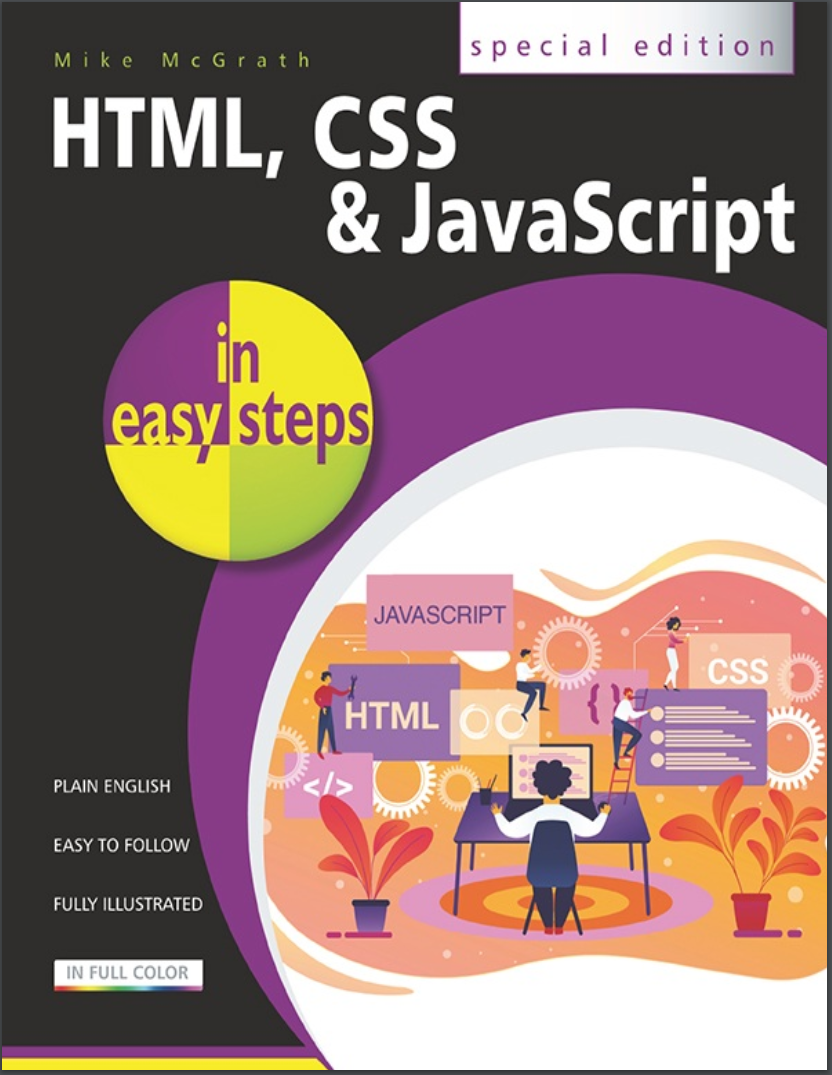
Автор: McGrath Mike
Дата выхода: 2020
Издательство: In Easy Steps Ltd.
Количество страниц: 753
Размер файла: 7,8 МБ
Тип файла: PDF
Добавил: codelibs
Проверить на вирусыTitle....2
Copyright....3
Contents....4
How to Use This Book....11
1 Get Started in HTML....13
Meet HTML....14
Understand Structure....17
Create Documents....20
Validate Documents....24
Bestow Titles....28
Supply Metadata....32
Describe Contents....35
Add Styles....38
Include Scripts....41
Link Resources....44
Summary....48
2 Structure Web Pages....50
Proclaim Headings....51
Group Headings....55
Include Navigation....58
Complete Framework....61
Create Sections....64
Provide Asides....67
Revise Divisions....70
Summary....74
3 Manage Text Content....75
Insert Paragraphs....77
Include Quotations....80
Add Emphasis....83
Add Modifications....86
Add Phrasing....89
Retain Formatting....92
Use Superscript....95
Display Code....98
Give Advice....101
Gauge Quantity....104
Direct Language....107
Create Hyperlinks....110
Access Keys....114
Fragment Links....117
Protocol Links....120
Summary....123
4 Write Lists and Tables....124
Unordered Lists....125
Ordered Lists....128
Description Lists....131
Basic Table....134
Span Cells....138
Enhance Tables....141
Control Columns....144
Summary....147
5 Incorporate Media Content....148
Add Images....150
Image Maps....154
Reference Figures....157
Select Pictures....160
Embed Objects....164
Embed Vectors....168
Embed Frames....172
Add Audio....176
Add Video....180
Indicate Progress....184
Use Templates....188
Insert Slots....191
Employ Dialogs....195
Paint Canvas....198
Summary....201
6 Create a Local Domain....202
Install Abyss....203
Install Python....207
Configure Abyss....211
Echo Script....215
Test Environment....219
Summary....222
7 Produce Input Forms....224
Submit Text....225
Input Types....228
Text Areas....231
Check Boxes....234
Hide Data....237
Upload Files....240
Push Buttons....243
Image Buttons....246
Add Logos....250
Select Options....253
Datalist Options....256
Label Controls....259
Summary....262
8 Get Started in CSS....264
Meet CSS....265
Create Rules....268
Apply Rules....271
Select Type....275
Select Class....278
Select Identity....280
Select Relatives....282
Select Attributes....286
Weigh Importance....289
Paint Colors....292
Set Backgrounds....296
Summary....300
9 Manage the Box Model....301
Recognize Boxes....302
Display Inline....306
Define Dimensions....309
Control Borders....312
Add Padding....315
Set Margins....318
Position Boxes....321
Fix Positions....324
Stack Boxes....328
Float Boxes....331
Handle Overflow....334
Layout Pages....337
Summary....340
10 Manipulate Text Content....342
Suggest Font....343
Set Size....346
Vary Style....349
Use Shorthand....352
Align Text....355
Control Space....358
Decorate Text....361
Change Direction....364
Enhance Text....367
Number Sections....371
Summary....374
11 Organize Tables & Lists....376
Construct Columns....377
Space Cells....380
Collapse Borders....383
Assign Features....386
Choose Markers....389
Position Markers....392
Provide Navigation....395
Make Dropdowns....398
Summary....402
12 Generate Effects....403
Choose Cursors....404
Show Focus....407
Roll Over....410
Push Buttons....413
Reveal Elements....417
Draw Corners....421
Cast Shadows....424
Blend Gradients....427
Decorate Borders....430
Transform Shapes....433
Make Transitions....436
Animate Elements....440
Fit Objects....444
Summary....447
13 Control the Web Page....448
Change Models....449
Draw Outlines....453
Use Columns....456
Span Columns....459
Use Flexbox....462
Align Items....465
Draw Grid....468
Place Items....471
Query Media....474
Switch Navigation....478
Summary....481
14 Design for Devices....483
Adapt Layouts....484
Compare Schemes....488
Combine Schemes....491
Add Breakpoints....494
Scale Images....497
Hide Content....500
Summary....503
15 Get Started in JavaScript....505
Meet JS....506
Include Scripts....508
Console Output....510
Make Statements....514
Avoid Keywords....518
Store Values....521
Create Functions....525
Assign Functions....529
Recognize Scope....533
Use Closures....536
Summary....540
16 Perform Useful Operations....542
Convert Values....543
Do Arithmetic....546
Assign Values....549
Make Comparisons....552
Assess Logic....555
Examine Conditions....558
Juggle Bits....561
Force Order....564
Summary....568
17 Manage the Script Flow....569
Branch If....570
Branch Alternatives....573
Switch Alternatives....576
Loop For....579
Loop While....582
Do Loops....585
Break Out....588
Catch Errors....591
Summary....594
18 Use Script Objects....596
Custom Objects....598
Extend Objects....601
Built-in Objects....604
Create Arrays....607
Loop Elements....610
Slice Arrays....613
Sort Elements....616
Get Dates....619
Extract Calendar....622
Extract Time....625
Set Dates....628
Match Patterns....631
Meet JSON....635
Make Promises....638
Fetch Data....641
Summary....644
19 Control Strings & Numbers....646
Calculate Areas....647
Compare Numbers....650
Round Decimals....653
Generate Randoms....656
Unite Strings....659
Split Strings....662
Find Characters....665
Trim Strings....668
Summary....671
20 Address the Window Object....673
Meet DOM....674
Inspect Properties....678
Show Dialogs....681
Scroll Around....684
Pop-up Windows....687
Make Timers....691
Examine Browsers....695
Check Status....699
Control Location....702
Travel History....705
Summary....708
21 Interact with the Document....709
Extract Info....710
Address Arrays....713
Address Elements....716
Write Content....719
Manage Cookies....722
Load Events....726
Mouse Events....729
Event Values....733
Check Boxes....736
Select Options....740
Reset Changes....743
Validate Forms....746
Summary....750
Back Cover....753
Everything you need to get to grips with HTML, CSS and JavaScript – the three coding languages that are used to create modern web pages – all in easy steps!HTML, CSS & JavaScript in easy steps instructs the reader on each of the three coding languages that are used to create modern web pages; HyperText Markup Language (HTML) tags are used to control the structure of web page content, Cascading Style Sheets (CSS) rules are used to determine how web page content appears, and JavaScript functions are used to provide web page interactivity.HTML, CSS & JavaScript in easy steps contains examples and screenshots that illustrate each feature of all three coding languages. You'll learn how to create web pages to display text, images, lists, tables, hyperlinks, forms, audio, and video. Each chapter builds your knowledge so by the end of the book you'll have gained a sound understanding of HTML markup, CSS rules and JavaScript functions.HTML, CSS & JavaScript in easy steps has an easy-to-follow style that will appeal to anyone who wants to create great functional web pages. It will appeal to programmers who want to quickly add web page coding to their skills set, and to the student who is studying website design at school or college, and to those seeking a career in web development.


