-
1C
-
Agda
-
Agile/Scrum
-
Alef
-
APL
-
Assembler
-
AWK
-
Basic
-
Beta Programming Language
-
Big Data/DataScience
-
C
-
C#
-
C++
-
Cobol
-
Crystal
-
CSS
-
D
-
Dart
-
DataBase (SQL)
-
Delphi
-
F#
-
Flutter
-
Fortran
-
GameDev
-
Git
-
Go (Golang)
-
GPT/AI/ИИ
-
Hacking and Security
-
Haskell
-
HTML
-
Java
-
JavaScript (JS)
-
Julia
-
Kotlin
-
Machine Learning (ML)
-
Natural language processing (NLP)
-
.NET (.NET Core)
-
Pascal
-
PHP
-
Python
-
R
-
Ruby
-
Rust
-
Scratch
-
Swift
-
UML
-
UX/UI
-
Visual Basic
-
Wolfram
-
XML
-
АСУ
-
Проектирование/System Design
-
Сети/Network
-
Статьи
-
Схемотехника/электронные схемы
-
1C
-
Agda
-
Agile/Scrum
-
Alef
-
APL
-
Assembler
-
AWK
-
Basic
-
Beta Programming Language
-
Big Data/DataScience
-
C
-
C#
-
C++
-
Cobol
-
Crystal
-
CSS
-
D
-
Dart
-
DataBase (SQL)
-
Delphi
-
F#
-
Flutter
-
Fortran
-
GameDev
-
Git
-
Go (Golang)
-
GPT/AI/ИИ
-
Hacking and Security
-
Haskell
-
HTML
-
Java
-
JavaScript (JS)
-
Julia
-
Kotlin
-
Machine Learning (ML)
-
Natural language processing (NLP)
-
.NET (.NET Core)
-
Pascal
-
PHP
-
Python
-
R
-
Ruby
-
Rust
-
Scratch
-
Swift
-
UML
-
UX/UI
-
Visual Basic
-
Wolfram
-
XML
-
АСУ
-
Проектирование/System Design
-
Сети/Network
-
Статьи
-
Схемотехника/электронные схемы
Меню
Beginning C++ Compilers: An Introductory Guide to Microsoft C/C++ and MinGW Compilers
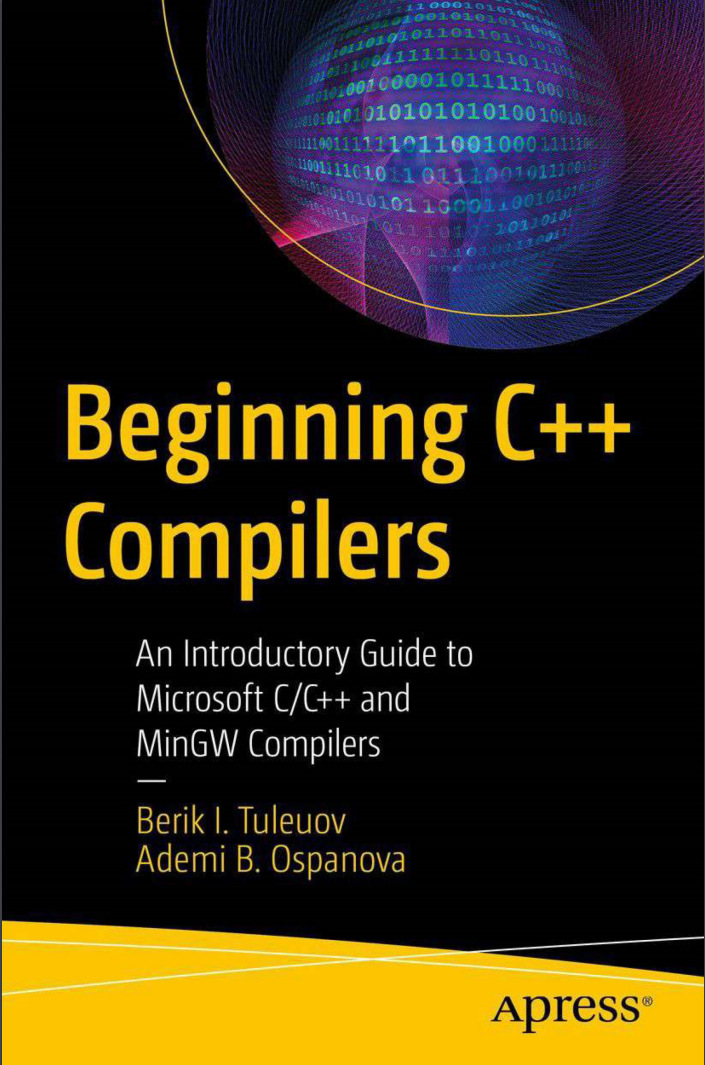
Автор: Ospanova Ademi B. , Tuleuov Berik I.
Дата выхода: 2024
Издательство: Apress Media, LLC.
Количество страниц: 219
Размер файла: 2,7 МБ
Тип файла: PDF
Добавил: codelibs
Проверить на вирусыContents....6
About the Authors....10
About the Technical Reviewer....11
Acknowledgments....12
Introduction....13
1 Files and Devices....16
1.1 File Types and Formats....16
1.2 Executable and Batch Files....17
1.3 System Commands....20
1.4 Mounting Devices....20
1.5 Virtual Devices....21
1.6 Conclusion....22
2 Software Installation....23
2.1 Overview of Installation Methods....23
2.2 Installation Packages (msi)....24
2.3 Installing with Archives....24
2.4 Installing from Sources....25
2.5 Portable Installation....25
2.6 Best Software Installation Practices for Windows Systems....25
2.7 Conclusion....28
3 Programming Languages and Software....31
3.1 Programming Languages....31
3.2 C/C++....31
3.3 Fortran....32
3.4 Assembly....33
3.5 C#....34
3.6 Conclusion....36
4 General Build Information....37
4.1 Unix Systems....37
4.1.1 GNU Autotools (GNU Build System)....38
4.2 Windows Systems....39
4.2.1 nmake Utility....39
4.2.2 Visual Studio .vcxproj and .sln Files....40
4.2.3 MSBuild Build System....41
4.3 Cygwin....46
4.4 Cross-Platform Topics....46
4.5 Conclusion....47
5 Some Useful Open Source Utilities....48
5.1 Far Manager....48
5.1.1 Default Installation....50
5.1.2 Easy Installation....50
5.1.3 Usage....51
5.2 7z....55
5.2.1 Default Installation....55
5.2.2 Easy Installation....56
5.2.3 Usage....56
5.3 Notepad++....57
5.3.1 Default Installation....59
5.3.2 Easy Installation....59
5.4 lessmsi....60
5.4.1 Easy Installation....60
5.4.2 Usage....60
5.5 WinCDEmu....62
5.5.1 Easy Installation....62
5.5.2 Usage....62
5.6 Conclusion....62
6 Command-Line Interface....63
6.1 Command Interpreter....63
6.1.1 Launching and Executing Commands in the Command Line (Terminal, Console)....65
6.1.2 Path Separator....67
6.1.3 Windows Standard Command Line....67
6.2 Environment Variables....69
6.2.1 Modification of the 1.10plus1.10minus1.10101.10!PATH! SystemEnvironment Variable....70
6.3 Access Management....72
6.4 ConEmu....73
6.5 Conclusion....74
7 Integrated Development Environments and Editors....75
7.1 Microsoft Visual Studio....75
7.2 Qt Creator....78
7.3 Code::Blocks....80
7.4 Geany....83
7.5 Kate....84
7.6 Conclusion....86
8 Minimal Systems....87
8.1 MSYS....87
8.2 Default Installation....88
8.3 Easy Installation....90
8.4 Some Tips....91
8.5 MSYS2....91
8.6 Default Installation....91
8.7 Easy Installation....92
8.8 CMake....93
8.9 Default Installation....93
8.10 Easy Installation....94
8.11 Conclusion....95
9 Compilers....96
9.1 GCC/MinGW....97
9.1.1 Default Installation....98
9.1.2 Building from the Sources....98
9.1.3 Easy Installation....98
9.2 Microsoft C/C++ Optimizing Compiler....103
9.2.1 Default Installation....104
9.2.2 Easy Installation (Without Visual Studio)with EWDK....106
9.2.3 Using Microsoft C/C++ Compiler with EWDK....112
9.2.4 Microsoft C/C++ Compiler Options....113
9.2.5 Using MSBuild with EWDK....115
9.3 Intel C/C++ Optimizing Compiler....117
9.4 Conclusion....119
10 Libraries....120
10.1 Dynamic and Static Libraries....120
10.2 Building Libraries....122
10.3 Creating User Libraries....123
10.4 Conclusion....129
11 Using Libraries....130
11.1 Linking with Static Libraries....130
11.2 Linking with Dynamic Libraries....131
11.3 Using Libraries from Source Code....133
11.4 Universal CRT Deployment....139
11.5 Conclusion....141
12 GMP (GNU Multiprecision Library)....142
12.1 Building....143
12.1.1 GNU MPFR Library....156
12.2 Example: Computation of 10 000 000!....157
12.3 Conclusion....159
13 Crypto++....160
13.1 Building with MinGW....162
13.2 Building with Microsoft C/C++ Compiler....163
13.3 Example: AES Implementation....164
13.4 Conclusion....167
14 OpenSSL....168
14.1 Building with MinGW....168
14.2 Building with Microsoft C/C++ Compiler....170
14.3 Conclusion....174
15 Process Hacker....175
15.1 Building with Microsoft C/C++ Compiler....177
15.1.1 Building Driver....177
15.1.2 Building Utility....177
15.2 Conclusion....179
A Appendix....180
Visual Studio Version and Discrimination Macros....180
CL Task....180
Parameters....180
Microsoft C/C++ Compiler Options Listed by Category....198
Optimization....198
Code Generation....198
Output Files....201
Preprocessor....202
Header Units/Modules....202
Language....203
Linking....205
Miscellaneous....206
Diagnostics....207
Experimental Options....207
Deprecated and Removed Compiler Options....208
Bibliography....209
Index....211
This book focuses on how to install C/C++ compilers on Linux and Windows platforms in a timely and efficient way. Installing C/C++ compilers, especially Microsoft compilers, typically takes quite a lot of time because it comes with Microsoft Visual Studio for the vast majority of users. Installing Visual Studio requires usually about 40 GB of disk space and a large amount of RAM, so it is impossible to use weak hardware.
The authors provide an easy way to deploy Microsoft C/C++ compiler: with no disk space headache and hardware resources lack. The method described saves significant time since software can even be deployed on removable devices, such as flash sticks, in an easy and portable way.
It is achieved by using Enterprise Windows Driver Kit (EWDK), single big ISO image, which can be mounted as virtual device and used directly without any installation. EWDK contains everything from Visual Studio except IDE. EWDK also allows to use MASM64 (Microsoft Macro-Assembly) and C# compilers.
With the aid of the MSBuild System, one can compile Visual Studio Projects (.vcxproj) and Solutions (.sln) without even using Visual Studio! Similarly, MinGW compilers can be deployed from 7z/zip archives, simply by unpacking into appropriate location. Both Microsoft C/C++ and MinGW compilers can be used as portable software—an approach that does not require administrative privileges at all.
What you’ll learn
- Rapid installation of modern Microsoft C/C++ and MinGW compilers.
- How to prepare reusable and portable Microsoft C/C++ and MinGW compilers suite on removable media (flash stick, CD/DVD).
- How to use Microsoft C/C++ and MinGW compilers even on old/slow computers without standard installation.
- How to build under Windows the libraries originally designed for Unix-systems.
- Learn to run multiple versions of these compilers at the same time.
Who This Book Is For
Reader of all skills who wants to save time and efforts to start to work with C++. Also useful for scientists who are not familiar with software installation.


