-
1C
-
Agda
-
Agile/Scrum
-
Alef
-
APL
-
Assembler
-
AWK
-
Basic
-
Beta Programming Language
-
Big Data/DataScience
-
C
-
C#
-
C++
-
Cobol
-
Crystal
-
CSS
-
D
-
Dart
-
DataBase (SQL)
-
Delphi
-
F#
-
Flutter
-
Fortran
-
GameDev
-
Git
-
Go (Golang)
-
GPT/AI/ИИ
-
Hacking and Security
-
Haskell
-
HTML
-
Java
-
JavaScript (JS)
-
Julia
-
Kotlin
-
Machine Learning (ML)
-
Natural language processing (NLP)
-
.NET (.NET Core)
-
Pascal
-
PHP
-
Python
-
R
-
Ruby
-
Rust
-
Scratch
-
Swift
-
UML
-
UX/UI
-
Visual Basic
-
Wolfram
-
XML
-
АСУ
-
Проектирование/System Design
-
Сети/Network
-
Статьи
-
Схемотехника/электронные схемы
-
1C
-
Agda
-
Agile/Scrum
-
Alef
-
APL
-
Assembler
-
AWK
-
Basic
-
Beta Programming Language
-
Big Data/DataScience
-
C
-
C#
-
C++
-
Cobol
-
Crystal
-
CSS
-
D
-
Dart
-
DataBase (SQL)
-
Delphi
-
F#
-
Flutter
-
Fortran
-
GameDev
-
Git
-
Go (Golang)
-
GPT/AI/ИИ
-
Hacking and Security
-
Haskell
-
HTML
-
Java
-
JavaScript (JS)
-
Julia
-
Kotlin
-
Machine Learning (ML)
-
Natural language processing (NLP)
-
.NET (.NET Core)
-
Pascal
-
PHP
-
Python
-
R
-
Ruby
-
Rust
-
Scratch
-
Swift
-
UML
-
UX/UI
-
Visual Basic
-
Wolfram
-
XML
-
АСУ
-
Проектирование/System Design
-
Сети/Network
-
Статьи
-
Схемотехника/электронные схемы
Меню
Thriving in Android Development Using Kotlin: Use the newest features of the Android framework to develop production-grade apps
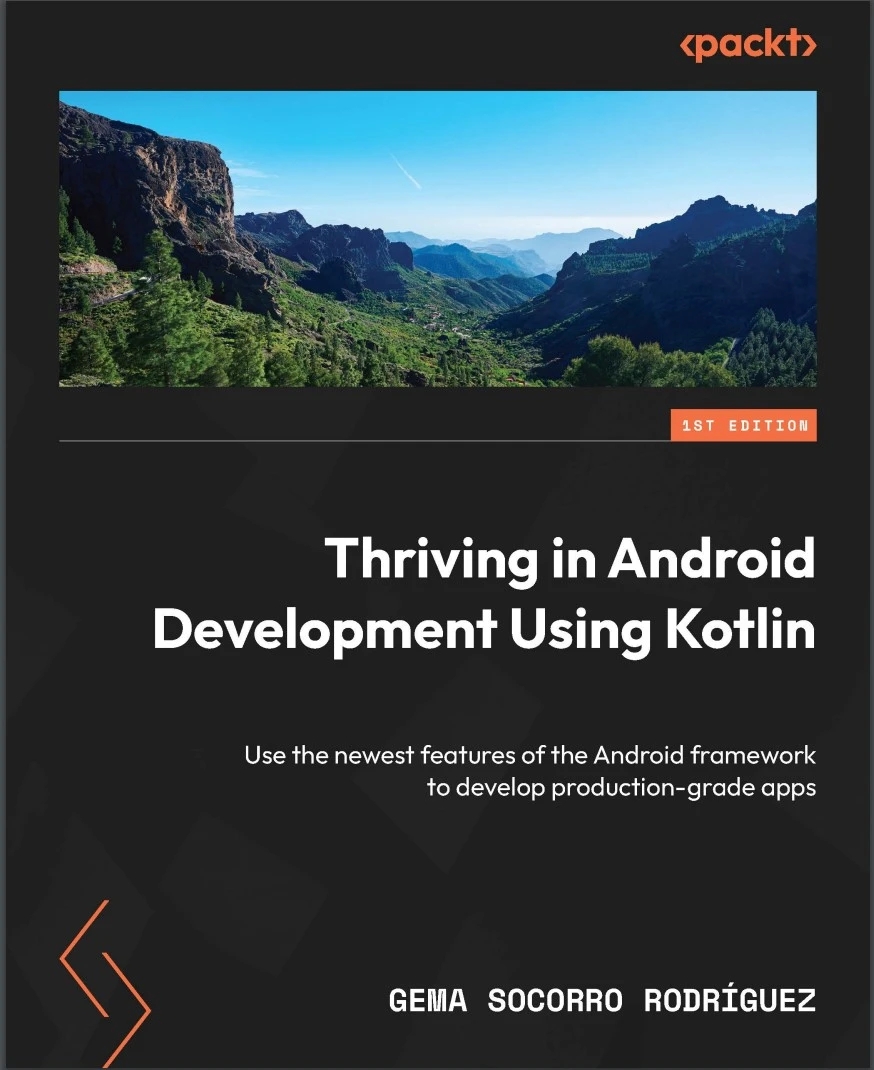
Автор: Rodríguez Gema Socorro
Дата выхода: 2024
Издательство: Packt Publishing Limited
Количество страниц: 410
Размер файла: 2,5 МБ
Тип файла: PDF
Добавил: codelibs
Проверить на вирусы Дополнительные материалыCover....1
Title Page....2
Copyright and Credits....3
Dedication....4
Contributors....5
Table of Contents....8
Preface....14
Part 1: Creating WhatsPackt, a Messaging App....20
Chapter 1: Building the UI for Your Messaging App....22
Technical requirements....22
Defining the app structure and navigation....25
Modularization....25
Dependency injection....31
Navigation....32
Building the main screen....40
Adding a scaffold to the main screen....41
Adding the TopAppBar composable to the main screen....43
Adding the TabRow composable to the bottom of the main screen....44
Adding a pager....46
Adding the FloatingActionButton composable....48
Creating the conversations list....49
Modeling the conversation....50
Creating the ConversationList composable....53
Building the messages list....56
Modeling the Chat and Message models....56
Creating the MessageItem composable....57
Adding the TopAppBar and BottomRow composables....59
Adding the messages list....61
Summary....64
Chapter 2: Setting Up WhatsPackts Messaging Abilities....66
Technical requirements....67
Using a WebSocket connection....67
Why WebSockets?....67
Integrating WebSockets....69
Implementing WebSocketDataSource....72
Receiving messages in our ViewModel....78
Understanding Clean Architecture implementation....78
Creating our Clean Architecture components....81
Implementing ChatViewModel....85
Handling synchronization and errors....93
Obtaining chat screen initialization data....93
Handling errors in the WebSocket....102
Adding push notifications....104
Setting up Firebase....105
Sending the FCM token to Firebase....106
Preparing the app to receive push notifications....108
Replacing the Websocket with Firestore....113
What is Firestore?....113
Chat data structure....113
Creating a FirestoreMessagesDataSource class....116
Summary....121
Chapter 3: Backing Up Your WhatsPackt Messages....122
Technical requirements....123
Understanding Room....123
Key features of Room....123
Rooms architecture and components....124
Implementing Room in WhatsPackt....126
Adding dependencies....127
Creating the database....127
Creating entity classes....129
Creating DAOs....131
Creating a LocalMessagesDataSource data source....133
Handling two data sources in the MessagesRepository component....134
Getting to know Firebase Storage....136
How Firebase Storage works....137
Setting up Firebase Storage....138
Creating UploadMessagesUseCase....141
Scheduling WorkManager to send backups....141
Introducing the Worker class....142
Configuring the WorkRequest component....143
Creating our Worker instance....145
Setting up the WorkRequest class....146
Using Amazon S3 for storage....148
Integrating the AWS S3 SDK....149
Setting up Amazon Cognito....149
Creating an AWS S3 Storage provider and integrating it into our code....151
Summary....156
Part 2: Creating Packtagram, a Photo Media App....158
Chapter 4: Building the Packtagram UI....160
Technical requirements....161
Setting up Packtagrams modules and dependencies....161
Setting up a version catalog....161
Modularizing our app....164
Getting to know Koin....166
Setting up Koin....167
Creating the stories screen....170
Creating the newsfeed screen and its components....177
Creating the NewsFeed list....180
Creating the PostItem composable....181
Using Retrofit and Moshi to retrieve newsfeed information....191
Adding the Retrofit and Moshi dependencies....192
Creating the data source for the newsfeed....194
Creating the repository....195
Creating the GetTheNewsFeedUseCase....196
Integrating the use case into our ViewModel....198
Implementing pagination in the newsfeed....199
Summary....203
Chapter 5: Creating a Photo Editor Using CameraX....204
Technical requirements....205
Getting to know CameraX....205
The evolution of camera libraries in Android....205
The importance and advantages of CameraX....205
Setting up CameraX....206
Learning about CameraXs core concepts....208
Integrating CameraX into our Packtagram app....216
Setting up the permissions checker with Accompanist....216
Creating our own CameraPreview....221
Adding photo-saving functionality....222
Adding photo-editing functionalities....232
Adding filters....233
Adding a text overlay....235
Using ML to categorize photos and generate hashtags....241
Summary....246
Chapter 6: Adding Video and Editing Functionality to Packtagram....248
Technical requirements....249
Adding video functionality to our app....249
Getting to know FFmpeg....256
The components of FFmpeg....256
Key features of FFmpeg....256
Integrating mobile-ffmpeg into our project....257
Understanding the FFmpeg command-line syntax....258
Advanced syntax and options in FFmpeg....261
Using mobile-ffmpeg to execute FFmpeg commands....265
Adding a caption to the video with FFmpeg....267
Adding a filter to a video with FFmpeg....272
Uploading the video....277
Summary....280
Part 3: Creating Packtflix, a Video Media App....282
Chapter 7: Starting a Video Streaming App and Adding Authentication....284
Technical requirements....285
Creating the apps structure and modules....285
Setting up the dependency injection framework....288
Building the login screen....289
Authenticating the apps users....296
Creating the user model....297
Using Retrofit to get the authorization token....297
Using DataStore to store the token....300
Sending the authorization token in requests....305
Creating your movie list....308
Building the models....308
Building the MoviesScreen composable....309
Making the movie and series detail screen....318
Creating the detail models....318
Building the DetailScreen....319
Summary....328
Chapter 8: Adding Media Playback to Packtflix with ExoPlayer....330
Technical requirements....331
Reviewing Androids media options....331
Learning about the MediaPlayer API....331
Learning about VideoView....334
Understanding the basics of ExoPlayer....336
Exploring ExoPlayers architecture....337
Integrating ExoPlayer into our project....342
Creating the video playback user interface....343
Building PlaybackScreen and its composables....343
Making the controls disappear when playing the content....348
Playing video using ExoPlayer....350
Creating PlaybackActivity....350
Creating PlaybackViewModel....351
Connecting the controls with ExoPlayer....355
Implementing the video controls in PlaybackViewModel....362
Adding subtitles to the video player....365
Summary....368
Chapter 9: Extending Video Playback in Your Packtflix App....370
Technical requirements....370
Getting to know the PiP API....371
PiP requirements....371
Entering and exiting PiP mode programmatically....372
Using PiP to continue playback in the background....373
Implementing PiP....374
Understanding how to add actions to the PiP mode....376
Adding actions to the PiP mode....377
Getting to know MediaRouter....382
Setting up MediaRouter....383
Discovering media routes....384
Connecting to Google Chromecast devices....389
Summary....395
Index....396
Other Books You May Enjoy....1
Build a range of Android applications such as a messaging app, a photo editor, and a video streaming platform that address common real-world issues such as authentication, connecting to synchronous and asynchronous remote sources, rendering complex UIs with Jetpack Compose, and more with seasoned Android GDE, Gema Socorro Rodriguez
Key Features
- Understand complex concepts in a coherent way by solving challenging real-world problems and developing three practical projects
- Use the latest features of libraries in Jetpack Compose, Room, CameraX, ExoPlayer, and more
- Leverage best practices for UI creation, app structure, data handling, and lifecycle management
- Purchase of the print or Kindle book includes a free PDF eBook
Book Description
Finding resources on creating apps with the Android framework and Kotlin is easy, but discovering content that addresses the common challenges faced by app developers is difficult. This book is designed to bridge that gap and equip you with the skills to tackle everyday problems in Android development.
You'll get hands on with Android development by building an app similar to WhatsApp. Next, you'll learn how to process asynchronous messages reactively, render them using Jetpack Compose, and advance to creating and uploading a backup of these messages. As you progress, you'll develop Packtagram, an app inspired by Instagram, focused on advanced photo-editing capabilities using the latest CameraX libraries. Finally, you'll build your own Netflix-like app, integrating video playback functionality with ExoPlayer for both foreground and background operations, and enabling casting to other devices.
By the end of this book, you'll have crafted three fully functional projects across multiple platforms and gained the expertise to solve the most common challenges in Android development confidently.
What you will learn
- Create complex UIs with Jetpack Compose
- Structure and modularize apps with a focus on further scaling
- Connect your app to synchronous and asynchronous remote sources
- Store and cache information and manage the lifecycle of this data
- Execute periodic tasks using WorkManager
- Capture and edit photos and videos using CameraX
- Authenticate your users securely
- Play videos in the foreground and background and cast them to other devices
Who this book is for
If you're a mid-level Android engineer, this book is for you as it will not only teach you how to solve issues that occur in real-world apps but also benefit you in your day-to-day work. This book will also help junior engineers who want to get exposed to complex problems and explore best practices to solve them. A basic understanding of Android and Kotlin concepts such as views, activities, lifecycle, and Kotlin coroutines will be useful to get the most out of this book.


