-
1C
-
Agda
-
Agile/Scrum
-
Alef
-
APL
-
Assembler
-
AWK
-
Basic
-
Beta Programming Language
-
Big Data/DataScience
-
C
-
C#
-
C++
-
Cobol
-
Crystal
-
CSS
-
D
-
Dart
-
DataBase (SQL)
-
Delphi
-
F#
-
Flutter
-
Fortran
-
GameDev
-
Git
-
Go (Golang)
-
GPT/AI/ИИ
-
Hacking and Security
-
Haskell
-
HTML
-
Java
-
JavaScript (JS)
-
Julia
-
Kotlin
-
Machine Learning (ML)
-
Natural language processing (NLP)
-
.NET (.NET Core)
-
Pascal
-
PHP
-
Python
-
R
-
Ruby
-
Rust
-
Scratch
-
Swift
-
UML
-
UX/UI
-
Visual Basic
-
Wolfram
-
XML
-
АСУ
-
Проектирование/System Design
-
Сети/Network
-
Статьи
-
Схемотехника/электронные схемы
-
1C
-
Agda
-
Agile/Scrum
-
Alef
-
APL
-
Assembler
-
AWK
-
Basic
-
Beta Programming Language
-
Big Data/DataScience
-
C
-
C#
-
C++
-
Cobol
-
Crystal
-
CSS
-
D
-
Dart
-
DataBase (SQL)
-
Delphi
-
F#
-
Flutter
-
Fortran
-
GameDev
-
Git
-
Go (Golang)
-
GPT/AI/ИИ
-
Hacking and Security
-
Haskell
-
HTML
-
Java
-
JavaScript (JS)
-
Julia
-
Kotlin
-
Machine Learning (ML)
-
Natural language processing (NLP)
-
.NET (.NET Core)
-
Pascal
-
PHP
-
Python
-
R
-
Ruby
-
Rust
-
Scratch
-
Swift
-
UML
-
UX/UI
-
Visual Basic
-
Wolfram
-
XML
-
АСУ
-
Проектирование/System Design
-
Сети/Network
-
Статьи
-
Схемотехника/электронные схемы
Меню
Systems Programming with C# and .NET: Building robust system solutions with C# 12 and .NET 8
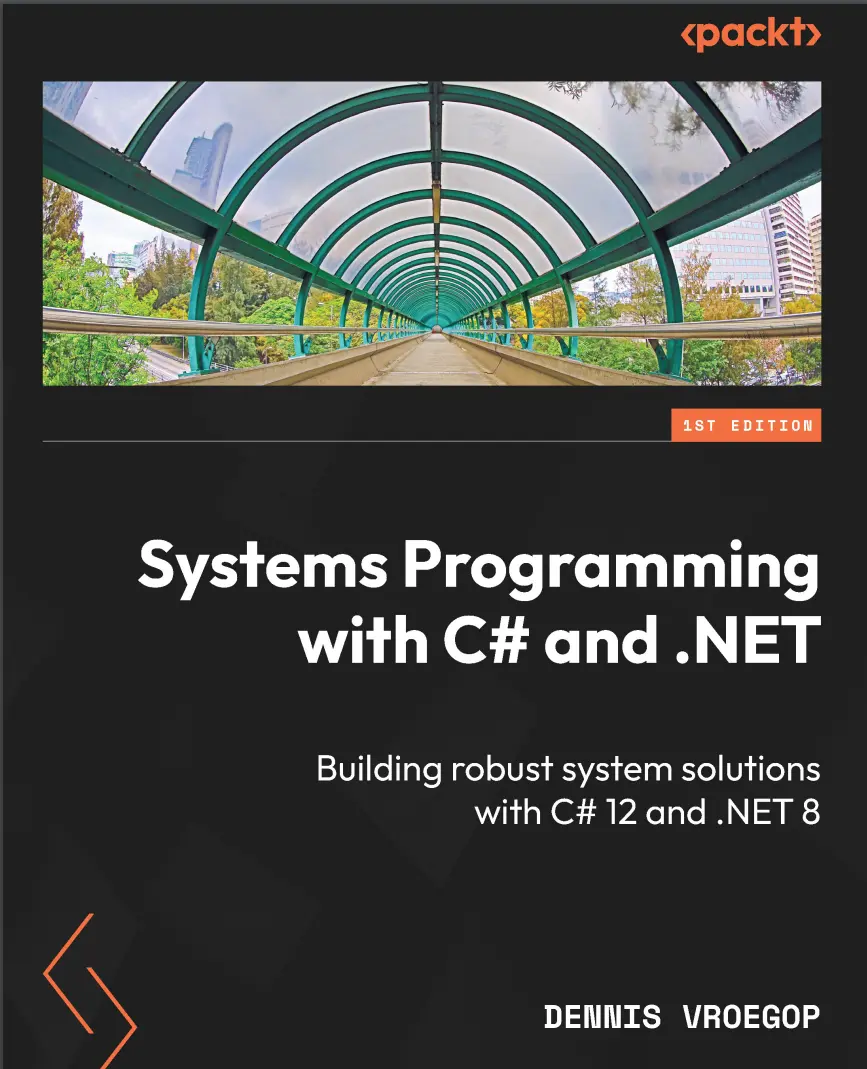
Автор: Vroegop Dennis
Дата выхода: 2024
Издательство: Packt Publishing Limited
Количество страниц: 474
Размер файла: 4,4 МБ
Тип файла: PDF
Добавил: codelibs
Проверить на вирусы Дополнительные материалыCover....1
Title page....2
Copyright and credits....3
Dedication....4
Contributors ....5
Table of Contents ....8
Preface....16
Overview of Systems Programming....22
Let’s define systems programming....22
When is a system user-facing and when is it not?....24
A better definition....28
Using C# and .NET in systems programming....29
Higher-level languages for systems programming....29
Kernel mode and user mode....30
Why use .NET?....31
What is .NET anyway?....33
.NET, .NET Framework, .NET Standard – what is all this?....35
Programming languages – a choice to make....36
Now what?....37
Setting up your development environment....37
Chapter 1: The One with the Low-Level Secrets....40
Technical requirements....41
What are low-level APIs, and how do they differ from higher-level abstractions?....41
Overview of .NET Core runtime components (CLR, BCL)....45
CLR....45
BCL....48
Using P/Invoke to call low-level APIs....50
Dealing with errors....55
Issues when debugging code with low-level APIs....60
Error handling....60
Interoperability....61
Debugging tools....63
Compatibility and portability....64
Documentation and community support....64
Next steps....64
Chapter 2: The One Where Speed Matters....66
Technical requirements....67
Setting up the stage....67
Accessibility....67
Hosting costs....68
Planned obsolescence....68
Energy usage....68
Which integer is the fastest?....68
The CTS....70
Value types and reference types....71
Classes and structs....71
Floating-point numbers....72
Where types live – the difference between value types and reference types....73
The stack and the heap....73
Boxing and unboxing....75
Hidden boxing and unboxing....77
Choosing the right data structures and algorithms....79
Arrays, Lists, and LinkedLists....79
Stacks and queues....80
HashSets and lists....81
SortedList, SortedDictionary, and Dictionary....81
Dictionary or last of tuples/objects....82
For versus ForEach....83
Strings....83
Use StringBuilder for concatenation....84
Interning strings....84
Use String.Concat or String.Join....85
Comparison....85
Preallocating StringBuilder....87
Writing unsafe code....87
Compiler optimizations....89
Aggressive optimization....89
The optimize flag....90
Next steps....91
Chapter 3: The One with the Memory Games....92
Technical requirements....93
An overview of the GC....93
GC and its generations....93
The LOH....98
Finalizers....99
IDisposable....100
Memory-saving tips and tricks....108
Unsafe code and pointers in C#....112
Next steps....116
Chapter 4: The One with the Thread Tangles....118
Technical requirements....118
Concurrency and threading – the basics....119
The beginnings of concurrency – the IRQ....120
Cooperative and preemptive multitasking....120
Threads in C#....121
Win32 threads....122
.NET threads....126
Tasks and Parallel Library – the TPL....129
Async/await....131
Task.Wait() and Task.Result....136
Synchronizing threads....137
Synchronization – how do we do that?....137
Synchronization with async/await....140
Canceling a thread....141
Thread-safe programming techniques....145
Lock()....146
Records....147
Avoid static members and classes....147
Using the volatile keyword....148
Concurrent collections in .NET....148
Next steps....152
Chapter 5: The One with the Filesystem Chronicles....154
Technical requirements....155
File writing basics....155
FileStream....156
Even faster – Win32....159
File reading basics....161
Reading binary data....162
Directory operations....163
The Path class....164
The Directory class....165
The DirectoryInfo class....167
File system monitoring....168
Asynchronous I/O....173
The naïve approach....173
Using CancellationTokens....174
BufferedStream....176
File system security....177
Encryption basics....177
Symmetric encryption and decryption....179
Asymmetric encryption and decryption....181
File compression....183
Compressing some data....183
Decompressing some data....184
Serialization – JSON and Binary....185
JSON serialization....185
Binary serialization....187
Next steps....189
Chapter 6: The One Where Processes Whisper....190
Technical requirements....191
Overview of IPC and its importance in modern computing....191
Windows Messages....193
A sample....194
Working with pipes for local IPC....195
Named pipes....195
Anonymous pipes....197
Using sockets to establish network-based IPC....199
Networking 101....199
A TCP-based chat app....200
UDP....204
Using shared memory to exchange data between processes....205
Overview of RPCs and how to use them for IPC....207
JSON RPC....207
Overview of gRPC and how to use it for IPC....210
Differences between JSON RPC and gRPC....214
Next steps....215
Chapter 7: The One with the Operating System Tango....216
Technical requirement....217
The Windows Registry....217
What is the Windows Registry?....218
How to access and store data with the Windows Registry....220
Comparing the Windows Registry to JSON settings files....223
Worker Services....224
Docker support....226
Dissecting the Worker Service....227
Controlling the lifetime of the service....229
Wrapping up Worker Services....231
WMI....231
How to use WMI....232
Reading the CPU temperature....233
Reading the BIOS....234
Controlling the Windows Update service....235
Watching USB devices....236
Registry and WMI – risks and how to avoid them....238
The Windows Registry....238
Potential risks when dealing with WMI....240
Next steps....243
Chapter 8: The One with the Network Navigation....244
Technical requirements....245
The fundamentals....245
A walk down the OSI layers....245
Exploring the System.Net namespace....247
Understanding HTTP/HTTPS....247
FTP....248
Email protocols....251
Working with the System.Net.Sockets namespace....253
Steps to take when using sockets....254
IPv4 and IPv6....255
Looking up time with sockets....256
Async, non-blocking networking....258
Making asynchronous calls....258
Networking performance....260
Connection pooling....260
Caching....264
Compression and serialization....265
Keep-alive connections....265
Networking errors and time-outs....265
Using the HTTPClient wisely....265
Implementing retries with Polly....267
The circuit breaker pattern....269
Validating network availability....269
Monitoring and logging....270
Next steps....270
Chapter 9: The One with the Hardware Handshakes....272
Technical requirements....273
Connecting to serial ports....273
The path to the hardware....273
Why do we care?....275
A word about parity, data sizes, and stop bits....276
Working with an Arduino....278
Receiving serial data with .NET....283
Faking a serial device....292
Making it foolproof....294
Reasons things go haywire....294
Hardening your code....295
Next steps....297
Chapter 10: The One with the Systems Check-Ups....298
Technical requirements....299
Available logging frameworks....300
Default logger in .NET....300
NLog....306
Serilog....312
Comparing the logging frameworks....315
Monitoring your applications....317
Monitoring with Seq....317
Performance counters....319
Prometheus....321
Other platforms for monitoring....326
What you should be monitoring or logging....327
Next steps....330
Chapter 11: The One with the Debugging Dances....332
Technical requirements....332
Introducing debugging....333
Debugging and profiling – an overview....333
Debugging....334
Profiling....334
Debugging 101....335
Debug builds versus Release builds....335
Breakpoints....336
Debug windows....342
Diagnostic Tools....345
Debugging multithreaded and asynchronous code....348
Parallel Watch....348
Debugging deadlocks with Parallel Stacks and Thread windows....353
Profiling application performance....357
The prime application....358
Profiling in Visual Studio....359
Benchmarking different solutions....362
Other tools....365
Debugging tools....366
Profiling tools....367
Next steps....368
Chapter 12: The One with the Security Safeguards....370
Technical requirements....371
Security for system programmers....371
What could happen if we have a vulnerability?....371
How to protect yourself....373
Working with strings....374
Protecting settings....374
Reading encrypted data....377
Where are the keys?....377
Handling strings in memory....378
Using key management....381
Using the Azure Key Vault....381
Using environment variables....383
Using the right privilege level....385
Admin-level scenarios....386
Impersonating as an admin....386
How to transmit network data securely....389
How HTTPS works....389
Certificates and certificate authorities....391
Creating a development certificate....393
Securing TCP streams....394
Next steps....399
Chapter 13: The One with the Deployment Dramas....400
Technical requirements....401
From development to production....401
Publishing and file copy....402
Publish using Visual Studio....403
Publishing using the CLI....405
Using Azure DevOps and GitHub....407
Deploying to Azure....407
Enabling continuous integration in Azure DevOps....413
Enabling CI from GitHub....416
Building installers with Visual Studio....417
Building a simple installer....418
Writing a Custom Action....420
Incorporating the custom action in the setup....423
Using Docker....425
Adding Docker support to your background worker....425
Deploying your Docker images....426
Production-ready Docker repository....428
Next steps....428
Chapter 14: The One with the Linux Leaps....430
Technical requirements....431
An overview of Linux....432
A short history of Linux....433
What is Linux?....434
A quick primer to use Linux....437
Basic commands....439
Elevated privileges....441
Developing for Linux....442
Installing .NET on Linux....442
Running a .NET background worker on Linux....445
Make your code cross-platform....448
How code can help you....449
Writing services for Linux....451
The service description....451
Installing the service....452
Uninstalling the service....453
Handling signals....454
Summing up....456
Let’s recap....456
Index....458
Other Books You May Enjoy....471
OLE_LINK1....142
OLE_LINK1....186
Kickstart systems programming with C# 12 and .NET Core 8, learn low-level secrets, optimize performance, and secure deployments for high-performance application development
Key Features
- Engage in hands-on exercises to effectively apply systems programming concepts
- Gain insights into Linux and embedded systems and broaden your development capabilities
- Learn how to deploy and maintain applications securely in diverse production environments
- Purchase of the print or Kindle book includes a free PDF eBook
Book Description
If you want to explore the vast potential of C# and .NET to build high-performance applications, then this book is for you. Written by a 17-time awardee of the Microsoft MVP award, this book delves into low-level programming with C# and .NET.
The book starts by introducing fundamental concepts such as low-level APIs, memory management, and performance optimization. Each chapter imparts practical skills, guiding you through threads, file I/O, and network protocols. With a focus on real-world applications, you’ll learn how to secure systems, implement effective logging, and deploy applications seamlessly. The book particularly emphasizes debugging, profiling, and addressing challenges unique to multithreaded and asynchronous code. You’ll also gain insights into cybersecurity essentials to help you safeguard data and establish secure communications. Moreover, a dedicated chapter on systems programming in Linux will help you broaden your horizons and explore cross-platform development. For those venturing into embedded systems, the final chapter offers hands-on guidance.
By the end of this book, you’ll be ready to deploy, distribute, and maintain applications in production systems.
What you will learn
- Explore low-level APIs for enhanced control and performance
- Optimize applications with memory management strategies
- Develop secure, efficient networking applications using C# and .NET
- Implement effective logging, monitoring, and metrics for system health
- Navigate Linux environments for cross-platform proficiency
- Interact with hardware devices, GPIO pins, and embedded systems
- Deploy and distribute apps securely with continuous integration and continuous deployment (CI/CD) pipelines
- Debug and profile efficiently, addressing multithreaded challenges
Who this book is for
This book is for C# developers and programmers looking to deepen their expertise in systems programming with .NET Core. Professionals aspiring to architect high-performance applications, system engineers, and those involved in deploying and maintaining applications in production environments will also find this book useful. A basic understanding of C# and .NET Core is recommended, making it suitable for developers who are getting started with systems programming in C# and .NET Core.


