-
1C
-
Agda
-
Agile/Scrum
-
Alef
-
APL
-
Assembler
-
AWK
-
Basic
-
Beta Programming Language
-
Big Data/DataScience
-
C
-
C#
-
C++
-
Cobol
-
Crystal
-
CSS
-
D
-
Dart
-
DataBase (SQL)
-
Delphi
-
F#
-
Flutter
-
Fortran
-
GameDev
-
Git
-
Go (Golang)
-
GPT/AI/ИИ
-
Hacking and Security
-
Haskell
-
HTML
-
Java
-
JavaScript (JS)
-
Julia
-
Kotlin
-
Machine Learning (ML)
-
Natural language processing (NLP)
-
.NET (.NET Core)
-
Pascal
-
PHP
-
Python
-
R
-
Ruby
-
Rust
-
Scratch
-
Swift
-
UML
-
UX/UI
-
Visual Basic
-
Wolfram
-
XML
-
АСУ
-
Проектирование/System Design
-
Сети/Network
-
Статьи
-
Схемотехника/электронные схемы
-
1C
-
Agda
-
Agile/Scrum
-
Alef
-
APL
-
Assembler
-
AWK
-
Basic
-
Beta Programming Language
-
Big Data/DataScience
-
C
-
C#
-
C++
-
Cobol
-
Crystal
-
CSS
-
D
-
Dart
-
DataBase (SQL)
-
Delphi
-
F#
-
Flutter
-
Fortran
-
GameDev
-
Git
-
Go (Golang)
-
GPT/AI/ИИ
-
Hacking and Security
-
Haskell
-
HTML
-
Java
-
JavaScript (JS)
-
Julia
-
Kotlin
-
Machine Learning (ML)
-
Natural language processing (NLP)
-
.NET (.NET Core)
-
Pascal
-
PHP
-
Python
-
R
-
Ruby
-
Rust
-
Scratch
-
Swift
-
UML
-
UX/UI
-
Visual Basic
-
Wolfram
-
XML
-
АСУ
-
Проектирование/System Design
-
Сети/Network
-
Статьи
-
Схемотехника/электронные схемы
Меню
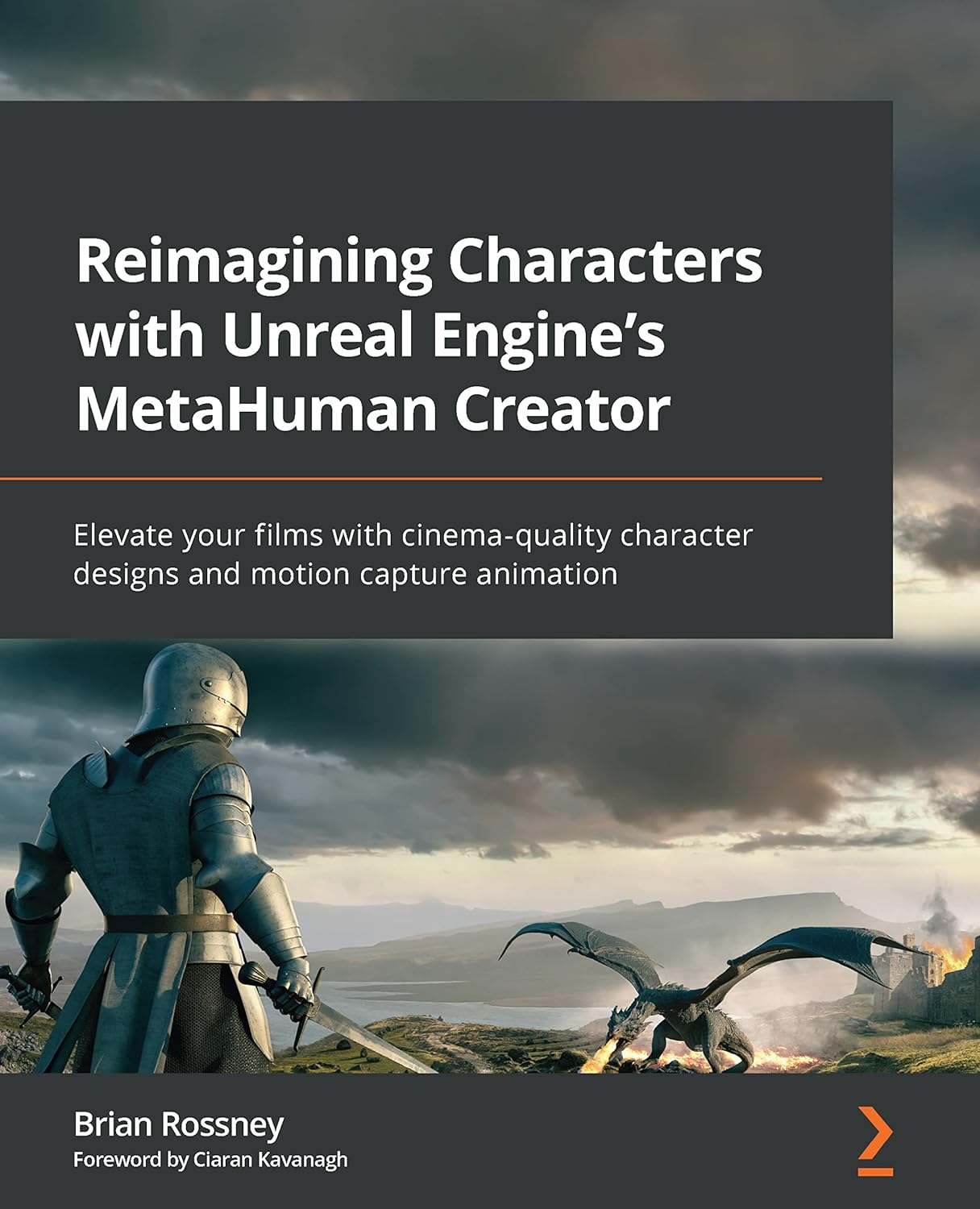
Reimagining Characters with Unreal Engine's MetaHuman Creator: Elevate your films with cinema-qulity character designs and motion capture animation
Автор: Rossney Brian
Дата выхода: 2022
Издательство: Packt Publishing Limited
Количество страниц: 442
Размер файла: 11,0 МБ
Тип файла: PDF
Добавил: codelibs
Проверить на вирусыCover Page....2
Table of Contents....3
Preface....4
Part 1: Creating a Character....11
Chapter 1: Getting Started with Unreal....12
Technical requirements....12
What is Unreal?....14
What are MetaHumans?....16
Setting up Unreal and the MetaHuman Creator....16
Summary....39
Chapter 2: Creating Characters in the MetaHuman Interface....40
Technical requirements....40
Starting up Quixel Bridge....41
Editing your MetaHuman....49
Using the Move and Sculpt tools....93
Downloading and exporting your character....97
Summary....111
Part 2: Exploring Blueprints, Body Motion Capture, and Retargeting....113
Chapter 3: Diving into the MetaHuman Blueprint....114
Technical requirements....114
What are Blueprints?....114
Opening a Blueprint....116
Importing and editing skeletons....122
Summary....135
Chapter 4: Retargeting Animations....137
Technical requirements....137
What is an IK Rig?....137
Creating an IK Rig....144
Creating the IK chains....155
Creating an IK Retargeter....159
Importing more animation data....167
Summary....171
Chapter 5: Retargeting Animations with Mixamo....172
Technical requirements....172
Introducing Mixamo....173
Preparing and uploading the MetaHuman to Mixamo....177
Orienting your character in Mixamo....183
Exploring animation in Mixamo....188
Downloading the Mixamo animation....190
Importing the Mixamo animation into Unreal....192
Summary....210
Chapter 6: Adding Motion Capture with DeepMotion....212
Technical requirements....213
Introducing DeepMotion....213
Preparing our video footage....214
Uploading our video to DeepMotion....217
Exploring DeepMotion’s animation settings....221
Downloading the DeepMotion motion capture file....232
Importing the DeepMotion animation into Unreal....234
Retargeting the DeepMotion motion capture....237
Fixing position misalignment issues....245
Summary....248
Part 3: Exploring the Level Sequencer, Facial Motion Capture, and Rendering....249
Chapter 7: Using the Level Sequencer....250
Technical requirements....250
Introducing the Level Sequencer....251
Creating a Level Sequencer and importing our character Blueprint....252
Adding the retargeted animation to the character Blueprint....256
Adding and editing the Control Rig....261
Adding a camera to the Level Sequencer....267
Rendering a test animation from the Level Sequencer....272
Summary....275
Chapter 8: Using an iPhone for Facial Motion Capture....277
Technical requirements....277
Installing the Live Link Face app....278
Installing Unreal Engine plugins (including Take Recorder)....281
Connecting and configuring the Live Link Face app to Unreal Engine....286
Configuring and testing the MetaHuman Blueprint....291
Calibrating and capturing live data....294
Summary....304
Chapter 9: Using Faceware for Facial Motion Capture....305
Technical requirements....305
Installing Faceware Studio on a Windows PC....306
Installing Unreal’s Faceware plugin and the MetaHuman sample....309
Setting up a webcam and the streaming function....314
Enabling Live Link to receive Faceware data....329
Editing the MetaHuman Blueprint....330
Recording a session with a Take Recorder....332
Importing a take into the Level Sequencer....336
Baking and editing facial animation in Unreal....339
Summary....347
Chapter 10: Blending Animations and Advanced Rendering with the Level Sequencer....348
Technical requirements....348
Adding the MetaHuman Blueprint and body mocap data to the Level Sequencer....349
Adding facial mocap data to the Level Sequencer....360
Exploring advanced rendering features....363
Summary....380
Chapter 11: Using the Mesh to MetaHuman Plugin....382
Technical requirements....382
Installing the Mesh to MetaHuman plugin for Unreal Engine....383
Introducing and installing KIRI Engine on your smartphone....384
Importing your scanned mesh into Unreal Engine....400
Modifying the face mesh inside the MetaHuman Creator online tool....414
Summary....419
Index....421
Why subscribe?....436
Other Books You May Enjoy....437
Packt is searching for authors like you....440
Share your thoughts....440
Download a free PDF copy of this book....441
MetaHuman Creator (MHC) is an online, user-friendly 3D design tool for creating highly realistic digital humans that can be animated within Unreal Engine (UE) and enhanced with motion capture technology. This means that filmmakers and game developers now have access to a high quality, affordable solution that was previously only available to specialist studios.
This book will focus on using UE5 and MHC from a filmmaker angle. Firstly, you’ll understand how to use the online MHC to create a digital character, changing its facial structure, body type, and clothing. After that, you’ll learn all the necessary steps to bring the character into UE5 and set it up for animation. Then, using an iPhone and a webcam to capture face and body movements, you’ll mix these motion capture files, refine the animations using the MetaHuman Control Rig, and save these takes to be reused and edited again within the Level Sequencer. On top of that, you’ll learn how to create a rendered video file for film production using both the Level Sequencer and a VR Cinematic Camera. By the end of this book, you’ll have created your own MetaHuman character, as well as face and body motion capture data, and learned the necessary skills to give your future projects further realism and creative control.
What you will learn
- Create your own bespoke character using MHC
- Develop custom faces based on real people
- Utilize Blueprints to take control of your digital character
- Retarget animations using the Unreal Mannequin
- Use DeepMotion and Live Link for complete body and face animation
- Use the Control Rig to refine animations
- Export and render your character
Who this book is for
This book is for filmmakers and hobbyists who are planning to make a film using Unreal Engine for the first time, having worked in live action or purely digital media previously, either professionally or as a hobby. No experience with Unreal Engine is required, however it is useful to have some knowledge of 3D development applications and concepts like wireframes, skin weights, transform tools, and motion capture. It is recommended that you have access to an iPhone X (or a later model). Alternatively, you can use a free or paid version of Faceware, along with a basic webcam.


