-
1C
-
Agda
-
Agile/Scrum
-
Alef
-
APL
-
Assembler
-
AWK
-
Basic
-
Beta Programming Language
-
Big Data/DataScience
-
C
-
C#
-
C++
-
Cobol
-
Crystal
-
CSS
-
D
-
Dart
-
DataBase (SQL)
-
Delphi
-
F#
-
Flutter
-
Fortran
-
GameDev
-
Git
-
Go (Golang)
-
GPT/AI/ИИ
-
Hacking and Security
-
Haskell
-
HTML
-
Java
-
JavaScript (JS)
-
Julia
-
Kotlin
-
Machine Learning (ML)
-
Natural language processing (NLP)
-
.NET (.NET Core)
-
Pascal
-
PHP
-
Python
-
R
-
Ruby
-
Rust
-
Scratch
-
Swift
-
UML
-
UX/UI
-
Visual Basic
-
Wolfram
-
XML
-
АСУ
-
Проектирование/System Design
-
Сети/Network
-
Статьи
-
Схемотехника/электронные схемы
-
1C
-
Agda
-
Agile/Scrum
-
Alef
-
APL
-
Assembler
-
AWK
-
Basic
-
Beta Programming Language
-
Big Data/DataScience
-
C
-
C#
-
C++
-
Cobol
-
Crystal
-
CSS
-
D
-
Dart
-
DataBase (SQL)
-
Delphi
-
F#
-
Flutter
-
Fortran
-
GameDev
-
Git
-
Go (Golang)
-
GPT/AI/ИИ
-
Hacking and Security
-
Haskell
-
HTML
-
Java
-
JavaScript (JS)
-
Julia
-
Kotlin
-
Machine Learning (ML)
-
Natural language processing (NLP)
-
.NET (.NET Core)
-
Pascal
-
PHP
-
Python
-
R
-
Ruby
-
Rust
-
Scratch
-
Swift
-
UML
-
UX/UI
-
Visual Basic
-
Wolfram
-
XML
-
АСУ
-
Проектирование/System Design
-
Сети/Network
-
Статьи
-
Схемотехника/электронные схемы
Меню
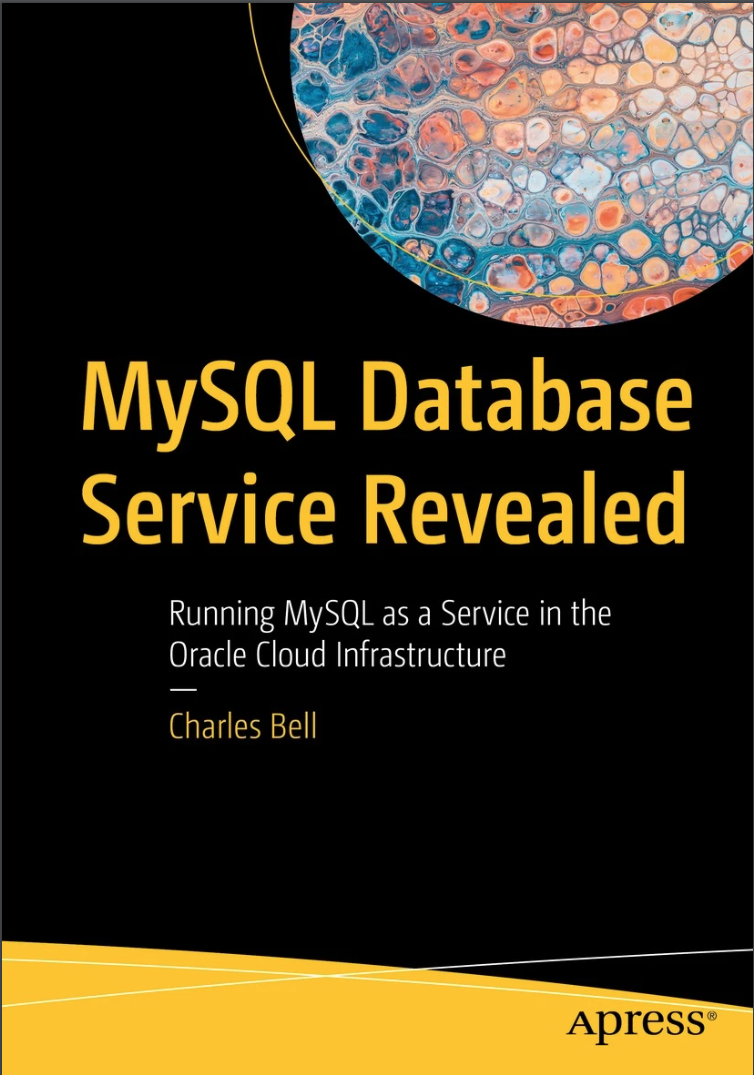
MySQL Database Service Revealed: Running MySQL as a Service in the Oracle Cloud Infrastructure
Автор: Bell Charles
Дата выхода: 2023
Издательство: Apress Media, LLC.
Количество страниц: 722
Размер файла: 5,2 МБ
Тип файла: PDF
Добавил: codelibs
Проверить на вирусыTable of Contents....6
About the Author....28
About the Technical Reviewer....29
Acknowledgments....30
Introduction....31
Chapter 1: Getting Started with MySQL in the Cloud....37
Overview....39
What Is Cloud Computing?....39
Why Move to the Cloud?....44
Improved Agility....44
Automation....46
What Is the Oracle Cloud Infrastructure?....46
What Is the MySQL Database Service?....52
MDS in OCI....54
Region Availability....54
Required Identity and Access Management Policy....54
Data Security....56
MDS and Audit Service....56
MDS Versions and Storage Engines....56
Shape....56
DB System....56
MySQL HeatWave....57
Use Cases....59
Limitations....61
Cloud Services Cost Expectations....61
Summary....65
Chapter 2: Oracle Cloud Infrastructure....67
A Brief Tour of Services....67
Terminology....68
Virtualization....68
Tenancy....70
Compartments....70
Security Zone....72
OCI Resource Allocation....72
Virtual Cloud Network....76
Oracle Cloud Identifier (OCID)....76
Compute....77
Virtual Machine....77
Bare Metal Host....77
Shapes....80
Images....80
Provisioning....80
OCI User Interfaces....81
Core Services....87
Networking Services....87
Compute Services....91
Storage Services....91
Block Volume....93
Local NVMe....93
File Storage....93
Object Storage....93
Identity and Access Management Services....95
Setting Up Your Account....97
Always Free Resources....97
Service Usage and Limits....99
OCI Tutorial....110
Create a New Compartment....112
Create the Virtual Cloud Network....118
Create the Compute Instance....126
Add Block Storage to the Compute Instance....135
Terminate the Resources....152
Summary....159
Chapter 3: A Brief Tutorial of MySQL....161
Getting Started....161
Connecting with MySQL Shell....165
Features....167
Modes Supported....170
Making Connections....172
Using a URI....172
Using Individual Options....175
Using SSL Connections....175
Connecting with the MySQL Client....177
Basic SQL Commands....181
How to Get and Install MySQL....184
Configuring and Managing Access to MySQL....190
Configuration Files....190
Creating Users and Granting Access....194
Basic SQL Commands....197
Creating Databases and Tables....198
Searching for Data....203
Creating Data....212
Updating Data....214
Deleting Data....216
Using Indexes....216
Views....218
Triggers....220
Simple Joins....222
Stored Routines....226
Connecting Applications....231
MySQL Database Connectors....231
Sample Database....232
Example Connector: Connector/Python....235
Installing Connector/Python....237
Checking the Installation....239
Example 1: Connecting to MySQL....240
Example 2: Inserting Data....246
Example Connector: Connector/J....251
Installing Connector/J....251
Checking the Installation....253
Example 1: Connecting to MySQL....261
Example 2: Inserting Data....264
Summary....271
Chapter 4: MySQL Database Service....273
Getting Started....274
Step 1: Create a VCN....278
Step 2: Create a Group....278
Create a Group....278
Create and Add a User to the Group....284
Step 3: Create Policies....288
A Tour of MDS....294
Creating Your First DB System....297
Open the DB Systems Resource Page....297
Create a DB System....300
DB System Details Page....307
Status and Buttons....310
Resource Menu....313
Metrics....315
Endpoints....316
HeatWave....316
Backups....318
Channels....318
Work Requests....320
MySQL DB System Information and Tags....321
DB System Information Tab....321
Tags Tab....325
Stopping and Starting the DB System....325
Connecting to Your DB System....326
Connection Mechanisms....326
Connecting via a Compute Instance....330
Create a Compute Instance....330
Modify the VCN – Create an Ingress Rule for the Private Subnet....332
Connect to the Compute Instance....335
Connect to the DB System....338
Connecting Using a Bastion Session....345
Bastion Terminology....345
Session Types....347
Prerequisites....347
Create a Bastion Service....348
Create a SSH Key Pair....350
Create a Port-Forwarding Session....352
Connect from Your PC....357
Summary....363
Chapter 5: Backup and Restore....365
What Can Go Wrong?....365
Backup....370
Types of Backups....370
Manual Backup....372
Automatic Backup....372
Final Backup....374
Operator Backup....374
Backup Details....374
Enable or Disable Automatic Backups....384
Create a Manual Backup....385
Edit a Backup....391
Manage Tags....394
Delete a Backup....396
Move a Backup....399
Restore....402
Summary....414
Chapter 6: Point-in-Time Recovery....416
Overview....416
Setup....420
Recovery....425
Summary....431
Chapter 7: Data Import and Export....432
Overview....432
Migrating Data to MDS....432
Data Transfer Strategies....436
Compatibility Concerns....438
Security....438
Older MySQL Versions....449
Migrating Data to MDS....451
Using an ObjectStore Bucket....451
Configure Your PC for OCI CLI Access....451
Install and Test the OCI CLI....459
Create the ObjectStore Bucket....466
Export to an ObjectStore Bucket....468
Configure the Compute Instance....476
Create a Pre-Authenticated Request (PAR)....478
Import from the ObjectStore Bucket into a DB System....481
Using a Compute Instance....488
Export Data Using MySQL Shell....490
Copy the Exported Data to the Compute Instance....493
Import the Data on the DB System....495
Using a Bastion Gateway....500
Setup the Bastion Service....500
Export Data Using MySQL Shell....502
Start the Bastion Service SSH Sessions....503
Import the Data on the DB System....503
Migrating Data from MDS....506
Using an ObjectStore Bucket....508
Prepare Your PC....508
Create the ObjectStore Bucket....510
Export to ObjectStore Bucket....510
Import from ObjectStore Bucket into Local MySQL Server....516
Using a Compute Instance....520
Export Data Using MySQL Shell....521
Copy the Exported Data to Your Local MySQL Server....523
Import the Data on the DB System....525
Using a Bastion Gateway....526
Export Data Using MySQL Shell....528
Import the Data on Your Local MySQL Server....530
Summary....534
Chapter 8: High Availability....536
Overview....536
High Availability in MDS....538
How Does Failover and Switchover Work?....542
What Are the Conditions for Failover?....542
Prerequisites....542
How to Find Tables Without Primary Keys....544
How to Add Surrogate Primary Keys....546
How to Set Up HA....548
Setup HA (Create DB System)....549
Enable HA (Existing DB System)....551
Disable HA (Existing HA DB System)....554
How to Use MDS HA....555
Limitations....558
Advanced Topics....558
Summary....559
Chapter 9: OCI Command-Line and Application Programming Interfaces....561
Getting Started....561
Command-Line Interface (CLI)....563
Install the CLI....563
Capabilities....564
Example Uses....580
List Backups for a DB System....580
Stop/Start a DB System....585
Create a DB System....591
For More Information....608
OCI APIs....611
MDS API....613
Example Uses....615
Install the Python SDK....615
Getting Started....618
Listing the MySQL Shapes....621
Stop/Start DB System....625
Creating a DB System....632
Delete a DB System....646
Summary....646
Chapter 10: Migrating to MDS....648
Getting Help While Using OCI and MDS....648
Communication with Oracle....650
Documentation....657
Troubleshooting....664
Examine Your DB System Needs....665
Shapes....667
Data Storage....668
Networking....668
Planning Your DB Systems....670
Security Best Practices....671
Summary....675
Index....678
Access all the information you need to begin using the MySQL Database Service (MDS) in the Oracle Cloud Infrastructure (OCI). MDS is Oracle’s new platform as a service (PAAS) offering for open-source database users. This book covers getting started with an account in OCI, gives a brief overview of OCI services available, and provides a short tutorial on MDS. Reading this book helps you take advantage of the powerful OCI features by building your own MySQL database in the cloud.
Examples in this book center around running MDS in OCI, and include several of the popular use cases as well as advice on how to implement them. In addition, you will learn more about the related MDS OCI features, such as the high availability features currently available. Finally, you will learn how to back up and restore your data as well as how to get your data into and out of the cloud. The skills you learn in this book will help you get started using MDS and letting Oracle do the heavy lifting of managing MDS operations and implementation.
What You Will Learn
- Use Oracle Cloud Infrastructure (OCI)
- Deploy MySQL Database Service (MDS) systems in the cloud
- Connect your applications to MDS
- Back up and recover using the data recovery features of MDS
- Employ the newest high availability features of MDS
Who This Book Is For
Systems engineers, developers, and database professionals who want to learn about the powerful features of the MySQL Database Service (MDS) and how to incorporate cloud-based database storage into their infrastructure and applications. Readers who are new to MySQL will appreciate the tutorial chapter, and those familiar with MySQL will learn the latest features of MDS as well as how to build inexpensive, powerful MySQL database servers in the Oracle Cloud Infrastructure (OCI).


