-
1C
-
Agda
-
Agile/Scrum
-
Alef
-
APL
-
Assembler
-
AWK
-
Basic
-
Beta Programming Language
-
Big Data/DataScience
-
C
-
C#
-
C++
-
Cobol
-
Crystal
-
CSS
-
D
-
Dart
-
DataBase (SQL)
-
Delphi
-
F#
-
Flutter
-
Fortran
-
GameDev
-
Git
-
Go (Golang)
-
GPT/AI/ИИ
-
Hacking and Security
-
Haskell
-
HTML
-
Java
-
JavaScript (JS)
-
Julia
-
Kotlin
-
Machine Learning (ML)
-
Natural language processing (NLP)
-
.NET (.NET Core)
-
Pascal
-
PHP
-
Python
-
R
-
Ruby
-
Rust
-
Scratch
-
Swift
-
UML
-
UX/UI
-
Visual Basic
-
Wolfram
-
XML
-
АСУ
-
Проектирование/System Design
-
Сети/Network
-
Статьи
-
Схемотехника/электронные схемы
-
1C
-
Agda
-
Agile/Scrum
-
Alef
-
APL
-
Assembler
-
AWK
-
Basic
-
Beta Programming Language
-
Big Data/DataScience
-
C
-
C#
-
C++
-
Cobol
-
Crystal
-
CSS
-
D
-
Dart
-
DataBase (SQL)
-
Delphi
-
F#
-
Flutter
-
Fortran
-
GameDev
-
Git
-
Go (Golang)
-
GPT/AI/ИИ
-
Hacking and Security
-
Haskell
-
HTML
-
Java
-
JavaScript (JS)
-
Julia
-
Kotlin
-
Machine Learning (ML)
-
Natural language processing (NLP)
-
.NET (.NET Core)
-
Pascal
-
PHP
-
Python
-
R
-
Ruby
-
Rust
-
Scratch
-
Swift
-
UML
-
UX/UI
-
Visual Basic
-
Wolfram
-
XML
-
АСУ
-
Проектирование/System Design
-
Сети/Network
-
Статьи
-
Схемотехника/электронные схемы
Меню
Modern CMake for C++: Discover a better approach to building, testing, and packaging your software
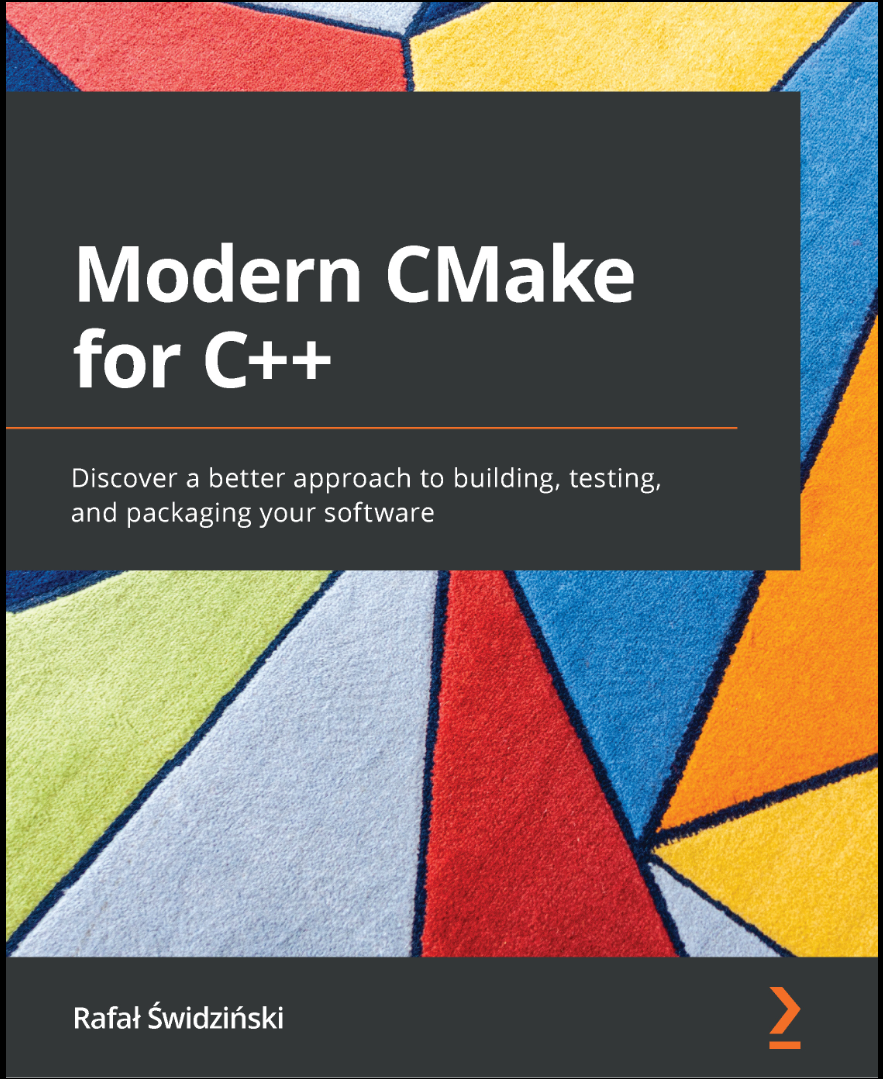
Автор: Świdziński Rafał
Дата выхода: 2022
Издательство: Packt Publishing Limited
Количество страниц: 460
Размер файла: 4,6 МБ
Тип файла: PDF
Добавил: codelibs
Проверить на вирусы Дополнительные материалыCover....1
Title page....2
Copyright and Credits....3
Dedications....4
Contributors....5
Table of Contents....8
Preface....16
Section 1: Introducing CMake....22
Chapter 1: First Steps with CMake....24
Technical requirements....25
Understanding the basics....26
What is CMake?....26
How does it work?....28
Installing CMake on different platforms ....31
Docker....32
Windows....33
Linux....34
macOS....34
Building from the source....35
Mastering the command line....35
CMake....36
CTest....47
CPack....48
The CMake GUI....49
CCMake....50
Navigating the project files....51
The source tree....51
The build tree....51
Listfiles....52
CMakeLists.txt....53
CMakeCache.txt....54
The Config-files for packages....55
The cmake_install.cmake, CTestTestfile.cmake, and CPackConfig.cmake files....56
CMakePresets.json and CMakeUserPresets.json....56
Ignoring files in Git....60
Discovering scripts and modules....61
Scripts....61
Utility modules....62
Find-modules....62
Summary....63
Further reading....63
Chapter 2: The CMake Language....64
Technical requirements....65
The basics of the CMake Language syntax....66
Comments....66
Command invocations....68
Command arguments....70
Working with variables ....74
Variable references....75
Using the environment variables....76
Using the cache variables....78
How to correctly use the variable scope in CMake....80
Using lists....82
Understanding control structures in CMake ....84
Conditional blocks....84
Loops....89
Command definitions....91
Useful commands....97
The message() command....97
The include() command....99
The include_guard() command....100
The file() command....100
The execute_process() command....100
Summary....101
Further reading....102
Chapter 3: Setting Up Your First CMake Project....104
Technical requirements....105
Basic directives and commands....106
Specifying the minimum CMake version – cmake_minimum_required()....106
Defining languages and metadata – project()....107
Partitioning your project....108
Scoped subdirectories....111
Nested projects....113
External projects....113
Thinking about the project structure....114
Scoping the environment....120
Discovering the operating system....120
Cross-compilation – what are host and target systems?....121
Abbreviated variables....121
Host system information....122
Does the platform have 32-bit or 64-bit architecture?....123
What is the endianness of the system?....124
Configuring the toolchain....124
Setting the C++ standard....124
Insisting on standard support....125
Vendor-specific extensions....126
Interprocedural optimization....126
Checking for supported compiler features....127
Compiling a test file....127
Disabling in-source builds....129
Summary....131
Further reading....132
Section 2: Building With CMake....134
Chapter 4: Working with Targets....136
Technical requirements....137
The concept of a target....137
Dependency graph....139
Visualizing dependencies....142
Target properties....143
What are transitive usage requirements?....144
Dealing with conflicting propagated properties....147
Meet the pseudo targets....149
Build targets....151
Writing custom commands....152
Using a custom command as a generator....153
Using a custom command as a target hook....155
Understanding generator expressions....156
General syntax....157
Types of evaluation....158
Examples to try out....165
Summary....169
Further reading....169
Chapter 5: Compiling C++ Sources with CMake....172
Technical requirements....173
The basics of compilation....173
How compilation works....174
Initial configuration....176
Managing sources for targets....177
Preprocessor configuration....179
Providing paths to included files....179
Preprocessor definitions....180
Configuring the headers....183
Configuring the optimizer....185
General level....186
Function inlining....188
Loop unrolling....189
Loop vectorization....191
Managing the process of compilation....192
Reducing compilation time....192
Finding mistakes....197
Summary....203
Further reading....204
Chapter 6: Linking with CMake....206
Technical requirements....207
Getting the basics of linking right....207
Building different library types....212
Static libraries....212
Shared libraries....213
Shared modules....214
Position-independent code....214
Solving problems with the One Definition Rule....215
Dynamically linked duplicated symbols....218
Use namespaces – don't count on a linker....220
The order of linking and unresolved symbols....221
Separating main() for testing....223
Summary....226
Further reading....227
Chapter 7: Managing Dependencies with CMake....228
Technical requirements....229
How to find installed packages....230
Discovering legacy packages with FindPkgConfig....236
Writing your own find-modules ....240
Working with Git repositories....245
Providing external libraries through Git submodules....245
Git-cloning dependencies for projects that don't use Git....249
Using ExternalProject and FetchContent modules....250
ExternalProject....251
FetchContent....257
Summary....261
Further reading....262
Section 3: Automating With CMake....264
Chapter 8: Testing Frameworks....266
Technical requirements....267
Why are automated tests worth the trouble?....267
Using CTest to standardize testing in CMake....269
Build-and-test mode....271
Test mode....272
Creating the most basic unit test for CTest....278
Structuring our projects for testing....284
Unit-testing frameworks....288
Catch2....289
GTest....292
GMock....295
Generating test coverage reports....302
Avoiding the SEGFAULT gotcha....308
Summary....308
Further reading....309
Chapter 9: Program Analysis Tools....312
Technical requirements....313
Enforcing the formatting....313
Using static checkers....318
Clang-Tidy....322
Cpplint....322
Cppcheck....322
include-what-you-use....323
Link what you use....323
Dynamic analysis with Valgrind....324
Memcheck....324
Memcheck-Cover....329
Summary....331
Further reading....332
Chapter 10: Generating Documentation....334
Technical requirements....335
Adding Doxygen to your project....335
Generating documentation with a modern look....342
Summary....344
Further reading....345
Other documentation generation utilities....345
Chapter 11: Installing and Packaging....346
Technical requirements....347
Exporting without installation....347
Installing projects on the system....351
Installing logical targets....353
Low-level installation....357
Invoking scripts during installation....365
Creating reusable packages....367
Understanding the issues with relocatable targets....367
Installing target export files....369
Writing basic config-files....371
Creating advanced config-files....374
Generating package version files....378
Defining components....380
How to use components in find_package()....380
How to use components in the install() command....381
Packaging with CPack....383
Summary....387
Further reading....388
Chapter 12: Creating Your Professional Project....390
Technical requirements....391
Planning our work....392
Project layout....396
Object libraries....397
Shared libraries versus static libraries....397
Project file structure....398
Building and managing dependencies....400
Building the Calc library....402
Building the Calc Console executable....404
Testing and program analysis....409
Preparing the coverage module....411
Preparing the Memcheck module....413
Applying testing scenarios....414
Adding static analysis tools....417
Installing and packaging....419
Installation of the library....420
Installation of the executable....421
Packaging with CPack....422
Providing the documentation....422
Automatic documentation generation....423
Not-so-technical documents of professional project....425
Summary....428
Further reading....429
Appendix: Miscellaneous Commands....432
The string() command....433
Search and replace....433
Manipulation....434
Comparison....435
Hashing....435
Generation....435
JSON....436
The list() command....437
Reading....437
Searching....437
Modification....438
Ordering....439
The file() command....439
Reading....439
Writing....440
Filesystem....440
Path conversion....441
Transfer....441
Locking....441
Archiving....442
The math() command....442
Index....444
Other Books You May Enjoy....457
Creating top-notch software is an extremely difficult undertaking. Developers researching the subject have difficulty determining which advice is up to date and which approaches have already been replaced by easier, better practices. At the same time, most online resources offer limited explanation, while also lacking the proper context and structure.
This book offers a simpler, more comprehensive, experience as it treats the subject of building C++ solutions holistically. Modern CMake for C++ is an end-to-end guide to the automatization of complex tasks, including building, testing, and packaging. You'll not only learn how to use the CMake language in CMake projects, but also discover what makes them maintainable, elegant, and clean. The book also focuses on the structure of source directories, building targets, and packages. As you progress, you'll learn how to compile and link executables and libraries, how those processes work, and how to optimize builds in CMake for the best results. You'll understand how to use external dependencies in your project - third-party libraries, testing frameworks, program analysis tools, and documentation generators. Finally, you'll get to grips with exporting, installing, and packaging for internal and external purposes.
By the end of this book, you'll be able to use CMake confidently on a professional level.
What you will learn
- Understand best practices for building C++ code
- Gain practical knowledge of the CMake language by focusing on the most useful aspects
- Use cutting-edge tooling to guarantee code quality with the help of tests and static and dynamic analysis
- Discover how to manage, discover, download, and link dependencies with CMake
- Build solutions that can be reused and maintained in the long term
- Understand how to optimize build artifacts and the build process itself
Who this book is for
The book is for build engineers and software developers with knowledge of C/C++ programming who are looking to learn CMake to automate the process of building small and large software solutions. If you are someone who's just getting started with CMake, a long-time GNU Make user, or simply looking to brush up on the latest best practices, this book is for you.


