-
1C
-
Agda
-
Agile/Scrum
-
Alef
-
APL
-
Assembler
-
AWK
-
Basic
-
Beta Programming Language
-
Big Data/DataScience
-
C
-
C#
-
C++
-
Cobol
-
Crystal
-
CSS
-
D
-
Dart
-
DataBase (SQL)
-
Delphi
-
F#
-
Flutter
-
Fortran
-
GameDev
-
Git
-
Go (Golang)
-
GPT/AI/ИИ
-
Hacking and Security
-
Haskell
-
HTML
-
Java
-
JavaScript (JS)
-
Julia
-
Kotlin
-
Machine Learning (ML)
-
Natural language processing (NLP)
-
.NET (.NET Core)
-
Pascal
-
PHP
-
Python
-
R
-
Ruby
-
Rust
-
Scratch
-
Swift
-
UML
-
UX/UI
-
Visual Basic
-
Wolfram
-
XML
-
АСУ
-
Проектирование/System Design
-
Сети/Network
-
Статьи
-
Схемотехника/электронные схемы
-
1C
-
Agda
-
Agile/Scrum
-
Alef
-
APL
-
Assembler
-
AWK
-
Basic
-
Beta Programming Language
-
Big Data/DataScience
-
C
-
C#
-
C++
-
Cobol
-
Crystal
-
CSS
-
D
-
Dart
-
DataBase (SQL)
-
Delphi
-
F#
-
Flutter
-
Fortran
-
GameDev
-
Git
-
Go (Golang)
-
GPT/AI/ИИ
-
Hacking and Security
-
Haskell
-
HTML
-
Java
-
JavaScript (JS)
-
Julia
-
Kotlin
-
Machine Learning (ML)
-
Natural language processing (NLP)
-
.NET (.NET Core)
-
Pascal
-
PHP
-
Python
-
R
-
Ruby
-
Rust
-
Scratch
-
Swift
-
UML
-
UX/UI
-
Visual Basic
-
Wolfram
-
XML
-
АСУ
-
Проектирование/System Design
-
Сети/Network
-
Статьи
-
Схемотехника/электронные схемы
Меню
Microsoft Copilot Studio Step by Step: Customizing Copilot and creating agents
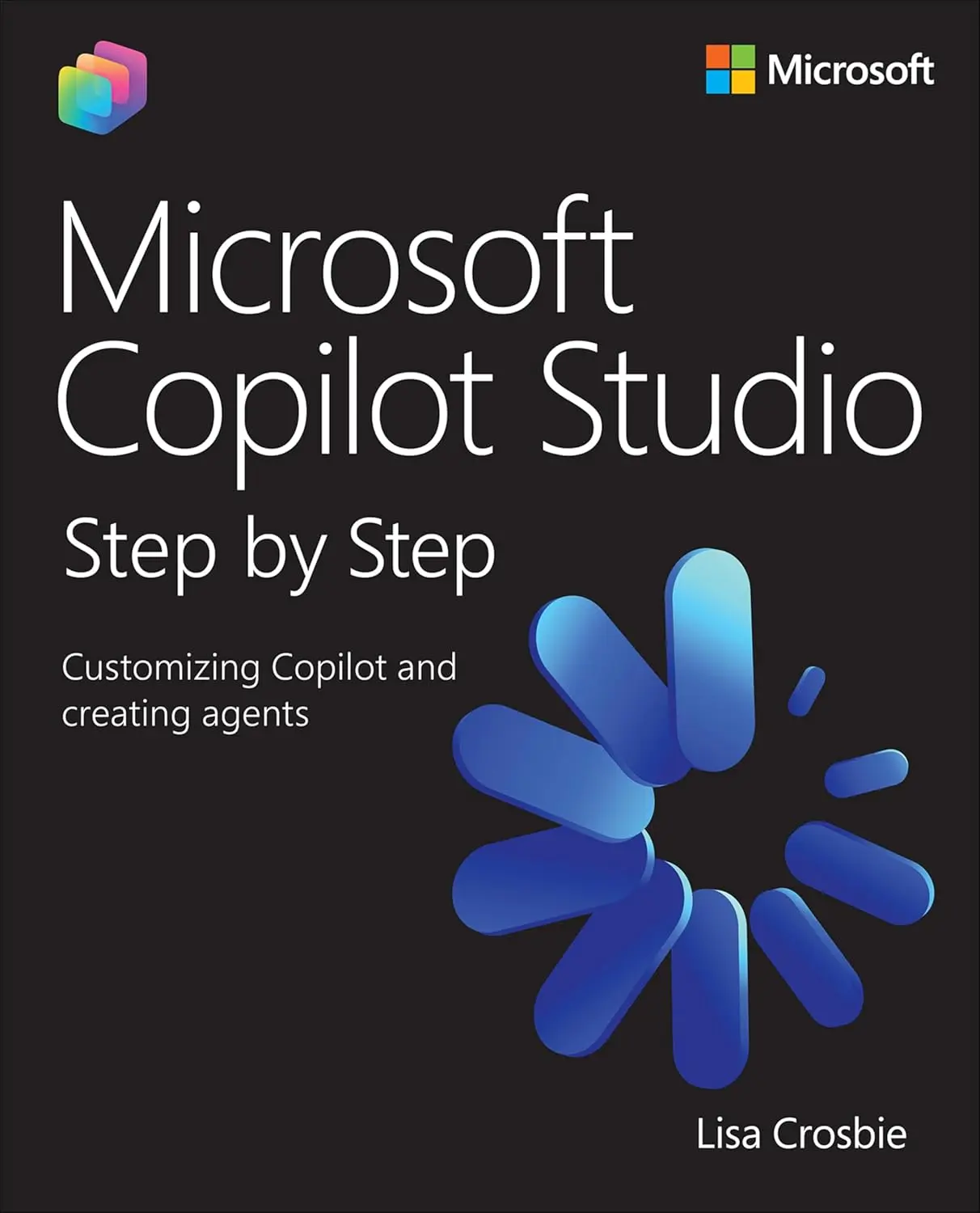
Автор: Crosbie Lisa
Дата выхода: 2026
Издательство: Microsoft Press
Количество страниц: 942
Размер файла: 14,3 МБ
Тип файла: PDF
Добавил: codelibs
Проверить на вирусыTitle Page....1
Copyight Page....2
Contents....5
Foreword....17
Acknowledgments....20
About the author....22
Introduction....25
Who this book is for....25
The Step by Step approach....26
Features and conventions....27
Download the practice files....29
Important note about changes to Copilot Studio....29
Errata, updates, and support....30
1. Understanding Copilot Studio and agents....31
Practice files....31
Get started with Copilot Studio....32
What is an agent?....33
Sign up for a Copilot Studio free trial....33
Create an agent in Copilot Studio by describing it....37
Understand the capabilities of Copilot Studio....48
Microsoft’s agent-building toolset....48
Key components of agent architecture....53
Core capabilities of Copilot Studio....55
Explore use cases for Copilot Studio agents....57
Internal agents (for employees)....59
External agents (for customers or suppliers)....62
Success metrics....66
Skills review....67
Practice tasks....68
Get started with Copilot Studio....68
Understand the capabilities of Copilot Studio....69
Explore use cases for Copilot Studio agents....69
2. Designing effective agents....71
Practice files....71
Choose the type of agent....72
Extend Microsoft 365 Copilot or build a stand-alone agent....72
Conversational agents....76
Autonomous agents....77
Multi-agent systems....79
Select the agent’s orchestration model....81
Generative orchestration....82
Classic orchestration....86
Azure CLU integration....95
Design the agent’s capabilities....96
Define the agent’s scope and purpose....97
Give the agent your brand voice....97
Identify the knowledge sources and tools your agent needs....98
Define the logic strategy....102
Identify topics....104
Plan for fallback and escalation....108
Understand and calculate agent costs....111
The capability being invoked....112
The orchestration model used....113
Tenant graph grounding, the channel, and the user license....114
Purchasing message packs for your agent....115
Using the Copilot Studio agent usage estimator....116
Skills review....117
Practice tasks....118
Choose the type of agent....118
Select the agent’s orchestration model....118
Design the agent’s capabilities....119
Understand and calculate agent costs....120
3. Building agents with the lite experience of Copilot Studio....122
Practice files....122
Describe and configure an agent....124
Create an agent by describing it....124
Configure an agent and add knowledge....135
Add capabilities to your agent....150
Edit an existing agent....154
Build an agent from a template....157
Share and manage agents....164
Share an agent with other users....164
Manage agents....170
Skills review....175
Practice tasks....176
Describe and configure an agent....176
Build an agent from a template....177
Share and manage agents....178
4. Building agents in Copilot Studio....179
Practice files....179
Understand environments and solutions....180
Create a new environment....180
Select an environment for your agent in Copilot Studio....186
Work with solutions....188
Configure a new agent....188
Start creating an agent using configuration....189
Set the primary language for the agent....192
Set the agent’s name and icon....194
Write a description and instructions....194
Add suggested prompts....197
Add knowledge....200
Create the agent....200
Manage agent settings....201
Enable deep reasoning....203
Manage the response model and response formatting....203
Edit the primary language and add secondary languages....205
Edit the Conversation Start topic....208
Start with an agent template....214
Install a managed agent....218
Skills review....223
Practice tasks....224
Understand environments and solutions....224
Configure a new agent....224
Manage agent settings....225
Edit the Conversation Start topic....226
Start with an agent template....227
Install a managed agent....227
5. Building autonomous agents....229
Practice files....229
Identify use cases for autonomous agents....230
Autonomous agents versus workflow automation....230
Identify use cases....235
Build an autonomous agent....238
Plan an autonomous agent....238
Create the agent and add knowledge and tools....240
Write instructions....256
Add a trigger....261
Iterate and add additional tools to your agent....269
Use deep reasoning....277
Best practice....283
Publish and monitor an autonomous agent....284
Review the activity....286
Skills review....290
Practice tasks....291
Identify use cases for autonomous agents....291
Build an autonomous agent....292
Publish and monitor an autonomous agent....293
6. Grounding agents in knowledge....295
Practice files....295
Understand how knowledge works in Copilot Studio....296
Set up a “Playground Agent” to use for this chapter....297
General knowledge from the LLM....300
Generative answers and the Conversational boosting topic....308
Content moderation....311
Official knowledge sources....313
Connect to public websites as a knowledge source....317
Website knowledge behavior and limitations....322
Allow the agent to use web search....325
Add files as a knowledge source....328
Upload files....329
Connect to OneDrive or SharePoint files and folders....342
Manage connections....360
Add SharePoint as a knowledge source....364
Tenant graph grounding....365
Connect to a SharePoint site....368
Connect to a SharePoint List....374
Best practice for working with SharePoint as a knowledge source....381
Add real-time connectors to enterprise data....381
Connect to enterprise data using real-time connectors....382
Add Dataverse tables as a knowledge source....390
Best practice for working with Dataverse as a knowledge source....400
Skills review....401
Practice tasks....402
Understand how knowledge works in Copilot Studio....402
Connect to public websites as a knowledge source....403
Add files as a knowledge source....403
Add SharePoint as a knowledge source....404
Add real-time connectors to enterprise data....405
7. Authoring topics....406
Practice files....406
Create and edit topics....407
Create topics from a description and understand triggers....408
Create topics from blank....433
Edit topics using code....439
Use message nodes and adaptive cards....441
Add a message node....441
Add an image to a message....448
Use cards in a message....452
Use other message node features....464
Use questions, variables, and entities....465
Understand variables....465
Add a question node using variables and conditional logic....466
Understand entities....481
Use formulas, logic, and generative answers....490
Use PowerFx formulas....491
Expand the branching logic....499
Understand slot filling and configure skip behavior....509
Add knowledge to a topic....516
Manage topic transitions and internal triggers....523
Redirecting and ending topics and conversations....524
Topic triggers....537
System topics....543
Skills review....545
Practice tasks....546
Create and edit topics....546
Use message nodes and adaptive cards....547
Use questions, variables, and entities....548
Use formulas, logic, and generative answers....548
Manage topic transitions and internal triggers....549
8. Extending agents with tools....551
Practice files....551
Use connectors and REST APIs....552
Add a connector as a tool....553
Add a tool from a REST API....581
Create agent flows....584
Create stand-alone agent flows....586
Create agent flows triggered by an agent....614
Add tools to a topic....632
Use a prompt as a tool....642
Add tools from a Model Context Protocol server....658
Skills review....668
Practice tasks....668
Use connectors and REST APIs....669
Create agent flows....670
Add tools to a topic....672
Use a prompt as a tool....673
Add tools from a Model Context Protocol server....675
9. Designing multi-agent orchestration....677
Practice files....677
Understand multi-agent orchestration....678
When to use child agents....678
When to use connected agents....679
Create and use child agents....680
Connect to existing agents....697
Connect to an existing Copilot Studio agent....697
Connect to other existing agents....704
Skills review....705
Practice tasks....705
Understand multi-agent orchestration....705
Create and use child agents....706
Connect to existing agents....707
10. Publishing and authenticating agents....709
Practice files....709
Understand and select the agent authentication method....710
Publish and test an agent....717
Choose and configure channels....727
Publishing to external channels....728
Publishing to internal channels....730
Skills review....753
Practice tasks....753
Understand and select the agent authentication method....754
Publish and test an agent....754
Choose and configure channels....755
11. Monitoring agent performance....756
Practice files....756
Analyze conversational agent performance....757
Understanding conversational agent metrics....763
Download and view conversation transcripts....776
Download conversation sessions from Copilot Studio....776
Download conversation sessions from Dataverse....779
Analyze autonomous agent performance....785
Understanding autonomous agent metrics....786
Skills review....790
Practice tasks....791
Analyze conversational agent performance....791
Download and view conversation transcripts....791
Analyze autonomous agent performance....792
12. Working with voice and customer engagement systems....793
Practice files....793
Create a voice-enabled agent....795
Understand voice-enabled agent capabilities and settings....795
Configure topics for voice-enabled agents....804
Use knowledge with voice-enabled agents....809
Test a voice-enabled agent using chat....811
Publish to a customer engagement channel and configure escalation....816
Skills review....836
Practice tasks....836
Create a voice-enabled agent....837
Test a voice-enabled agent using chat....837
Publish to a customer engagement channel and configure escalation....837
13. Extending Copilot Studio agents with Azure AI....839
Practice files....839
Create a vector index in Azure AI Search....840
Review or set up Azure prerequisites....841
Import and vectorize your data in Azure AI Search....842
Add Azure AI Search as a knowledge source....852
Bring your own Azure AI Foundry model....862
Select the primary model for your agent....863
Select the response model for your agent....865
Select the model for a prompt tool....867
Skills review....880
Practice tasks....880
Create a vector index in Azure AI Search....881
Add Azure AI Search as a knowledge source....881
Bring your own Azure AI Foundry model....882
A. Build an IT helpdesk agent....884
Practice tasks....885
Set up prerequisite components....885
Create an agent....886
Add a knowledge source....887
Author a simple topic by describing it....888
Add a tool to send a notification to the IT Team....889
Author a topic using branching logic and add a tool....890
Add a tool to create an IT Helpdesk ticket in SharePoint....892
Test your agent: knowledge....894
Test your agent: topics....894
Test your agent: tools....895
Publish your agent to Microsoft 365 Copilot....896
Build a customer support agent....898
Practice tasks....899
Set up prerequisite components....899
Create an agent....900
Edit the agent greeting....901
Add knowledge about the daily specials....901
Add a tool to respond to complaints....902
Add a tool to make recommendations for catering....904
Create a topic for event catering....906
Create an agent flow to call the prompt for event catering....907
Add the agent flow to the Event catering request topic....908
Update the instructions to reference the topic and tool....909
Test the agent....910
Publish your agent to the demo website....910
Index....912
Renowned Microsoft AI authority Lisa Crosbie unveils an essential guide to mastering agent building and business process automation with Microsoft Copilot Studio
Microsoft Copilot Studio Step by Step: Customizing Copilot and creating agents is the definitive, hands-on guide for professionals seeking to master Microsoft’s low-code agent-building platform. The book combines reference material with step-by-step tutorials, making complex AI concepts accessible to low-code makers, consultants, and IT pros. You will learn to design, build, and deploy AI-powered agents that automate workflows, transform business processes, and integrate with Microsoft 365 Copilot and your line of business systems. Through practical scenarios, best practices, and end-to-end examples, this book equips users with the skills to leverage Copilot Studio for organizational value, offering the depth and clarity needed to turn ideas into working solutions, and emerging as the essential resource for this rapidly growing technology.
By reading this book, you will:
- Understand the foundational concepts and architecture of Microsoft Copilot Studio and AI agents
- Create AI-powered agents using natural language and low-code tools for internal and customer-facing scenarios
- Configure autonomous agents with event-driven, scheduled, and data-based triggers
- Ground your agents in organizational knowledge by connecting to multiple data sources
- Author structured conversational topics using advanced tools like branching logic and adaptive cards
- Extend agent capabilities with connectors, prompts, MCP servers, and workflow automation
- Design multi-agent orchestration using child and connected agents to delegate tasks across specialized domains
- Publish and authenticate agents across Microsoft 365 Copilot, Teams, websites, and other external channels
- Monitor agent performance using built-in analytics to optimize user experience
- Expand your solutions with advanced capabilities for integration with voice channels, customer engagement hubs and Azure AI


