-
1C
-
Agda
-
Agile/Scrum
-
Alef
-
APL
-
Assembler
-
AWK
-
Basic
-
Beta Programming Language
-
Big Data/DataScience
-
C
-
C#
-
C++
-
Cobol
-
Crystal
-
CSS
-
D
-
Dart
-
DataBase (SQL)
-
Delphi
-
F#
-
Flutter
-
Fortran
-
GameDev
-
Git
-
Go (Golang)
-
GPT/AI/ИИ
-
Hacking and Security
-
Haskell
-
HTML
-
Java
-
JavaScript (JS)
-
Julia
-
Kotlin
-
Machine Learning (ML)
-
Natural language processing (NLP)
-
.NET (.NET Core)
-
Pascal
-
PHP
-
Python
-
R
-
Ruby
-
Rust
-
Scratch
-
Swift
-
UML
-
UX/UI
-
Visual Basic
-
Wolfram
-
XML
-
АСУ
-
Проектирование/System Design
-
Сети/Network
-
Статьи
-
Схемотехника/электронные схемы
-
1C
-
Agda
-
Agile/Scrum
-
Alef
-
APL
-
Assembler
-
AWK
-
Basic
-
Beta Programming Language
-
Big Data/DataScience
-
C
-
C#
-
C++
-
Cobol
-
Crystal
-
CSS
-
D
-
Dart
-
DataBase (SQL)
-
Delphi
-
F#
-
Flutter
-
Fortran
-
GameDev
-
Git
-
Go (Golang)
-
GPT/AI/ИИ
-
Hacking and Security
-
Haskell
-
HTML
-
Java
-
JavaScript (JS)
-
Julia
-
Kotlin
-
Machine Learning (ML)
-
Natural language processing (NLP)
-
.NET (.NET Core)
-
Pascal
-
PHP
-
Python
-
R
-
Ruby
-
Rust
-
Scratch
-
Swift
-
UML
-
UX/UI
-
Visual Basic
-
Wolfram
-
XML
-
АСУ
-
Проектирование/System Design
-
Сети/Network
-
Статьи
-
Схемотехника/электронные схемы
Меню
Expert Delphi: Robust and fast cross-platform application development 2 Ed
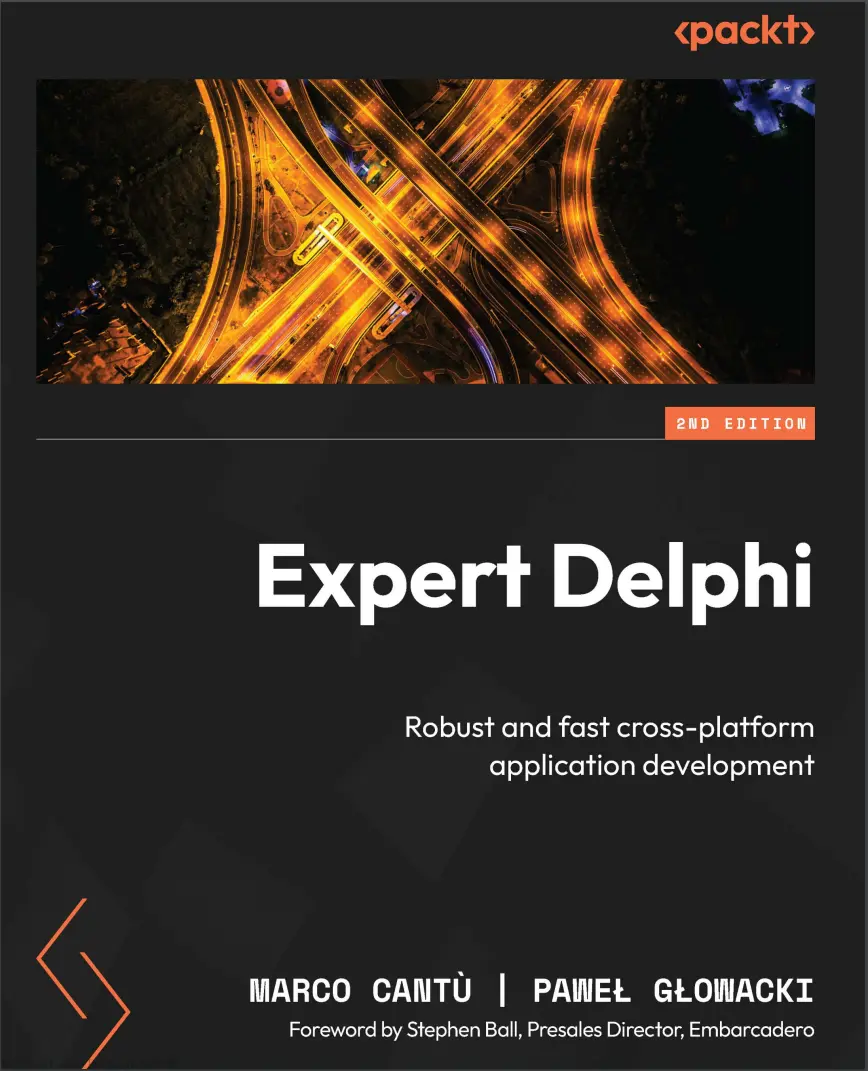
Автор: Cantù Marco , Glowacki Pawel
Дата выхода: 2024
Издательство: Packt Publishing Limited
Количество страниц: 418
Размер файла: 5,8 МБ
Тип файла: PDF
Добавил: codelibs
Проверить на вирусы Дополнительные материалыCover....1
Title Page....2
Copyright and Credits....3
Foreword....5
Contributors....6
Table of Contents....10
Preface....16
Part 1: Building Blocks....24
Chapter1: Fasten Your Seat Belts....26
Delphi installation....26
Delphi versions....27
Running the Delphi installer....28
Installing custom components....30
IDE options....32
Riding the IDE....33
Delphi compilers and toolchains....34
The “Hello World” app....35
Deploying to mobile devices....47
Deploying to Android....47
Deploying to iOS....51
Summary....55
Chapter 2: Mind Your Language....56
Do you speak Object Pascal?....56
Program structure....57
Console application....58
Building a forms application....61
The Object Pascal language phrasebook....71
Tokens....71
Constants....72
Types....73
Inline variables declaration....74
Sets and arrays....75
Helpers....76
Generics....78
Anonymous code....81
Operator overloading....84
Runtime type information....84
Custom attributes....85
Summary....88
Chapter 3: Packing Up Your Toolbox....90
Technical requirements....90
Working with files and streams....90
Working with JSON....96
Writing JSON....97
Reading JSON....103
Using the JSON wizard in Delphi 12....107
Working with XML....108
Summary....113
Chapter 4: Using the Parallel Programming Library....114
Technical requirements....114
Using threads....115
Access synchronization....119
Calling Synchronize....119
Atomic operations....119
Using a critical section....120
Using TMonitor....120
Exploring the Parallel Programming Library....121
Parallel loops....122
Using tasks....123
The beauty of futures....125
Summary....126
Part 2: Going Mobile....128
Chapter 5: Playing with FireMonkey....130
Technical requirements....130
Drawing in code....131
Get moving with timers....136
Precise timing....138
The power of parenting....139
Shapes....139
Animations....142
Touching the screen....143
Touch....143
Gestures....145
Multi-touch....148
Game of Memory....150
Designing the game....151
Working with images....151
Designing the user interface....153
Aligning, anchoring, and margins....153
Layouts....154
Building the main form of the game....154
Storing the game’s configuration....162
The game’s settings form....164
Summary....167
Chapter 6: FireMonkey in 3D....168
Technical requirements....168
Cross-platform 3D rendering....168
Direct use of Context3D....169
Using a cube component....172
A custom wireframe component....173
Ready-to-use 3D objects....177
The Moving Earth app....178
Building an interactive 3D scene....183
Using 3D models....189
A starfield simulation....191
Mixing 3D and 2D....194
Summary....197
Chapter 7: Building User Interfaces with Style....198
Working with built-in styles....199
Adding more controls....202
Adding the dials....203
Using custom styles....204
Embedding styles as resources....207
Customizing styles....209
Using frames....212
Working with inherited views....217
Previewing forms on devices....221
Summary....224
Chapter 8: Working with Mobile Operating Systems....226
James Bond’s toy....227
What am I running on?....227
The life of an app....231
Sensing the world....234
Using the location....235
Using the orientation and motion sensors....239
Taking photos....241
Using share sheets....245
Camera, action!....247
Notify me!....249
Navigating the web....250
Delphi language bridges....252
Vibrating on Android....253
Vibrations on iOS....254
Summary....256
Chapter 9: Desktop Apps and Mobile Bridges....258
Technical requirements....259
Single source for mobile and desktop....259
Using the MultiView control....259
Using data grids....263
Leveraging layout controls....265
Flow layout....266
Grid layout....268
Scaled layout....270
Grid panel layout....271
Building desktop apps for Windows, macOS, and Linux....273
Creating apps for macOS....275
What about targeting Linux?....277
App tethering....279
Summary....285
Part 3: From Data to Services....286
Chapter 10: Embedding Databases....288
Technical requirements....288
Data-driven apps....289
Modeling data....290
Choosing a database....292
Accessing databases with FireDAC....294
Building a data-driven UI....304
Using visual live bindings....314
Fast UI prototyping....317
Summary....320
Chapter 11: Integrating with Web Services....322
Technical requirements....322
Understanding Web Services....323
Building a native HTTP client....324
Consuming XML SOAP Web Services....327
Integrating with REST services....330
Integrating with the cloud....334
The Delphi Cloud API....335
Moving the ToDo List app to Azure....335
Using the AWS SDK for Delphi....341
Summary....345
Chapter 12: Building Mobile Backends....346
Technical requirements....346
Delphi and multi-tier architectures....346
Working at a low level with WebBroker....348
Generating a standalone project....349
The Standalone WebBroker server....350
Adding Apache support....353
Adding a client application....354
Building the web module....355
Creating a new ToDo item....356
Reading the data and other operations....357
A client for the REST API....358
Do-it-yourself with DataSnap....362
Building the DataSnap server....363
Implementing the DataSnap server functionality....364
Building a DataSnap client....365
Summary....370
Chapter 13: Easy REST API Publishing with RAD Server....372
Technical requirements....372
RAD Server setup....373
Building RAD Server resources....377
The ToDo list in RAD Server....381
Creating a client app for RAD Server....385
Summary....389
Chapter 14: App Deployment....390
Technical requirements....390
Deploying to app stores....390
Apps artwork....392
Apps orientation....394
Publishing on the Apple iOS App Store....394
Publishing your Android apps to the Google Play Store....397
Monetizing with ads and in-app purchases....401
Automate the development process....402
App versioning....402
Practical version control....403
Sleeping well with unit testing....404
Summary....405
Chapter 15: The Road Ahead....406
Review of what we have learned....406
Trends in mobile development....407
A single screen is not your limit....408
Serverless backends and NoSQL databases....408
The AI revolution....409
Ideas for new and innovative apps for you to build....409
Summary....410
Index....412
Other Books You May Enjoy....1
Master Delphi, the most powerful Object Pascal IDE and versatile component library for cross-platform native app development, by harnessing its capabilities for building natively compiled, blazingly fast apps for all major platforms, including Android, iOS, Windows, Mac, and Linux.
Expert Delphi begins with a quick overview of Delphi, helping you get acquainted with the IDE and the Object Pascal language. The book then quickly progresses to more advanced concepts, followed by the architecture of applications and the FireMonkey library, guiding you through building server-side services, parallel programming, and database access. Toward the end, you'll learn how to integrate your app with various web services and deploy them effectively.
By the end of this book, you'll be adept at building powerful, cross-platform, native apps for iOS, Android, Windows, and macOS-all from a single code base.
What you will learn
- Configure the Delphi IDE for mobile development, use Object Pascal, and build apps
- Manage core Delphi technologies, including parallel programming, JSON, XML, and FireMonkey
- Explore FireMonkey 3D features, UI styles, and mobile OS integration to build powerful apps
- Extend your apps to desktop using the same source code and set of technologies to expand opportunities
- Build web services integrate them with your UI for a holistic developer experience
- Deploy apps to devices and online stores, streamlining distribution and facilitating monetization
Who this book is for
If you're a Delphi developer exclusively versed in Windows applications and aspire to venture into mobile platforms, this book will pave the way for you to become an expert in this space. It serves as a guide for mobile developers or developers in general, proficient in other programming languages and frameworks, to harness the productivity that Delphi and FireMonkey offer.


