-
1C
-
Agda
-
Agile/Scrum
-
Alef
-
APL
-
Assembler
-
AWK
-
Basic
-
Beta Programming Language
-
Big Data/DataScience
-
C
-
C#
-
C++
-
Cobol
-
Crystal
-
CSS
-
D
-
Dart
-
DataBase (SQL)
-
Delphi
-
F#
-
Flutter
-
Fortran
-
GameDev
-
Git
-
Go (Golang)
-
GPT/AI/ИИ
-
Hacking and Security
-
Haskell
-
HTML
-
Java
-
JavaScript (JS)
-
Julia
-
Kotlin
-
Machine Learning (ML)
-
Natural language processing (NLP)
-
.NET (.NET Core)
-
Pascal
-
PHP
-
Python
-
R
-
Ruby
-
Rust
-
Scratch
-
Swift
-
UML
-
UX/UI
-
Visual Basic
-
Wolfram
-
XML
-
АСУ
-
Проектирование/System Design
-
Сети/Network
-
Статьи
-
Схемотехника/электронные схемы
-
1C
-
Agda
-
Agile/Scrum
-
Alef
-
APL
-
Assembler
-
AWK
-
Basic
-
Beta Programming Language
-
Big Data/DataScience
-
C
-
C#
-
C++
-
Cobol
-
Crystal
-
CSS
-
D
-
Dart
-
DataBase (SQL)
-
Delphi
-
F#
-
Flutter
-
Fortran
-
GameDev
-
Git
-
Go (Golang)
-
GPT/AI/ИИ
-
Hacking and Security
-
Haskell
-
HTML
-
Java
-
JavaScript (JS)
-
Julia
-
Kotlin
-
Machine Learning (ML)
-
Natural language processing (NLP)
-
.NET (.NET Core)
-
Pascal
-
PHP
-
Python
-
R
-
Ruby
-
Rust
-
Scratch
-
Swift
-
UML
-
UX/UI
-
Visual Basic
-
Wolfram
-
XML
-
АСУ
-
Проектирование/System Design
-
Сети/Network
-
Статьи
-
Схемотехника/электронные схемы
Меню
Create GUI Applications with Python & Qt6 (PyQt6 Edition): The hands-on guide to making apps with Python
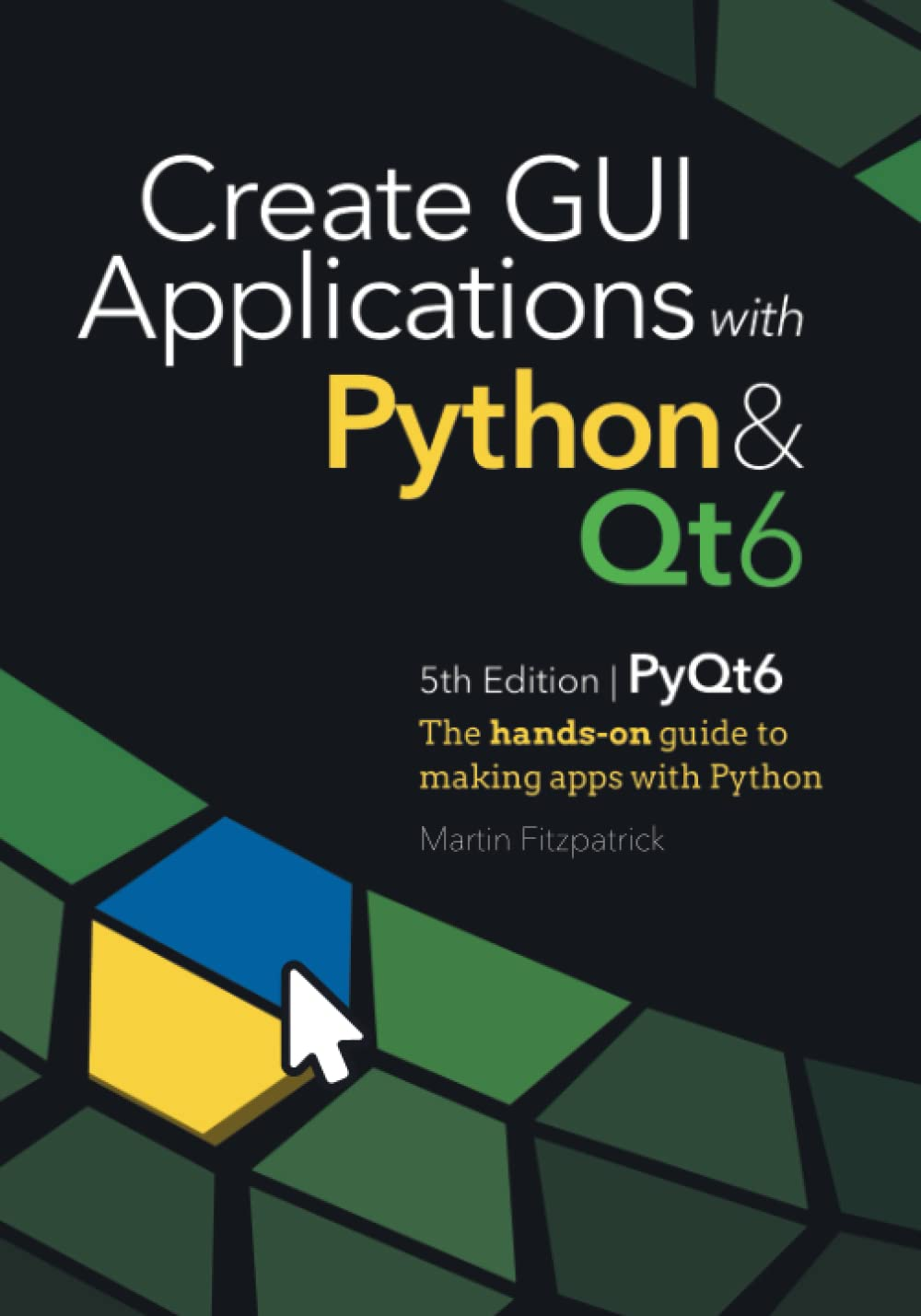
Автор: Fitzpatrick Martin
Дата выхода: 2022
Издательство: Lean Publishing
Количество страниц: 937
Размер файла: 8,0 МБ
Тип файла: PDF
Добавил: codelibs
Проверить на вирусыIntroduction....8
1. A very brief history of the GUI....10
2. A bit about Qt....13
Basic PySide6 Features....15
3. My first Application....16
4. Signals & Slots....29
5. Widgets....43
6. Layouts....77
7. Actions, Toolbars & Menus....104
8. Dialogs....131
9. Windows....185
10. Events....199
Qt Designer....210
11. Installing Qt Designer....211
12. Getting started with Qt Designer....217
13. The Qt Resource system....240
Theming....252
14. Styles....253
15. Palettes....257
16. Icons....270
17. Qt Style Sheets (QSS)....279
Model View Architecture....345
18. The Model View Architecture — Model View Controller....347
19. A simple Model View — a Todo List....350
20. Tabular data in ModelViews, with numpy & pandas....370
21. Querying SQL databases with Qt models....401
Custom Widgets....436
22. Bitmap Graphics in Qt....437
23. Creating Custom Widgets....475
24. Using Custom Widgets in Qt Designer....516
Concurrent Execution....532
25. Introduction to Threads & Processes....534
26. Using the thread pool....542
27. QRunnable examples....555
28. Long-running threads....626
29. Running external commands & processes....648
Plotting....660
30. Plotting with PyQtGraph....661
31. Plotting with Matplotlib....689
Further PySide6 Features....711
32. Timers....712
33. Extending Signals....719
34. Working with Relative Paths....731
35. System tray & macOS menus....737
36. Enums & the Qt Namespace....749
37. Working with command-line arguments....764
38. Pythonic PySide6....769
Packaging & Distribution....773
39. Packaging with PyInstaller....774
40. Creating a Windows installer with InstallForge....806
41. Creating a macOS Disk Image Installer....819
42. Creating a Linux Package with fpm....824
Example applications....837
43. Mozzarella Ashbadger....838
44. Moonsweeper....859
Appendix A: Installing PySide6....887
45. Installation Windows....888
46. Installation macOS....889
47. Installation on Linux....892
Appendix B: Translating C++ Examples to Python....893
48. The example code....895
49. Imports....897
50. int main(int argc, char *argv[])....899
51. C++ types....901
52. Signals....904
53. Syntax....906
54. Applying the process to your own code....909
Appendix C: PyQt6 and PySide6 — What’s the difference?....910
55. Background....911
56. Licensing....914
57. Namespaces & Enums....915
58. UI files....916
59. Converting UI files to Python....919
60. exec() or exec_()....921
61. Slots and Signals....922
62. QMouseEvent....924
63. Features in PySide6 but not in PyQt6....925
64. Supporting both in libraries....927
65. That’s really it....931
Appendix D: What next?....932
66. Get access to updates....933
67. Documentation....934
68. Copyright....935
69. Thank you....936
Building desktop applications doesn't have to be difficult. Using Python & Qt6 you can create fully functional desktop apps in minutes. Starting from the very basics, this modern PyQt6 book takes you on a tour of the key features of PyQt6 you can use to build real-life applications.This is the 5th Edition of Create GUI Applications with Python & Qt, updated for 2022 & PyQt6. Learn the fundamental building blocks of PyQt applications — Widgets, Layouts & Signals and learn how PyQt6 uses the event loop to handle and respond to user input. Design beautiful UIs with Qt Designer and customize the look and feel of your applications with Qt Style Sheets and custom widgets.Use Qt's MVC-like ModelViews framework to connect data sources to your widgets, including SQL databases, numpy and pandas data tables, to build-data driven application. Visualize data using matplotlib & PyQtGraph and connect with external data sources to build live dashboards. Learn how to use threads and processes to manage long-running tasks and communicate with external services. Parse data and visualize the output in logs and progress bars.The book includes usability and architectural tips to help you build maintainable and usable PyQt6 applications from the start. Finally, once your application is ready to be released, discover how to package it up into professional-quality installers, ready to ship.


