-
1C
-
Agda
-
Agile/Scrum
-
Alef
-
APL
-
Assembler
-
AWK
-
Basic
-
Beta Programming Language
-
Big Data/DataScience
-
C
-
C#
-
C++
-
Cobol
-
Crystal
-
CSS
-
D
-
Dart
-
DataBase (SQL)
-
Delphi
-
F#
-
Flutter
-
Fortran
-
GameDev
-
Git
-
Go (Golang)
-
GPT/AI/ИИ
-
Hacking and Security
-
Haskell
-
HTML
-
Java
-
JavaScript (JS)
-
Julia
-
Kotlin
-
Machine Learning (ML)
-
Natural language processing (NLP)
-
.NET (.NET Core)
-
Pascal
-
PHP
-
Python
-
R
-
Ruby
-
Rust
-
Scratch
-
Swift
-
UML
-
UX/UI
-
Visual Basic
-
Wolfram
-
XML
-
АСУ
-
Проектирование/System Design
-
Сети/Network
-
Статьи
-
Схемотехника/электронные схемы
-
1C
-
Agda
-
Agile/Scrum
-
Alef
-
APL
-
Assembler
-
AWK
-
Basic
-
Beta Programming Language
-
Big Data/DataScience
-
C
-
C#
-
C++
-
Cobol
-
Crystal
-
CSS
-
D
-
Dart
-
DataBase (SQL)
-
Delphi
-
F#
-
Flutter
-
Fortran
-
GameDev
-
Git
-
Go (Golang)
-
GPT/AI/ИИ
-
Hacking and Security
-
Haskell
-
HTML
-
Java
-
JavaScript (JS)
-
Julia
-
Kotlin
-
Machine Learning (ML)
-
Natural language processing (NLP)
-
.NET (.NET Core)
-
Pascal
-
PHP
-
Python
-
R
-
Ruby
-
Rust
-
Scratch
-
Swift
-
UML
-
UX/UI
-
Visual Basic
-
Wolfram
-
XML
-
АСУ
-
Проектирование/System Design
-
Сети/Network
-
Статьи
-
Схемотехника/электронные схемы
Меню
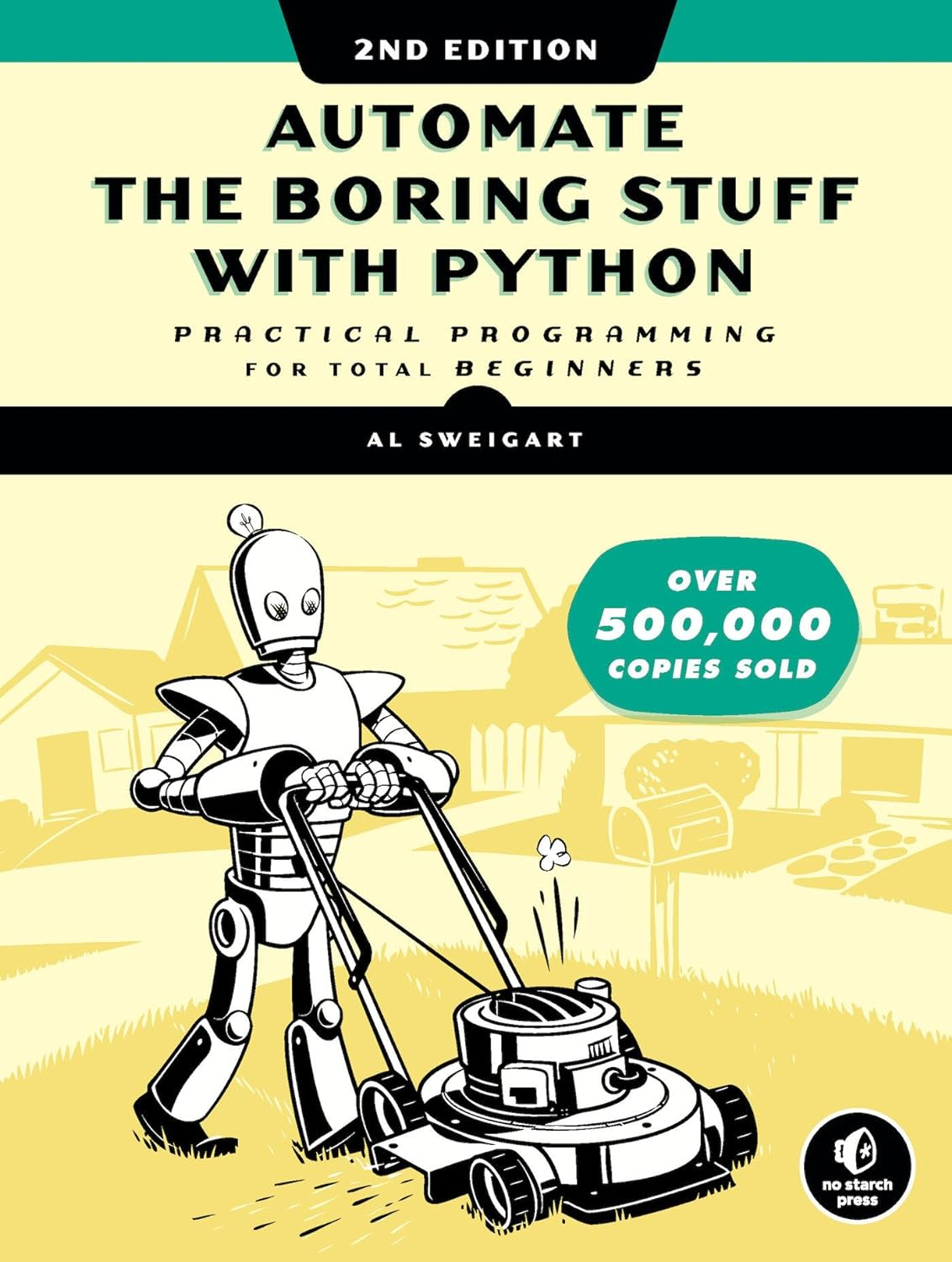
Automate the Boring Stuff with Python: Practical Programming for Total Beginners. 2 Ed
Автор: Sweigart Al
Дата выхода: 2020
Издательство: No Starch Press, Inc.
Количество страниц: 1253
Размер файла: 4,8 МБ
Тип файла: PDF
Добавил: codelibs
Проверить на вирусыTitle Page....2
Copyright Page....3
Dedication....6
About the Author....7
About the Technical Reviewer....8
BRIEF CONTENTS....9
CONTENTS IN DETAIL....11
ACKNOWLEDGMENTS....56
INTRODUCTION....57
Whom Is This Book For?....58
Conventions....59
What Is Programming?....59
About This Book....65
Downloading and Installing Python....68
Downloading and Installing Mu....71
Starting Mu....71
Starting IDLE....72
The Interactive Shell....73
Installing Third-Party Modules....75
How to Find Help....75
Asking Smart Programming Questions....77
Summary....79
PART I: PYTHON PROGRAMMING BASICS....81
1 PYTHON BASICS....82
Entering Expressions into the Interactive Shell....83
The Integer, Floating-Point, and String Data Types....88
String Concatenation and Replication....90
Storing Values in Variables....93
Your First Program....99
Dissecting Your Program....102
Summary....113
Practice Questions....114
2 FLOW CONTROL....117
Boolean Values....119
Comparison Operators....120
Boolean Operators....124
Mixing Boolean and Comparison Operators....127
Elements of Flow Control....129
Program Execution....131
Flow Control Statements....132
Importing Modules....167
Ending a Program Early with the sys.exit() Function....170
A Short Program: Guess the Number....171
A Short Program: Rock, Paper, Scissors....176
Summary....184
Practice Questions....184
3 FUNCTIONS....187
def Statements with Parameters....190
Return Values and return Statements....192
The None Value....195
Keyword Arguments and the print() Function....196
The Call Stack....199
Local and Global Scope....203
The global Statement....210
Exception Handling....215
A Short Program: Zigzag....219
Summary....224
Practice Questions....224
Practice Projects....225
4 LISTS....228
The List Data Type....228
Working with Lists....238
Augmented Assignment Operators....248
Methods....251
Example Program: Magic 8 Ball with a List....260
Sequence Data Types....261
References....269
A Short Program: Conway’s Game of Life....279
Summary....288
Practice Questions....289
Practice Projects....291
5 DICTIONARIES AND STRUCTURING DATA....296
The Dictionary Data Type....296
Pretty Printing....309
Using Data Structures to Model Real-World Things....311
Summary....326
Practice Questions....326
Practice Projects....327
6 MANIPULATING STRINGS....331
Working with Strings....331
Putting Strings Inside Other Strings....340
Useful String Methods....342
Numeric Values of Characters with the ord() and chr() Functions....359
Copying and Pasting Strings with the pyperclip Module....361
Project: Multi-Clipboard Automatic Messages....362
Project: Adding Bullets to Wiki Markup....368
A Short Progam: Pig Latin....373
Summary....380
Practice Questions....382
Practice Projects....383
PART II: AUTOMATING TASKS....392
7 PATTERN MATCHING WITH REGULAR EXPRESSIONS....393
Finding Patterns of Text Without Regular Expressions....394
Finding Patterns of Text with Regular Expressions....398
More Pattern Matching with Regular Expressions....402
Greedy and Non-greedy Matching....413
The findall() Method....415
Character Classes....417
Making Your Own Character Classes....419
The Caret and Dollar Sign Characters....420
The Wildcard Character....422
Review of Regex Symbols....426
Case-Insensitive Matching....427
Substituting Strings with the sub() Method....428
Managing Complex Regexes....429
Combining re.IGNORECASE, re.DOTALL, and re.VERBOSE....430
Project: Phone Number and Email Address Extractor....432
Summary....441
Practice Questions....442
Practice Projects....445
8 INPUT VALIDATION....448
The PyInputPlus Module....450
Project: How to Keep an Idiot Busy for Hours....463
Project: Multiplication Quiz....466
Summary....470
Practice Questions....471
Practice Projects....472
9 READING AND WRITING FILES....474
Files and File Paths....474
The File Reading/Writing Process....503
Saving Variables with the shelve Module....511
Saving Variables with the pprint.pformat() Function....514
Project: Generating Random Quiz Files....516
Project: Updatable Multi-Clipboard....526
Summary....531
Practice Questions....532
Practice Projects....533
10 ORGANIZING FILES....536
The shutil Module....537
Walking a Directory Tree....544
Compressing Files with the zipfile Module....548
Project: Renaming Files with American-Style Dates to European-Style Dates....553
Project: Backing Up a Folder into a ZIP File....561
Summary....567
Practice Questions....569
Practice Projects....569
11 DEBUGGING....571
Raising Exceptions....572
Getting the Traceback as a String....576
Assertions....579
Logging....584
Mu’s Debugger....595
Summary....604
Practice Questions....605
Practice Project....606
12 WEB SCRAPING....608
Project: mapIt.py with the webbrowser Module....609
Downloading Files from the Web with the requests Module....615
Saving Downloaded Files to the Hard Drive....619
HTML....622
Parsing HTML with the bs4 Module....631
Project: Opening All Search Results....640
Project: Downloading All XKCD Comics....646
Controlling the Browser with the selenium Module....656
Summary....672
Practice Questions....672
Practice Projects....674
13 WORKING WITH EXCEL SPREADSHEETS....676
Excel Documents....677
Installing the openpyxl Module....677
Reading Excel Documents....678
Project: Reading Data from a Spreadsheet....691
Writing Excel Documents....701
Project: Updating a Spreadsheet....705
Setting the Font Style of Cells....711
Font Objects....713
Formulas....715
Adjusting Rows and Columns....717
Charts....724
Summary....727
Practice Questions....728
Practice Projects....730
14 WORKING WITH GOOGLE SHEETS....734
Installing and Setting Up EZSheets....734
Spreadsheet Objects....739
Sheet Objects....748
Working with Google Sheets Quotas....763
Summary....764
Practice Questions....765
Practice Projects....766
15 WORKING WITH PDF AND WORD DOCUMENTS....769
PDF Documents....769
Project: Combining Select Pages from Many PDFs....784
Word Documents....791
Creating PDFs from Word Documents....811
Summary....812
Practice Questions....813
Practice Projects....815
16 WORKING WITH CSV FILES AND JSON DATA....819
The csv Module....820
Project: Removing the Header from CSV Files....833
JSON and APIs....840
The json Module....842
Project: Fetching Current Weather Data....844
Summary....852
Practice Questions....853
Practice Project....854
17 KEEPING TIME, SCHEDULING TASKS, AND LAUNCHING PROGRAMS....856
The time Module....856
Rounding Numbers....861
Project: Super Stopwatch....862
The datetime Module....867
Review of Python’s Time Functions....878
Multithreading....880
Project: Multithreaded XKCD Downloader....886
Launching Other Programs from Python....892
Project: Simple Countdown Program....901
Summary....905
Practice Questions....906
Practice Projects....906
18 SENDING EMAIL AND TEXT MESSAGES....909
Sending and Receiving Email with the Gmail API....910
SMTP....919
Sending Email....920
IMAP....929
Retrieving and Deleting Emails with IMAP....929
Project: Sending Member Dues Reminder Emails....951
Sending Text Messages with SMS Email Gateways....959
Sending Text Messages with Twilio....963
Project: “Just Text Me” Module....969
Summary....971
Practice Questions....972
Practice Projects....973
19 MANIPULATING IMAGES....978
Computer Image Fundamentals....979
Manipulating Images with Pillow....984
Project: Adding a Logo....1005
Drawing on Images....1016
Summary....1024
Practice Questions....1025
Practice Projects....1026
20 CONTROLLING THE KEYBOARD AND MOUSE WITH GUI AUTOMATION....1031
Installing the pyautogui Module....1032
Setting Up Accessibility Apps on macOS....1033
Staying on Track....1034
Controlling Mouse Movement....1035
Controlling Mouse Interaction....1040
Planning Your Mouse Movements....1046
Working with the Screen....1048
Image Recognition....1052
Getting Window Information....1055
Controlling the Keyboard....1063
Setting Up Your GUI Automation Scripts....1071
Review of the PyAutoGUI Functions....1073
Project: Automatic Form Filler....1076
Displaying Message Boxes....1088
Summary....1091
Practice Questions....1092
Practice Projects....1093
A INSTALLING THIRD-PARTY MODULES....1098
The pip Tool....1098
Installing Third-Party Modules....1099
Installing Modules for the Mu Editor....1103
B RUNNING PROGRAMS....1105
Running Programs from the Terminal Window....1105
Running Python Programs on Windows....1108
Running Python Programs on macOS....1110
Running Python Programs on Ubuntu Linux....1111
Running Python Programs with Assertions Disabled....1113
C ANSWERS TO THE PRACTICE QUESTIONS....1114
Chapter 1....1114
Chapter 2....1116
Chapter 3....1119
Chapter 4....1120
Chapter 5....1122
Chapter 6....1123
Chapter 7....1124
Chapter 8....1127
Chapter 9....1127
Chapter 10....1128
Chapter 11....1129
Chapter 12....1131
Chapter 13....1133
Chapter 14....1135
Chapter 15....1135
Chapter 16....1137
Chapter 17....1137
Chapter 18....1138
Chapter 19....1139
Chapter 20....1140
INDEX....1143
Learn how to code while you write programs that effortlessly perform useful feats of automation!The second edition of this international fan favorite includes a brand-new chapter on input validation, Gmail and Google Sheets automations, tips for updating CSV files, and more.If you've ever spent hours renaming files or updating spreadsheet cells, you know how tedious tasks like these can be. But what if you could have your computer do them for you? Automate the Boring Stuff with Python, 2nd Edition teaches even the technically uninclined how to write programs that do in minutes what would take hours to do by hand—no prior coding experience required!This new, fully revised edition of Al Sweigart’s bestselling Pythonic classic, Automate the Boring Stuff with Python, covers all the basics of Python 3 while exploring its rich library of modules for performing specific tasks, like scraping data off the Web, filling out forms, renaming files, organizing folders, sending email responses, and merging, splitting, or encrypting PDFs. There’s also a brand-new chapter on input validation, tutorials on automating Gmail and Google Sheets, tips on automatically updating CSV files, and other recent feats of automations that improve your efficiency.Detailed, step-by-step instructions walk you through each program, allowing you to create useful tools as you build out your programming skills, and updated practice projects at the end of each chapter challenge you to improve those programs and use your newfound skills to automate similar tasks. Boring tasks no longer have to take to get through—and neither does learning Python!


