-
1C
-
Agda
-
Agile/Scrum
-
Alef
-
APL
-
Assembler
-
AWK
-
Basic
-
Beta Programming Language
-
Big Data/DataScience
-
C
-
C#
-
C++
-
Cobol
-
Crystal
-
CSS
-
D
-
Dart
-
DataBase (SQL)
-
Delphi
-
F#
-
Flutter
-
Fortran
-
GameDev
-
Git
-
Go (Golang)
-
GPT/AI/ИИ
-
Hacking and Security
-
Haskell
-
HTML
-
Java
-
JavaScript (JS)
-
Julia
-
Kotlin
-
Machine Learning (ML)
-
Natural language processing (NLP)
-
.NET (.NET Core)
-
Pascal
-
PHP
-
Python
-
R
-
Ruby
-
Rust
-
Scratch
-
Swift
-
UML
-
UX/UI
-
Visual Basic
-
Wolfram
-
XML
-
АСУ
-
Проектирование/System Design
-
Сети/Network
-
Статьи
-
Схемотехника/электронные схемы
-
1C
-
Agda
-
Agile/Scrum
-
Alef
-
APL
-
Assembler
-
AWK
-
Basic
-
Beta Programming Language
-
Big Data/DataScience
-
C
-
C#
-
C++
-
Cobol
-
Crystal
-
CSS
-
D
-
Dart
-
DataBase (SQL)
-
Delphi
-
F#
-
Flutter
-
Fortran
-
GameDev
-
Git
-
Go (Golang)
-
GPT/AI/ИИ
-
Hacking and Security
-
Haskell
-
HTML
-
Java
-
JavaScript (JS)
-
Julia
-
Kotlin
-
Machine Learning (ML)
-
Natural language processing (NLP)
-
.NET (.NET Core)
-
Pascal
-
PHP
-
Python
-
R
-
Ruby
-
Rust
-
Scratch
-
Swift
-
UML
-
UX/UI
-
Visual Basic
-
Wolfram
-
XML
-
АСУ
-
Проектирование/System Design
-
Сети/Network
-
Статьи
-
Схемотехника/электронные схемы
Меню
Web Development with Blazor: A hands-on guide for .NET developers to build interactive UIs with C#
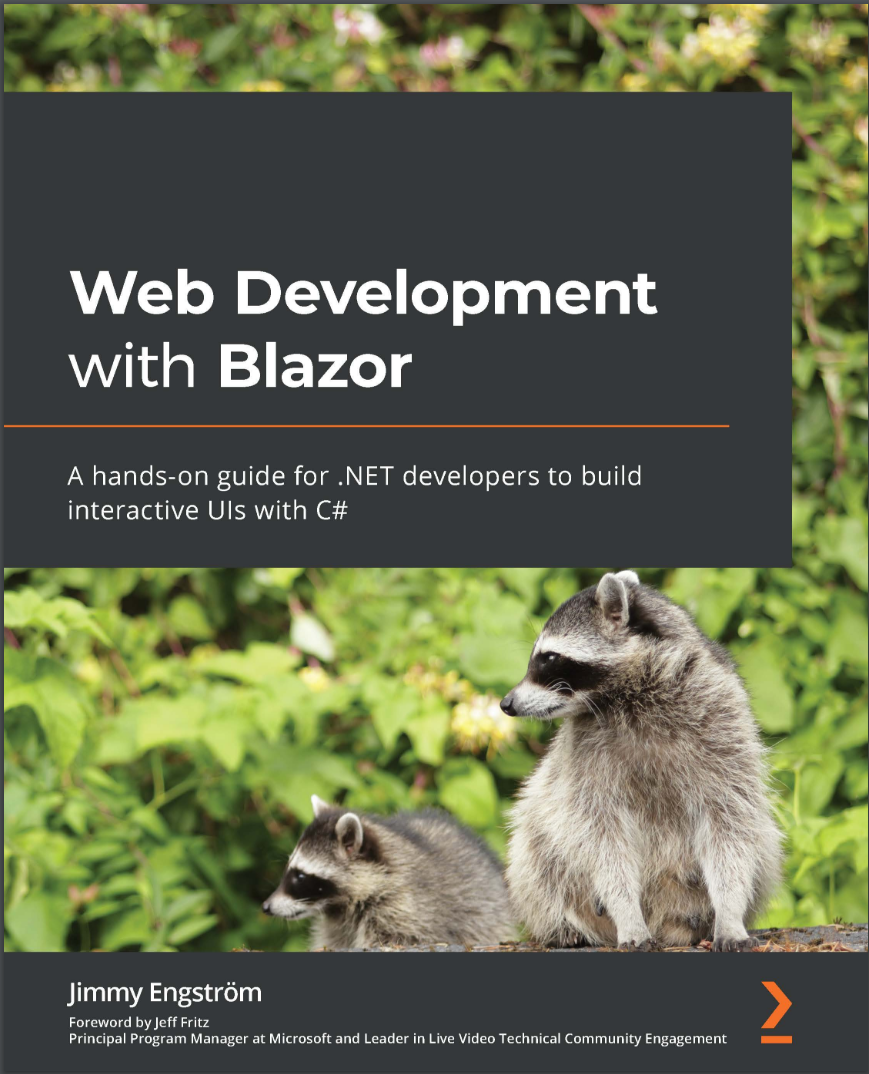
Автор: Engström Jimmy
Дата выхода: 2021
Издательство: Packt Publishing Limited
Количество страниц: 310
Размер файла: 1,7 МБ
Тип файла: PDF
Добавил: codelibs
Проверить на вирусыCover....1
Title Page....2
Copyright and Credits....3
Dedication....4
Foreword....5
Contributors....6
Table of Contents....8
Preface....14
Section 1: The Basics....20
Chapter 1: Hello Blazor....22
Technical requirements....23
Preceding Blazor....23
Introducing WebAssembly....24
Introducing .NET 5....27
Introducing Blazor....27
Blazor Server....29
Blazor WebAssembly....31
Blazor WebAssembly versus Blazor Server....35
WebWindow....35
Blazor Mobile Bindings....35
Summary....36
Further reading....36
Chapter 2: Creating Your First Blazor App....38
Technical requirements....39
Setting up your development environment....39
Windows....39
macOS....40
Linux (or macOS or Windows)....41
Creating our first Blazor application....42
Creating a Blazor Server application....42
Creating a WebAssembly application....47
Using the command line....52
Creating a Blazor Server project using the command line....52
Figuring out the project structure....53
Program.cs....53
Startup....55
Index/_host....58
App....62
MainLayout....63
Bootstrap....63
Summary....65
Section 2: Building an Application with Blazor....66
Chapter 3: Introducing Entity Framework Core....68
Technical requirements....68
Creating a data project....69
Creating a new project....69
Adding NuGet packages....70
Creating data classes....71
Creating the Database Context....74
Creating a migration....76
Creating an interface....77
Implementing the interface....78
Adding the DbContext to Blazor....85
Summary....87
Chapter 4: Understanding Basic Blazor Components....88
Technical requirements....89
Exploring components....89
counter....90
FetchData....92
Learning Razor syntax....96
Razor code blocks....96
Implicit Razor expressions....97
Explicit Razor expressions....97
Expression encoding....98
Directives....98
Understanding dependency injection....101
Figuring out where to put the code....104
Lifecycle events....107
Parameters....109
Cascading parameters....109
Writing our first component....110
Summary....113
Chapter 5: Creating Advanced Blazor Components....114
Technical requirements....115
Exploring binding....115
One-way binding....115
Two-way binding....117
Adding Actions and EventCallback....118
Using RenderFragment....119
ChildContent....120
Default value....120
Building an alert component....120
Exploring the new built-in component....124
Setting the focus of the UI....124
Influencing HTML head....125
Component virtualization....129
Summary....131
Chapter 6: Building Forms with Validation....132
Technical requirements....133
Exploring form elements....133
EditForm....134
InputBase<>....135
InputCheckbox....136
InputDate....136
InputNumber....136
InputSelect....136
InputText....136
InputTextArea....136
InputRadio....136
InputRadioGroup....136
Adding validation....137
ValidationMessage....138
ValidationSummary....138
Custom validation class attributes....139
Building an admin interface....142
Listing and editing categories....145
Listing and editing tags....148
Listing and editing blog posts....152
Summary....160
Chapter 7: Creating an API....162
Technical requirements....162
Creating the service....163
Adding database access....163
Adding the API controller....164
Creating the client....169
Summary....176
Chapter 8: Authentication and Authorization....178
Technical requirements....179
Implementing authentication....179
Adding tables to the database....179
Configuring the Blazor Server project....182
Configuring the Blazor WebAssembly project....189
Adding authorization....199
Adding roles from the server....199
Adding roles to the client....200
Adding a role to the database....201
Summary....202
Chapter 9: Sharing Code and Resources....204
Technical requirements....205
Cleaning up the project....205
Setting up the API....206
Moving the components....207
Cleaning up the shared files....210
Adding the API....211
Adding static files....212
CSS versus LESS versus SASS....213
Preparing CSS/SASS....214
Adding CSS to MyBlogServerSide....216
Adding CSS to MyBlogWebAssembly.Client....217
Making the admin interface more useable....217
Making the menu more useful....218
Making the blog look like a blog....220
Sharing problems....222
CSS isolation....224
Summary....225
Chapter 10: JavaScript Interop....226
Technical requirements....226
Why do we need JavaScript?....227
.NET to JavaScript....228
Global JavaScript (the old way)....228
JavaScript Isolation....229
JavaScript to .NET....232
Static .NET method call....232
Instance method call....233
Implementing an existing JavaScript library....236
Summary....239
Chapter 11: Managing State....240
Technical requirements....241
Storing data on the server side....241
Storing data in the URL....242
Route constraints....243
Using a query string....243
Scenarios that are not that common....243
Implementing browser storage....245
Creating an interface....245
Implementing Blazor Server....246
Implementing WebAssembly....248
Implementing the shared....250
Using an in-memory state container service....253
Implementing real-time updates on Blazor Server....254
Implementing real-time updates on Blazor WebAssembly....257
Summary....262
Section 3: Debug, Test, and Deploy....264
Chapter 12: Debugging....266
Technical requirements....266
Making things break....267
Debugging Blazor Server....267
Debugging Blazor WebAssembly....269
Debugging Blazor WebAssembly in the web browser....271
Hot reload (almost the real thing)....272
Summary....273
Chapter 13: Testing....274
Technical requirements....275
What is bUnit?....275
Setting up a test project....276
Mocking the API....278
Writing tests....282
Authentication....284
Testing JavaScript....286
Summary....287
Chapter 14: Deploy to Production....288
Technical requirements....288
Continuous delivery options....289
Deploying the database....289
Hosting options....290
Hosting Blazor Server....290
Hosting Blazor WebAssembly....290
Hosting on IIS....291
Summary....291
Chapter 15: Where to Go from Here....292
Technical requirements....292
Learnings from running Blazor in production....292
Solving memory problems....293
Solving concurrency problems....294
Solving errors....294
Old browsers....295
Next steps....295
The community....295
The components....296
Summary....297
Why subscribe?....298
About Packt....298
Other Books You May Enjoy....299
Index....304
Blazor is an essential tool if you want to build interactive web apps without JS, but it comes with its own learning curve. Web Development with Blazor will help you overcome most common challenges developers face when getting started with Blazor and teach you the best coding practices.
You'll start by learning how to leverage the power of Blazor and explore the full capabilities of both Blazor Server and Blazor WebAssembly.
Then you'll move on to the practical part, which is centred around a sample project – a blog engine. This is where you'll apply all your newfound knowledge about creating Blazor Server and Blazor WebAssembly projects, the inner working of Razor syntax, and validating forms, as well as creating your own components. You'll learn all the key concepts involved in web development with Blazor, which you'll also be able to put into practice straight away.
By showing you how all the components work together practically, this book will help you avoid some of the common roadblocks that novice Blazor developers face and inspire you to start experimenting with Blazor on your other projects.
When you reach the end of this Blazor book, you'll have gained the confidence you need to create and deploy production-ready Blazor applications.
What you will learn
- Understand the different technologies that can be used with Blazor, such as Blazor Server and Blazor WebAssembly
- Find out how to build simple and advanced Blazor components
- Explore the differences between Blazor Server and Blazor WebAssembly projects
- Discover how Entity Framework works and build a simple API
- Get up to speed with components and find out how to create basic and advanced components
- Explore existing JavaScript libraries in Blazor
- Use techniques to debug your Blazor Server and Blazor WebAssembly applications
- Test Blazor components using bUnit
Who this book is for
If you're a .NET web or software developer who wants to build web UIs using C#, then this book is for you. You'll need intermediate-level web-development skills and basic knowledge of C# before you get started; the book will guide you through the rest.


