-
1C
-
Agda
-
Agile/Scrum
-
Alef
-
APL
-
Assembler
-
AWK
-
Basic
-
Beta Programming Language
-
Big Data/DataScience
-
C
-
C#
-
C++
-
Cobol
-
Crystal
-
CSS
-
D
-
Dart
-
DataBase (SQL)
-
Delphi
-
F#
-
Flutter
-
Fortran
-
GameDev
-
Git
-
Go (Golang)
-
GPT/AI/ИИ
-
Hacking and Security
-
Haskell
-
HTML
-
Java
-
JavaScript (JS)
-
Julia
-
Kotlin
-
Machine Learning (ML)
-
Natural language processing (NLP)
-
.NET (.NET Core)
-
Pascal
-
PHP
-
Python
-
R
-
Ruby
-
Rust
-
Scratch
-
Swift
-
UML
-
UX/UI
-
Visual Basic
-
Wolfram
-
XML
-
АСУ
-
Проектирование/System Design
-
Сети/Network
-
Статьи
-
Схемотехника/электронные схемы
-
1C
-
Agda
-
Agile/Scrum
-
Alef
-
APL
-
Assembler
-
AWK
-
Basic
-
Beta Programming Language
-
Big Data/DataScience
-
C
-
C#
-
C++
-
Cobol
-
Crystal
-
CSS
-
D
-
Dart
-
DataBase (SQL)
-
Delphi
-
F#
-
Flutter
-
Fortran
-
GameDev
-
Git
-
Go (Golang)
-
GPT/AI/ИИ
-
Hacking and Security
-
Haskell
-
HTML
-
Java
-
JavaScript (JS)
-
Julia
-
Kotlin
-
Machine Learning (ML)
-
Natural language processing (NLP)
-
.NET (.NET Core)
-
Pascal
-
PHP
-
Python
-
R
-
Ruby
-
Rust
-
Scratch
-
Swift
-
UML
-
UX/UI
-
Visual Basic
-
Wolfram
-
XML
-
АСУ
-
Проектирование/System Design
-
Сети/Network
-
Статьи
-
Схемотехника/электронные схемы
Меню
The Joy of PHP: A Beginner's Guide to Programming Interactive Web Applications with PHP and mySQL
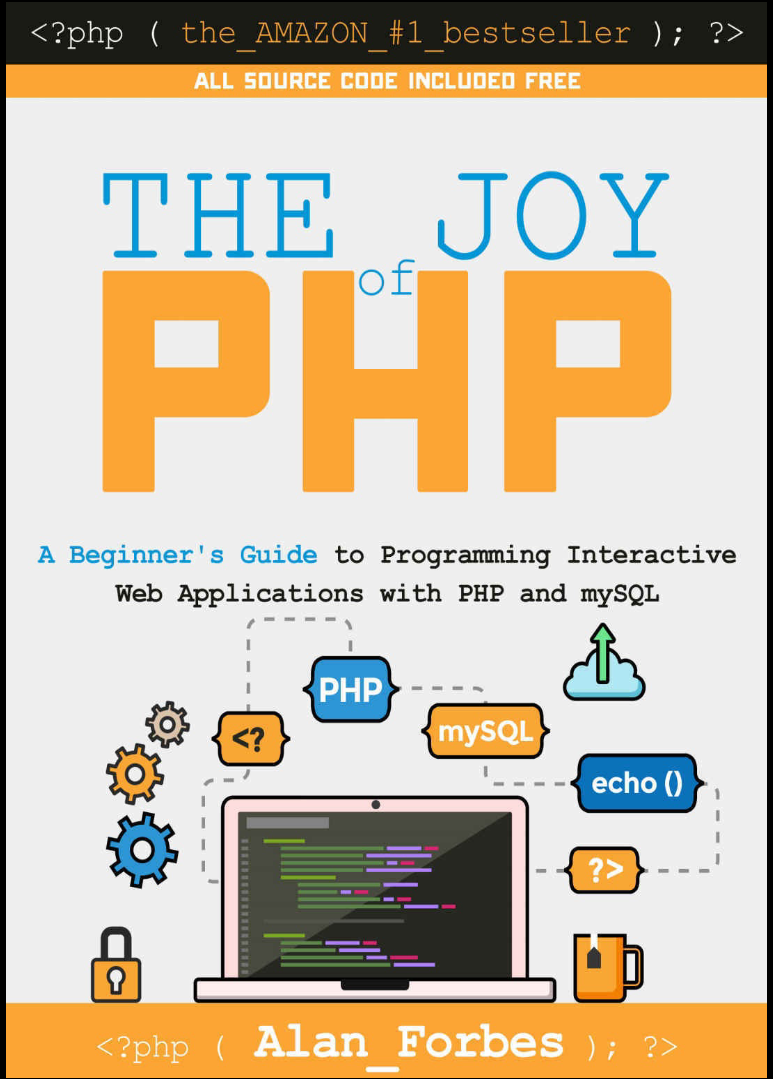
Автор: Forbes Alan
Дата выхода: 2012
Издательство: Independent publishing
Количество страниц: 128
Размер файла: 3,6 МБ
Тип файла: PDF
Добавил: codelibs
Проверить на вирусыTable of Contents....2
Introduction....8
Introduction....8
What is PHP?....10
Introducing PHP....11
Example....11
A little history....13
Installing and Configuring PHP....14
Introduction....14
Windows Users....14
Using Wampserver....14
Mac Users....15
How Do I Know it is Working?....15
Oracle VM Virtual Box....17
Installing for a Web Site....17
Exercise....17
Introduction to HTML....18
Introduction....18
Basic HTML....18
Basic Elements of HTML....19
Tags....19
Nested Tags....19
Required tags....20
DocType....20
Head....20
Optional Tags....20
Meta Tags....20
Useful Tags....21
Headers....21
DIV....21
Images/Picture....21
Links....21
Lists....22
Exercise....22
HTML Tables....22
HTML Table Headers....23
HTML Forms....24
The Input tag....25
HTML Form Actions & Methods....26
Introduction - Basic PHP Syntax....28
Your first PHP-enabled page – Hello World!....28
Some Fun Right Away....30
A Countdown Counter....30
Exercise....32
Editors and Staying Organized....33
Editors....33
Microsoft Expression Web....33
PhpDesigner....33
EditRocket....34
Free Editors....34
Includes....34
Basic example....35
HTML example....35
Code example....36
Best Practices....36
Variables, Numbers, Dates, and Strings....38
Variables....38
Variable Naming Conventions and Best Practices....40
Numbers....40
Basic Arithmetic....40
Common Arithmetic Shortcuts....41
Useful Numeric Functions....41
Strings....41
Useful String Functions....41
Sources of Documentation....42
Exercise....42
How to Interpret PHP.NET documentation....42
Return Value....43
Function Name....43
Parameters....43
Dates....44
Example: Calculating Age in Years....46
Variable Scope....46
Control Structures....47
Introduction....47
if....47
if... else....48
Exercise: Open Hours....48
PHP Switch....49
PHP Looping....49
PHP while....49
PHP for....50
How to use a database, such as mySQL....52
Introduction....52
What are Databases?....52
Getting Started with phpMyAdmin....53
What is phpMyAdmin?....54
Using phpMyAdmin to create a database....54
Introduction to SQL....55
Using phpMyAdmin to create a Table in a database....55
Defining our first table....56
What defines an automobile?....57
Datatypes....57
Numbers....57
Characters....58
Dates....58
Exercise: Create a Table....60
Working with SQL Statements....61
INSERT Statements....61
SELECT Statements....63
WHERE Statements....64
Comparison Operators....65
ORDER BY....66
UPDATE Statements....67
DELETE Statements....67
Using mySQL and PHP Together....69
Introduction....69
Code!....69
Code Listing: createdb.php....69
Code Explained: createdb.php....72
Hey, where's the HTML?....76
Creating forms to Display, Add, Edit, and Delete data....77
Introduction....77
Forms that Add Data to a Database....77
A Basic Form....77
HTML Code....77
Form Action....78
PHP Code....78
A Brief Time Out...include files and SQL Injection....84
Include Files....84
SQL Injection....85
Forms that Display Summary Data....86
Code....87
Code Explained....89
Exercise: Tweaking the SELECT....91
Improving the look of the table with CSS....92
CSS Explained....93
Modifying the form to link to the detail page....94
Forms that Display Detail Data....95
Code....96
Code Explained....97
Forms that Edit Data....99
Forms that Delete Data....99
Code to delete data....99
Code Explained....100
Exercise....101
Session Variables....102
Introduction....102
Sessions....102
Starting a PHP Session....103
Using Session Variables....103
Store a variable....103
Retrieve a variable....104
Checking for a variable....104
Destroying a Session....104
Working with Images....106
Introduction....106
Exercise: Viewing Images....108
Pulling an unknown number of images from a database....108
Exercise: Create a Database Table to store images....109
Exercise: Modify the viewcar.php page to show multiple images....109
Code explained....110
PHP File Uploads....111
Introduction....111
Create an Upload File form....111
Create a Script to Process the Uploaded File....112
Code: ViewCarsAddImage.php....112
Code Explained....115
PHP Quirks and Tips....119
Introduction....119
Single Quotes vs Double Quotes....119
The Equal Sign....119
Comparison Operators....121
Security Considerations....123
Introduction....123
Balancing Security and Usability....123
SQL Injection....124
Additional Resources....125
Appendix A: Installing PHP on a Website....126
How to install on a Windows Server....126
How to install on a Linux Server....126
Author's Note....127
A Note from one of my Kickstarter Backers........128
- Pasha Kagan, soon-to-be PHP Developer....128
Alan starts with basic HTML so the absolute beginner can catch up quickly and then goes step by step on how PHP works. You start with the easy stuff--like how to create and run simple PHP scripts that modify web pages-- and then build on what you've learned through a series of cohesive (and fun) exercises that carry over from lesson to lesson.As the chapters progress you begin to build a web site for a growing used car dealership business. This approach keeps the material fun and challenging-- and gives what you've learned a context to be relevant. A car dealership needs a constantly changing web site because the inventory of cars is always changing. HTML is not the answer for this kind of web site-- but PHP and mySQL is a great fit.Throughout the book you will be working with the web site for the car dealership and adding features and modifying it as the needs of the business (and your knowledge) grow. This writing style reinforces the previous lessons and keeps you engaged in a "real" project -- giving you both a sense of accomplishment and an opportunity to apply what you've learned to a realistic scenario. You are far more likely to retain what you've learned using this approach than just reading dry syntax documentation.The author has an easy and fun style of writing that teaches you PHP in a simple, matter of fact manner while showing you the most common uses of the commands you need to get the job done. This keeps your learning pace quick and uncluttered. If you need it, he also points you to several resources where you can learn more about the other options a PHP function can offer and-- even better--how to read and understand those resources.If you want to learn the PHP language in an easy, enjoyable, well laid out manner and to learn why PHP and mySQL are so powerful and fun to use then buy this book!! Do not buy this book if you are looking for a comprehensive reference of boring PHP syntax.This book does not attempt to cover everything about PHP. What it does do-- and does well-- is take you from being a beginner who isn't even sure what PHP is to someone who knows the sheer joy that only programming dynamic sites can provide. You will become someone who can read, write, and modify PHP scripts and you will be able make your website come alive.


