-
1C
-
Agda
-
Agile/Scrum
-
Alef
-
APL
-
Assembler
-
AWK
-
Basic
-
Beta Programming Language
-
Big Data/DataScience
-
C
-
C#
-
C++
-
Cobol
-
Crystal
-
CSS
-
D
-
Dart
-
DataBase (SQL)
-
Delphi
-
F#
-
Flutter
-
Fortran
-
GameDev
-
Git
-
Go (Golang)
-
GPT/AI/ИИ
-
Hacking and Security
-
Haskell
-
HTML
-
Java
-
JavaScript (JS)
-
Julia
-
Kotlin
-
Machine Learning (ML)
-
Natural language processing (NLP)
-
.NET (.NET Core)
-
Pascal
-
PHP
-
Python
-
R
-
Ruby
-
Rust
-
Scratch
-
Swift
-
UML
-
UX/UI
-
Visual Basic
-
Wolfram
-
XML
-
АСУ
-
Проектирование/System Design
-
Сети/Network
-
Статьи
-
Схемотехника/электронные схемы
-
1C
-
Agda
-
Agile/Scrum
-
Alef
-
APL
-
Assembler
-
AWK
-
Basic
-
Beta Programming Language
-
Big Data/DataScience
-
C
-
C#
-
C++
-
Cobol
-
Crystal
-
CSS
-
D
-
Dart
-
DataBase (SQL)
-
Delphi
-
F#
-
Flutter
-
Fortran
-
GameDev
-
Git
-
Go (Golang)
-
GPT/AI/ИИ
-
Hacking and Security
-
Haskell
-
HTML
-
Java
-
JavaScript (JS)
-
Julia
-
Kotlin
-
Machine Learning (ML)
-
Natural language processing (NLP)
-
.NET (.NET Core)
-
Pascal
-
PHP
-
Python
-
R
-
Ruby
-
Rust
-
Scratch
-
Swift
-
UML
-
UX/UI
-
Visual Basic
-
Wolfram
-
XML
-
АСУ
-
Проектирование/System Design
-
Сети/Network
-
Статьи
-
Схемотехника/электронные схемы
Меню
The Essential Guide to HTML5: Using Games to Learn HTML5 and JavaScript. 3 Ed
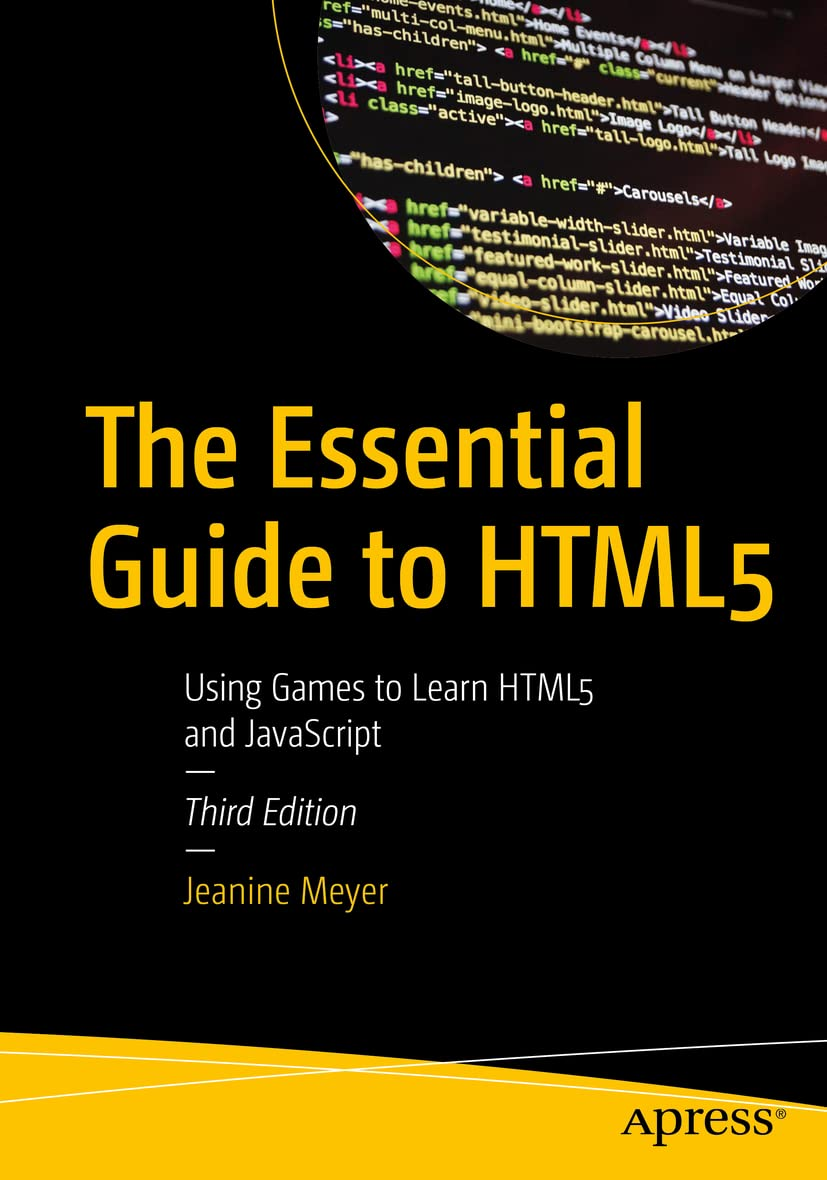
Автор: Meyer Jeanine
Дата выхода: 2023
Издательство: Apress Media, LLC.
Количество страниц: 500
Размер файла: 6,0 МБ
Тип файла: PDF
Добавил: codelibs
Проверить на вирусы Дополнительные материалыTable of Contents....4
About the Author....10
About the Technical Reviewer....11
Acknowledgments....12
Introduction....13
Chapter 1: The Basics....16
Keywords....16
Introduction....16
Critical Requirements....19
HTML5, CSS, and JavaScript Features....19
Basic HTML Structure and Tags....19
Using Cascading Style Sheets....25
JavaScript Programming....29
Using a Text Editor....31
Building the Applications....34
Testing and Uploading the Application....40
Summary....41
Chapter 2: Dice Game....42
Introduction....42
Critical Requirements....45
HTML5, CSS, and JavaScript Features....46
Pseudorandom Processing and Mathematical Expressions....47
Variables and Assignment Statements....48
Programmer-Defined Functions....50
Conditional Statements: if and switch....52
Drawing on the Canvas....55
Displaying Text Output Using a Form....66
Building the Application and Making It Your Own....67
Throwing a Single Die....69
Throwing Two Dice....76
The Complete Game of Craps....83
Making the Application Your Own....91
Testing and Uploading the Application....93
Summary....94
Chapter 3: Bouncing Ball....96
Introduction....96
Critical Requirements....101
HTML5, CSS, and JavaScript Features....102
Drawing a Ball or an Image or Images....103
Gradients with a Side Trip to Explain Arrays....106
Setting Up a Timing Event....111
Calculating a New Position and Collision Detection....113
Starting, Positioning and Restarting the video with use of an anonymous function....117
Validation....117
Stopping and Resuming Animation Triggered by Buttons....119
HTML Page Reload....120
Preloading Images....120
Building the Application and Making It Your Own....121
Testing and Uploading the Application....144
Summary....145
Chapter 4: Cannonball and Slingshot....146
Introduction....146
Critical Requirements....150
HTML5, CSS, and JavaScript Features....151
Arrays and Programmer-Defined Objects....152
Rotations and Translations for Drawing....154
Drawing Line Segments....160
Mouse Events for Pulling on the Slingshot....162
Changing the List of Items Displayed Using Array Splice....164
Distance Between Points....165
Building the Application and Making It Your Own....166
Cannonball: With Cannon, Angle, and Speed....173
Slingshot: Using a Mouse to Set Parameters of Flight....183
Testing and Uploading the Application....194
Summary....195
Chapter 5: The Memory (aka Concentration) Game....196
Introduction....196
Critical Requirements....203
HTML5, CSS, JavaScript Features....204
Representing Cards....205
Using Date for Timing....206
Providing a Pause....207
Drawing Text....208
Drawing Polygons....211
Shuffling Cards....213
Implementing Clicking on a Card....214
Preventing Certain Types of Cheating....215
Building the Application and Making It Your Own....216
Testing and Uploading the Application....238
Summary....239
Chapter 6: Quiz....240
Introduction....240
Critical Requirements for a Quiz Game....245
HTML5, CSS, and JavaScript Features....246
Storing and Retrieving Information in Arrays....246
Creating HTML During Program Execution....249
Using CSS in the Style Element....251
Responding to Player Moves....252
Presenting Audio and Video....253
Checking the Player’s Answer....255
Building the Application and Making It Your Own....256
Testing and Uploading the Application....267
Summary....268
Chapter 7: Mazes....270
Keywords....270
Introduction....270
Critical Requirements....278
HTML5, CSS, and JavaScript Features....279
Representation of Walls and the Token....279
Mouse Events to Build and Position a Wall....280
Detecting the Arrow Keys....281
Collision Detection: Token and Any Wall....283
Using Local Storage....286
Encoding Data for Local Storage....294
Radio Buttons....296
Building the Application and Making It Your Own....297
Creating the Travel Maze Application....310
Testing and Uploading Application....321
Summary....322
Chapter 8: Rock, Paper, Scissors....324
Introduction....324
Critical Requirements....328
HTML5, CSS, and JavaScript Features....329
Providing Graphical Buttons for the Player....329
Generating the Computer Move....334
Displaying Results Using Animation....340
Audio and DOM Processing....344
Starting Off....346
Building the Application and Making It Your Own....347
Testing and Uploading the Application....357
Summary....358
Chapter 9: Guess a Word....359
Introduction....359
Critical Requirements....366
HTML5, CSS, and JavaScript Features....367
Storing a Word List as an Array Defined in an External Script File....367
Generating and Positioning HTML Markup, Then Changing the Markup to Buttons, and Then Disabling the Buttons....368
Creating the Feedback About Remaining Wrong Letters....372
Maintaining the Game State and Determining a Win or Loss....373
Checking a Guess and Revealing Letters in the Secret Word by Setting textContent....374
Building the Application and Making It Your Own....375
Testing and Uploading the Application....385
Summary....385
Chapter 10: Blackjack....387
Introduction....387
Critical Requirements....394
HTML5, CSS, and JavaScript Features....395
Source for Images for Card Faces and Setting Up the Image Objects....395
Creating the Programmer-Defined Object for the Cards....396
Starting a Game....397
Dealing the Cards....398
Shuffling the Deck....403
Capturing Key Presses....404
Using Header and Footer Element Types....406
Building the Application and Making It Your Own....407
Testing and Uploading the Application....423
Summary....424
Appendix....425
Circles and Arrows....425
Overview....427
Details of Implementation....428
What You Learned....444
Crossing a Line (Jumping a Fence)....444
Overview....448
Mathematics Refresher....448
Preparing Data....451
Feedback to User/Player....452
Details of Implementation....452
What You Learned....465
Using Scalar Vector Graphics....465
Using SVG to Draw the HTML5 Logo....466
Overview....470
Details of Implementation....471
Using SVG to Draw and Modify a Cartoon....479
Overview....480
Details of Implementation....481
What You Learned....492
Index....493
Gain a deep, practical knowledge of the basic tools used for webpages: hypertext markup language (HTML5), cascading style sheets (CSS), and JavaScript. This updated version includes new and improved games and exercises, and will serve total beginners as well as people with some programming language experience, but not familiar with the combination of HTML, CSS, and JavaScript.
You'll begin at an introductory level with the focus on technical features as well as programming techniques. Each chapter features a familiar game such as Rock-Paper-Scissors, Craps, Memory, and Blackjack or generic examples such as working with Mazes. Other projects include constructing and saving a maze; a basic word guessing game; ballistic games (Cannonball and Slingshot); a quiz requiring items to be put in order; and an animation demonstration featuring a ball, photo or video clip bouncing within a rectangle.
The Appendix contains examples of advanced techniques such as Scalar Vector Graphics programs displaying the HTML5 Logo and a cartoon figure, each of which can be changed dynamically, and mathematical techniques for calculating if a move crosses a line and re-adjusting an arrangement of circles and arrows. The exposition on each example in the chapters and the Appendix includes screen shots and tables revealing the structure of the program and statement by statement explanation of code.
The book also contains suggestions for using the concepts and techniques to build your own programs. If you follow through with your own ideas, you will develop solid programming skills for building websites and for learning other programming languages, including the next version of HTML and current and future JavaScript frameworks, libraries and tools.
What You'll Learn
- Understand HTML 5 concepts with the help of easy-to-grasp, appealing examples
- Use HTML5 to explore new avenues for web application and game development
- Review important new elements of HTML 5
- Build, test, and upload simple games to a web site
Who This Book Is For
Both absolute beginners and users with some knowledge of HTML who want to learn the new HTML5 features


