-
1C
-
Agda
-
Agile/Scrum
-
Alef
-
APL
-
Assembler
-
AWK
-
Basic
-
Beta Programming Language
-
Big Data/DataScience
-
C
-
C#
-
C++
-
Cobol
-
Crystal
-
CSS
-
D
-
Dart
-
DataBase (SQL)
-
Delphi
-
F#
-
Flutter
-
Fortran
-
GameDev
-
Git
-
Go (Golang)
-
GPT/AI/ИИ
-
Hacking and Security
-
Haskell
-
HTML
-
Java
-
JavaScript (JS)
-
Julia
-
Kotlin
-
Machine Learning (ML)
-
Natural language processing (NLP)
-
.NET (.NET Core)
-
Pascal
-
PHP
-
Python
-
R
-
Ruby
-
Rust
-
Scratch
-
Swift
-
UML
-
UX/UI
-
Visual Basic
-
Wolfram
-
XML
-
АСУ
-
Проектирование/System Design
-
Сети/Network
-
Статьи
-
Схемотехника/электронные схемы
-
1C
-
Agda
-
Agile/Scrum
-
Alef
-
APL
-
Assembler
-
AWK
-
Basic
-
Beta Programming Language
-
Big Data/DataScience
-
C
-
C#
-
C++
-
Cobol
-
Crystal
-
CSS
-
D
-
Dart
-
DataBase (SQL)
-
Delphi
-
F#
-
Flutter
-
Fortran
-
GameDev
-
Git
-
Go (Golang)
-
GPT/AI/ИИ
-
Hacking and Security
-
Haskell
-
HTML
-
Java
-
JavaScript (JS)
-
Julia
-
Kotlin
-
Machine Learning (ML)
-
Natural language processing (NLP)
-
.NET (.NET Core)
-
Pascal
-
PHP
-
Python
-
R
-
Ruby
-
Rust
-
Scratch
-
Swift
-
UML
-
UX/UI
-
Visual Basic
-
Wolfram
-
XML
-
АСУ
-
Проектирование/System Design
-
Сети/Network
-
Статьи
-
Схемотехника/электронные схемы
Меню
The Embedded Linux Security Handbook: Fortify your embedded Linux systems from design to deployment
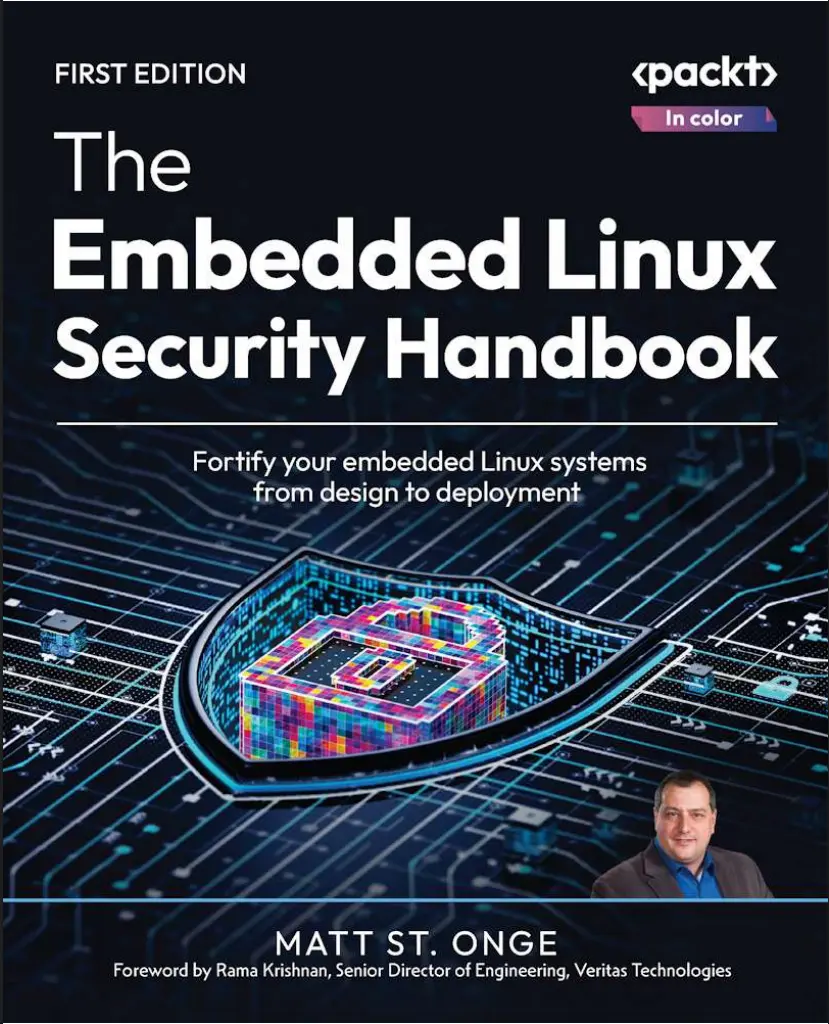
Автор: Onge Matthew David St. , Ярошенко Алексей Андреевич
Дата выхода: 2025
Издательство: Packt Publishing Limited
Количество страниц: 302
Размер файла: 7,5 МБ
Тип файла: PDF
Добавил: Aleks-5
Проверить на вирусы Дополнительные материалыThe Embedded Linux Security Handbook....2
Foreword....6
Author’s Note....8
Contributors....10
About the author....10
About the reviewers....11
Preface....27
Who this book is for....28
What this book covers....29
To get the most out of this book....30
Download the example code files....30
Conventions used....30
Get in touch....31
Join our community on Discord....32
Share Your Thoughts....32
Download a free PDF copy of this book....32
Part 1:Introduction to Embedded Systems and Secure Design....34
Chapter 1: Welcome to the Cyber Security Landscape....35
What is a Linux-embedded system?....35
How are Linux-embedded systems used?....37
Why is securing Linux-embedded systems so important?....40
Examples where embedded Linux systems had a security breach....41
Summary....42
Chapter 2: Security Starts at the Design Table....43
What are the business needs that the solution caters to?....44
Who is my target buyer and my target user?....45
The target buyer....46
The target user....47
Will any specific government compliance standards drive the decision tree?....48
Healthcare systems (and data privacy)....49
Financial services systems....50
Retail and online marketplace systems....52
Government and military systems....52
How will we support this appliance solution?....55
Managed service....55
Online support....56
Offline support....56
No support/self-support....56
Replacements....57
Other product-impacting needs and concerns....57
Hardware life cycle....57
Linux distribution life cycle....59
Supply chain issues....62
Summary....63
Chapter 3: Applying Design Requirements Criteria – Hardware Selection....64
What are the targeted performance requirements?....65
Virtual appliances....65
T-shirt sizing....66
CPU/VCPU....67
Memory....69
Disk input/output (I/O)....69
Networking....71
GPU....72
Custom hardware and peripherals....73
Are there any environmental limitations?....73
Power....74
Offline/air-gapped....74
Climate control....75
COTS versus custom-built hardware....76
Dell....77
OnLogic™....77
What mainstream CPU/hardware platforms are available?....79
Xeon™....79
Core™....79
Atom™....79
Ryzen™....79
Advanced RISC Machine (ARM™)....80
RISC-V®....80
Power® and IBM Z®....81
Summary....81
Chapter 4: Applying Design Requirements Criteria – the Operating System....83
Matching an operating system to your base hardware platform....83
IBM Power....84
IBM System z....85
RISC-V....85
ARM....87
Driver support, vendor support, and stability....88
Enterprise versus community distributions of Linux....88
Lifecycle of operating systems versus your solution....90
Hard costs versus soft costs....91
Hardware costs....91
Software costs....92
Soft costs....92
Summary....93
Part 2: Design Components....94
Chapter 5: Basic Needs in My Build Chain....95
Technical requirements....96
Software supply chain control....97
Source code control....97
Automation and tool integration – a brief overview....97
Security scanning, testing, and remediation....98
Exercise – executing a network port scan....99
Manifest and configuration tracking....108
Exercise – tracking changes in your product....109
Update control mechanisms....115
Exercise – building custom software packages....116
Exercise – signing your custom RPM package....119
Exercise – creating a custom DNF repository....123
Exercise – configuring your solution to use your custom repository....125
Summary....127
Chapter 6: Disk Encryption....128
Technical requirements....128
Introduction to LUKS....128
Basic implementation review....129
Implementing LUKS on an appliance with automated keys....132
Exercise – implementing LUKS with stored keys and leveraging the crypttab file....132
Is recovery possible?....135
Summary....136
Chapter 7: The Trusted Platform Module....138
What is TPM?....138
The history of TPM....139
Configuring TPM by example....140
Exercise – enabling TPM 2 in conjunction with LUKS encryption....142
Summary....145
Join our community on Discord....145
Chapter 8: Boot, BIOS, and Firmware Security....147
Deep dive into various booting system components....147
Understanding boot-level security using examples....149
Accessing the UEFI configuration....149
What is Secure Boot?....150
Possible threats in firmware....152
Summary....154
Chapter 9: Image-Based Deployments....155
Technical requirements....155
Introducing image-based Linux deployments....156
rpm-ostree and atomic images....156
bootc and bootable container images....158
Special tooling and support infrastructure differences....160
Limitations of image-based deployments....161
rpm-ostree image limitations....162
bootc bootable container image limitations....163
Updating and rolling back changes....163
Upgrade of operating system version in place....164
Practical exercises....164
Exercise 1 – preparing the environment....165
Exercise 2 – creating a container file....171
Exercise 3 – creating an installer....174
Exercise 4 – initial installation....180
Exercise 5 – creating an updated container....183
Exercise 6 – updating your system....185
Summary....186
Chapter 10: Childproofing the Solution: Protection from the End-User and Their Environment....187
Introduction to child-proofing (i.e., protecting the appliance from the end-user)....187
Ensuring hardware-level protections....188
Tamper-proofing with BIOS security....188
USB disablement....189
Case tamper-proofing....190
Operating-system-level and application protections....191
Minimizing access to root....191
SUDO and restricting console access....192
Non-interactive LUKS encryption....193
Keeping users in the application space....193
Application auto-launch at boot....193
Building a UI to simplify configuration while providing a great User Experience (UX)....194
Initial config – text UI....195
Initial config – web UI....200
Update controls – text UI....202
Factory reset controls....203
Summary....205
Part 3: The Build Chain, Appliance Lifecycle, and Continuous Improvement....206
Chapter 11: Knowing the Threat Landscape – Staying Informed....207
Navigating the information and disinformation online....208
Government resources....208
Commercial resources....211
Community resources....212
Knowing what vulnerabilities can impact your builds....214
Running smart searches based on your components....215
Being part of the solution....217
Contribute to the development process....217
Join a user group....218
Summary....219
Chapter 12: Are My Devices’ Communications and Interactions Secure?....220
Technical requirements....220
Bus types and issues....220
USB....222
Serial port....224
The CAN bus....225
Enhancing security with certificates....226
Exercise 1: Creating a self-signed certificate....226
Exercise 2: Adding a certificate to your custom repository server....229
Confirming that your networking is secure....234
Firewalls....234
The command line....235
Web console....236
Graphical UI-based tools....237
Limitations of legacy hardware and software....239
Validating your solution before shipping....240
Summary....241
Chapter 13: Applying Government Security Standards – System Hardening....242
Technical requirements....243
Adherence to key US government standards....243
How do I implement this?....244
Implementation of security standards....245
Validation as part of the QA process....253
Exercise: Installing the OpenSCAP tools and running a scan....253
Example: Using the OpenSCAP Workbench....257
Implementation as part of your continuous integration/continuous deployment (CI/CD) process....261
How do I certify my solution?....262
FIPS certification re-branding by vendors....263
Summary....263
Chapter 14: Customer and Community Feedback Loops....265
Use case development....266
User groups....266
Executive roundtables....269
Community feedback loops....270
Summary....271
Closing the loop....271
Putting all the pieces together....271
Staying engaged....272
Join our community on Discord....273
Index....274
Why subscribe?....290
Other Books You May Enjoy....290
Packt is searching for authors like you....294
Share Your Thoughts....294
Download a free PDF copy of this book....294
As embedded Linux systems power countless devices in our daily lives, they’ve become prime targets for cyberattacks. In this in-depth guide to safeguarding your Linux devices, the author leverages his 30+ years of technology experience to help you mitigate the risks associated with hardware and software vulnerabilities.
This book introduces you to the world of embedded systems, the brains behind your everyday appliances. It takes you through the different types of embedded systems, their uses, and the platforms they run on while addressing their unique security challenges and support considerations. You’ll learn to build a successful, secure, and user-friendly solution by exploring the critical hardware and software components that form the foundation of a secure appliance. We won't forget the human element either; you'll find out how to configure your system to prevent user errors and maintain its integrity. The book lets you put your newfound knowledge into action, guiding you through designing a robust build chain that supports the entire life cycle of your appliance solution, enabling seamless updates without your direct involvement.
By the end of this book, you’ll be able to adapt your appliance to the ever-evolving threat landscape, ensuring its continued security and functionality in real-world conditions.
What you will learn
- Understand how to determine the optimal hardware platform based on design criteria
- Recognize the importance of security by design in embedded systems
- Implement advanced security measures such as TPM, LUKS encryption, and secure boot processes
- Discover best practices for secure life cycle management, including appliance update and upgrade mechanisms
- Create a secure software supply chain efficiently
- Implement childproofing by controlling access and resources on the appliance
Who this book is for
This book helps embedded systems professionals, embedded software engineers, and Linux security professionals gain the skills needed to address critical security requirements during the design, development, and testing of software for embedded systems. If you’re a product manager or architect, this book will teach you how to identify and integrate essential security features based on the specific platforms and their intended users.


