-
1C
-
Agda
-
Agile/Scrum
-
Alef
-
APL
-
Assembler
-
AWK
-
Basic
-
Beta Programming Language
-
Big Data/DataScience
-
C
-
C#
-
C++
-
Cobol
-
Crystal
-
CSS
-
D
-
Dart
-
DataBase (SQL)
-
Delphi
-
F#
-
Flutter
-
Fortran
-
GameDev
-
Git
-
Go (Golang)
-
GPT/AI/ИИ
-
Hacking and Security
-
Haskell
-
HTML
-
Java
-
JavaScript (JS)
-
Julia
-
Kotlin
-
Machine Learning (ML)
-
Natural language processing (NLP)
-
.NET (.NET Core)
-
Pascal
-
PHP
-
Python
-
R
-
Ruby
-
Rust
-
Scratch
-
Swift
-
UML
-
UX/UI
-
Visual Basic
-
Wolfram
-
XML
-
АСУ
-
Проектирование/System Design
-
Сети/Network
-
Статьи
-
Схемотехника/электронные схемы
-
1C
-
Agda
-
Agile/Scrum
-
Alef
-
APL
-
Assembler
-
AWK
-
Basic
-
Beta Programming Language
-
Big Data/DataScience
-
C
-
C#
-
C++
-
Cobol
-
Crystal
-
CSS
-
D
-
Dart
-
DataBase (SQL)
-
Delphi
-
F#
-
Flutter
-
Fortran
-
GameDev
-
Git
-
Go (Golang)
-
GPT/AI/ИИ
-
Hacking and Security
-
Haskell
-
HTML
-
Java
-
JavaScript (JS)
-
Julia
-
Kotlin
-
Machine Learning (ML)
-
Natural language processing (NLP)
-
.NET (.NET Core)
-
Pascal
-
PHP
-
Python
-
R
-
Ruby
-
Rust
-
Scratch
-
Swift
-
UML
-
UX/UI
-
Visual Basic
-
Wolfram
-
XML
-
АСУ
-
Проектирование/System Design
-
Сети/Network
-
Статьи
-
Схемотехника/электронные схемы
Меню
Pro Encryption in SQL Server 2022: Provide the Highest Level of Protection for Your Data
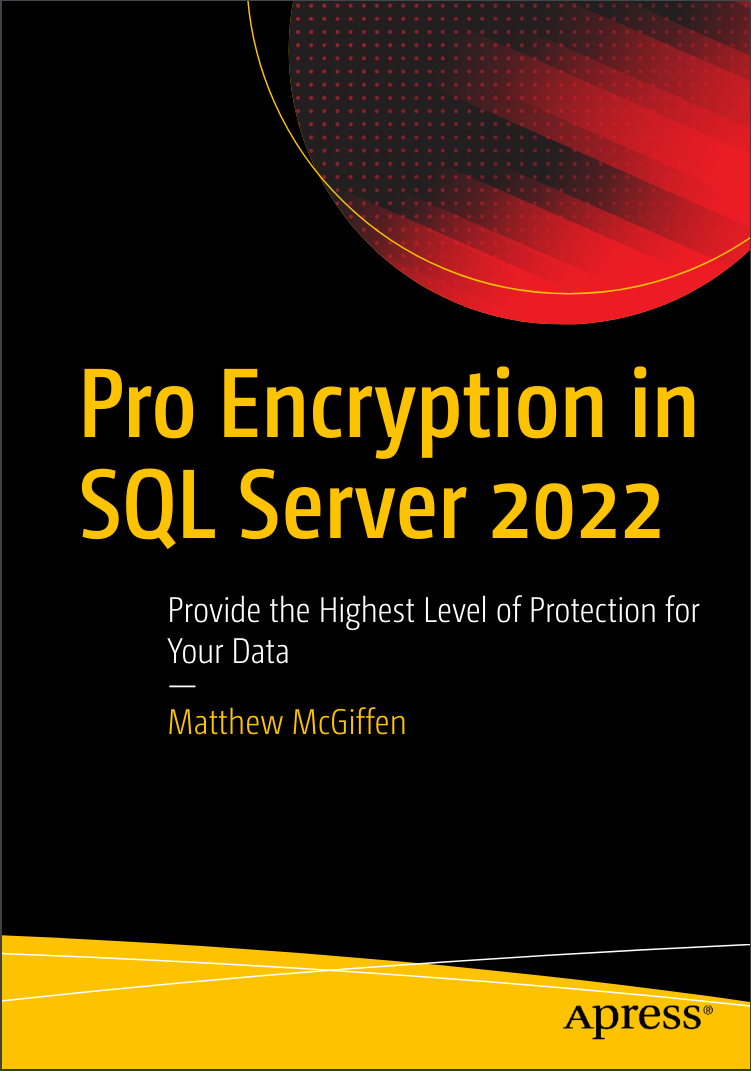
Автор: McGiffen Matthew
Дата выхода: 2022
Издательство: Apress Media, LLC.
Количество страниц: 353
Размер файла: 4,1 МБ
Тип файла: PDF
Добавил: codelibs
Проверить на вирусы Дополнительные материалыCover
Table of Contents
Change History
Beta 9—June 9,....2021
Beta 8—April 27,....2021
Beta 7—March 11,....2021
Beta 6—August 11,....2020
Beta 5—June 5,....2020
Beta 4—March 23,....2020
Beta 3—February 9,....2020
Beta 2—December 4,....2019
Beta 1—October 30,....2019
Acknowledgments
So You Want to Write Some Client-Side Code
Basic Assumptions
The Tools We’ll Use
How This Book Is Organized
Let’s Build an App
The Sample Code
Part I—Getting Started
1. Getting Started with Client-Side Rails
Managing State and Front-End Development
Configuring Webpacker
Using Webpacker
What’s Next
2. Hotwire and Turbo
The Hotwire Way
Installing Turbo
What Is Turbo Drive?
Adding Interactivity with Turbo Frames
Navigating Outside a Turbo Frame
Extending Our Page with Turbo Streams
Turbo Frames vs. Turbo Streams
Lazy Loading a Turbo Frame
What’s Next
3. Stimulus
What Is Stimulus?
Installing Stimulus
Adding Our First Controller
Creating an Action
Adding a Target
Using Values
Automating Value Changes
Stimulus Has Class
Going Generic
Stimulus Quick Reference
What’s Next
4. React
What Is React?
Installing React
Adding Our First Component
Composing Components
Connecting to the Page
Interactivity, State, and Hooks
Sharing State
What’s Next
5. Cascading Style Sheets
Building CSS in webpack
Adding CSS and Assets to webpack
Animating CSS
Adding CSS Transitions
Animating Turbo Streams with Animate.css
Using CSS and React Components
What’s Next
Part II—Going Deeper
6. TypeScript
Using TypeScript
Understanding Basic TypeScript Types
Static vs. Dynamic Typing
Adding Type Annotations to Variables
Adding Type Annotations to Functions
Adding Type Annotations to Classes
Defining Interfaces
Type Checking Classes and Interfaces
Getting Type Knowledge to TypeScript
What’s Next
7. webpack
Understanding Why webpack Exists
Managing Dependencies with Yarn
Understanding webpack Configuration
What’s Next
8. Webpacker
Webpacker Basics
Writing Code Using Webpacker
Integrating Webpacker with Frameworks
Running webpack
Deploying Webpacker in Production
Customizing Webpacker
What’s Next
Part III—Managing Servers and State
9. Talking to the Server
Using Stimulus to Manage Forms
Stimulus and Ajax
Using Data in Stimulus
Acquiring Data in React with useState
What’s Next
10. Immediate Communication with ActionCable
Installing ActionCable
Turbo Streams and ActionCable
Stimulus and ActionCable
React and ActionCable
What’s Next
11. Managing State in Stimulus Code
Using Data Values for Logic
Observing and Responding to DOM Changes
Rendering CSS with Data Attributes
What’s Next
12. Managing State in React
Using Reducers
Using Context to Share State
Adding Asynchronous Events to Contexts
What’s Next
13. Using Redux to Manage State
Installing and Using Redux
Adding Asynchronous Actions to Redux
What’s Next
Part IV—Validating Your Code
14. Validating Code with Advanced TypeScript
Creating Union Types
Specifying Types with Literal Types
Using Enums and Literal Types
Building Mapped Types and Utility Types
TypeScript Configuration Options
Dealing with Strictness
What’s Next
15. Testing with Cypress
Why Cypress?
Installing Cypress
Configuring Cypress and Rails
Writing Our First Test
Understanding How Cypress Works
What’s Next
16. More Testing and Troubleshooting
Writing More Cypress Tests
Testing the Schedule Filter
Cypress and React
Cypress Utilities and API
Troubleshooting
What’s Next
A1. Framework Swap
The All-Hotwire App
The All-React App
Comparison
Index
This in-depth look at the encryption tools available in SQL Server shows you how to protect data by encrypting it at rest with Transparent Data Encryption (TDE) and in transit with Transport Level Security (TLS). You will know how to add the highest levels of protection for sensitive data using Always Encrypted to encrypt data also in memory and be protected even from users with the highest levels of access to the database. The book demonstrates actions you can take today to start protecting your data without changing any code in your applications, and the steps you can subsequently take to modify your applications to support implementing a gold standard in data protection.
The book highlights work that Microsoft has been doing since 2016 to make encryption more accessible, by making TDE available in the standard edition, and the introduction of Always Encrypted that requires minimal work on your part to implement powerful and effective encryption, protecting your dataand meeting regulatory requirements. The book teaches you how to work with the encryption technologies in SQL Server with the express goal of helping you understand those technologies on an intuitive level. You’ll come away with a deep level of understanding that allows you to answer questions and speak as an expert. The book’s aim is to make you as comfortable in deploying encryption in SQL Server as you would be in driving your car to buy groceries.
Those with a data security mindset will appreciate the discussion of how each feature protects you and what it protects you from, as well as how to implement things in the most secure manner. Database administrators will appreciate the high level of detail around managing encryption over time and the effect of encryption on database performance. All readers will appreciate the advice on how to avoid common pitfalls, ensuring that your projects to implement encryption run smoothly.
What You Will Learn
- Architect an effective encryption strategy for new applications
- Retrofit encryption into your existing applications
- Encrypt data at rest, in memory, and in transit
- Manage key and certificate life cycles, including backup and restore
- Recover encrypted databases in case of server failure
- Work with encryption in cloud-based scenarios
Who This Book Is For
Database developers, architects, and administrators who want to work with encryption in SQL Server; those who want to maintain encryption whether data is at rest or being transmitted over the network; and those who wish to encrypt their data even when in the server’s own memory. Readers should be familiar with SQL Server, but no existing knowledge of encryption is assumed.


