-
1C
-
Agda
-
Agile/Scrum
-
Alef
-
APL
-
Assembler
-
AWK
-
Basic
-
Beta Programming Language
-
Big Data/DataScience
-
C
-
C#
-
C++
-
Cobol
-
Crystal
-
CSS
-
D
-
Dart
-
DataBase (SQL)
-
Delphi
-
F#
-
Flutter
-
Fortran
-
GameDev
-
Git
-
Go (Golang)
-
GPT/AI/ИИ
-
Hacking and Security
-
Haskell
-
HTML
-
Java
-
JavaScript (JS)
-
Julia
-
Kotlin
-
Machine Learning (ML)
-
Natural language processing (NLP)
-
.NET (.NET Core)
-
Pascal
-
PHP
-
Python
-
R
-
Ruby
-
Rust
-
Scratch
-
Swift
-
UML
-
UX/UI
-
Visual Basic
-
Wolfram
-
XML
-
АСУ
-
Проектирование/System Design
-
Сети/Network
-
Статьи
-
Схемотехника/электронные схемы
-
1C
-
Agda
-
Agile/Scrum
-
Alef
-
APL
-
Assembler
-
AWK
-
Basic
-
Beta Programming Language
-
Big Data/DataScience
-
C
-
C#
-
C++
-
Cobol
-
Crystal
-
CSS
-
D
-
Dart
-
DataBase (SQL)
-
Delphi
-
F#
-
Flutter
-
Fortran
-
GameDev
-
Git
-
Go (Golang)
-
GPT/AI/ИИ
-
Hacking and Security
-
Haskell
-
HTML
-
Java
-
JavaScript (JS)
-
Julia
-
Kotlin
-
Machine Learning (ML)
-
Natural language processing (NLP)
-
.NET (.NET Core)
-
Pascal
-
PHP
-
Python
-
R
-
Ruby
-
Rust
-
Scratch
-
Swift
-
UML
-
UX/UI
-
Visual Basic
-
Wolfram
-
XML
-
АСУ
-
Проектирование/System Design
-
Сети/Network
-
Статьи
-
Схемотехника/электронные схемы
Меню
JavaScript from Frontend to Backend: Learn full stack JavaScript development using the MEVN stack with quick and easy steps
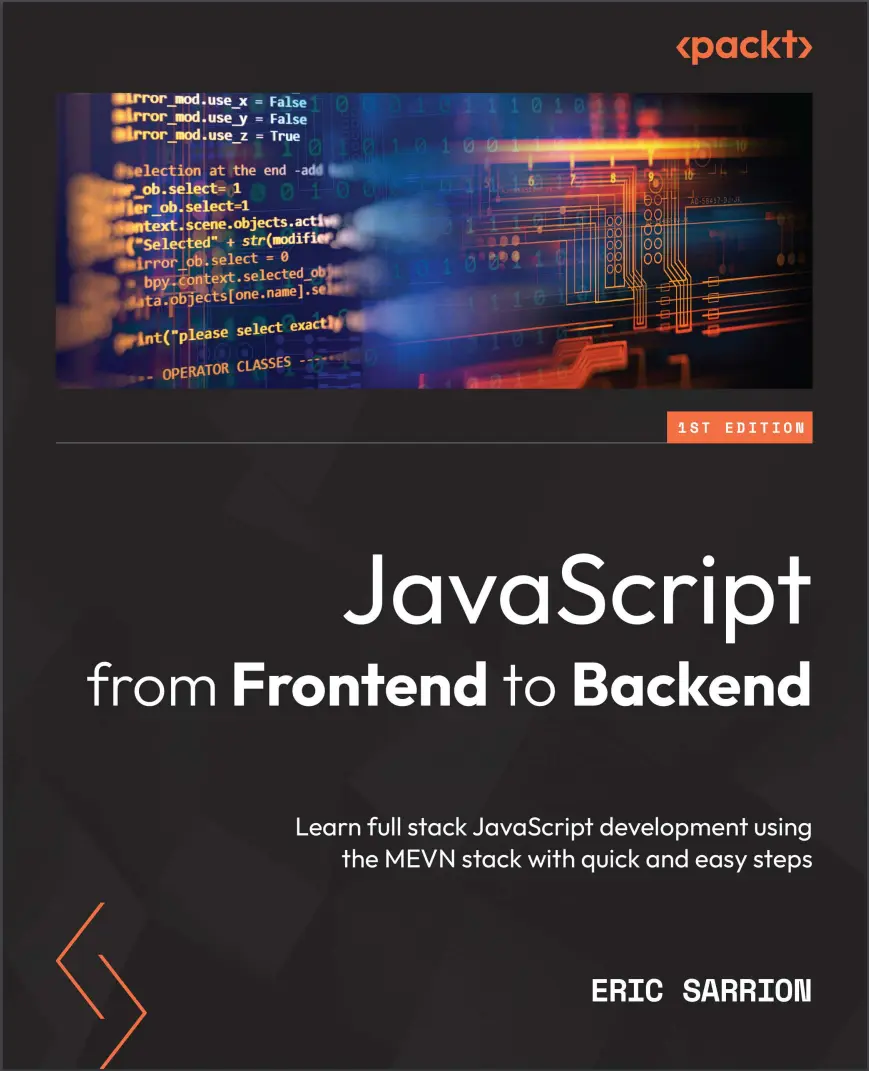
Автор: Sarrion Eric
Дата выхода: 2022
Издательство: Packt Publishing Limited
Количество страниц: 336
Размер файла: 1,9 МБ
Тип файла: PDF
Добавил: codelibs
Проверить на вирусы Дополнительные материалыCover....1
Title Page....2
Copyright and Credits....3
Contributors....4
Table of Contents....6
Preface....12
Part 1: JavaScript Syntax....16
Chapter 1: Exploring the Core Concepts of JavaScript....18
Technical requirements....19
Types of variables used in JavaScript....20
Numerical values....20
Boolean values....21
Character strings....21
Arrays....21
Objects....22
Running a JavaScript program....23
Running a JavaScript program in a browser....23
Running a JavaScript program on a Node.js server....28
Differences between JavaScript code written for the browser and the server....29
Declaring variables in JavaScript....30
Using the const keyword....30
Using the var keyword....32
Using the let keyword....35
What if we don't use var or let to define a variable?....37
What is an uninitialized variable worth?....38
Writing conditions for conditional tests....40
Forms of writing instructions....40
Expressions used to write conditions....42
Nested test suites....44
Creating processing loops....45
Loops with while()....45
Loops with for()....47
Using functions....48
Function displaying the list of the first 10 integers....49
Function calculating the sum of the first 10 integers....53
Function calculating the sum of the first N integers....54
Summary....55
Chapter 2: Exploring the Advanced Concepts of JavaScript....56
Technical requirements....57
Classes and objects....57
Defining a class....57
Creating an object by using a class....58
Creating an object without using a class....60
Adding properties to a class....61
Adding methods to a class....62
Changing an object's property values....64
Using the class constructor....65
Merging one object with another....68
Arrays....70
Creating an array....70
Accessing array elements....72
Adding items to the array....79
Deleting array elements....81
Filtering elements in an array....84
Character strings....87
Creating a character string....87
Accessing characters in a string....90
Modifying a character string....92
Using regular expressions....93
Multitasking in JavaScript....97
Using the setTimeout() function....98
Using the setInterval() function....101
Using the clearInterval() function....102
Using promises....104
Part 2: JavaScript on the Client-Side....108
Chapter 3: Getting Started with Vue.js....110
Technical requirements....111
Using Vue.js in an HTML page....111
Creating our first Vue.js application....112
Using reactivity....114
Creating our first component....118
Inserting a component in the application file....119
Inserting a component from an external file....122
Adding methods in components....125
Defining methods in the methods section....126
Defining computed properties in the computed section....127
Using attributes in components....129
Using directives....132
The v-if and v-else directives....133
The v-show directive....135
The v-for directive....135
The v-model directive....138
Summary....141
Chapter 4: Advanced Concepts of Vue.js....142
Technical requirements....143
Managing events....143
Using the $event parameter....145
Checking that the entered value is less than 100....145
Allowing only digits to be entered....147
Assembling components....149
Using $emit() to communicate with a parent component....151
Using props to communicate with children....155
Using visual effects....158
When the element appears....159
When the element disappears....166
Using a name for the effect....169
Producing an effect on several elements....171
Examples of commonly used effects....172
The shrink effect....172
The opacity effect....174
The move-down effect....175
Summary....178
Chapter 5: Managing a List with Vue.js....180
Technical requirements....181
Displaying application screens....181
Splitting the application into components....184
Adding an element to the list....188
Using the component....189
Changing the appearance of the list using CSS code....192
Removing an element from the list....193
Modifying an element in the list....198
Transforming the element into an element....198
Exiting from the input field....200
Giving focus to the input field....203
Summary....206
Part 3: JavaScript on the Server-Side....208
Chapter 6: Creating and Using Node.js Modules....210
Technical requirements....211
Creating and using our own modules....211
Creating a module....211
Using the node_modules directory....213
Using the package.json file....214
Adding functionalities to the module....216
Using internal Node.js modules....221
Reading the contents of a file....221
Displaying file contents as strings....222
Using non-blocking file reading....223
Using downloaded modules with npm....225
Using the npm command....225
Using a downloaded module with npm....226
Summary....229
Chapter 7: Using Express with Node.js....230
Technical requirements....231
Using the Node.js http module....231
Installing the Express module....234
The MVC pattern used by Express....237
Using routes with Express....238
The initial content of the app.js file....238
Different types of routes possible....240
Analyzing routes defined in the app.js file....241
Adding a new route in the app.js file....244
Displaying views with Express....246
Summary....250
Chapter 8: Using MongoDB with Node.js....252
Technical requirements....253
Installing MongoDB ....253
Using the mongo utility....254
Installing the mongoose module....255
Connecting to the MongoDB database....256
Creating documents in MongoDB....258
Describing document structure using schemas and models....258
Creating the document....260
Searching for documents in MongoDB....266
Writing search conditions....267
Retrieving and displaying the results....268
Updating documents in MongoDB....273
Deleting documents in MongoDB....275
Summary....277
Chapter 9: Integrating Vue.js with Node.js....278
Technical requirements....279
Displaying application screens....279
Building the app with Express....287
MongoDB database structure....289
Installing the Axios library....292
Inserting a new element in the list....295
Replacing the text and index attributes with the element attribute....295
Description of the Axios library for communicating between the client and the server....300
Using Axios with a POST type request (client side)....301
POST type request processing (server side)....303
Verifying the correct operation of the insertion in the database....306
Displaying list elements....307
Using Axios with a GET type request (client side)....307
GET type request processing (server side)....309
Modifying an element in the list....312
Using Axios with a PUT type request (client side)....312
PUT type request processing (server side)....315
Removing an element from the list....317
Using Axios with a DELETE type request (client side)....317
DELETE type request processing (server side)....320
Summary....323
Thanks....323
Index....324
About Packt....332
Other Books You May Enjoy....333
Delve into the world of web development with Vue.js, Node.js, and MongoDB by exploring essential JavaScript concepts on the client side and the server side
Key Features
- Get up and running with JavaScript, the most popular web development language in the world
- Cut through the complexity and focus on the simple aspects of web development
- Build a simple web application using Vue.js, Node.js, and MongoDB
Book Description
JavaScript, the most widely used programming language in the world, has numerous libraries and modules and a dizzying array of need-to-know topics. Picking a starting point can be difficult. Enter JavaScript from Frontend to Backend. This concise, practical guide will get you up to speed in next to no time. This book begins with the basics of variables and objects in JavaScript and then moves quickly on to building components on the client-side with Vue.js and a simple list management application. After that, the focus shifts to the server-side and Node.js, where you'll examine the MVC model and explore the Express module. Once you've got to grips with the server-side and the client-side, the only thing that remains is the database. You'll discover MongoDB and the Mongoose module. In the final chapter of this fast-paced guide, you'll combine all these pieces to integrate a Vue.js application into a Node.js server, using Express to structure the server code and MongoDB to store the information.By the end of this book, you will have the skills and confidence to successfully implement JavaScript concepts in your own projects and begin your career as a JavaScript developer.
What You Will Learn:
- Trigger deferred processing with JavaScript
- Implement Express and MongoDB with Node.js
- Build components with Vue.js
- Understand how to create and use modules with Node.js
- Familiarize yourself with npm
- Build a client-side application entirely with JavaScript
- Dive into full stack development with Vue.js, Node.js, and MongoDB
Who this book is for:
This book is for JavaScript developers looking to strengthen their core JavaScript concepts and implement them in building full stack apps. Prior knowledge of HTML and CSS is a must.


