-
1C
-
Agda
-
Agile/Scrum
-
Alef
-
APL
-
Assembler
-
AWK
-
Basic
-
Beta Programming Language
-
Big Data/DataScience
-
C
-
C#
-
C++
-
Cobol
-
Crystal
-
CSS
-
D
-
Dart
-
DataBase (SQL)
-
Delphi
-
F#
-
Flutter
-
Fortran
-
GameDev
-
Git
-
Go (Golang)
-
GPT/AI/ИИ
-
Hacking and Security
-
Haskell
-
HTML
-
Java
-
JavaScript (JS)
-
Julia
-
Kotlin
-
Machine Learning (ML)
-
Natural language processing (NLP)
-
.NET (.NET Core)
-
Pascal
-
PHP
-
Python
-
R
-
Ruby
-
Rust
-
Scratch
-
Swift
-
UML
-
UX/UI
-
Visual Basic
-
Wolfram
-
XML
-
АСУ
-
Проектирование/System Design
-
Сети/Network
-
Статьи
-
Схемотехника/электронные схемы
-
1C
-
Agda
-
Agile/Scrum
-
Alef
-
APL
-
Assembler
-
AWK
-
Basic
-
Beta Programming Language
-
Big Data/DataScience
-
C
-
C#
-
C++
-
Cobol
-
Crystal
-
CSS
-
D
-
Dart
-
DataBase (SQL)
-
Delphi
-
F#
-
Flutter
-
Fortran
-
GameDev
-
Git
-
Go (Golang)
-
GPT/AI/ИИ
-
Hacking and Security
-
Haskell
-
HTML
-
Java
-
JavaScript (JS)
-
Julia
-
Kotlin
-
Machine Learning (ML)
-
Natural language processing (NLP)
-
.NET (.NET Core)
-
Pascal
-
PHP
-
Python
-
R
-
Ruby
-
Rust
-
Scratch
-
Swift
-
UML
-
UX/UI
-
Visual Basic
-
Wolfram
-
XML
-
АСУ
-
Проектирование/System Design
-
Сети/Network
-
Статьи
-
Схемотехника/электронные схемы
Меню
Building Real-World Web Applications with Vue.js 3: Build a portfolio of Vue.js and TypeScript web applications to advance your career in web development
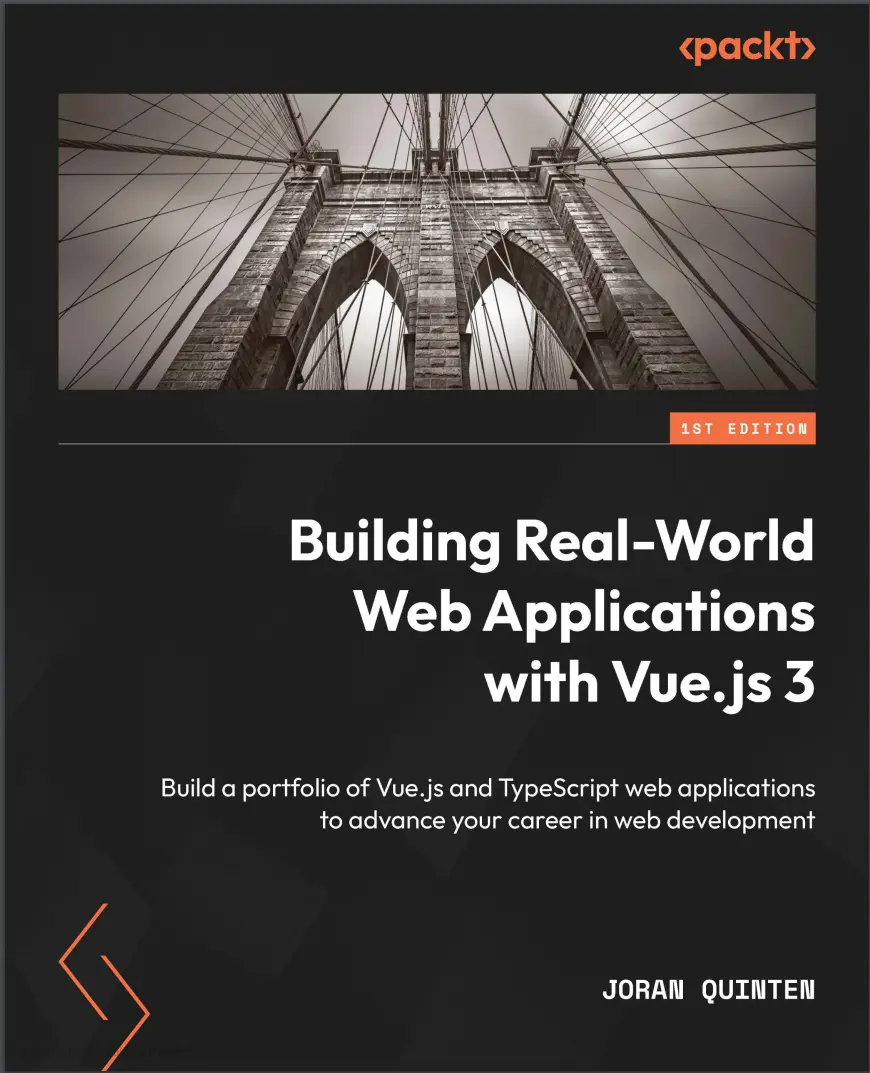
Автор: Quinten Joran
Дата выхода: 2023
Издательство: Packt Publishing Limited
Количество страниц: 318
Размер файла: 2,6 МБ
Тип файла: PDF
Добавил: codelibs
Проверить на вирусы Дополнительные материалыCover....1
Title Page....2
Copyright and credits....3
Contributors....5
Table of Contents....8
Preface....14
Part 1: Getting Started with Vue.js Development....22
Chapter 1: Introduction to Vue.js....24
Technical requirements....24
The need for Vue.js....25
Requirements and tooling....25
Online resources....26
Setting up the development environment....27
Integrated development environment....27
Vue.js DevTools....27
My first app....28
The project in the IDE....30
Your first coding steps....32
Summary....33
Chapter 2: Creating a Todo List App....34
A new project....35
Cleaning up the default installation....36
Building up the app....36
Creating the ListItem component....37
Creating the list....39
Making a list....40
Reactivity explained....42
Sorting the list....44
Preserving changes to the list....45
Single File Components....47
The Vue.js DevTools....48
Inspecting a component....48
Manipulating a component....50
Summary....51
Chapter 3: Building a Local Weather App....52
Technical requirements....52
Initializing the app....53
Working with different types of APIs....53
Handling data from a third-party API....57
Constructing the API call....57
Styling with Tailwind....60
Utility classes....62
Formatting data....64
Custom style use cases....65
Ensuring stability with Vitest....67
Vue Test Utils....67
Global test functions....69
A simple component test....70
Mocking external sources....72
Mocking for success....74
Unhappy path....75
Testing with APIs....76
Summary....80
Chapter 4: Creating the Marvel Explorer App....82
Technical requirements....82
Getting started with our new project....83
The Superhero connection....85
Marvelous routes in a single-page application....90
Optional parameters....92
Paging Dr Strange....93
A simple pagination component....93
Composables, assemble!....96
Refactoring useComics....96
Reassembling functionalities....98
Managing the roster....99
Searching for heroes....100
Adding search....102
An overview with superpowers....103
A different vision....103
Handling the error....105
Adding query parameters....107
Summary....109
Part 2: Intermediate Projects....110
Chapter 5: Building a Recipe App with Vuetify....112
Technical requirements....112
A new Vue project....113
Let’s get cooking....114
Quick development with Vuetify....117
Connecting the recipes to our app....120
A bit of additional setup....120
Our API connection....122
Selecting a recipe....124
Adding and removing a meal....126
Using Pinia for state management....133
Stateful applications....133
Adding Pinia....134
The first store....135
The meal planner store....137
Computed store values....143
Summary....150
Chapter 6: Creating a Fitness Tracker with Data Visualization....152
Technical requirements....152
Creating a client....153
Setting up the database....153
Handling the user....156
User store....156
Authenticating users....157
Protected routes....158
Logging out....160
App state....160
Centralized dialog....161
Centralized app menu....161
Exercise tracking....163
Selecting a date....165
Adding a routine....166
Saving to the database....170
Our hard work visualized....171
A view-based dashboard....172
History and overview....174
Graphs....176
Summary....183
Chapter 7: Building a Multiplatform Expense Tracker Using Quasar....186
Technical requirements....186
Setting up the database....187
Using Quasar to build a project....189
Authenticating with Supabase and Quasar....192
Routes and app structure....193
Expense tracking features....199
Managing categories....199
Adding expenses....200
Showing expenses and an overview....201
Building the app with the Quasar CLI....207
A custom icon....208
Packaging for different targets....208
Summary....210
Part 3: Advanced Applications....212
Chapter 8: Building an Interactive Quiz App....214
Technical requirements....214
Entities in the quiz app setup....215
Setting up the database....216
The SQA....217
Modules and auto-imports....218
File-based routing....218
Reintroducing two familiar friends....221
Dynamic file-based routes....223
Setting up the SQS....225
Nuxt API routes....225
Setting up a basic Node project....226
Executing scripts in parallel....228
Why sockets?....229
Completing the SQS....230
Creating the CQA....231
Setting up the app....232
Adding the socket client....234
Listening to socket events....234
Automated route changes....235
Player management in the lobby....236
We need some answers....238
Keeping and showing the score....240
Summary....241
Chapter 9: Experimental Object Recognition with TensorFlow....244
Technical requirements....245
Introduction to TensorFlow....245
Setting up the project....245
Performing and displaying a status check....246
Selecting an image....248
Adding a voice to the app....251
Learning from the prototype....253
Scavenge Hunter....253
Setting up the project....253
Starting a new game....256
Building the finish screen....258
Skipping to the end....259
Testing on a mobile device....260
Object recognition from the camera....262
Detecting and recognizing objects on a stream....262
Connecting detection....265
Wrapping up the game flow....266
Summary....268
Part 4: Wrapping Up....270
Chapter 10: Creating a Portfolio with Nuxt.js and Storyblok....272
Technical requirements....273
Setting up Storyblok....273
Initializing the Nuxt portfolio....276
Installing Nuxt modules....278
Working with multiple content types....283
Configuring the portfolio....284
Mapping content to code....286
Presenting the portfolio section....288
Modifying the content model....291
Updating existing types....291
Expanding the block properties....292
Mapping meta fields....295
Adding new features....296
Generating a standalone website....296
Publishing the static site....297
Automating the build and deployment on code change....298
Automating the build on content change....302
You made it!....304
Index....306
Other Books You May Enjoy....313
In the ever-evolving web development landscape, Vue.js stands out with its intuitive design and progressive framework, empowering developers to create interactive and dynamic web applications. This book will help you stay in the forefront of modern web technologies by mastering Vue.js through hands-on projects and practical applications.
Building Real-World Web Applications with Vue.js 3 is your guide to exploring the core concepts of Vue.js, setting up your development environment, and creating your first Vue.js application. You'll progress by building a recipe app using Vuetify, followed by leveraging data visualization to create a fitness tracker featuring dynamic dashboards using external databases and Vue-ChartJS. You'll then get to grips with multiplatform development with Quasar to deploy your app.
As you develop an interactive quiz app, you'll be introduced to server-side logic with Nuxt.js, WebSockets for real-time communication, and client-server differentiation. Additionally, you'll study experimental object recognition using TensorFlow, leveraging machine learning and camera input, and conclude by creating a portfolio website with Nuxt and Storyblok.
By the end of this book, you'll have the knowledge and confidence to create your own Vue.js applications and build a portfolio to showcase your Vue.js skills to potential employers.
What You Will Learn:
- Master VueJS fundamentals and best practices
- Build real-world applications and create a portfolio
- Use VueRouter and manage state with Pinia
- Implement Vuetify for rapid UI development
- Develop multiplatform apps with Quasar Framework
- Create interactive quizzes using WebSocket connections
- Apply TensorFlow for object recognition
- Build a portfolio website with Nuxt and Storyblok CMS
Who this book is for:
This book is for aspiring Vue.js developers eager to dive into practical projects. Whether you're just starting your Vue.js journey or have basic knowledge of JavaScript and web technologies, this book is a valuable resource, taking a hands-on approach to establishing a solid foundation in Vue.js while working on a variety of real-world projects.


